
Shopify Bulk Product Creator Tool For Print-On-Demand: Publish Hundreds Of Listings Fast
Overview: Discover how the Bulk POD Product Creator automates and accelerates Shopify print-on-demand product creation, enabling sellers to publish hundreds of SEO-optimized POD listings in bulk. This guide explains the tool's core features, workflow, and the business benefits of bulk automation for scaling, consistency, SEO, and efficiency.
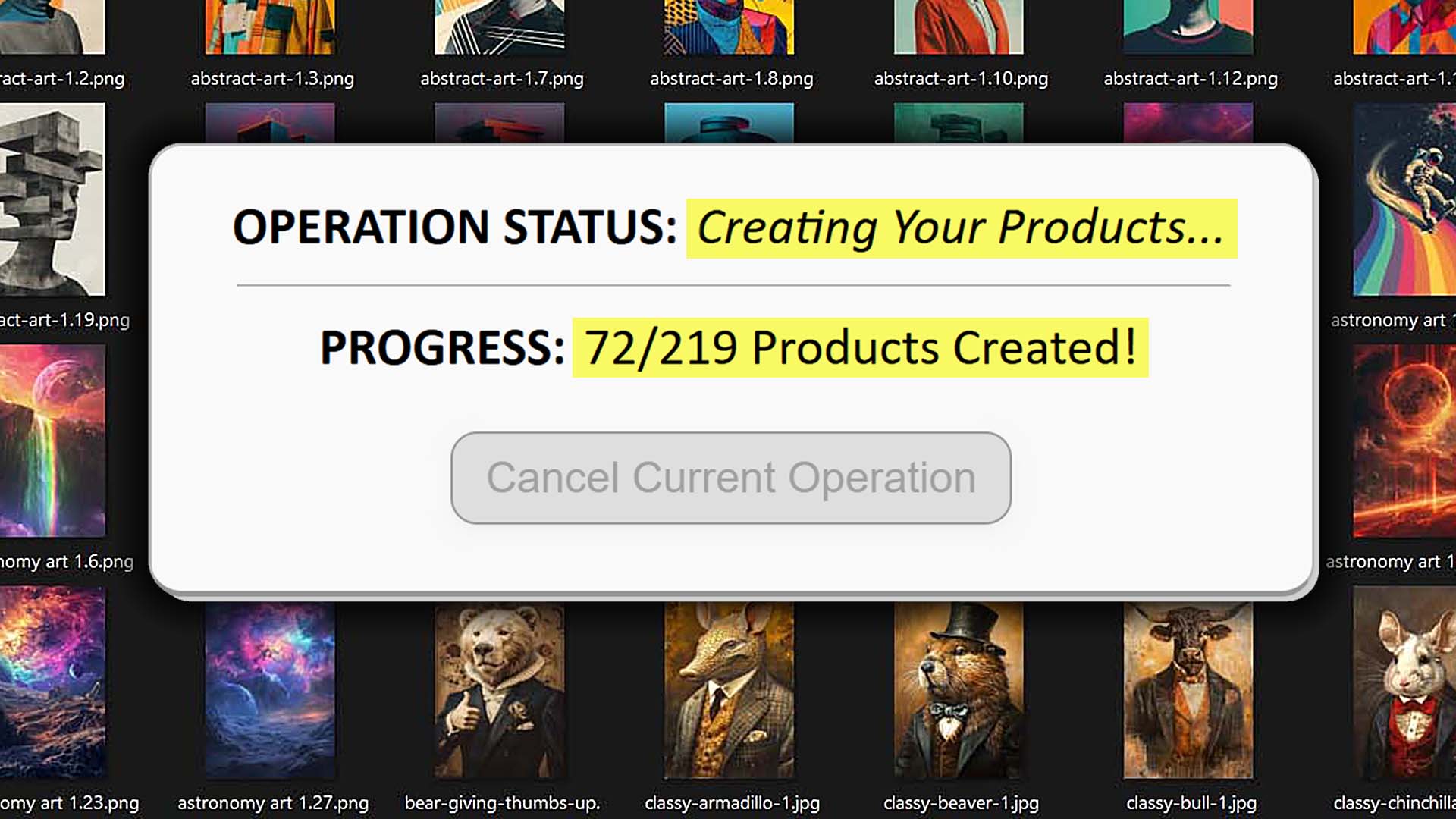
What Is This Tool and How Does It Work?
If you run a Shopify print-on-demand (POD) store, you already know how time-consuming it can be to manually upload, configure, and publish products. You resize artwork, adjust placements, duplicate settings across variants, write titles, descriptions, and tags—and repeat that process hundreds of times. It's monotonous, error-prone, and the biggest bottleneck in scaling your catalog.
Bulk POD Product Creator completely eliminates that bottleneck.
This software tool is an end-to-end automation system that allows Shopify POD sellers to create hundreds—or even thousands—of listings automatically. It combines AI-based artwork analysis with automation logic that handles all of the repetitive technical steps that normally consume hours of your time.

In essence, it takes the exact workflow you'd normally perform by hand—uploading designs, choosing product types, setting prices, generating titles/descriptions/tags, and publishing listings—and compresses it into a few guided setup steps. Once configured, it can run entire bulk product creation operations for you, producing complete, SEO-optimized Shopify listings in minutes.
Core Functionality and Benefits
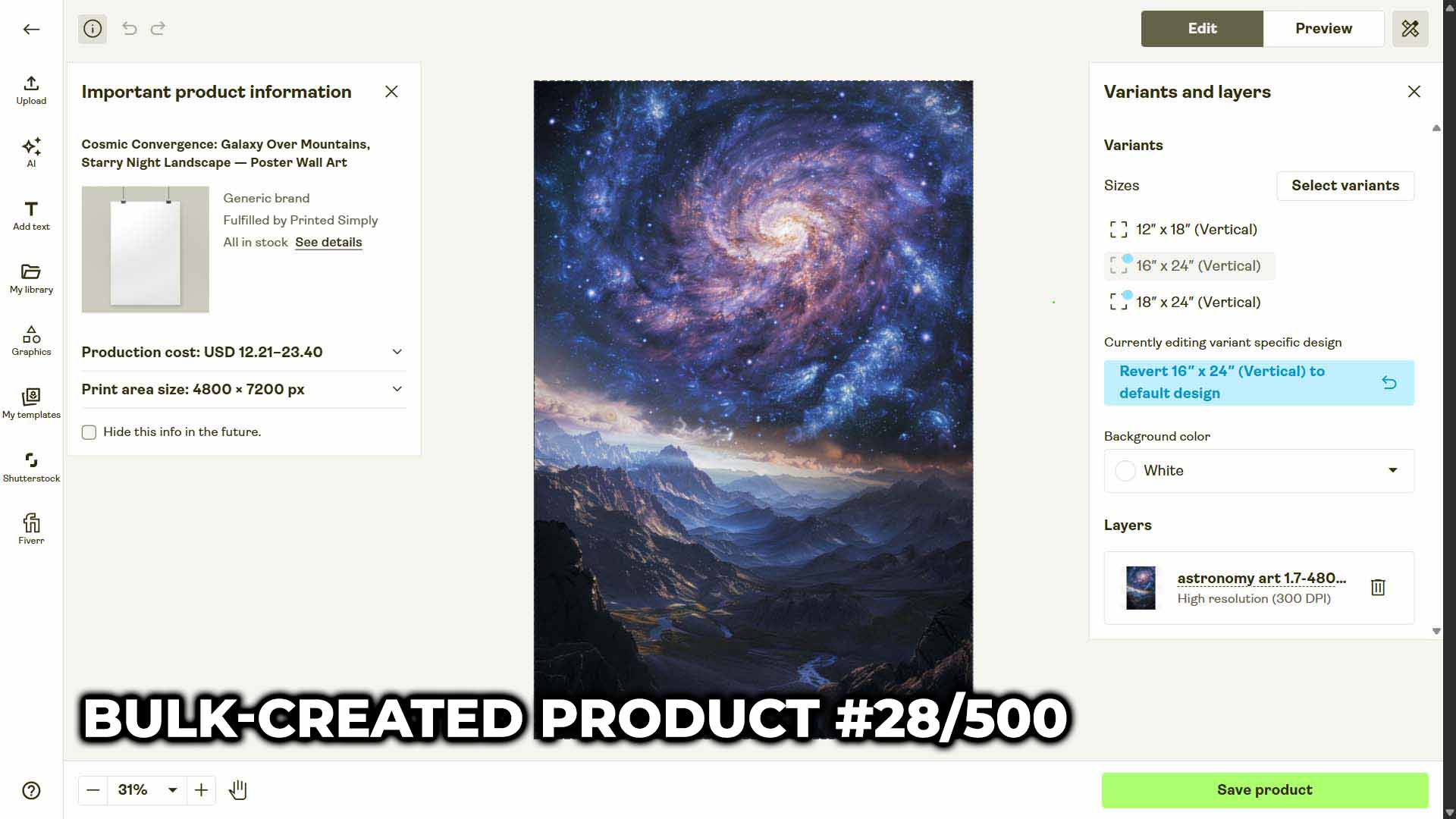
Automated Product Creation at Scale: The tool connects your Shopify POD workflow to a streamlined automation engine. Once you upload your artwork images and select your Example Product (the blueprint defining variants, pricing, and placement settings), the system can replicate that product setup automatically for every image in your batch.
AI-Generated Artwork Titles, Descriptions, and Tags: The AI component analyzes the artwork images themselves—understanding subject matter, colors, composition, and text embedded in the design—to write natural, SEO-rich titles, descriptions, and tags. This saves you from manually describing each artwork while improving search relevance and keyword coverage.
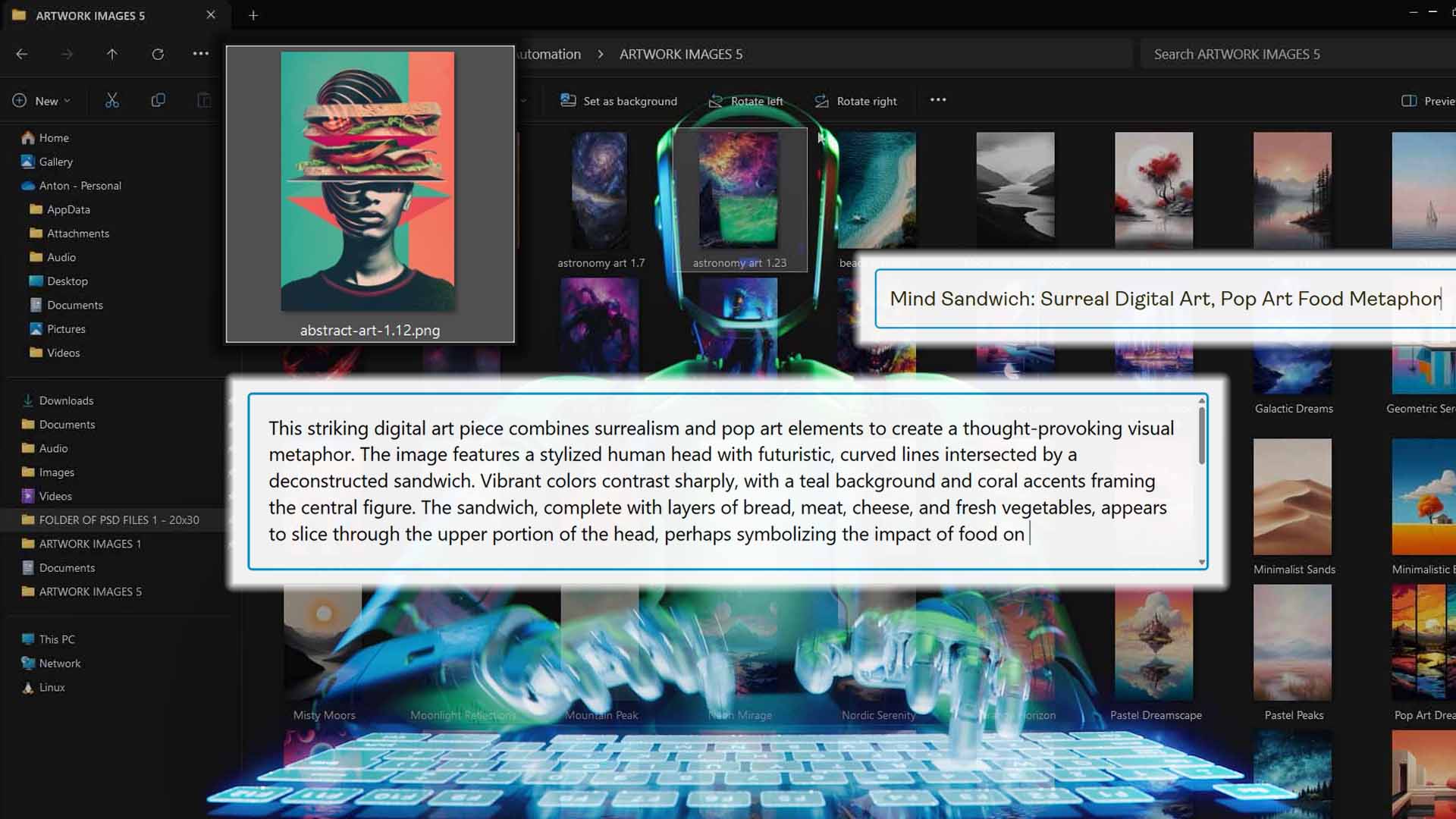
Customizable Metadata and Branding Layers: You can append your own prefix/suffix text, reusable HTML blocks, or brand-specific tags to the AI output—giving you total control over how your listings appear to shoppers without ever repeating the same manual edits.
Consistent Product Quality Across Variants: Every new listing follows your Example Product blueprint. That means placement, pricing, and variant selections stay perfectly uniform across hundreds of products, keeping your store professional and visually consistent.
Three Flexible Image Placement Modes:
- Stretch Images To Fit Print Area(s): fills the space completely for quick uniform coverage.
- Preserve Image Aspect Ratio & Center: prevents distortion while maintaining balance.
- Exactly Match Example Image(s): replicates placements pixel-accurately from your Example Product.
This gives you precise creative control while minimizing rework.
Save and Reuse Configurations: Once you've perfected an operation setup—say for your square artwork t-shirt line—you can save it and load it later with a single click. This allows you to repeat complex multi-step setups instantly, massively increasing throughput over time.
How To Use This Tool To Create Your Shopify POD Products In Bulk
The Bulk POD Product Creator was designed to make bulk product creation intuitive. The user interface walks you through three clear steps that correspond to the main stages of your workflow. Each step builds on the last, and together they form a repeatable pipeline for rapid, automated print-on-demand product generation.
Step 1: Upload and Organize Your Artwork Images
Begin by uploading all the artwork images you plan to turn into Shopify products. These could be digital designs, illustrations, photography, or typographic artwork—any image you want to sell as a printed item.
A best practice is to group your images into folders based on aspect ratio before uploading.

Step 2: Choose Your Example Product and Define Settings
Select your Example Product—the "blueprint" that defines which Shopify-connected product template and variants will be cloned across the batch. The Example Product determines print areas, price points, sizes, colors, and placement modes.

Step 3: Configure AI Title, Description, and Tag Generation
Enable the AI content generation options for titles, descriptions, and tags. The AI scans each artwork image, interprets its contents, and writes unique, SEO-optimized metadata for it. You can also attach your own reusable prefix/suffix text or brand blocks that append to every listing.

The result is a scalable, automated system that ensures every POD product listing is richly described and keyword-optimized, without you writing a single sentence manually.
How Bulk Print-On-Demand Product Creation Benefits Your Shopify Store
- Scale Your Product Catalog Without Scaling Your Workload
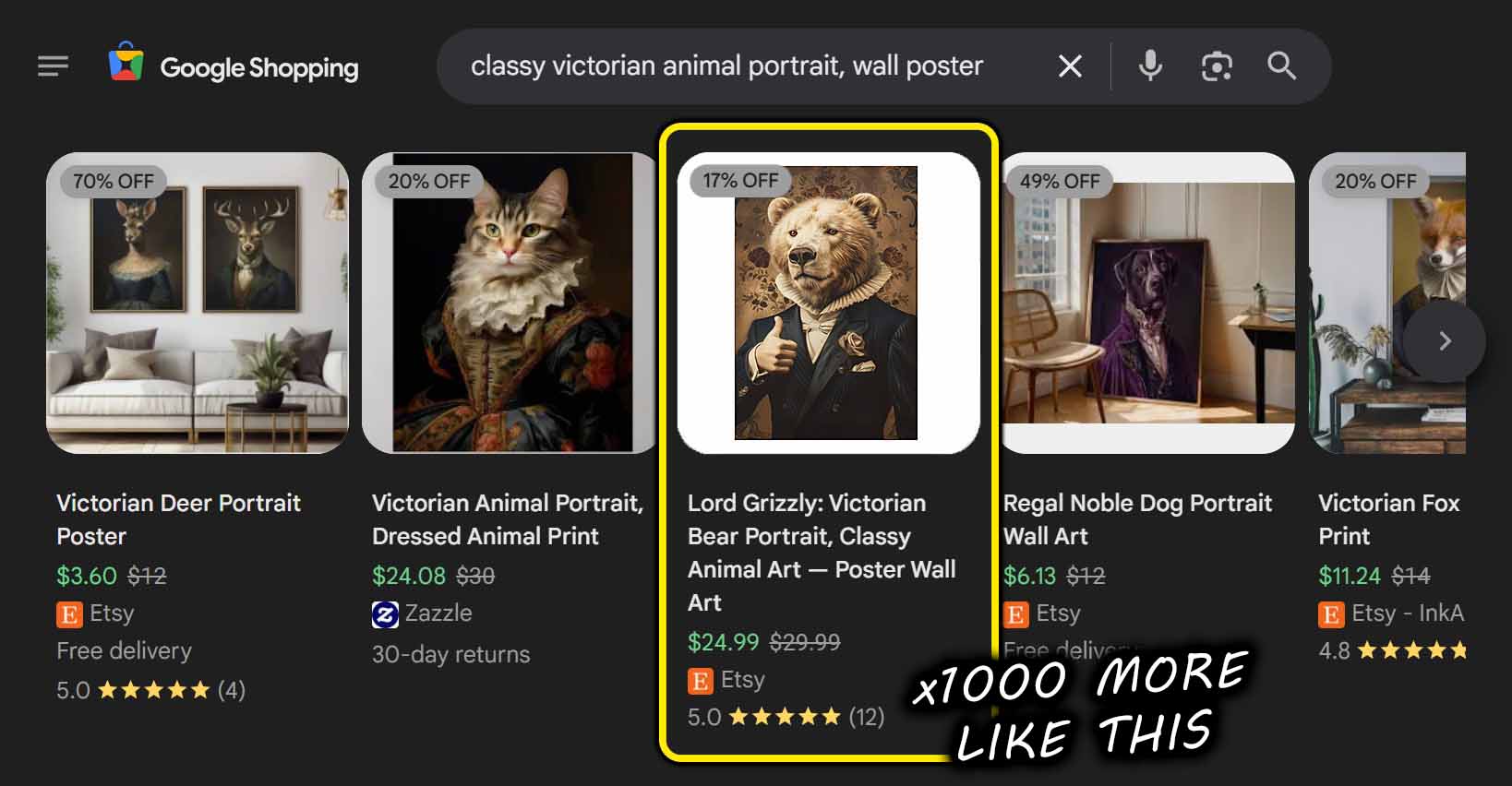
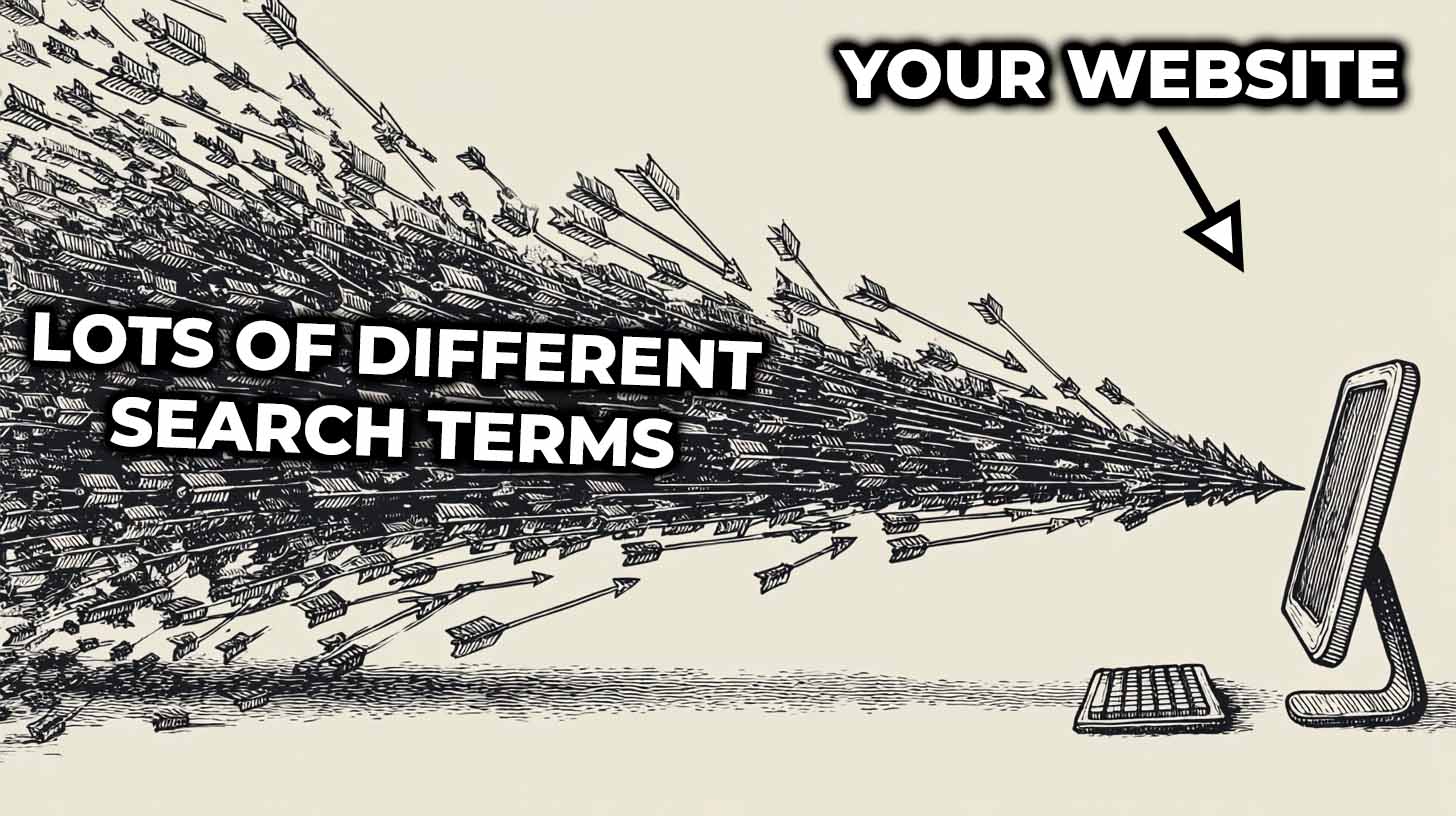
The biggest advantage of bulk automation is simple: you can grow your catalog exponentially without adding hours to your schedule. A large, diverse catalog means more entry points for organic traffic—more styles, niches, and search terms that can lead buyers to your store. Traditionally, growing that catalog would mean hundreds of repetitive uploads. With Bulk POD Product Creator, it's a one-time setup followed by repeatable, high-speed production. You go from creating 10 listings per week to hundreds—without increasing workload. - Increase SEO Reach and Organic Discoverability
Every product you add is another potential landing page for search engines. The AI-generated titles, descriptions, and tags—written directly from the artwork itself—give each listing unique, keyword-rich language that improves SEO performance. Search crawlers reward variety and depth, and the Bulk POD Product Creator produces both automatically. Over time, this compounds: hundreds of AI-optimized listings lead to more impressions, clicks, and conversions from organic search. - Improve Consistency and Professionalism Across Listings
Inconsistent product setups—mismatched variant prices, sloppy placement alignment, or uneven descriptions—make a store look amateurish. Bulk creation fixes that permanently. Every new product follows the same polished structure defined by your Example Product. Placements stay aligned, titles follow a unified style, and pricing logic stays consistent. The result: your Shopify store looks like a professionally managed brand, not a patchwork of mismatched uploads. - Free Up Your Time To Focus On Creative Work
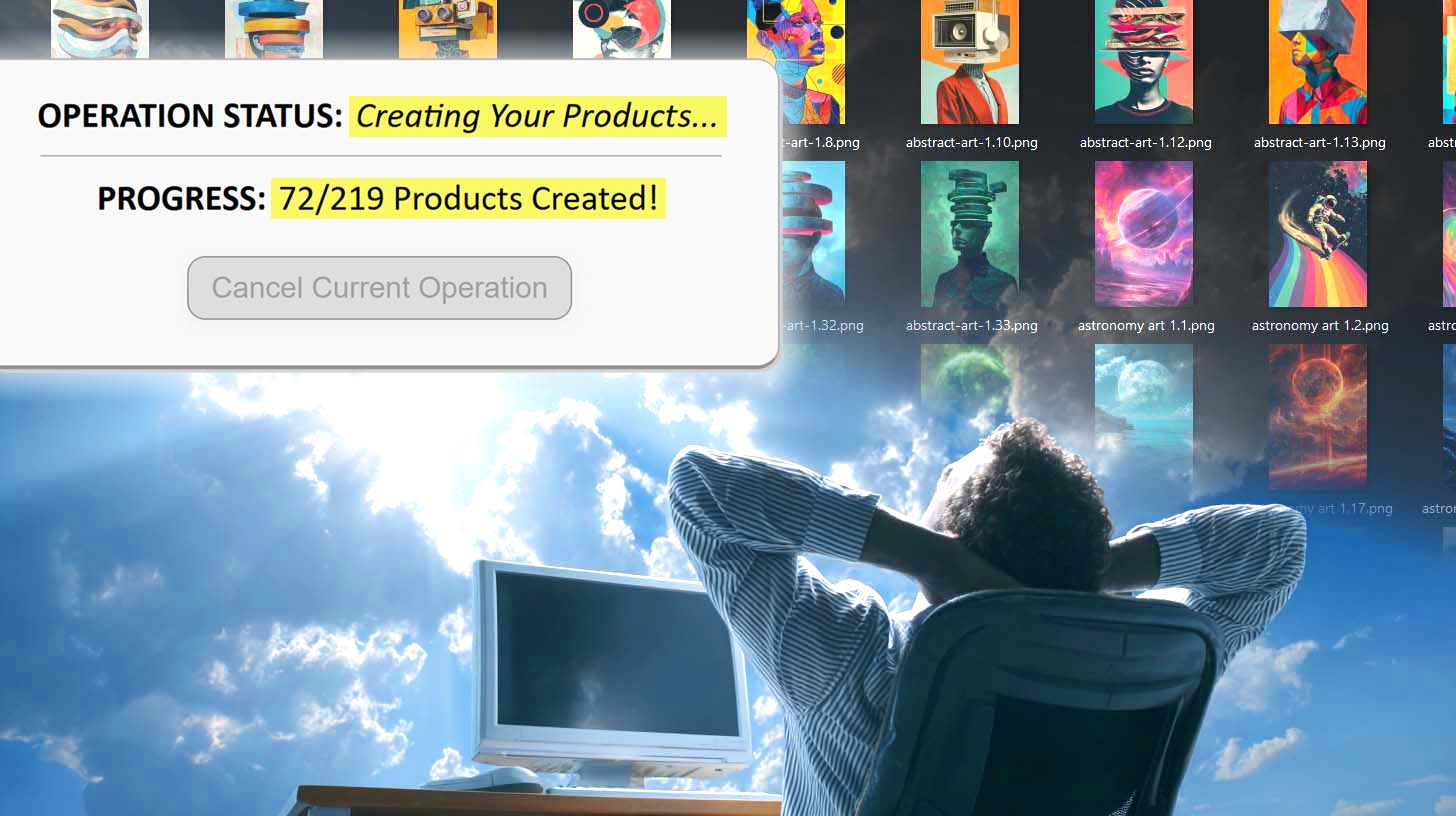
The most valuable time in your business is spent designing, strategizing, and improving your products—not manually uploading files and copying text. Bulk automation reclaims that time. Once you've configured your setup, product creation becomes a background process. You can shift your focus toward improving artwork quality, experimenting with new niches, and marketing your store. Automation turns product creation from a daily grind into an efficient, scalable background system. - Minimize Errors and Human Fatigue
Manual uploads are error magnets. Even small mistakes—a misplaced variant, missing tag, or wrong image placement—can affect sales. The more listings you create manually, the more likely fatigue will cause subtle but costly inconsistencies. Bulk automation removes that variable. Every listing is produced according to strict, rule-based logic that never gets tired, distracted, or inconsistent. Your store remains error-free even when your catalog size doubles or triples. - Increase Your ROI Through Compounding Efficiency
In print-on-demand, efficiency compounds. The time saved per product adds up dramatically as your catalog grows. When you can produce 100 listings in the time it used to take to make 10, your effective ROI per hour skyrockets. You’re producing more potential revenue-generating assets per unit of time, and you’re doing so with higher uniformity and fewer mistakes. Over weeks and months, that difference compounds into measurable profit growth—a direct return on automation.
Bonus Tips For Getting The Most Out Of This Tool
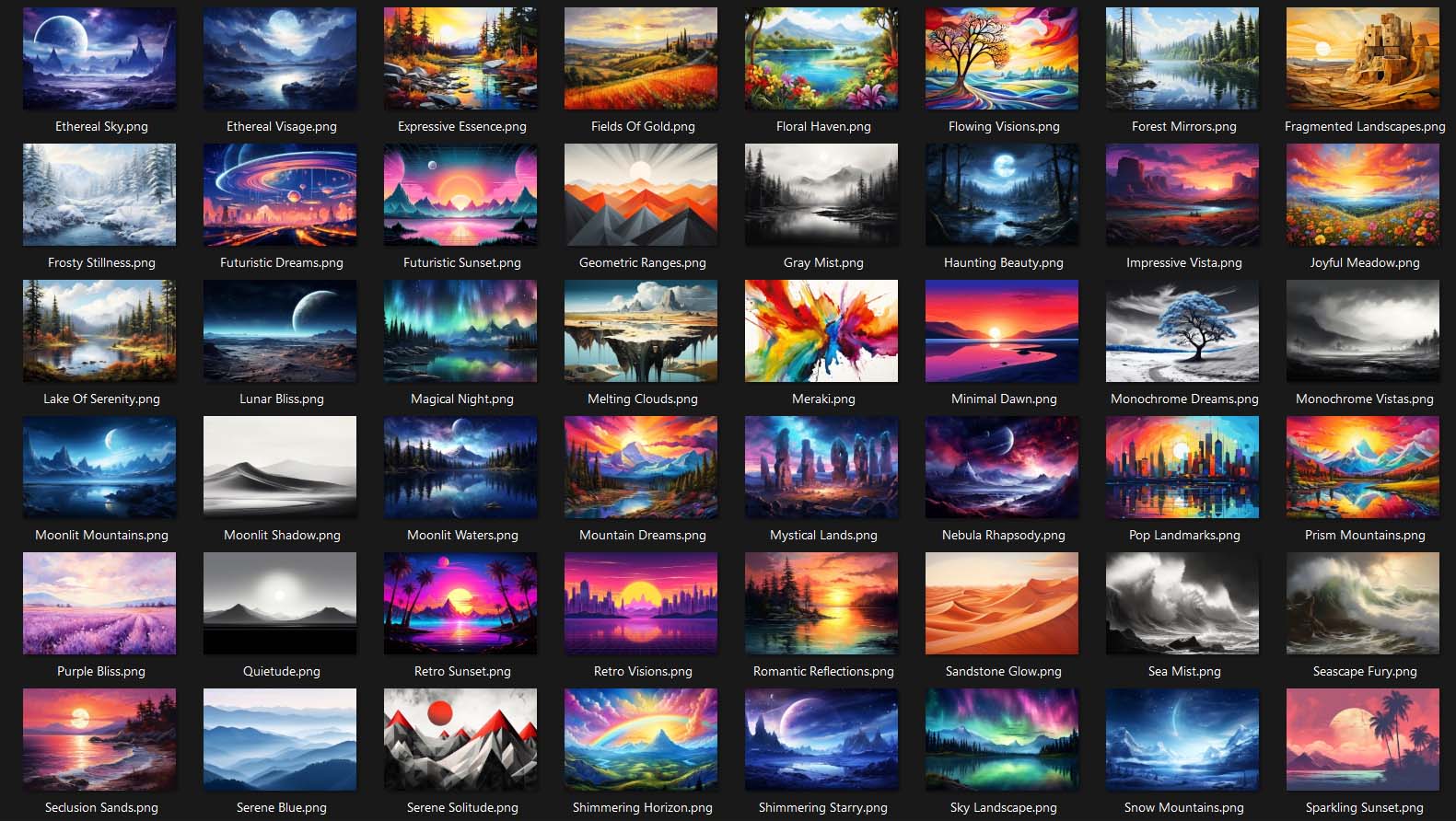
- Organize Your Images In Advance: Before launching your next bulk creation operation, take a few minutes to organize your artwork images into folders by aspect ratio (square, vertical, horizontal). This simple step ensures that when you connect your folder to a given Shopify product type, every image fits correctly within the print area dimensions. That means fewer manual adjustments and faster output for your end customers.
- Experiment With The Three Image Placement Modes: Different types of products benefit from different image-fitting modes.
- Stretch Images To Fit Print Area(s): for full-coverage designs like all-over prints.
- Preserve Image Aspect Ratio & Center: for artwork where proportions matter (e.g., photography, typography).
- Exactly Match Example Image(s): when you want pixel-perfect replication from your template product.
- Save And Reuse Operations With One Click: Once you’ve dialed in a perfect configuration—for example, your “square art poster” setup or your “mug collection” setup—save that operation. Later, you can load it instantly and re-run the same configuration on new artwork batches. This “save and load” feature turns what used to be a multi-step process into a single-click operation. Learn your ideal product setup once, and then reuse it forever.
- Run Larger Batches For Maximum Efficiency: Every task in business comes with a fixed overhead—setting up, getting into flow, winding down. The larger your batch size, the more that overhead cost is spread out. When you run operations in bigger batches (50, 100, or even 500 images at once), you drastically improve your throughput and overall efficiency. This principle applies universally, but it’s especially impactful in print-on-demand. The bigger the batch, the greater your output per unit time invested—and the higher your return on effort.

Conclusion: Let Automation Handle The Work You Hate
Building a Shopify POD store doesn’t have to mean endless clicking and uploading. Bulk POD Product Creator automates the repetitive parts so you can focus on the creative ones—designing new artwork, exploring new niches, and growing your business. With just a few clicks, you can turn folders of artwork into fully built, SEO-optimized Shopify print-on-demand listings.
Automation isn’t about removing the human element; it’s about freeing it. This tool does the boring work for you—so you can finally get back to doing the creative work that matters.