
Printify Bulk Image Uploader & Resizer: Save Hours On POD Product Creation
Overview: Eliminate one-by-one uploads, manual resizing, and pixel-perfect placements. Bulk-upload artwork, auto-resize for every variant, automatically upscale to high-resolution, and generate SEO-ready products with the Bulk POD Product Creator.
Summary
If you’re building a real catalog on Printify, the slowest bottleneck isn’t fulfillment—it’s manually uploading, resizing, and positioning images, one product at a time. The Bulk POD Product Creator removes that grind. It bulk-uploads your artwork, auto-resizes for every required aspect ratio, places images precisely, and (optionally) generates SEO-ready titles, descriptions, and tags—then creates your Printify products for you in bulk, completely automated.
The real problem: Printify’s one-by-one image workflow
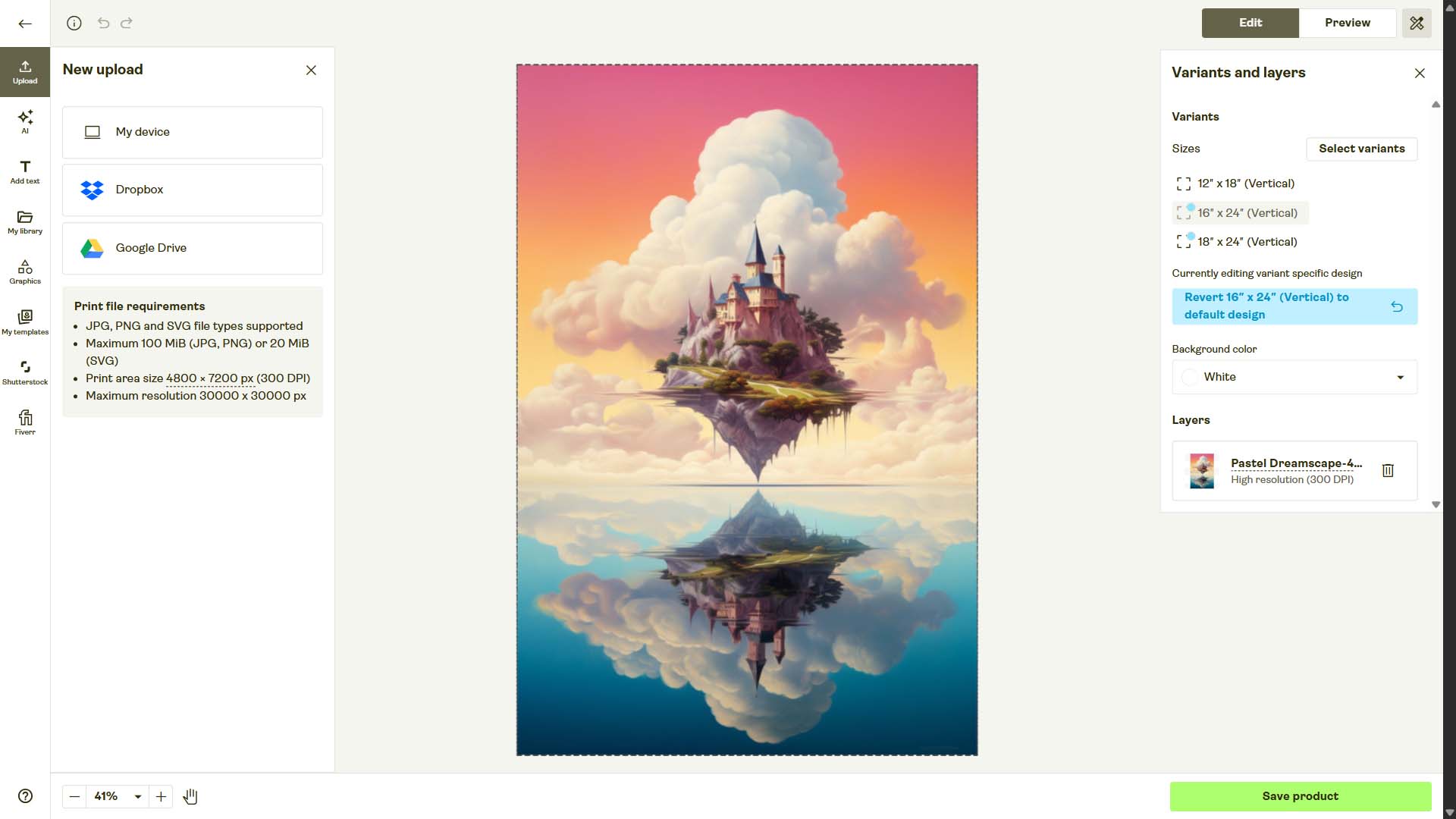
Printify’s designer is fine for a handful of listings. At scale, it’s punishing:
- Upload limits: you add artwork one image at a time while creating a product.
- Variant tedium: every size/material combination can mean new placements and tweaks.
- Pixel shuffling: drag, nudge, zoom, re-center—again for each variant.
- Pre-processing burden: if your artwork isn’t sized for 2:3, 3:4, square, panoramic, etc., you’re bouncing to Photoshop to manually crop/resize first.
- Quality risk: forgetting to upscale or mis-sizing an image leads to soft prints and returns.
That’s hours (or days) of repetitive clicking for even a modest collection.
The solution: a true Printify bulk image uploader — with automatic resizing
1) Bulk-select artwork once
Click Choose Files, select a folder with dozens or hundreds of images, and you’re done. Each file becomes the seed for a new product—no more one-by-one uploads inside Printify’s UI.

2) Auto-resize for every aspect ratio your product needs
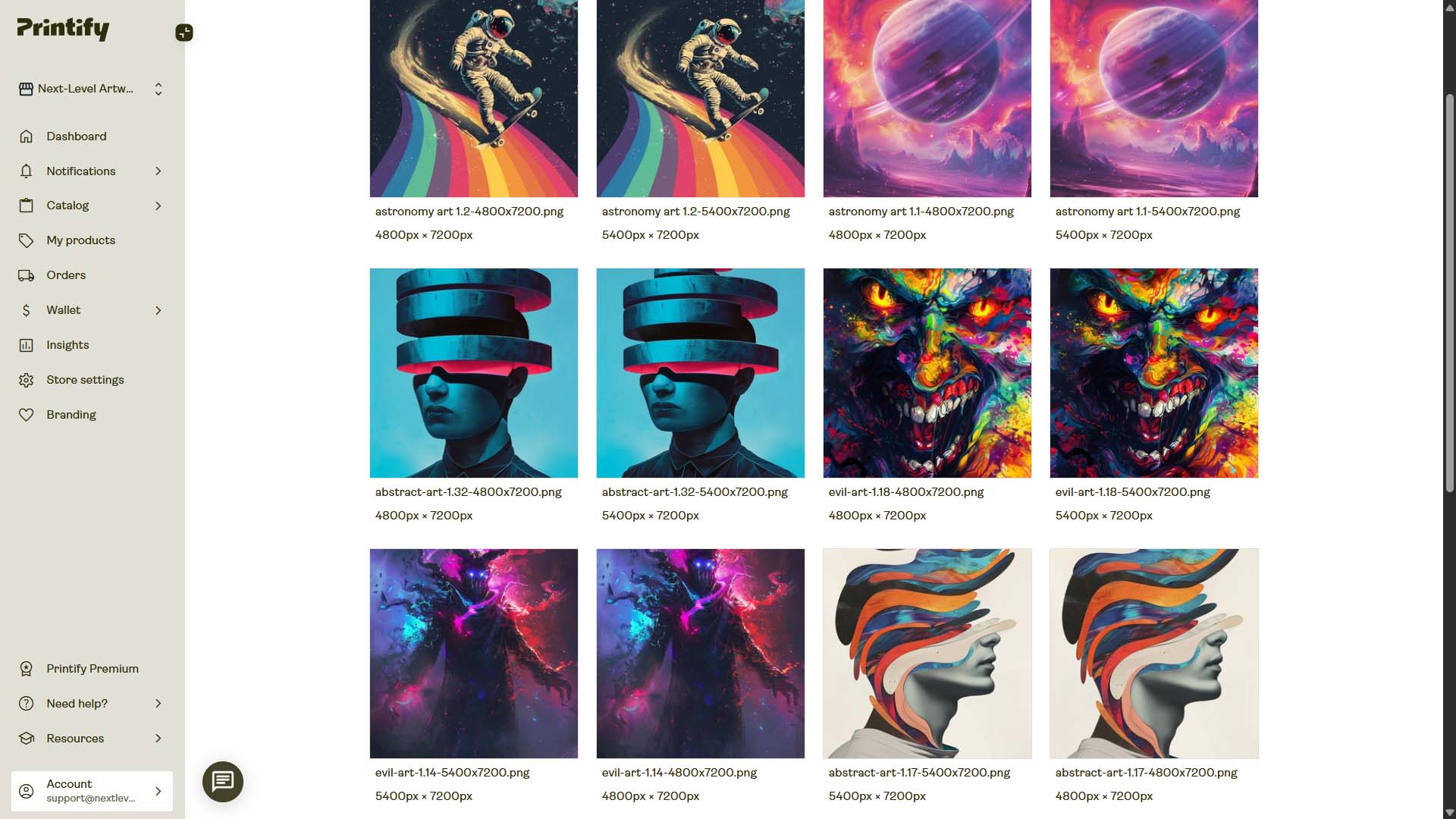
Posters and canvases often mix 2:3 (e.g., 20×30″), 3:4 (e.g., 18×24″), square, and other formats. The tool can automatically create perfectly sized versions of each input image to fit the print areas across all selected variants—no Photoshop pre-work required.
Choose the placement behavior that fits your art and category:
- Stretch Images To Fit Print Area(s): fills the canvas edge-to-edge—fast and uniform.
- Preserve Image Aspect Ratios & Center: maintains proportions, fills the nearest boundary, and centers. Ideal for photos, typography, or anything that must not distort.
- Exactly Match Example Image(s): reproduces the placements from your example product with pixel-level consistency across the batch.
3) Automatic high-resolution upscaling
The tool handles high-res processing automatically in the background so your listings ship with crisp print files. This alone can eliminate hours of manual upscaling/exports.
Result: your artwork is uploaded in bulk, resized correctly per variant, placed accurately, and high-resolution—without you micromanaging every product.
Beyond bulk images: automate the entire product build
Bulk image upload/resizing solves a huge pain. The bigger win: this automation tool creates the full Printify product for you, from start to finish.
Use an example product as your blueprint
Pick one finished product in your Printify store as the Example Product. The Bulk POD Product Creator clones:
- Variants & sizes (what SKUs to create)
- Print areas (where art belongs)
- Product settings (structure and options you’ve already approved)

Generate SEO copy automatically (or reuse yours)
For each new listing, choose copy vs. AI:
- Titles: use file names or AI with Simple or Compound structures; append Custom Text (e.g., “— Poster Wall Art”).
- Descriptions: copy the example’s description or generate AI text with your chosen paragraph count, then append Custom HTML (materials, sizing, care, shipping notes).
- Tags: copy from example or let AI create image-specific tags; cap the count and append evergreen tags across the batch.

Save once. Reuse forever.
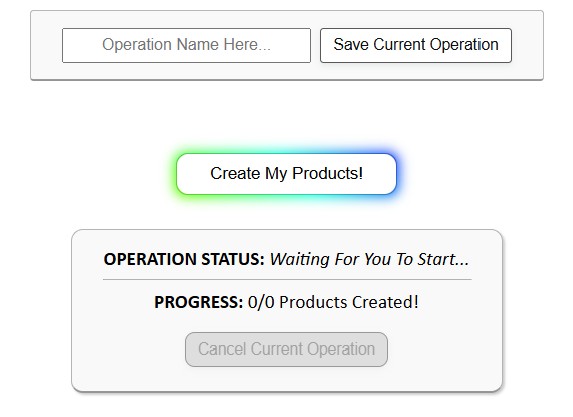
Every decision (store, example product, placement mode, SEO rules, HTML, tags) can be saved as a Saved Operation. Next time, load it from the dropdown, select a new folder of images, click Create My Products, and go do something more valuable while your catalog builds.

Manual vs. automated: the side-by-side
Manual (inside Printify)
- Find product → click Start Designing
- Upload an image → wait
- Resize/position for print area
- Repeat for every variant
- Write title → write description → add tags
- Set prices → publish
- Repeat from the top hundreds of times
Automated (Bulk POD Product Creator)
- Select folder of images
- Choose Example Product
- Pick placement mode
- Set SEO rules (or load a Saved Operation)
- Click Create My Products
→ Full, consistent, SEO-ready listings generated in one run.
Deep dive: Image workflows the tool eliminates
A) Pre-cropping and aspect-ratio gymnastics
Manually preparing 2:3 vs 3:4 vs 1:1 versions of the same image is a time sink. The tool does this on the fly per variant—no separate exports.
B) Pixel nudging and placement errors
Precision matters, especially for framed posters, canvases, or multi-panel prints. Placement rules ensure repeatable, accurate results batch-wide.
C) Quality issues from under-resolution
Soft prints cause returns. Automatic high-res processing raises baseline quality while removing yet another manual step.
D) Copywriting fatigue
Describing the subject, mood, style, palette, and product type for 300 images is not a good use of time. AI-assisted copy means clean, literal, keyword-rich titles and blurbs—consistently.
Quick start (checklist)
- Have one finished Example Product in your Printify store that looks exactly how you want (variants, placements, pricing).
- Prepare a folder of final images (photos, artwork, illustrations).
- Choose your placement mode (Stretch / Preserve & Center / Exactly Match Example).
- Decide SEO handling (copy vs. AI, title template, description paragraphs, custom HTML, tag caps + evergreen tags).
- (Optional) Save Operation for reuse.
- Click Create My Products and monitor progress.
Practical tips & guardrails
- Group by aspect ratio when possible. If mixing wildly different ratios, use Preserve & Center or run separate batches.
- Keep titles literal and product-type explicit. (“Poster wall art — [style/subject]”)
- Append a short evergreen tag set (e.g., poster, wall art, art print) and let AI handle image-specific tags.
- Standardize Custom HTML for sizing/materials to keep pages uniform.
- Spot-check a handful of outputs per run before publishing the full batch.
Bottom line
If your current Printify workflow involves uploading images one at a time, manually resizing for each variant, and writing product copy by hand, you’re burning time on work a machine can do. The Bulk POD Product Creator functions as a Printify bulk image uploader and resizer—and then goes further by creating full, SEO-ready print-on-demand products automatically.
- Bulk-select images → upload once
- Auto-resize across all aspect ratios
- Accurate placements every time
- High-resolution processing by default
- AI titles/descriptions/tags or reuse your own
- Saved Operations for one-click repeatability
Scale your catalog without the slog. Create more products, faster—consistently and correctly—so you can spend your time on activities that actually move revenue.