
How To Create All Your Etsy Print-on-Demand Products In Bulk
Overview: This guide shows Etsy print-on-demand sellers how to create Etsy POD products in bulk using the Bulk POD Product Creator. We’ll highlight why manual creation is slow and unsustainable, walk through the three-step bulk automation process (image placement, Example Product cloning, AI-powered product information), and explain how bulk creation unlocks catalog growth, SEO advantages, and long-term Etsy success.
Creating your Etsy POD products manually is slow, boring, and doesn’t scale
Building Etsy listings one at a time is a grind. For every single product you must choose a base item, select variants, upload the artwork, adjust placement for each size, set prices, and then write a title, description, and tags that don’t sound like the last ten you wrote. Doing that a few times is manageable; doing it hundreds of times is where momentum dies.
This manual process also puts a ceiling on growth. Your catalog size—and therefore your traffic and sales—are limited by how many minutes you can click and type. Fatigue introduces errors (mispriced variants, inconsistent options) and repetitive copy that causes your own listings to compete with each other. The work is necessary, but it’s low leverage. If you want a larger catalog and steadier revenue, the only rational path is to replace the repetitive steps with a governed, rules-driven workflow that executes flawlessly every time.

How to create all of your Etsy POD products in bulk
Below is the clean, repeatable pipeline for turning a folder of artwork into ready-to-publish Etsy products—without code and without the one-by-one slog.
Step 1: Upload images and choose a placement rule

Select the artwork files for this batch and tell the system how each image should fit the print area(s):
- Stretch Images To Fit Print Area(s) — fills edge-to-edge across all variants. Fast, uniform, ideal for posters/canvas.
- Preserve Image Aspect Ratio & Center — proportional resize with zero distortion; centered in the print area (margins may remain by design). Best for logos/typography/geometry.
- Exactly Match Example Image(s) — clones the precise placement/scale from your Example Product for pixel-consistent results on complex items.
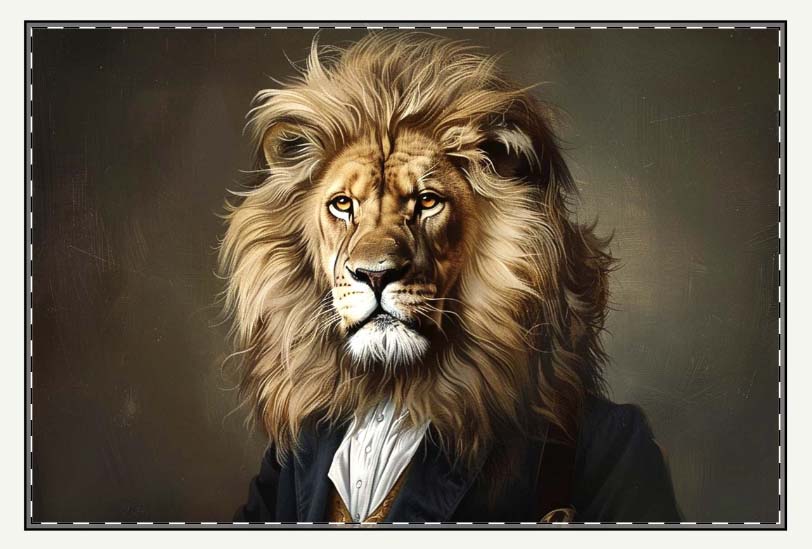
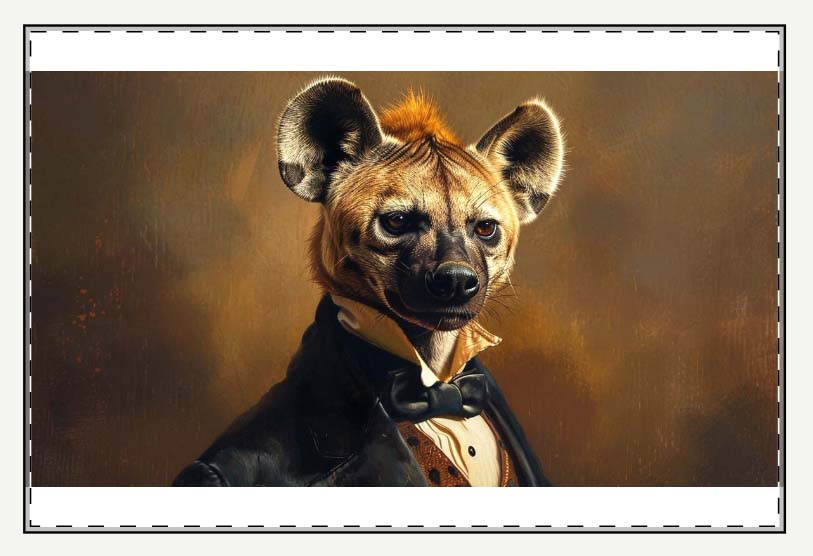
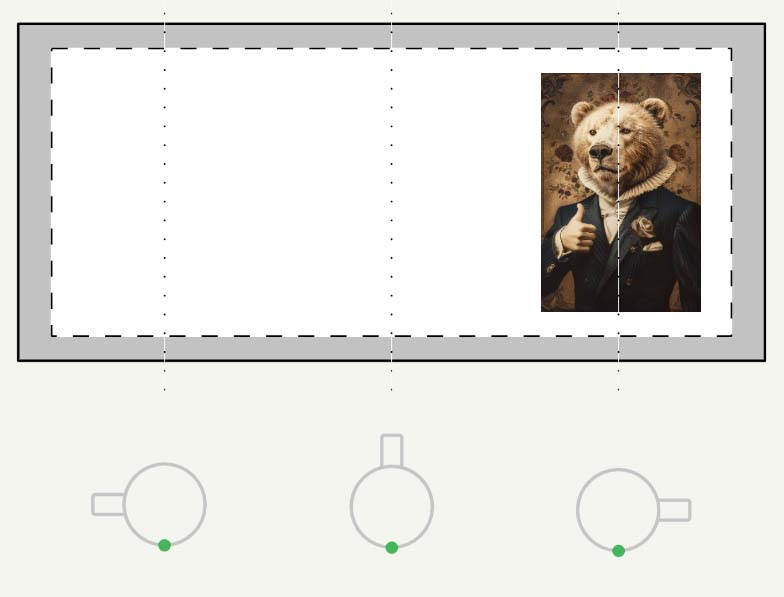
The rule applies across every variant automatically; no dragging or re-nudging per size. Images also get automatically upscaled to high-resolution, meaning you don’t have to waste time pre-processing artwork images elsewhere.
Step 2: Select your Example Product (the blueprint)

Choose a single Example Product from your store. This is the reference the system clones for every new listing in the run:
- Variant structure (sizes, orientations, materials)
- Pricing and margins (per-variant)
- Default options and policies
- Exact placement (only when using Exactly Match Example Image(s))
Benefits: consistent pricing discipline, fewer configuration mistakes, and easy lane-switching (keep one Example Product for posters, another for canvas, another for apparel, etc.). Use clear names like POSTER_2x3_Matte_MidPrice so the right blueprint is obvious.
Step 3: Define New Product Creation Rules (titles, descriptions, tags)
This stage turns the operation into an SEO engine. The tool analyzes each image using AI and generates POD product information automatically—while still giving you control over structure.

AI-Generated Titles: Simple vs Compound
Simple title = a concise artwork title (e.g., Full Moon Landscape).
Compound title = the simple “root” title plus a configurable number of brief subtitle segments appended after a colon. These subtitle segments add extra descriptive keywords without cramming in product nouns.
Example with 2 subtitle segments:
Full Moon Landscape: Black & White Photography, Serene Night Artwork
Practical guidance: 1–2 subtitle segments usually balance discoverability with Etsy’s truncation limits.
Descriptions
Choose the paragraph count (typically 1–2). The AI writes artwork-specific prose that naturally covers subject, style, composition, palette, and mood. Then append your Custom HTML to standardize facts like materials, available sizes, care, or framing notes. This combination expands long-tail coverage and reduces buyer friction.
Tags
Let the system generate artwork-specific tags, then layer on your broad, product-level tags (e.g., poster, canvas print, wall decor) for clean catalog organization and collection rules. Set a maximum tag count so every listing stays tidy and consistent.
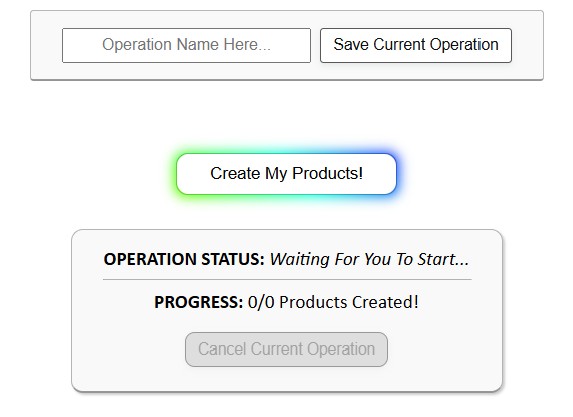
Step 4: Click Create My Products
Press the button and let the batch run. The system places images per your rule, clones the Example Product’s structure and pricing, writes titles/descriptions/tags, and creates all products in one pass. Save this configuration as a Saved Operation so the next drop is simply: load preset → upload new images → click go.
Outcome: hours of repetitive work collapse into a governed, four-step workflow. You publish large, consistent releases; your copy is unique and descriptive; and your time shifts to designing, merchandising, and marketing—where it actually moves revenue.
How Bulk POD Product Creation enables Etsy growth and success
Automation isn’t just about saving time—it’s about unlocking growth levers that manual creation keeps out of reach. On Etsy, where discovery and catalog depth are everything, bulk product creation directly translates into measurable business advantages:
Larger catalogs = more sales opportunities
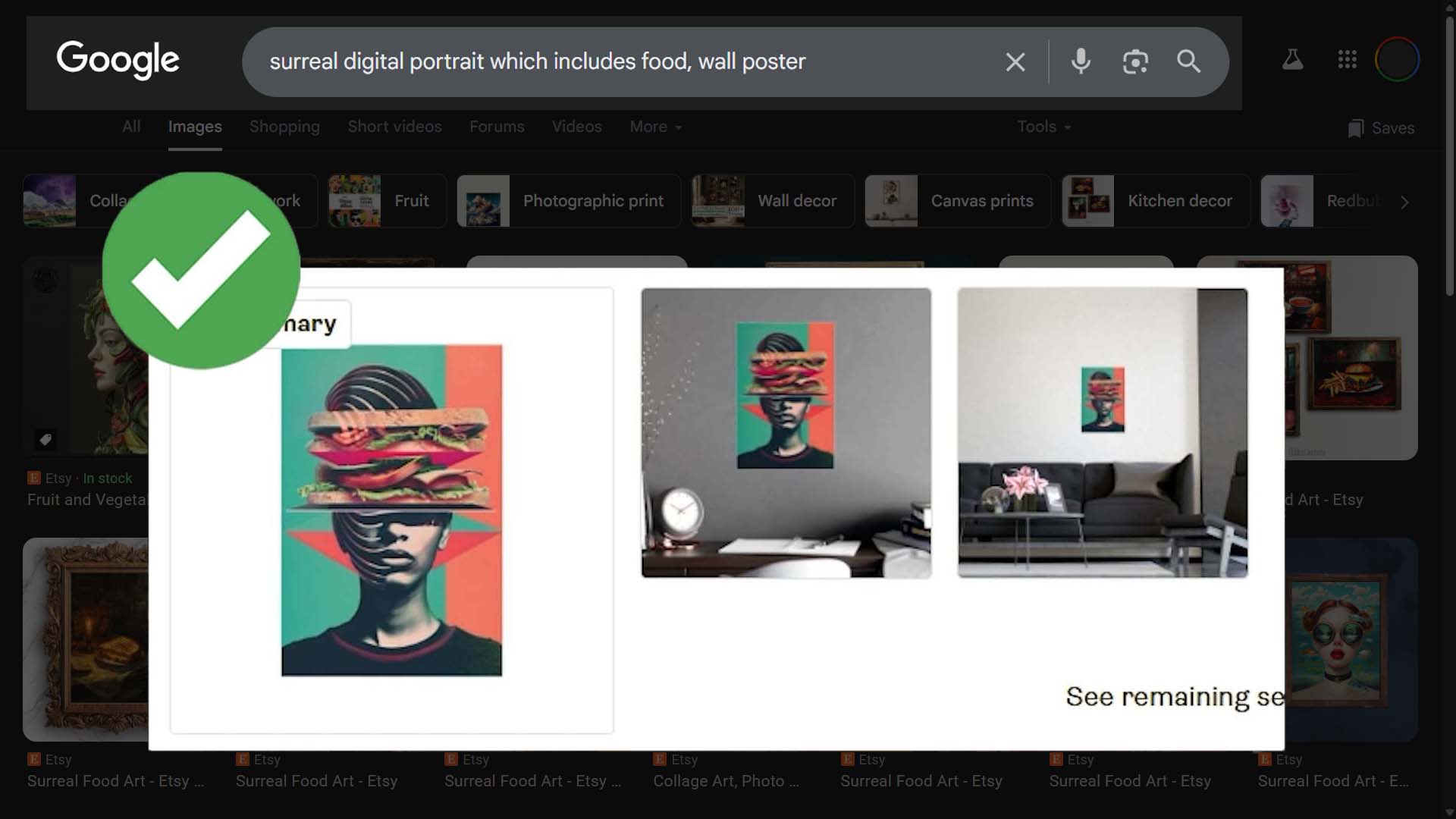
Every listing is its own landing page. With only 50 products, you’re limited to 50 entry points into your shop. With 500 products, you’ve created 500 doorways for shoppers to find you—each aligned with a different keyword or long-tail phrase. Bulk creation makes that kind of expansion realistic in weeks, not years.
Better SEO coverage across long-tail searches
AI-written compound titles, detailed descriptions, and varied tags multiply the range of search queries your products can rank for. One listing may capture “retro travel poster,” another “minimalist line art wall decor,” another “fantasy night sky canvas.” By producing dozens or hundreds of these at once, you rapidly build a wide net of search visibility.
Increased average order value (AOV)
When buyers enter a shop with depth and variety, they’re more likely to bundle items or upgrade sizes. A bigger catalog means more chances to cross-sell or upsell. The effect compounds: a single new shopper often turns into a multi-item purchase when they can explore related listings.
Consistency that builds buyer trust
Cloned Example Products ensure every listing carries the same pricing discipline, variant options, and professional formatting. The shop looks polished, organized, and intentional—small details that can make a big difference in buyer confidence and conversion rates.
Energy shifted to higher-leverage work
By eliminating the busywork of creating listings, you reclaim hours for the tasks that actually drive sales: designing new collections, refining storefront presentation, testing ads, building email campaigns, and experimenting with bundles or promotions. Automation makes growth sustainable because it keeps your focus where it belongs.
Conclusion
Manual Etsy listing creation is a bottleneck. It’s slow, repetitive, and caps your ability to grow. But when you automate the process—uploading images once, cloning from a proven Example Product, and letting AI handle titles, descriptions, and tags—you flip that script entirely. Suddenly, growing from dozens of products to hundreds (or even thousands) is realistic and repeatable.
The Bulk POD Product Creator gives Etsy sellers the power to scale without burnout. Instead of wasting nights clicking through forms, you’re publishing polished, SEO-optimized products at scale, while your creative energy stays focused on designing and marketing. The result is clear: more listings, more visibility, more sales opportunities—and a business that feels like it’s moving forward instead of stuck in the grind.