How To Build An Automated Printify POD Store
Overview: This guide shows Printify sellers how to transform a click-heavy, manual workflow into a clean automation pipeline. You’ll learn practical ways to create artwork at scale, bulk-create Printify products automatically, and generate SEO-optimized titles, descriptions, and tags at scale using AI. We’ll also cover automated social posting and Printify-specific time-savers so you publish more, with better consistency, in a fraction of the time.
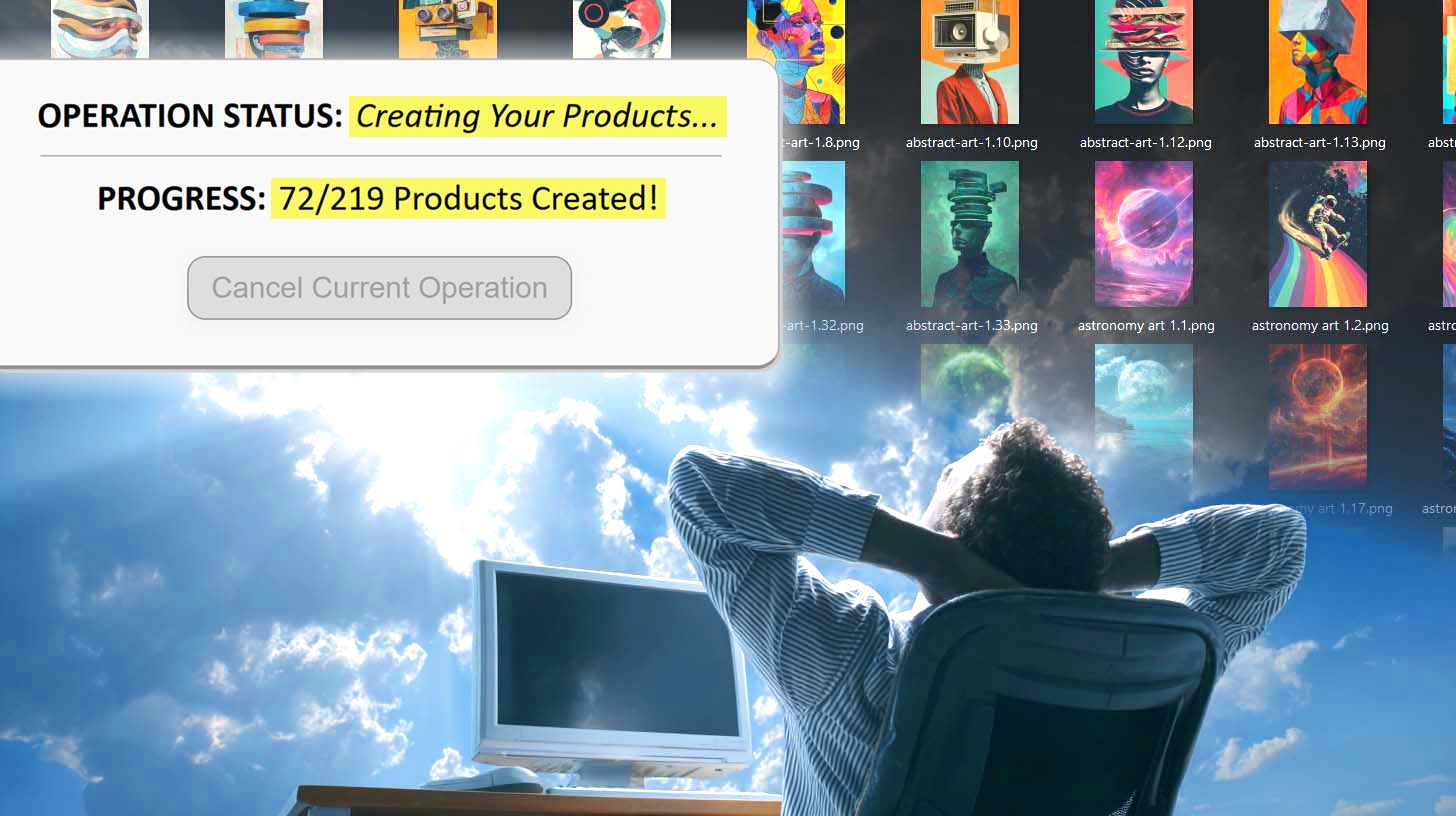
Intro
Running a Printify store manually is brutal. You spend hours brainstorming ideas, generating a handful of images at a time, uploading them into Printify one by one, dragging artwork into place for every variant, and then typing out titles, descriptions, and tags until your eyes glaze over. By the time you’re done, you’ve barely moved the needle on growing your catalog.
The smarter approach is automation. With the right tools, you can turn every stage of your Printify workflow into a repeatable system — from generating artwork ideas all the way to publishing products with polished titles, tags, and social posts. Instead of wasting your energy on the grind, you can focus on strategy, design, and scaling your store.
In this guide, we’ll walk through the core tasks to automate in your Printify POD store. At each stage, you’ll see what the manual process looks like, why it’s a time-sink, and how automation lets you bypass the busywork while producing better results.
Task to Automate #1: Create A Huge Volume of Artwork Images
Every Printify store starts with artwork. Without a steady flow of designs, you can’t build products, publish listings, or grow your catalog. But here’s the problem: manually coming up with prompts and generating images is a creativity-draining slog.
The manual way looks like this:
- Sit down and brainstorm a handful of prompts.
- Type them into your AI art tool.
- Hope they generate something decent.
- After 20 prompts, you’re already recycling the same words and phrases.
The result? A small trickle of images and a lot of wasted creative energy.
The automated way: leverage AI to generate prompts at scale, then turn those prompts into hundreds (or even thousands) of artwork images. There are a few main methods to do this, each with different trade-offs.
Step 1: Use ChatGPT to Bulk-Generate Prompts
Before you can make artwork, you need prompts. Coming up with them by hand is slow, repetitive, and drains your creativity fast. That’s where ChatGPT saves the day.
- Test a few starter prompts in your AI image tool (Midjourney, DALL·E, etc.) until you find a style that works for your shop.
- Feed the winners into ChatGPT. Tell it who you’re designing for and paste in a few example prompts. Ask it to generate dozens or even hundreds of fresh variations.

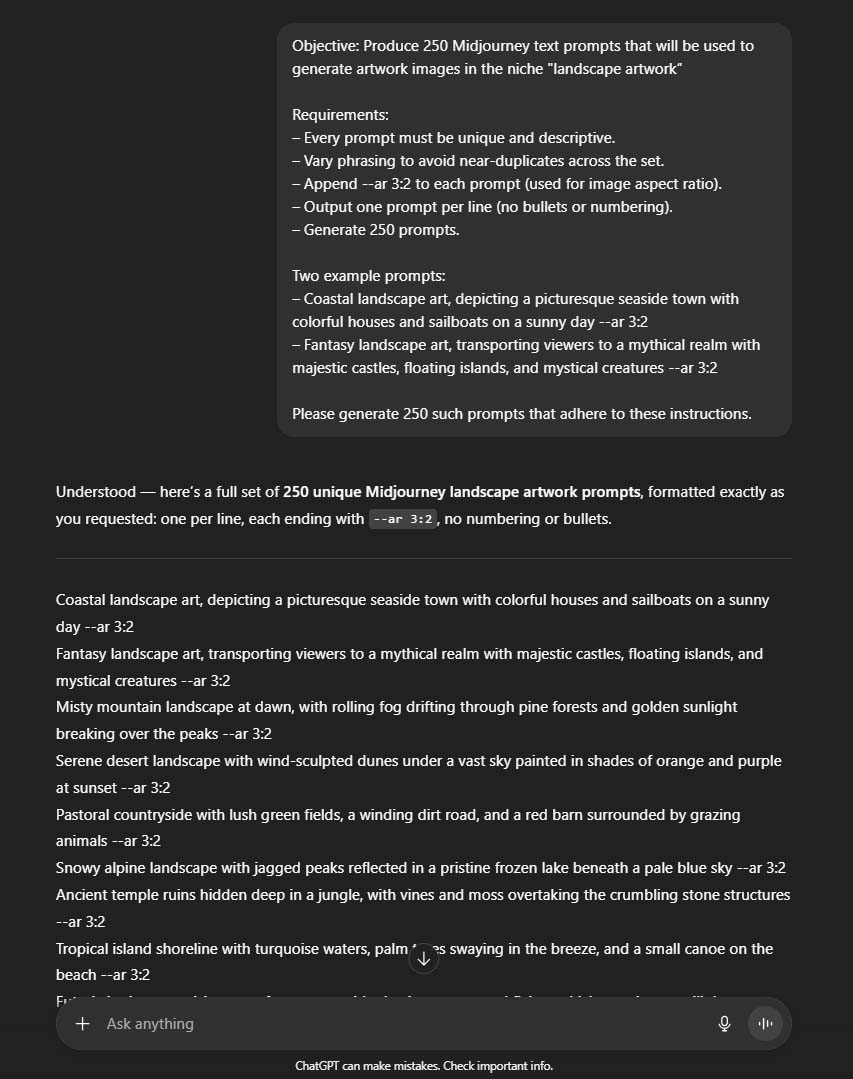
The result is a ready-made list of prompts—organized in a simple spreadsheet—that you can copy directly into your image generator. Instead of weeks of slow idea generation, you now have hundreds of varied, usable prompts in one session.

Step 2: Create Your Artwork Images Using AI
Option 1: Use Midjourney To Generate Your Images (Not Fully Automated, But Still Efficient)
This method does require some manual work on your part:
- Open your spreadsheet of prompts on one side of the screen.
- Open Midjourney on the other.
- Copy, paste, generate, curate, upscale, download.
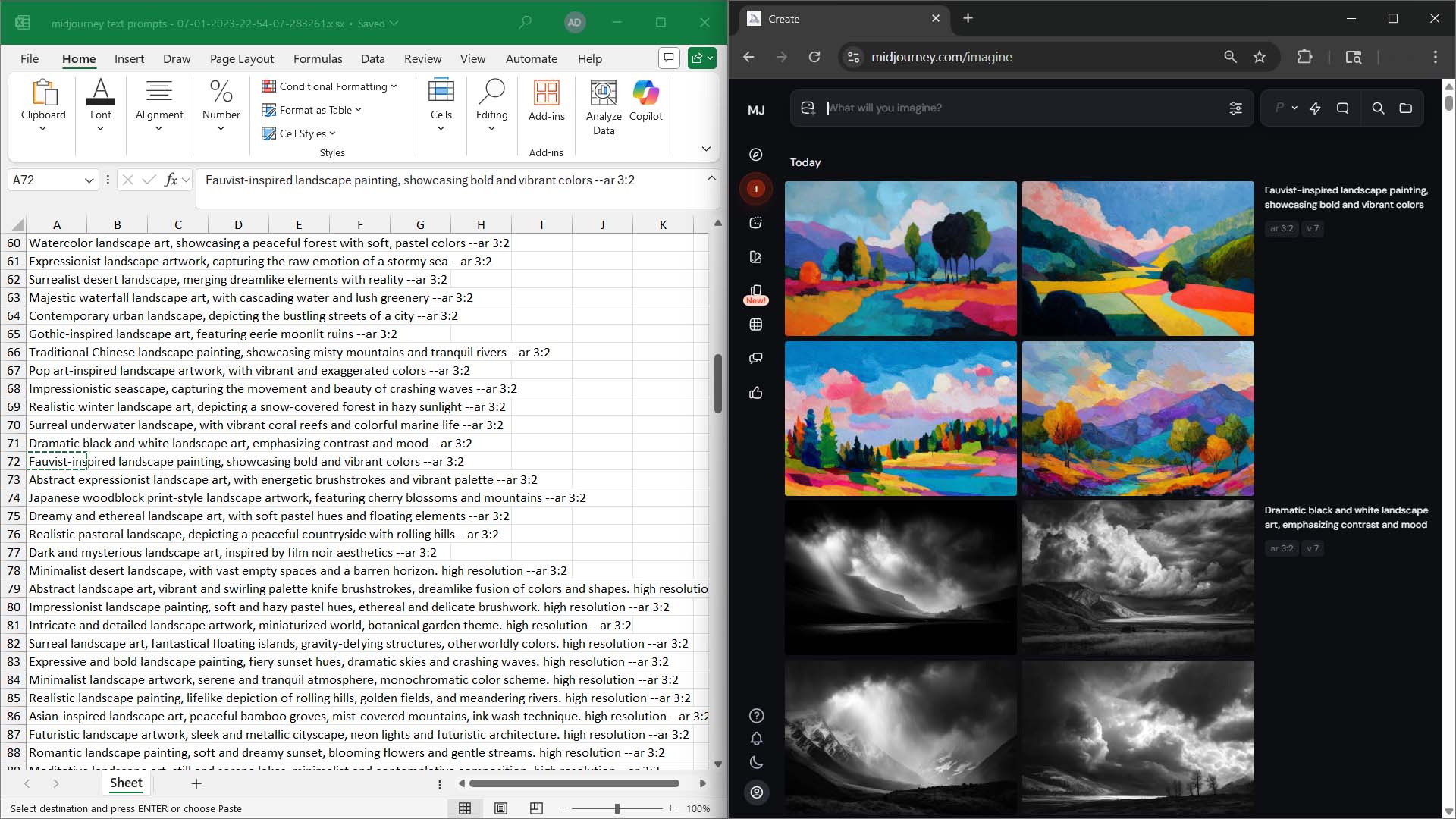
Yes, it’s hands-on. But Midjourney is still the gold standard for image quality. If you want artwork that feels premium and ready for Printify products, nothing beats it. Even with the manual clicking, the throughput is surprisingly high: 200–500 usable images in a single day is realistic if you put in the hours.
Option 2: Use OpenArt To Generate Your Images (Fully Automated)
If you want less clicking, you can offload the process to a SaaS tool like OpenArt.
Here’s how it works:
- Upload your CSV of prompts (the one you generated with ChatGPT).
- Choose the AI model you want the tool to use.
- Hit go — and it bulk-generates the images for you.
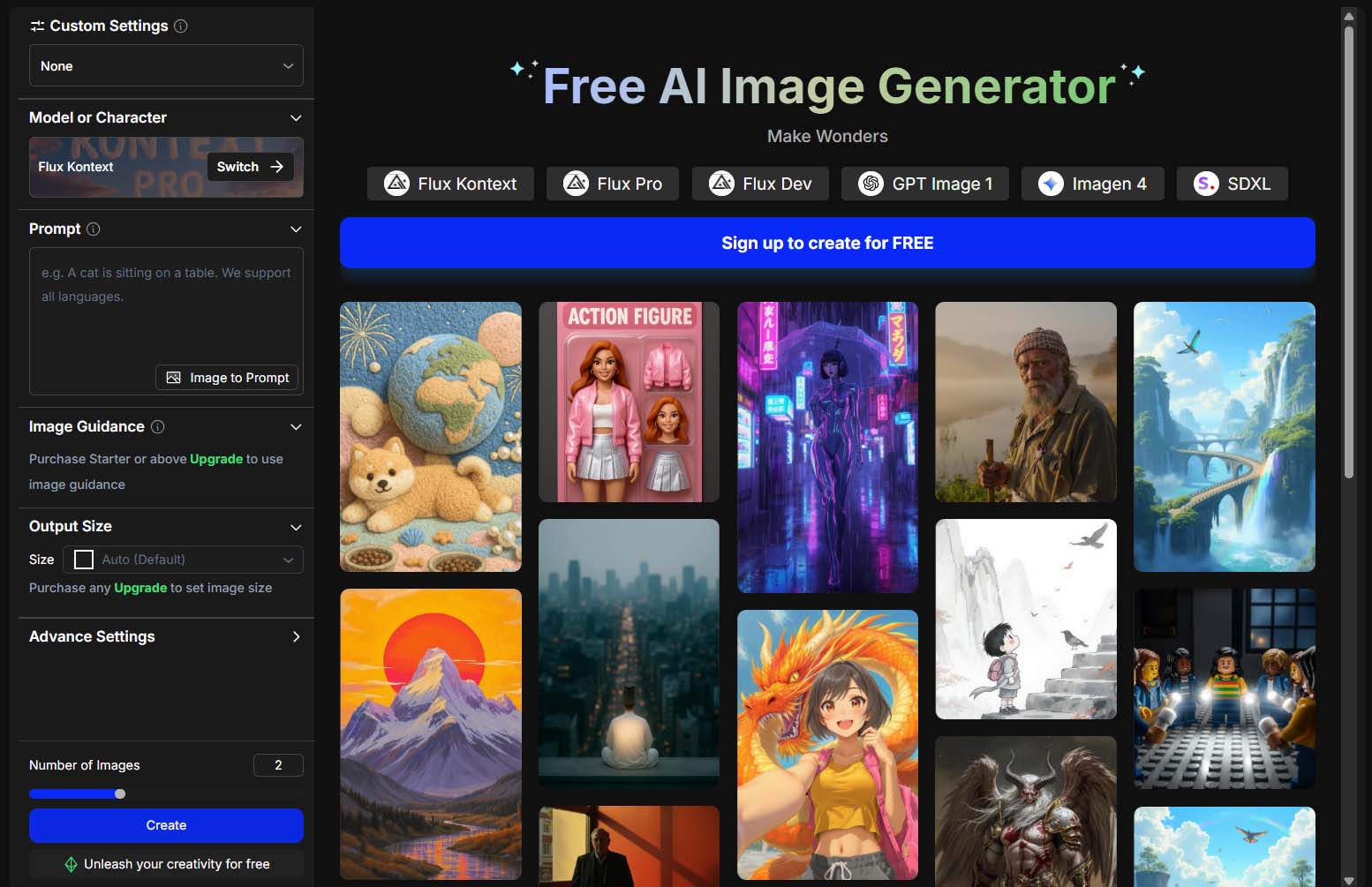
The upside: it’s truly hands-off. You can start the job and come back later to a folder full of images.
The trade-off: quality varies. Many SaaS tools wrap models that don’t hold a candle to Midjourney. But the nice thing about OpenArt is that it actually lets you pick the model. You can experiment, find the one that fits your niche, and then generate images at scale without touching a thing.
Bottom line for artwork automation:
- If you want the highest quality: create images through Midjourney.
- If you want true automation without coding: use a SaaS tool like OpenArt.
Whichever route you take, the outcome is the same: you’ll go from a handful of scattered images to hundreds of artwork files ready to feed directly into Printify’s product creation process. That’s the foundation of scaling your POD store without burning out.
Task to Automate #2: Create Your Printify POD Products
The manual way: If you’ve ever tried to build products in Printify one by one, you know how painful it is. You upload an artwork file. You drag it into place on each variant. You tweak the sizing. You check previews. Then you repeat it all again for the next design. Multiply that by dozens of products, and suddenly you’ve sunk entire days into repetitive clicking.
That’s time you could be spending on design, marketing, or strategy — but instead, you’re acting like unpaid data entry.
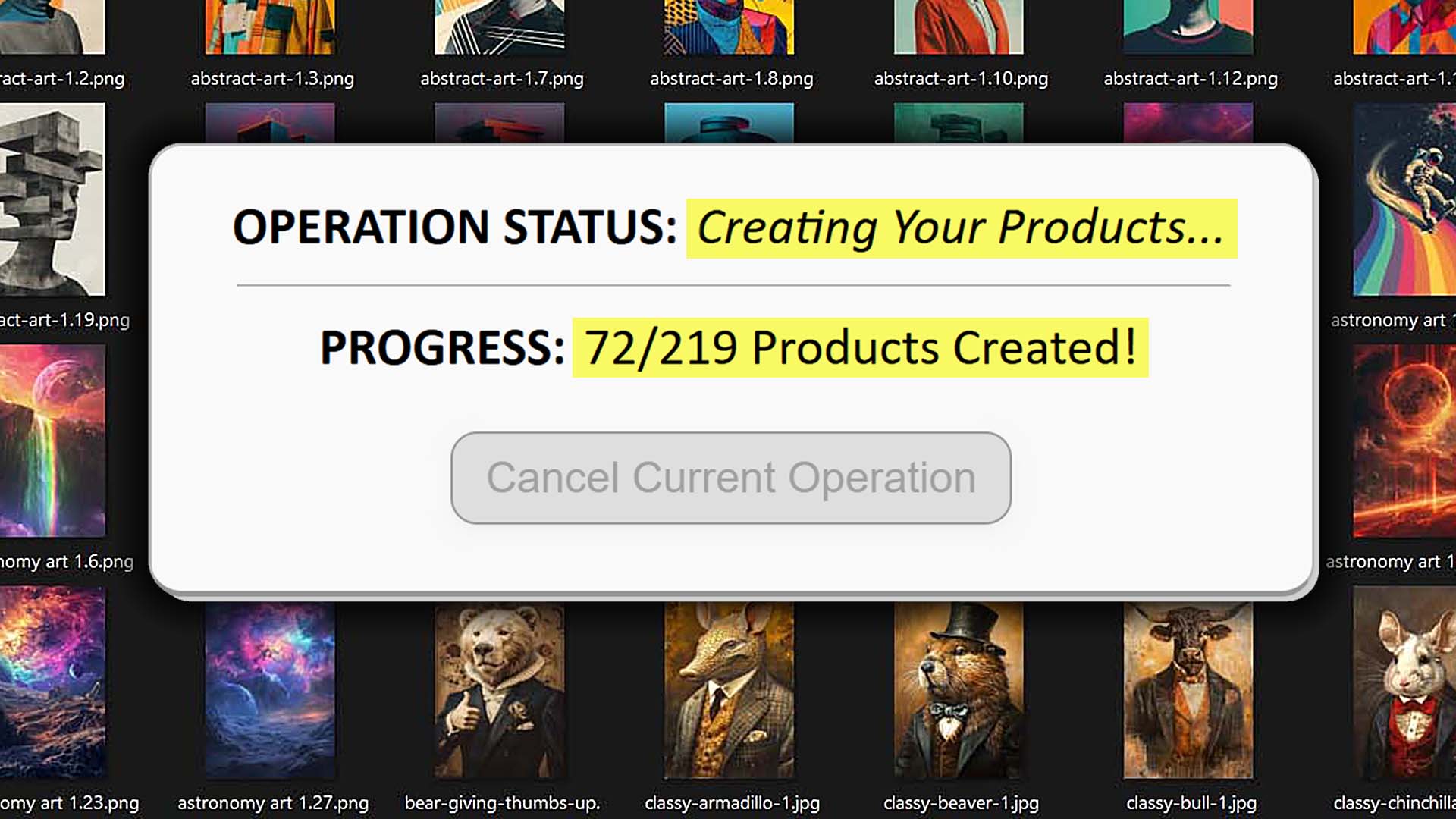
The automated way: run everything through the Bulk POD Product Creator.
Here’s how the smarter flow looks in practice:
- Organize your artwork upfront. Put vertical posters in one folder, horizontals in another. Keeping aspect ratios separated makes the automation smoother.
- Set up operations in the Bulk POD Product Creator. One operation for verticals, another for horizontals, etc. Each operation saves your placement rules, pricing, and settings so you don’t have to rebuild them every time.
- Select your images and hit go. The tool automatically builds all your Printify products, applying consistent placement and sizing across every variant.
The benefit: Instead of spending hours fighting with Printify’s interface to make a handful of products, you can generate hundreds of publish-ready listings in the same time frame. The products come out consistent, professional, and ready to sell — all without the click-heavy nightmare of manual setup.
Task to Automate #3: Write SEO Product Info for All Your POD Products
Artwork alone won’t make your Printify products sell. They need to be discoverable. That means keyword-rich titles, detailed descriptions, and smart tags. Writing all that manually is one of the biggest bottlenecks POD sellers face — and it’s also one of the most soul-crushing jobs. After a few dozen listings, you’re repeating the same tired phrases, which hurts both your SEO and your sanity.
The automated way: let the Bulk POD Product Creator handle it.
Here’s what the tool does automatically for you:
- Image recognition: It scans each artwork file and understands what’s in the design.
- Title generation: Produces keyword-rich titles aligned with actual buyer search behavior.
- Description writing: Crafts natural, detailed product descriptions that both explain the artwork and boost SEO.
- Tag creation: Suggests relevant tags so your products surface for the right queries.

And it doesn’t stop at basic automation — you can dial in your own rules:
- Title prefixes/suffixes. Add consistent branding or product-level labels like “— Canvas Print” or “— Poster Wall Art.”
- Description HTML. Append reusable text blocks for size info, shipping policies, or promos.
- Custom tag sets. Layer in broad, product-level tags that apply across your entire catalog.
The result is publish-ready, SEO-optimized print-on-demand listings created in bulk. You’re not just saving yourself from typing — you’re producing stronger, more discoverable product pages that rank for buyer-intent searches.
The payoff: instead of draining hours hunched over the keyboard, you click once and get a batch of optimized listings. That frees you to focus on growth, while your catalog quietly works harder for you in the background.

Task to Automate #4: Create Social Media Posts + Publish Them
Even after you’ve built your products in Printify, your job isn’t done. You still need to market them — which usually means hours writing captions, designing graphics, and manually scheduling posts across multiple platforms. Done the old-fashioned way, it’s a treadmill that never ends.
The automated way: use a tool like Predis.ai to handle both creation and scheduling.
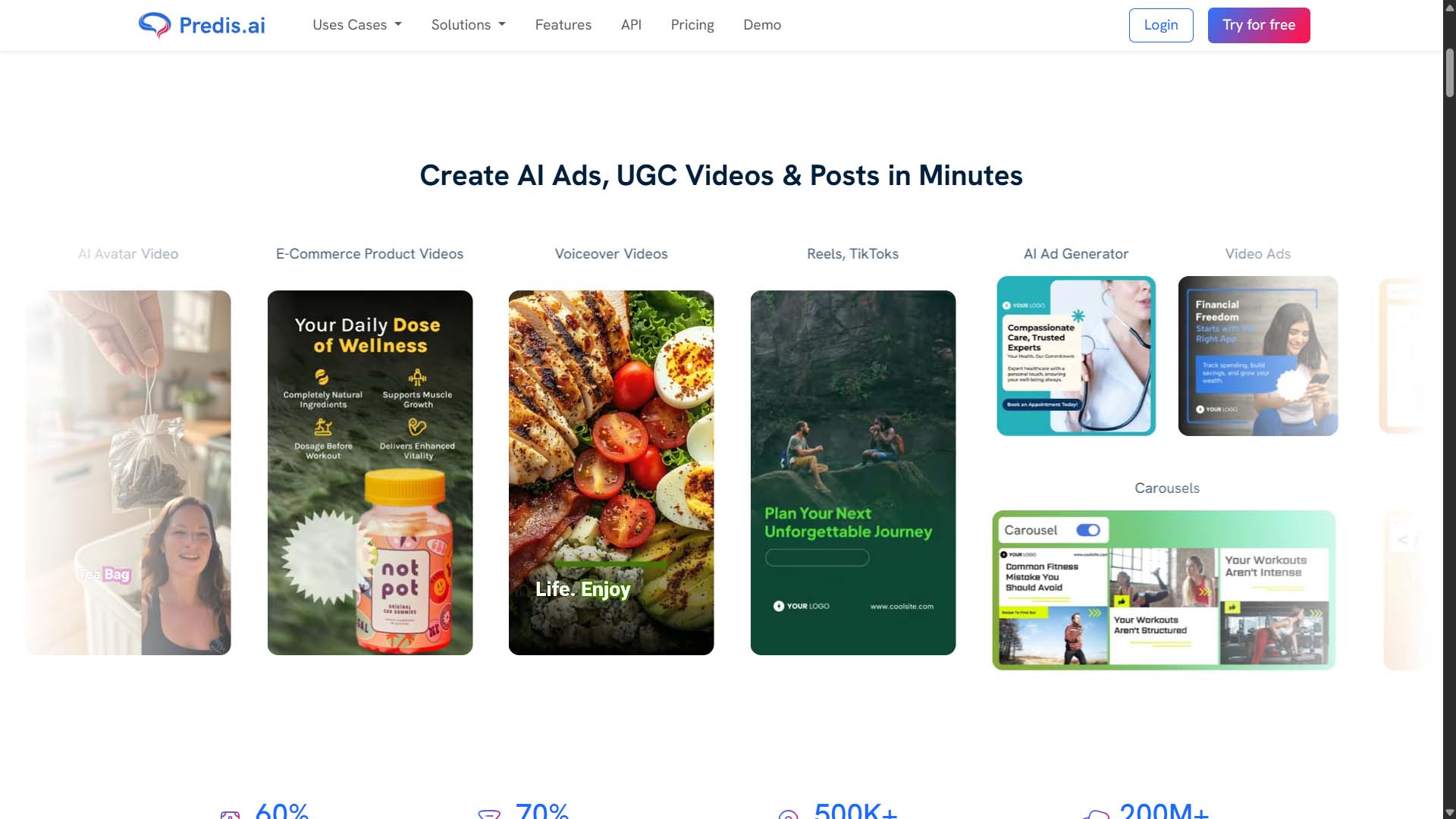
Here’s what it gives you:
- AI-generated content. The tool automatically writes on-brand captions, picks hashtags, and even generates visuals that tie in with your products.
- Cross-platform scheduling. Instead of juggling Instagram, Pinterest, TikTok, Facebook, LinkedIn, and X separately, you set up your posts in one calendar and let them publish on autopilot.
The benefit is obvious: your store keeps showing up in feeds, driving visibility and traffic, while you focus on higher-value work. Your marketing machine runs continuously in the background without you needing to babysit it.
Bonus Printify Store Automation Ideas
Once you’ve covered the big tasks (artwork, product creation, product info, social posts), there are a few extra Printify-specific automations that can lighten your load even more.
- Automatic print provider switching. Printify has a built-in feature that automatically selects the best print provider for each order based on inventory, price, and shipping times. That means fewer out-of-stock issues, fewer delays, and no headaches from having to manually switch providers.
- Customer support handled by Printify. If you’re on Printify Premium, there’s an option called Printify Connect where Printify will manage customer support requests — refunds, replacements, questions — on your behalf. Instead of wading through emails, Printify deals with the boring support tasks so you don’t have to.
- Automated email marketing. If your storefront runs on a platform like Shopify, you can hook it up to a tool like Mailchimp and automate your entire email workflow — abandoned cart reminders, product announcements, promos, and more.
- Customer support chatbots. With Shopify apps like Chatty, you can drop an AI-powered chatbot onto your store that answers FAQs, tracks orders, and helps customers 24/7. Instead of writing the same replies over and over, you let the bot handle it.
Each of these automations eliminates another category of “grunt work,” leaving you with more bandwidth for scaling the business instead of patching fires.
The Core Benefits of Automating Your Printify POD Store
When you add up all these automations, the benefits compound fast:
- Scale. Instead of creating a few listings here and there, you can launch hundreds of products in the time it used to take to build a handful.
- Consistency. Every product follows the same placement, titling, and tagging rules, which makes your catalog look polished and professional.
- Focus. Your mental energy shifts from typing and clicking to design, marketing, and strategy.
- Revenue. More products and better SEO means more chances to show up in search results, more visibility, and ultimately more sales.
Automation doesn’t just save you time — it directly improves the quality and performance of your store.
Conclusion: Bringing It All Together
When you step back and look at this as a full workflow, you see the entire Printify process — but automated:
- Prompts generated by ChatGPT.
- Images created with AI tools.
- Products built in bulk with the Bulk POD Product Creator.
- SEO titles, descriptions, and tags auto-generated.
- Social posts scheduled through Predis.ai.
- Bonus automations like provider switching and automated support.
Instead of spending weeks or months slogging through manual work, you’ve built a pipeline where each step feeds smoothly into the next. The end result is the same — a catalog of products ready to sell in your Printify store — but the way you get there is dramatically faster, easier, and designed to scale.
You’re not just running a Printify shop anymore. You’re running a streamlined, automated operation that works for you — freeing you up to focus on what actually grows the business.