
Etsy Bulk Product Uploader Tool For Print-on-Demand: Build Your Etsy Shop 100x Faster
Overview: Discover how the Bulk POD Product Creator revolutionizes Etsy print-on-demand selling by automating bulk product uploads, image placement, variant replication, and AI-powered SEO content generation—enabling you to scale your shop 100x faster with consistent, high-quality listings and zero manual drudgery.
Introduction: The Fastest Way To Scale Your Etsy POD Business
If you sell print-on-demand products on Etsy, you already know the bottleneck: creating listings one by one takes forever. Each new artwork means another round of image uploads, variant setup, mockup positioning, SEO writing, and repetitive copy-pasting. The Bulk POD Product Creator was built to eliminate that entire manual grind.
This web-based automation software functions as an Etsy bulk product uploader tool for print-on-demand sellers. It lets you automatically generate and publish entire collections of products from your existing artwork files—each complete with perfectly sized images, variant pricing, and AI-written titles, descriptions, and tags. What used to take hours or even days can now be done in minutes.
Behind the scenes, the system connects to your chosen POD platform (such as Printify or another provider you use to produce your physical goods), analyzes your selected Example Product, and automatically replicates it across all your uploaded images. Each new product inherits the same print areas, pricing, and variant structure from that Example Product, while your uploaded artwork files get resized, positioned, and exported according to your chosen placement rule.
How It Works (Overview)
In broad terms, here’s how the process unfolds:
- Upload your artwork images. The tool automatically applies your preferred placement rule—stretching, centering, or exactly matching existing mockups—to fit each print area.
- Select your Example Product. This acts as your master template. The system copies its variants, sizes, and prices to every new product you create.
- Define product-creation rules. Choose whether titles, descriptions, and tags are copied from your Example Product or generated using AI. You can add your own HTML snippets, append product-level custom text, and set consistent SEO formatting.
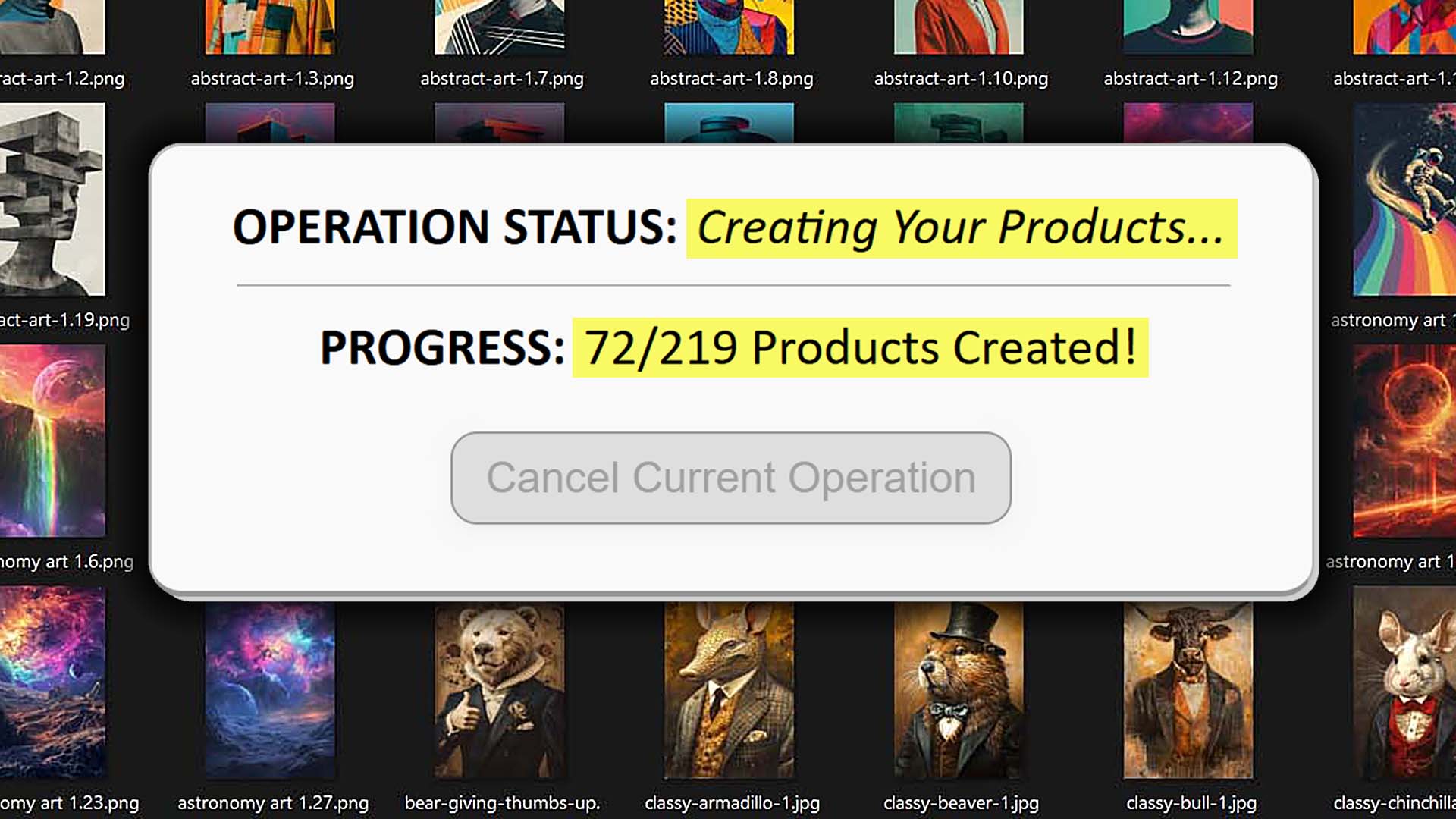
- Click “Create My Products.” The system automatically bulk-generates all new print-on-demand listings, uploads them to your connected POD platform, and prepares them for Etsy publication.
- Optionally save the operation. You can store your entire configuration—Example Product, placement mode, AI generation rules, etc.—so the next time you create a batch, it loads instantly.
That’s the entire setup compressed into minutes. No repetitive clicking, no copying text from one product to another, no resizing images manually. You simply upload, configure once, and launch.

Example Use Case #1: Scaling a Wall-Art Store
Imagine a seller who creates digital artwork in landscape orientation and wants to publish a full “Nature Landscapes” collection on Etsy. They connect their preferred POD platform, choose a poster-sized Example Product as their template, and upload 50 new landscape images.
The placement rule “Stretch Images To Fit Print Area(s)” ensures every artwork fits perfectly within the poster mockups.
The AI title generator produces descriptive, image-focused compound titles such as “Golden Forest Path: Morning Fog, Autumn Glow, Peaceful Woodland Scene.”
The custom text field appends “— Poster Wall Art” to every product automatically.
After the automated operation completes, 50 optimized listings are ready—each with variant pricing, descriptions, and tags already filled in.
Instead of spending an entire week manually preparing those listings, the seller completes it in a single session.
Example Use Case #2: Multi-Variant Print Seller
Another seller focuses on multi-aspect-ratio artwork: square designs, portrait designs, and panoramic pieces. Normally, that requires separate manual uploads and resizing in Photoshop to make each file fit various print formats (like canvases, framed prints, or metal prints).
Using the Bulk POD Product Creator, they simply:
- Upload all their artwork together.
- Choose “Preserve Image Aspect Ratios & Center” to ensure each image retains its original proportions.
- Let the system automatically adjust each print area for each variant.
- Have AI generate unique titles, descriptions, and tags optimized for Etsy search.
The result: every design is perfectly aligned, metadata is SEO-rich, and the entire process runs automatically—freeing the seller to focus on marketing and customer engagement instead of production logistics.
How To Use The Tool: Operation Setup, Settings, & Creating Your Products
The interface is structured in a logical, sequential flow. Each section corresponds to a core phase of product generation.
Step 1: Select Your Image Files
This is where you load the artwork files that will form the foundation of your new products.

Click “Choose Files.” Upload one or dozens of images at once.
Then, choose your placement mode:
- Stretch Images To Fit Print Area(s): Automatically expands each image to fill the entire printable area, ensuring a uniform look across all product variants.
- Preserve Image Aspect Ratios & Center: Keeps each artwork’s original proportions, centering it within the print area with minimal cropping.
- Exactly Match Example Image(s): Uses the precise placement and sizing data from your selected Example Product, allowing pixel-accurate replication.
Behind the scenes, the system analyzes your chosen placement rule, adjusts the image dimensions accordingly, and queues each processed image for automatic placement during the product-creation phase.
This single selection eliminates the hours normally wasted opening, resizing, and re-exporting files in Photoshop. Once your rule is chosen, you can reuse it indefinitely in future saved operations.
Step 2: Select Your Example Product
Your Example Product serves as the blueprint for everything the tool generates. It defines your variants, pricing, and print-area structure.

- Create Products For This Store: choose your POD provider and store (for instance, Printify, Gooten, or another integrated platform).
- Example Product To Use: select an existing product from that store to act as the model for replication.
Every new product the system creates inherits that Example Product’s variants, sizes, prices, and print-area geometry automatically. That means if your Example Product includes multiple size variants (e.g., 8×10, 12×16, 18×24) and specific price points for each, all of that transfers seamlessly to the new batch.
From a workflow standpoint, this is one of the most powerful time-savers in the entire process: you define your ideal configuration once, confirm that your Example Product looks perfect, and then use it as the foundation for hundreds more. It ensures 100% consistency across your Etsy shop’s catalog without you ever touching variant settings again.
Step 3: Set Your Product-Creation Rules
This is where you define how the system writes titles, descriptions, and tags for your new print-on-demand products. It’s the automation engine that handles all the work that normally burns your time—writing copy, formatting listings, and ensuring SEO consistency across hundreds of products.

You’ll start by selecting whether to copy product information from your Example Product or generate everything using AI.
Product Titles
- Choose whether to use image filenames, or let the tool Generate Using AI.
- You can select Simple AI Title (a short, image-focused phrase) or Compound AI Title (a main title plus multiple descriptive subtitles).
- Specify the number of subtitle segments (for example, 3).
- Optionally add Custom Text that will appear at the end of each title—such as “— Poster Wall Art” or “— Canvas Print.”
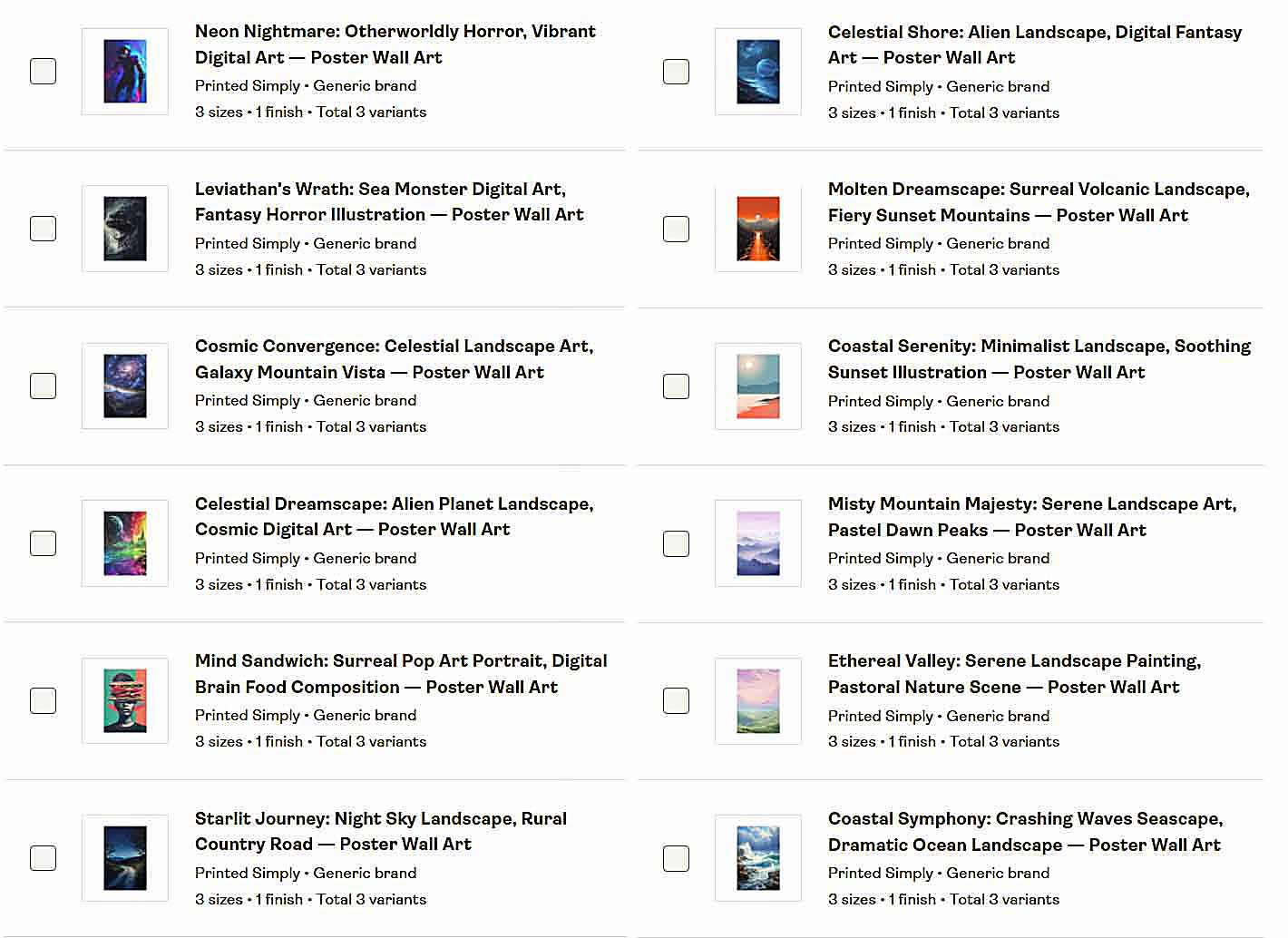
The AI portion of the title describes only the artwork itself, while your Custom Text specifies the product type. Together they produce complete, SEO-optimized titles like:
“Golden Horizon: Sunset Over Ocean, Warm Evening Glow, Tranquil Coastal Scene — Poster Wall Art.”
Product Descriptions
- Here you choose whether descriptions are copied from your Example Product or generated by AI.
- Set how many paragraphs each AI description should include (e.g., 2 or 3).
- Add Custom HTML blocks that append standard content—such as a store tagline, cross-promotion, or call-to-action link.
This structure ensures every listing looks polished and consistent while still unique in wording and SEO composition.
Product Tags
- Tags can likewise be copied from your Example Product or written by AI.
- You can define a maximum number of AI-generated tags (up to 20).
- Optionally, append broad product-level tags like poster, wall art, prints, or home decor that apply to every item you create.
Once you’ve configured these parameters, the system automatically writes optimized titles, descriptions, and tags for every image you uploaded earlier, following the same formatting logic that would normally take hours of manual effort per listing.
Step 4: Launch & Save Your Operation
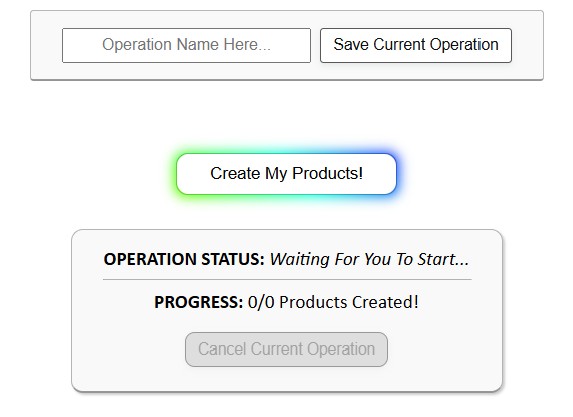
After everything is configured, click Create My Products! to begin the automation process.
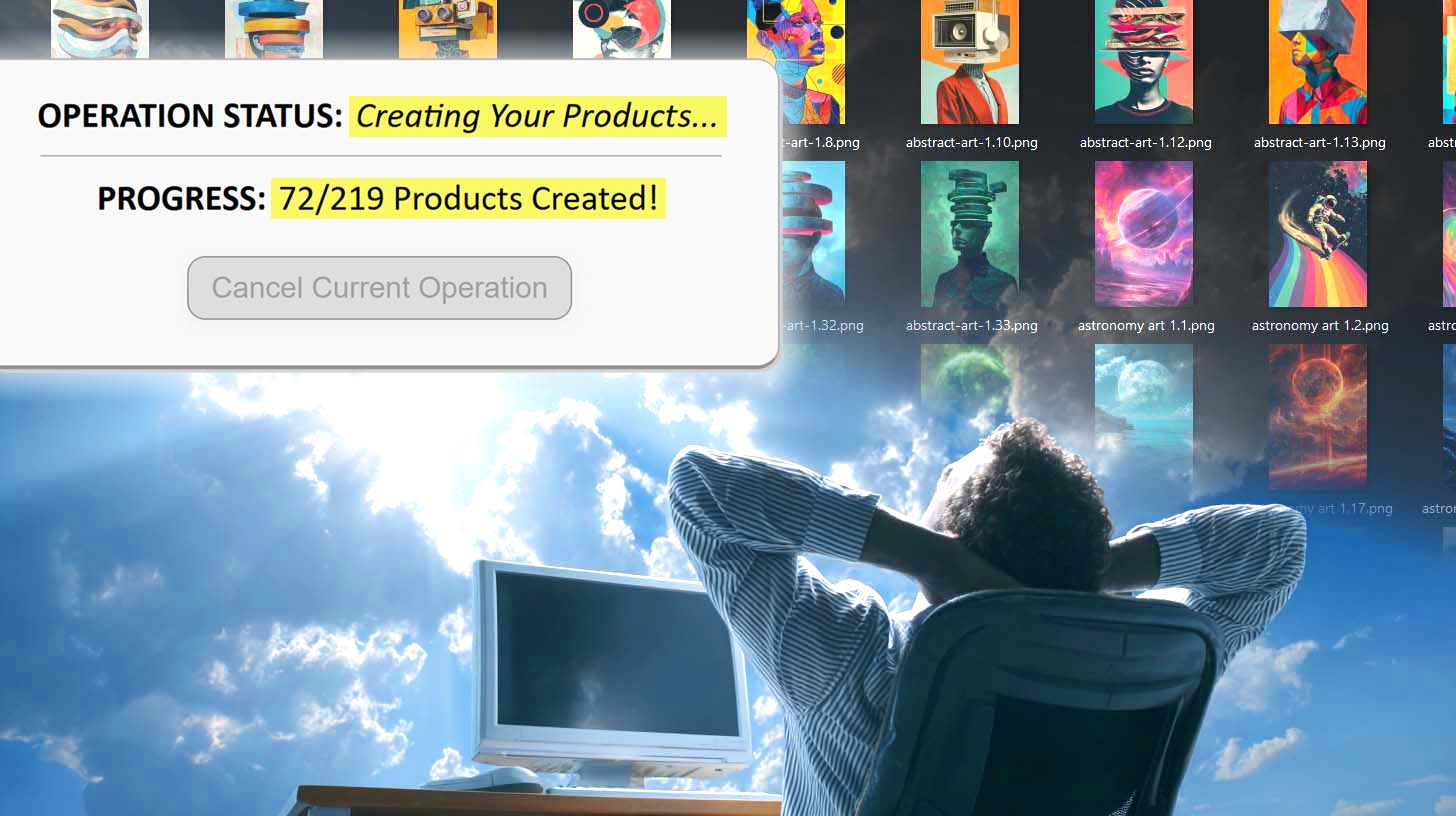
You’ll see a live Operation Status and Progress Tracker updating as products are created in real time.
Each image becomes its own product—artwork placed, variants replicated, titles and descriptions written, and tags applied. The system handles every API call and upload behind the scenes.
When the batch finishes, you can optionally Save Current Operation to reuse it later. Saved operations store all configuration settings—placement rule, Example Product, AI rules, and appended HTML—so you can simply load them next time and start another batch instantly.
This design means you only need to perfect your workflow once; after that, product creation becomes virtually one-click repeatable.
Core Benefits for Etsy POD Sellers
- Massive Time Savings – What used to be hours of repetitive listing work becomes minutes. That’s time you can re-invest into marketing, design creation, or customer engagement.
- SEO Consistency Across Hundreds of Products – Every AI-generated title, description, and tag follows the same keyword-rich structure, giving each listing the best chance to rank for its target queries.
- Compounding Traffic Growth – More listings mean more searchable entry points into your shop. Each new product acts as its own traffic-magnet for long-tail queries.
- Higher Conversion Potential – A larger catalog means shoppers find exactly what they want. When buyers see variety within a single niche, average order value and conversion likelihood both increase.
- Scalable Catalog Expansion – Whether you’re adding ten products or a thousand, the workflow remains identical. Scaling no longer requires hiring virtual assistants or manually managing spreadsheets.
- Creative Freedom Restored – By eliminating drudgery, the tool gives you space to focus on new designs, seasonal collections, and growth initiatives rather than endless admin work.

Put simply: you work less, publish more, and earn faster.
Technical Benefits from a Workflow Standpoint
- Automated Image Placement & Resizing – Choose your rule once (stretch, preserve ratio, or exact match), and every image is automatically positioned and sized perfectly. No more Photoshop sessions to crop, resize, or re-export per variant.
- Example Product Replication – Instead of rebuilding products from scratch, the system clones your Example Product’s structure: variants, prices, print areas, and more. One setup powers unlimited replications.
- Elimination of Copy-Paste Work – Prices, titles, tags, and descriptions are all auto-applied. You never have to duplicate fields across listings manually.
- Consistent Formatting and HTML Blocks – Include reusable HTML descriptions or footers once and the software applies them uniformly.
- Saved Operation Templates – Once a configuration is dialed in, it can be loaded instantly for future runs. This prevents mistakes and saves configuration time for recurring product batches.
- AI Reliability & Precision – The AI never fatigues or introduces typos, ensuring every listing maintains professional quality and brand consistency.
- Zero Setup Repetition – The interface architecture is stateful by design: it remembers your structure and executes it flawlessly across hundreds of calls, handling everything from image uploads to store publishing.
From a workflow standpoint, it replaces thousands of clicks and redundant image edits with a single streamlined process that runs automatically and consistently every time.
Conclusion
For Etsy POD sellers who are serious about scaling, the Bulk POD Product Creator transforms your production pipeline. It’s the difference between manually crafting ten listings a day and launching a hundred listings before lunch.
By combining AI-driven SEO generation, intelligent image placement, and reusable operation templates, this software becomes a true Etsy bulk POD product uploader tool—a purpose-built engine for growth.
Once you experience how effortlessly it builds your catalog, you’ll wonder how you ever managed without it.