
Can You Use ChatGPT Agent Mode To Create Printify Products?
Overview: This post explores whether ChatGPT's Agent Mode can automate Printify product creation, explains the technical limitations of browser-based AI automation, and details why the Bulk POD Product Creator offers a superior, API-driven solution for reliably generating large batches of print-on-demand products with perfect consistency and SEO-optimized metadata.

Introduction: The Allure of Using ChatGPT's Agent Mode To Automate Your Printify Workflow
If you’ve ever tried to build out a large catalog of print-on-demand products inside Printify, you know exactly how repetitive and time-consuming the process can be. You click “Add Product”, pick a base item from hundreds of nearly identical options, upload your artwork, adjust placement for each size variant, resize it to fit correctly, select colors, input prices, write titles and descriptions, assign tags, then repeat that entire routine for the next design… and the next… and the next. It’s a grind—the kind of mind-numbing workflow that makes you wish an AI could just do it for you.
So naturally, you might be wondering: could ChatGPT’s new Agent Mode do this job for me?
Agent Mode is an advanced experimental feature that lets ChatGPT perform actions on your behalf. Instead of just generating text, it can use connected tools or APIs, retrieve data, or even operate your browser environment to complete tasks in sequence. On paper, that sounds promising: if ChatGPT can browse and click, maybe it could open Printify, navigate through each screen, and handle the entire product-creation process automatically.
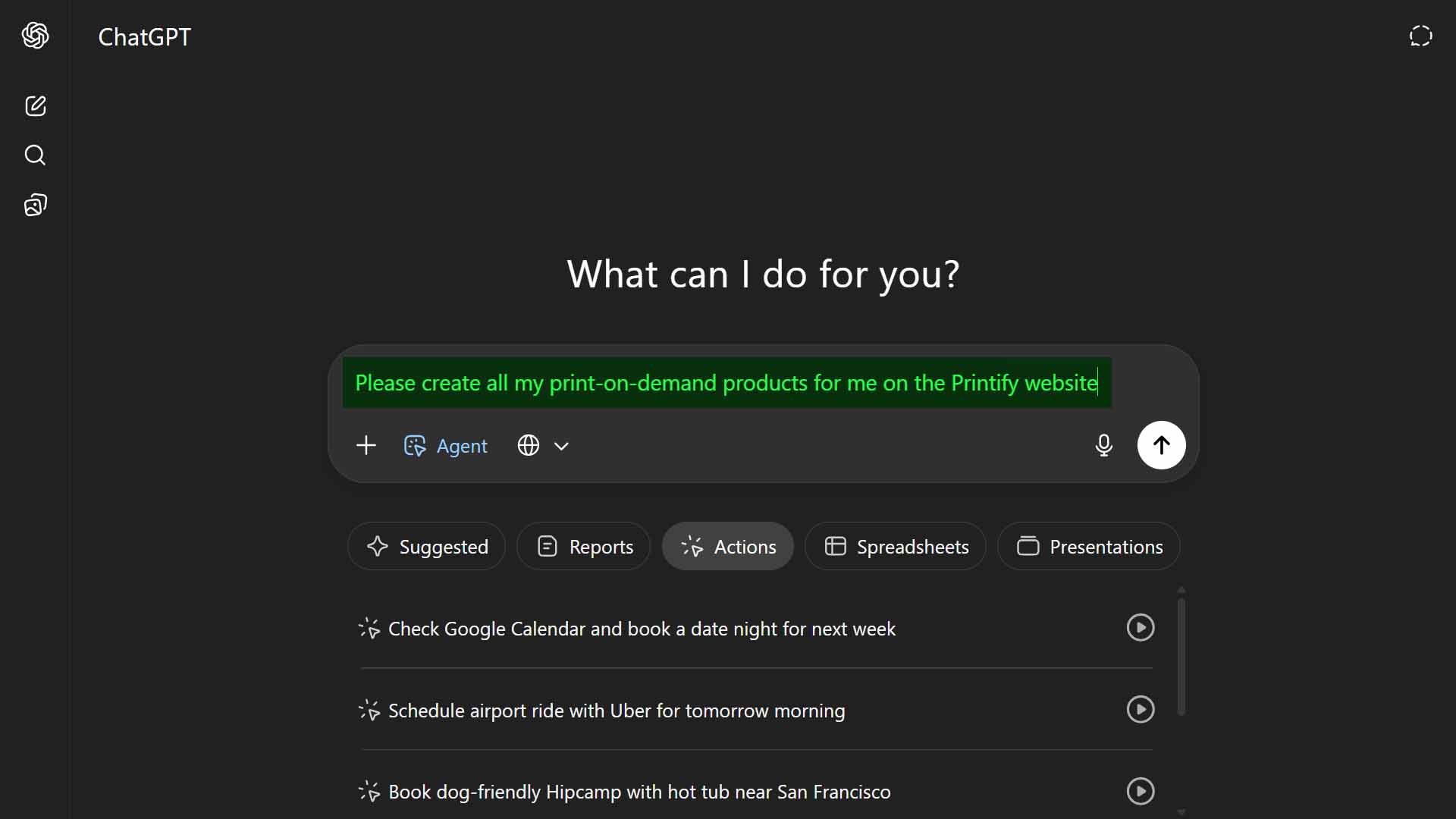
But can it actually do that in practice? Could Agent Mode reliably create real Printify products the same way a human user can? That’s the question we’ll explore—and the short answer is not really. The idea is creative, but the execution runs into major limitations once you understand the complexity of what’s required.
Before we unpack why, let’s summarize the realistic answer up front:
- Maybe you could hack together a rough version of this with custom prompts or third-party browser-control extensions.
- But in reality, Printify’s product-creation workflow is far too intricate, multi-layered, and precision-sensitive for ChatGPT Agent Mode to handle effectively.
The good news: There’s a much more reliable, API-based automation tool called the Bulk POD Product Creator that achieves this same goal—fully automating Printify product creation without any of the risks or inconsistencies of a browser-control approach.
We’ll introduce that tool shortly. But first, let’s break down why this idea sounds feasible in theory yet fails in practice.
Can ChatGPT Agent Mode Actually Create Printify Products?
Theoretically, Agent Mode allows ChatGPT to control browser-like environments, follow instructions, and interact with web elements—clicking buttons, filling out forms, and uploading files. However, the kind of task it’s suited for is very different from the one we’re describing here.
Creating a Printify product isn’t just a single linear form-submission process. It’s an extremely complex, multi-page sequence that requires dozens of precise, context-dependent decisions at every step. Consider what’s actually involved:
- Product selection: choosing the exact right item from a massive list of nearly identical base products—t-shirts, hoodies, mugs, posters, each with multiple suppliers.
- Variant configuration: enabling and disabling specific sizes, colors, and styles (sometimes dozens or hundreds of combinations).
- Artwork upload: selecting the right design file for each product, then uploading it successfully through Printify’s cloud-based uploader.
- Image placement: resizing, rotating, and positioning that artwork on each print area; this alone can vary per variant, as mug wrap dimensions differ from shirt fronts.
- Pricing: entering the right prices across all variants while avoiding typographical or misalignment errors.
- SEO details: writing titles, descriptions, and tags that are optimized, relevant, and artwork-aware.
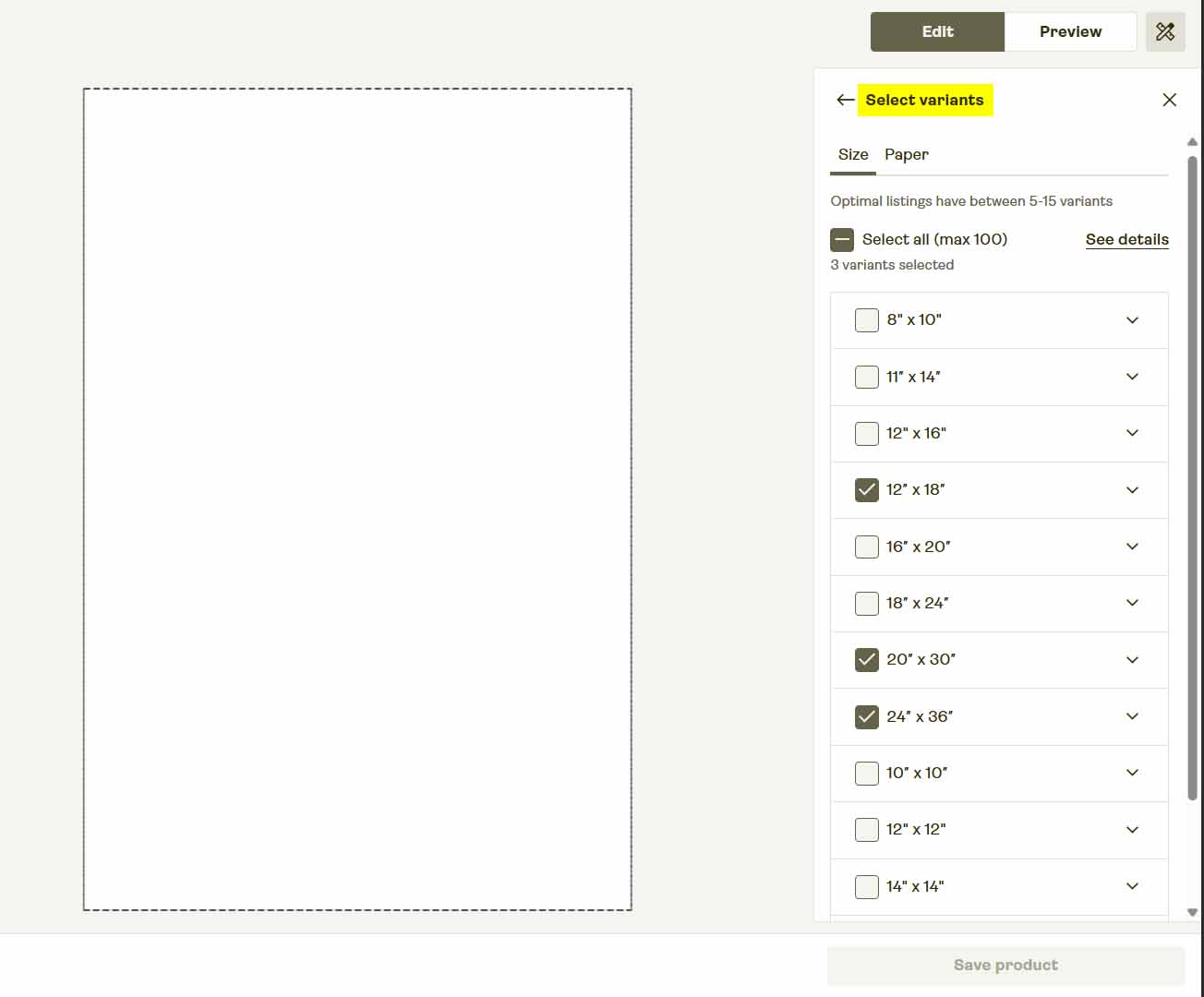
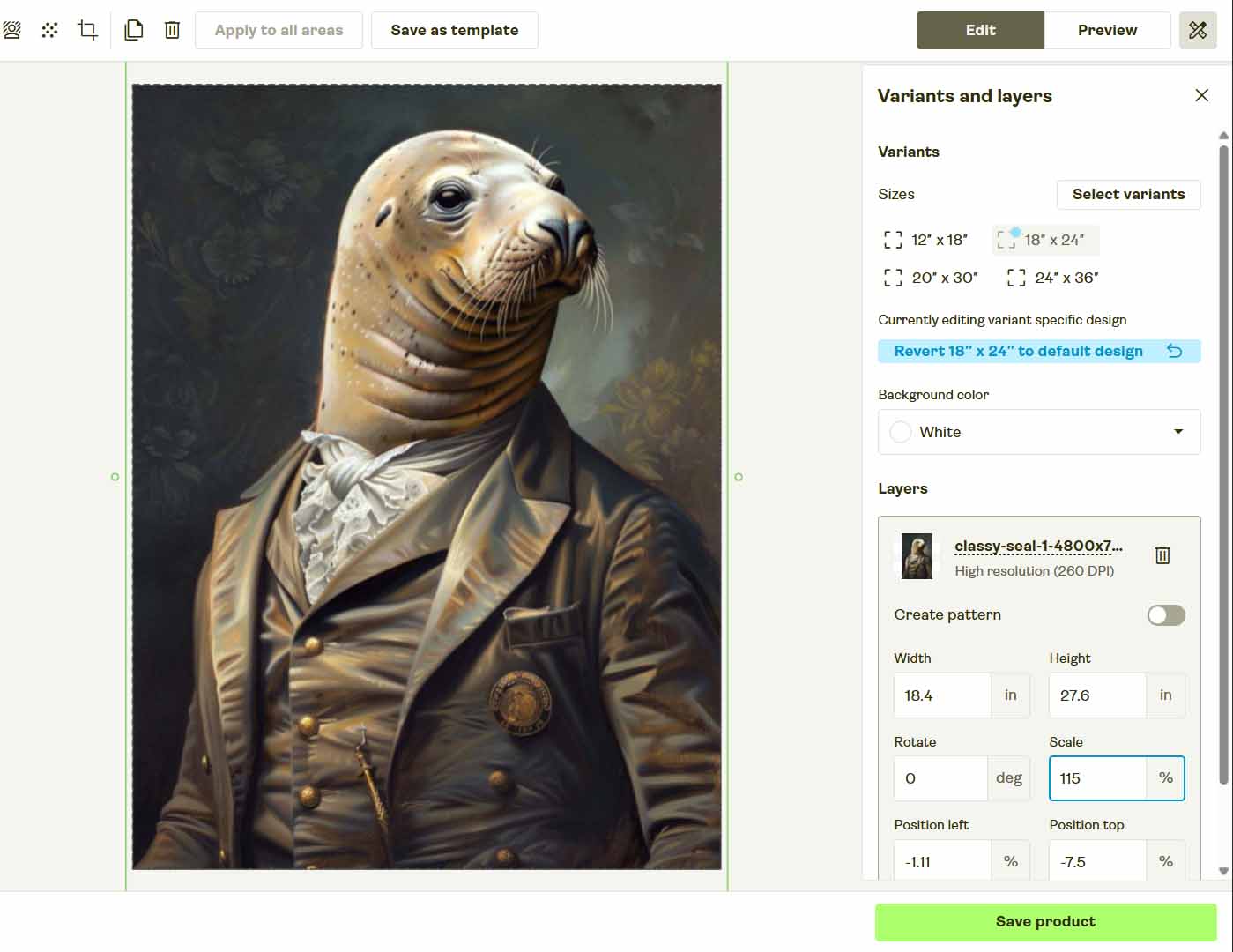
Every one of those tasks depends on the others. If an AI misses even one click, chooses the wrong dropdown option, or fails to wait for a page to load, the entire sequence collapses.
The core issue is determinism: Agent Mode’s actions vary slightly from run to run, and it doesn’t always interpret dynamic web layouts correctly. Printify’s interface uses asynchronous content loading, modals, and dynamic DOM elements—all of which shift subtly depending on your internet speed, browser type, and Printify’s own updates.
In practice, that makes Agent Mode unreliable for real product creation. Even a single layout change could completely break an AI-controlled automation chain.
Tasks That Agent Mode Is Good At
ChatGPT’s Agent Mode has legitimate strengths—they just lie in a different category of problems. It excels at simple, predictable, one-path tasks where the outcome doesn’t depend on dozens of visual elements or UI states. For example:
- Automatically summarizing large documents or webpages.
- Pulling structured data from a website into a spreadsheet.
- Drafting email replies, blog outlines, or product copy based on given inputs.
- Analyzing datasets or generating insights from exported CSVs.
- Interacting with APIs in straightforward, predictable ways (like fetching weather data or looking up pricing info).
Those are single-context actions that follow a linear pattern—and that’s where Agent Mode shines.
But when it comes to creating print-on-demand products inside Printify, we’re talking about a non-linear, stateful, error-intolerant workflow. There’s just too much that can go wrong: pop-up modals appearing mid-operation, connection hiccups, missing file paths, misinterpreted UI elements, or price-field alignment errors.
In short: Agent Mode is excellent for information work, but not for interface automation. The Printify product-creation pipeline simply demands more structure, consistency, and precision than that.
A Better Way to Automate Printify Product Creation
Instead of trying to bend ChatGPT Agent Mode into doing something it wasn’t designed for, there’s a dedicated solution that already automates this process the correct way—the Bulk POD Product Creator.
This software tool was built specifically for print-on-demand sellers who want to generate hundreds of fully configured Printify products automatically, without ever touching a spreadsheet or manually uploading images.
Here’s a quick overview of how it works:
- Select an Example Product—pick any existing product in your Printify store as the “template” for the batch. This defines the structure, pricing, and variant configuration.
- Upload Your Artwork Folder—drop in your designs, whether ten or a thousand. Each file becomes a new product seed.
- Set Rules for Metadata—the system uses AI to generate artwork-aware titles, descriptions, and tags automatically.
- Run the Operation—the software connects directly to Printify’s official API, creating every product in bulk—complete with correct artwork placements, variant prices, and standardized titles—entirely on autopilot.
There’s no browser control, no brittle click automation, and no guesswork. Everything runs through clean, deterministic API calls—meaning each operation is precise, stable, and repeatable.

Why API-Based Automation Beats Browser Control
Trying to automate a website by simulating clicks and typing (whether via Agent Mode or any headless browser script) is inherently fragile. Websites evolve. UI layouts change. Buttons move. Captchas appear. Even slight page redesigns can break an entire automation chain overnight.
By contrast, API-based automation—like the method used in the Bulk POD Product Creator—interacts with Printify programmatically at the software layer. It doesn’t rely on mimicking mouse movements; it sends exact, authorized requests directly to Printify’s backend to create products.
That difference matters for several reasons:
- Reliability: API operations don’t depend on the website’s front-end layout, so they continue working even if Printify updates its design.
- Consistency: Each command executes the same way every time. Unlike LLM-driven browser automation, there’s zero randomness.
- Error Resistance: Because it’s built on verified data structures, it can’t accidentally type in the wrong field or mis-click a button.
- Security and Compliance: The process uses Printify’s official API—the proper and legitimate way to perform automated actions.
- Scalability: API-based automation can handle hundreds of product creations efficiently without triggering bot detection or interface throttling.
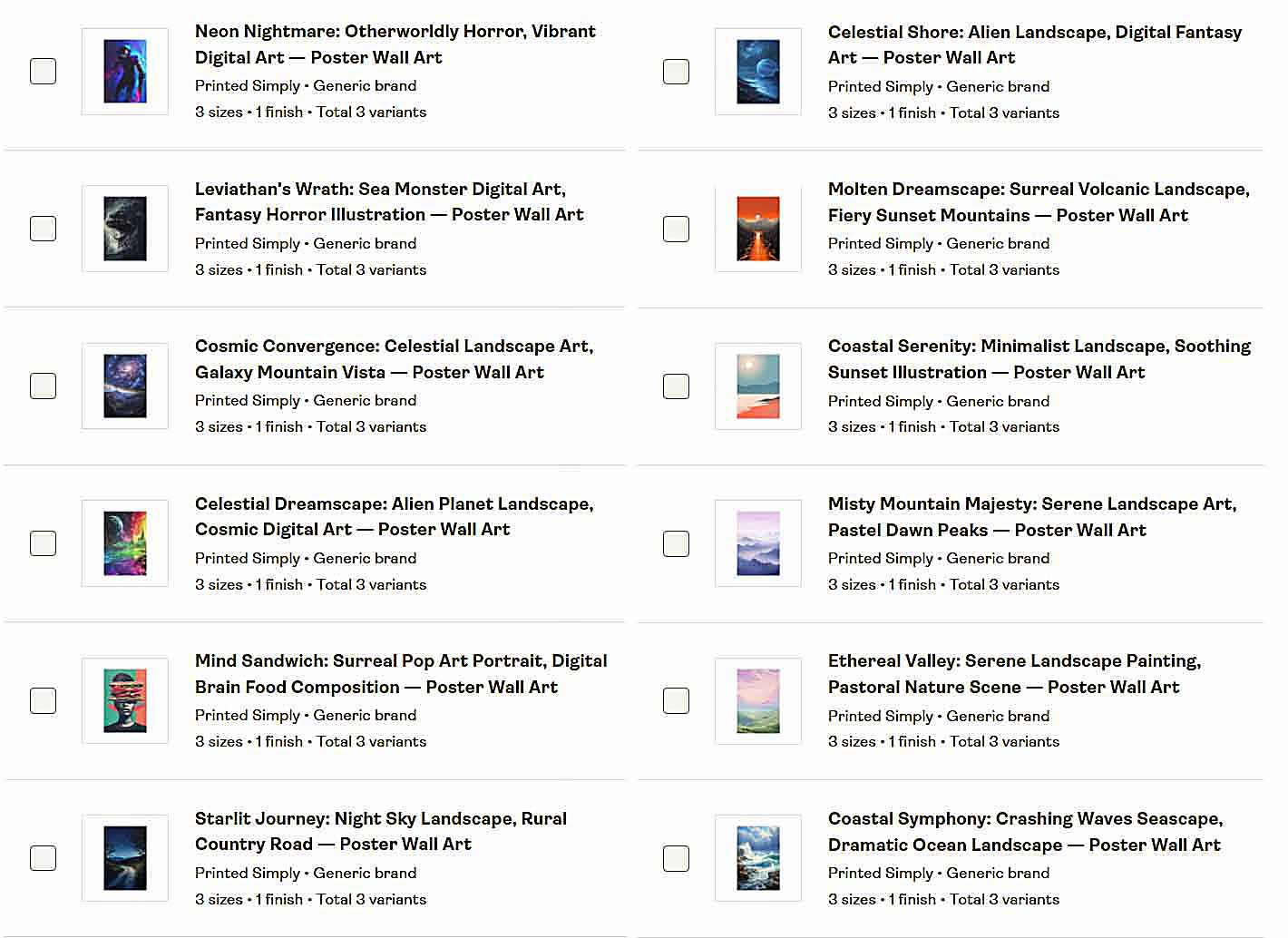
Simply put, APIs are how professional automation is done. Browser-control approaches are temporary hacks; API connections are production-grade systems.
The Bulk POD Product Creator executes every product creation task with standardized precision, using your Example Product as a blueprint. That means identical quality and consistency across all listings—something no AI-controlled browser could ever guarantee.
How To Use the Bulk POD Product Creator to Automate Product Creation
Now that we’ve established why API-based automation is the only truly reliable way to scale Printify product creation, let’s look at how this tool actually works in practice.
The Bulk POD Product Creator was built for one purpose: to let you generate large batches of fully configured Printify products automatically—no clicking, typing, or navigating through dozens of screens. You configure your setup once, define your automation rules, and the system does the rest.
Here’s a concise walkthrough of the core setup process and how each stage helps standardize your output for perfect consistency.
Step 1: Choose Your Example Product
Start by selecting an existing product from your Printify store to act as your Example Product. This single step defines the entire structural blueprint for the batch you’re about to generate.

The tool reads that product’s complete setup—the print areas, enabled variants, sizes, prices, and other key attributes—and uses that data as a master configuration. Every product you create in the batch mirrors that structure precisely.
How This Standardizes Your Products for Maximum Consistency:
Because the Example Product establishes a single verified pattern, every generated listing uses the same layout, variant structure, and base pricing model. You’ll never have one product priced differently or missing a variant by accident—a level of consistency that browser-based automation simply can’t match.
Step 2: Upload or Select Your Artwork Images
Next, upload your entire batch of artwork files. Each image becomes its own product seed—meaning the system will generate one new Printify product per image.

When you upload these files, the tool automatically prepares them for placement, resizing, and upload. You can also choose your preferred placement rule:
- Stretch Images To Fit Print Area(s)
- Preserve Image Aspect Ratio & Center
- Exactly Match Example Image(s)
These placement modes determine how each artwork is positioned relative to your Example Product’s print areas.
How This Standardizes Your Products for Maximum Consistency:
Every image in your batch is resized and positioned according to the same placement rule—no human variability, no uneven alignment, and no forgotten adjustments. The system executes identical placement logic across every product, ensuring all designs look professional and uniformly formatted.
Step 3: Set Rules for Titles, Descriptions, and Tags
This is where your AI automation kicks in. You’ll define how the system should generate text metadata for each product—including titles, descriptions, and tags—based on each artwork’s visual content.
The AI analyzes every image to produce SEO-optimized text that accurately describes what’s depicted (for instance, “retro wave skyline,” “playful fox illustration,” or “minimalist blue landscape”). You can optionally append your own custom text before or after the AI titles or descriptions to introduce consistent product-level context.

How This Standardizes Your Products for Maximum Consistency:
Because the AI follows consistent generation rules, every listing has structured, semantically rich metadata. It eliminates the random keyword patterns or phrasing inconsistencies you’d get from manual entry. The combination of AI artwork analysis and standardized rule definitions produces uniform, search-friendly text across your entire product catalog.
Step 4: Run the Operation
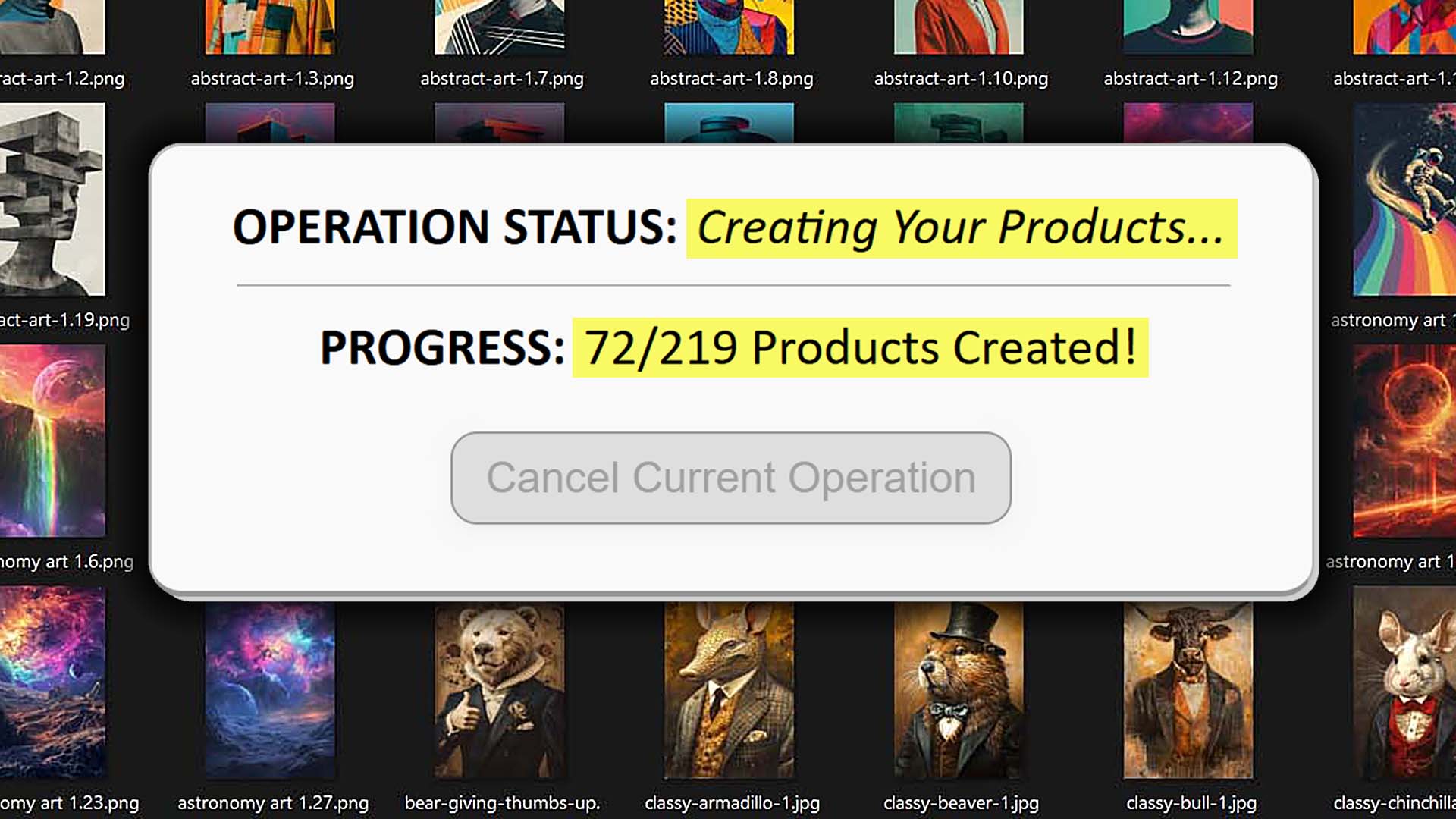
Once your Example Product, artwork images, and text-generation rules are set, simply launch the operation. The system connects directly to Printify’s API, replicating your Example Product’s structure, applying each artwork, generating mockups, writing metadata, and publishing each listing automatically.
The entire process runs asynchronously in the background—no need to stay on the page or babysit the progress.
How This Standardizes Your Products for Maximum Consistency:
Every product is created by deterministic software logic, not human clicks or variable AI instructions. Each operation executes the same sequence of API calls, producing identical formatting, placement, and metadata generation every single time. It’s the difference between handcrafted unpredictability and industrial-grade automation precision.
Conclusion: Precision Over Guesswork
Using ChatGPT’s Agent Mode to build Printify products might sound exciting in theory, but in practice it’s an unpredictable, fragile method that breaks easily and delivers inconsistent results.
The Bulk POD Product Creator solves that problem entirely by handling the entire process through Printify’s official API—the correct, stable, and scalable way to automate. Each step of its workflow is designed for standardization, repeatability, and error-free execution:
- You set the structure once through your Example Product.
- You define artwork placement and metadata generation rules.
- You click Run Operation, and the software creates products the same way every time.
No browser control, no random AI behaviors, no manual errors—just reliable, professional automation purpose-built for print-on-demand sellers who want to scale efficiently.
In the end, automation isn’t about making AI “guess” its way through your workflow. It’s about precision. The Bulk POD Product Creator delivers that precision at scale—the way true automation should.