
Can You Use ChatGPT Agent Mode To Create POD Products?
Overview: This post examines whether ChatGPT’s Agent Mode can automate print-on-demand (POD) product creation, outlines the technical barriers that limit browser-based AI automation, and explains why the Bulk POD Product Creator provides a superior, API-driven solution for generating large batches of POD products with precision and SEO-optimized metadata.

Introduction: The Appeal of Using ChatGPT’s Agent Mode To Automate Your POD Workflow
If you’ve ever built out a large catalog of print-on-demand listings, you know how tedious the process can be. Selecting base products, uploading designs, adjusting artwork placements, setting prices, writing titles and descriptions, assigning tags—then doing it all over again for the next design—is exhausting. It’s exactly the kind of repetitive digital labor that makes you wish AI could simply take over.
That naturally raises a question: could ChatGPT’s new Agent Mode handle it for you?
Agent Mode is an advanced experimental capability that allows ChatGPT to perform actions on your behalf. It can use APIs, retrieve data, or even operate a browser-like environment to execute multi-step workflows. On paper, it sounds ideal—if it can navigate web pages and click buttons, maybe it could build your entire POD catalog automatically.
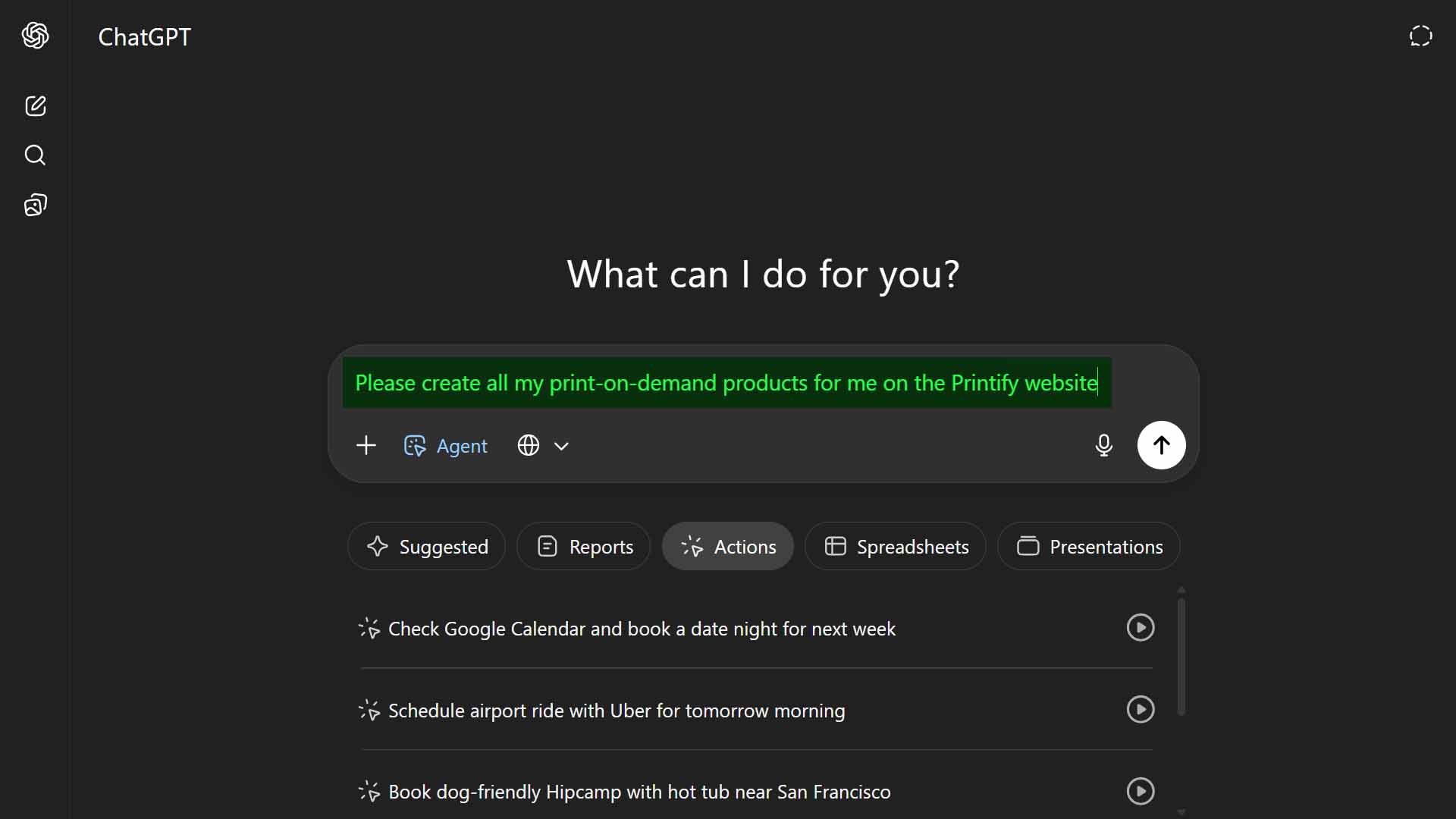
But does that actually work in practice? Could Agent Mode reliably create real POD listings the same way you do manually? The short answer: not really. The concept is intriguing, but the execution falls short when confronted with the complex, multi-step nature of print-on-demand workflows.
Here’s the reality up front:
- You might cobble together a crude version with third-party browser-control extensions or custom prompts.
- But in reality, the process of creating full print-on-demand listings—complete with image placements, variant handling, and metadata—is far too intricate for Agent Mode to manage dependably.
The better option is to use a specialized automation platform like the Bulk POD Product Creator—a stable, API-based system that fully automates POD product creation without browser control, guesswork, or fragility.
Before we dive into how that works, let’s break down why Agent Mode looks viable in theory but fails in execution.
Can ChatGPT Agent Mode Actually Create POD Products?
In theory, yes—Agent Mode can control a browser environment, follow prompts, and interact with elements like buttons and input fields. It can simulate clicking, typing, and uploading. But the kind of automation it’s designed for is far simpler than what’s required to generate full-fledged POD listings.
POD product creation is not a single linear action—it’s a layered, multi-step process with numerous interdependencies and dynamic elements. To illustrate:
- Product selection: choosing from hundreds of similar base items—t-shirts, mugs, hoodies, and other products across multiple suppliers.
- Variant setup: enabling or disabling specific sizes, colors, and combinations.
- Artwork upload: uploading the correct design for each item and confirming successful transfer.
- Image placement: scaling, rotating, and centering artwork properly on each print area—each with different dimensions and constraints.
- Pricing: applying correct price rules across all variants.
- SEO details: crafting keyword-rich titles, descriptions, and tags specific to each design.
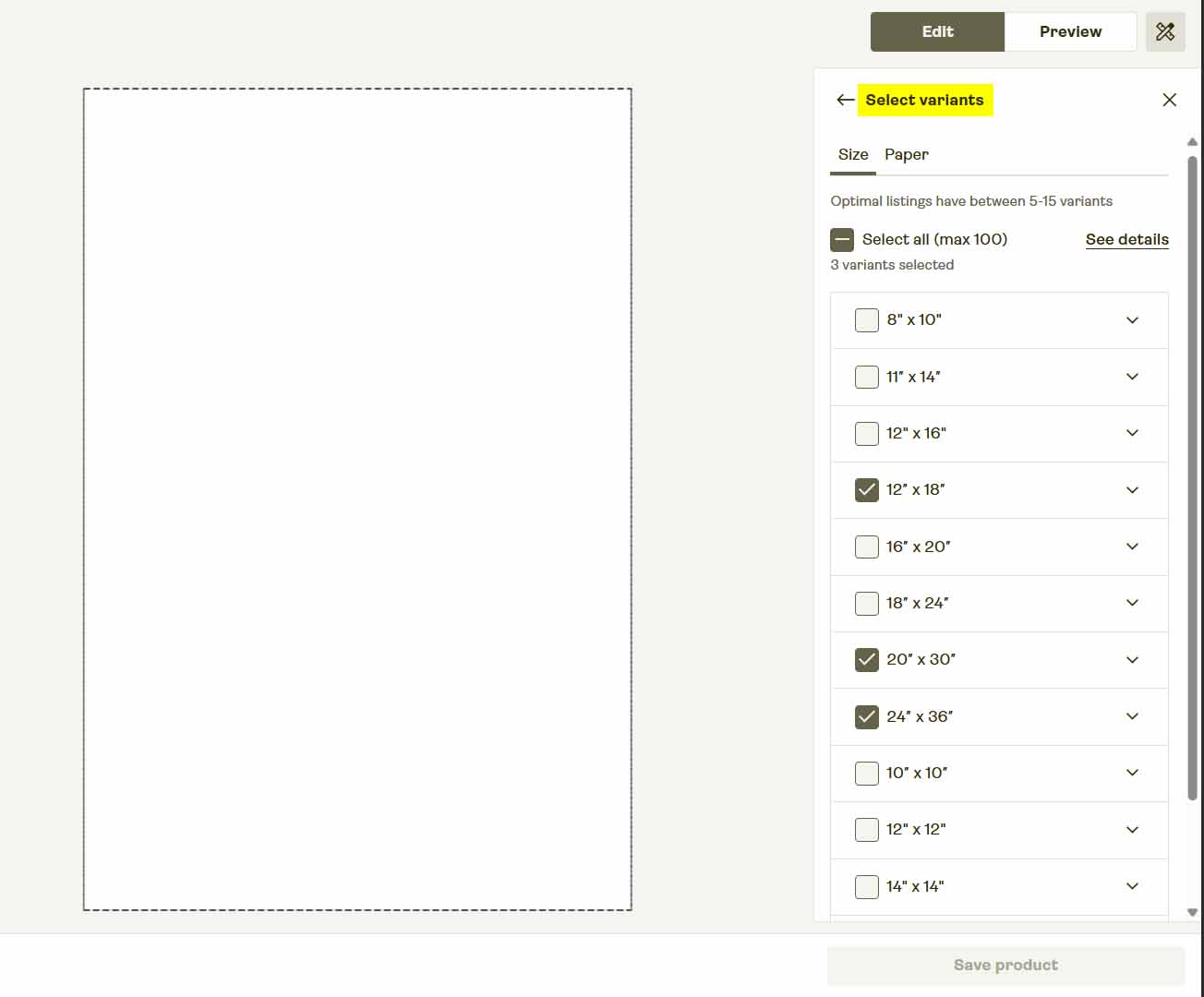
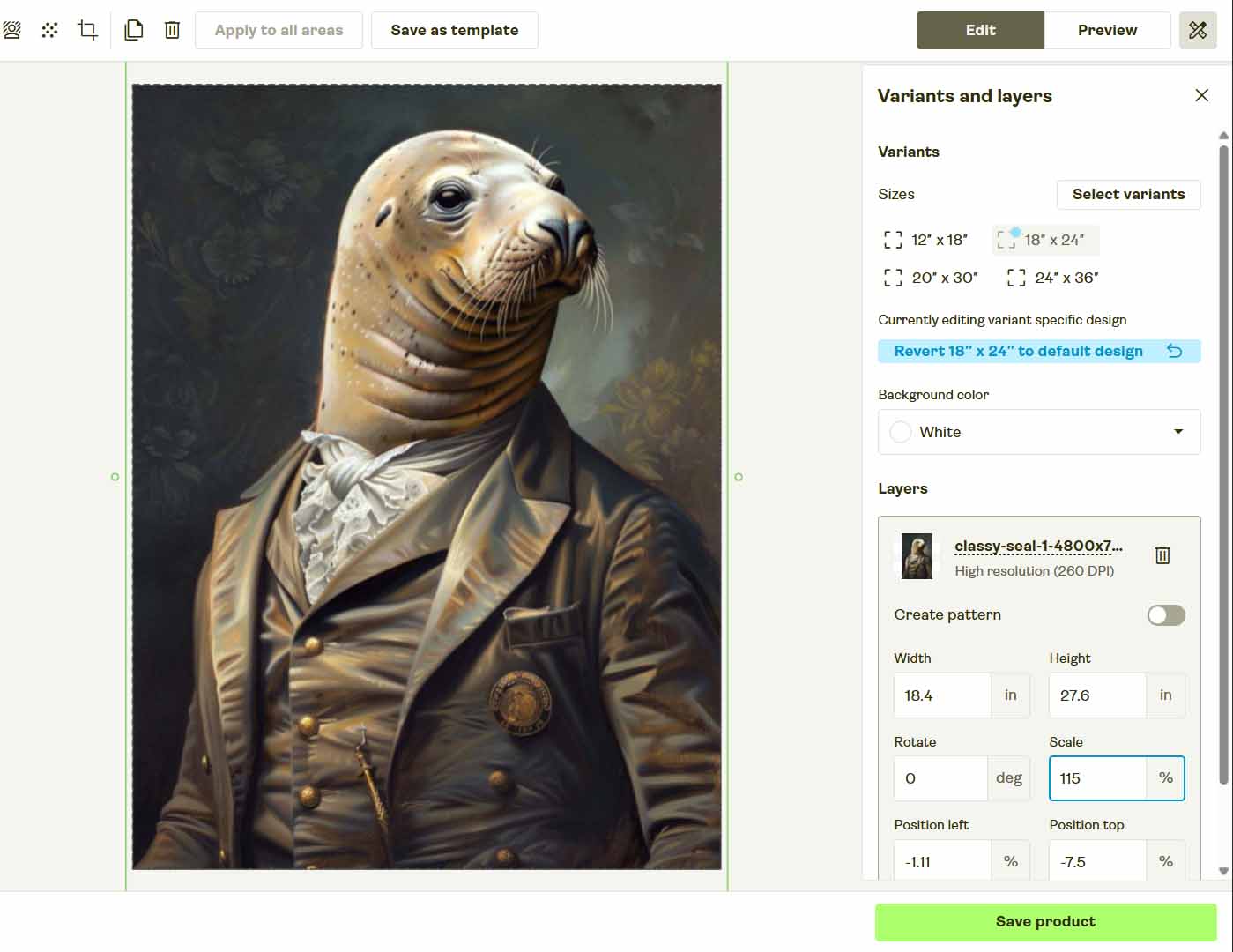
Every one of these steps depends on others. Miss one click, misread one layout, or load a page a second too early, and the entire sequence fails.
The problem is determinism: Agent Mode’s web interactions aren’t fully predictable. Modern POD dashboards use dynamic DOMs, asynchronous loading, and shifting modal states—all of which vary with internet speed and browser type.
In short: Agent Mode can’t reliably execute complex, stateful workflows like product creation across multiple screens. One UI update can break the entire chain.
Tasks That ChatGPT’s Agent Mode Is Actually Good At
Agent Mode is powerful—but only when applied to the right kind of problem. It excels at linear, predictable operations where outputs depend solely on text or structured data rather than complex interfaces. For example:
- Summarizing long documents or web pages.
- Extracting structured data into spreadsheets.
- Composing or editing email drafts, blog outlines, or SEO copy.
- Analyzing CSVs or performing data transformations.
- Calling APIs to fetch data like analytics, pricing, or weather updates.
Those are stable, deterministic workflows—precisely what Agent Mode handles well.
POD product creation, however, is not deterministic. It involves dynamic visual interfaces, variant dependencies, upload sequences, and timing precision. Small UI changes or connectivity hiccups derail everything.
Agent Mode is great for information tasks—not operational automation. The complex multi-step creation flow of POD products demands structured, API-level reliability.
A Better Way to Automate POD Product Creation
Rather than forcing ChatGPT’s Agent Mode to act like a browser robot, use a tool built for this exact purpose—the Bulk POD Product Creator.
This software was designed specifically for print-on-demand sellers who want to generate hundreds of fully configured print-on-demand products automatically—no spreadsheets, no manual uploads, no browser automation.
How it works:
- Select an Example Product—choose one existing item from your POD platform as the reference template, defining structure, variants, and pricing.
- Upload Your Artwork Folder—add your images in bulk; each becomes a new product seed.
- Set Metadata Rules—AI automatically generates artwork-aware titles, descriptions, and tags for every design.
- Run the Operation—the tool communicates directly through API calls to generate all listings at once—accurate, stable, and perfectly formatted.
There’s no fragile browser clicking, no layout dependency, and no randomness—just clean, deterministic automation executed exactly the same way every time.

Why API-Based Automation Outperforms Browser Control
Trying to automate a complex platform by simulating clicks and keystrokes—whether through Agent Mode or headless browser scripts—is inherently unstable. Interfaces evolve, buttons move, and even a minor redesign can cripple your entire automation overnight. Add captchas or login flows to the mix, and it becomes unmanageable.
API-based automation takes a completely different approach. Rather than mimicking what a human does visually, it communicates directly with the platform’s backend, sending exact, authorized requests to perform actions at the data level. That’s how the Bulk POD Product Creator operates—using structured API calls to automate product creation safely and predictably.
Here’s why that difference matters:
- Reliability: API logic doesn’t break when a site’s layout changes. Even if your POD platform updates its dashboard, the automation continues working.
- Consistency: Each request executes exactly the same way, every time—no random mouse movements or delayed page loads.
- Error Resistance: Because it operates on structured data, it can’t “misclick” or fill the wrong field by accident.
- Security & Compliance: It uses official platform APIs—the legitimate, approved method for automation.
- Scalability: API-based automation can process hundreds or thousands of creations efficiently without triggering bot defenses or UI throttling.
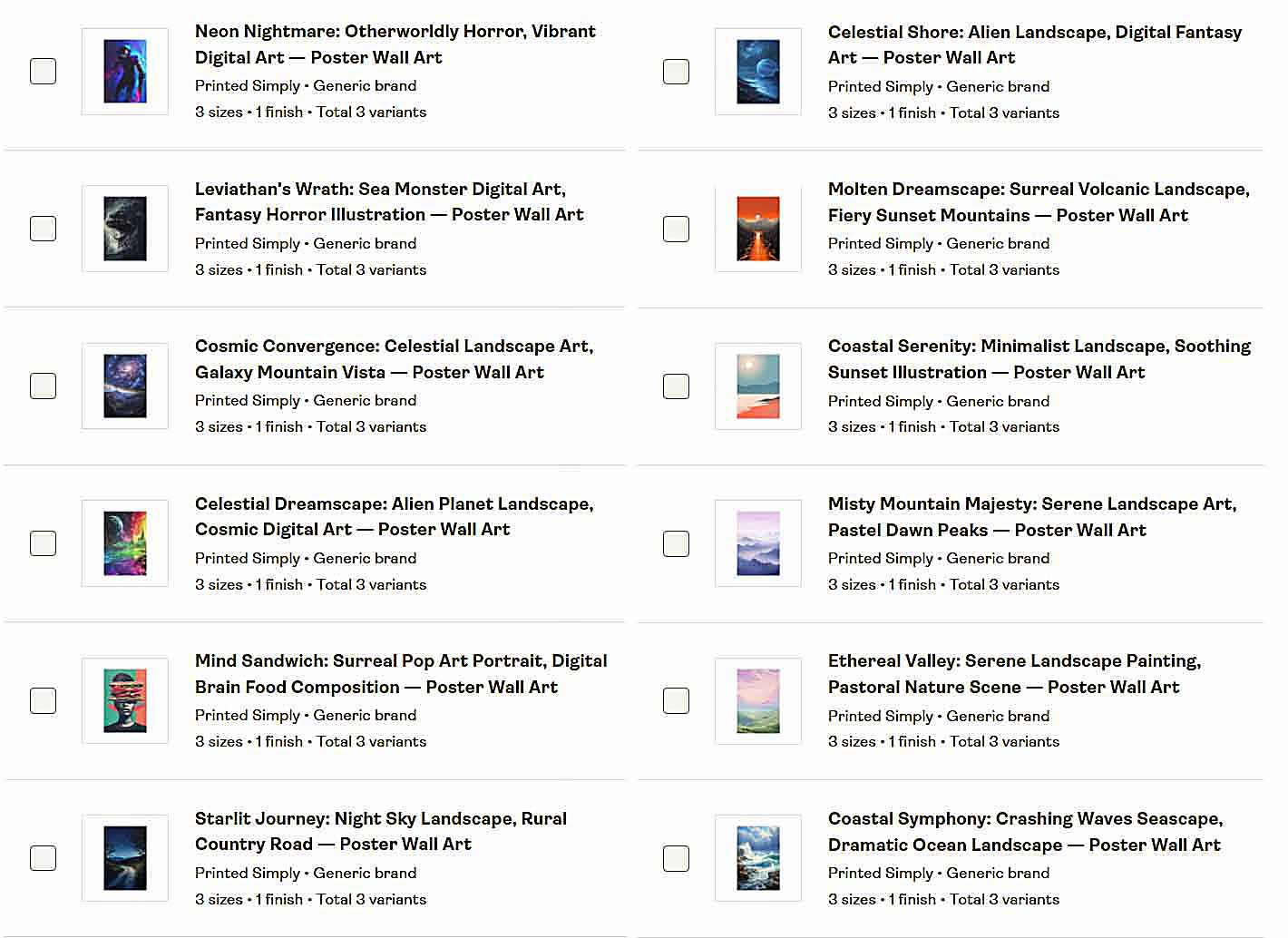
Put simply, APIs are how professionals automate. Browser scripting is a shortcut; API integration is infrastructure. The Bulk POD Product Creator executes every task deterministically—replicating your Example Product’s structure to deliver perfect uniformity across your listings.
How To Use the Bulk POD Product Creator for Seamless Automation
Now that we’ve established why API-based systems are superior, let’s look at how this automation process actually works in practice.
The Bulk POD Product Creator was purpose-built to generate large batches of print-on-demand products automatically. You set up the rules once, and the tool handles everything—from image upload to SEO metadata—without touching a browser window.
Here’s a quick overview of the workflow and how it keeps your output consistent:
Step 1: Choose Your Example Product
Pick one existing product from your POD platform to serve as your Example Product. This defines the blueprint for your entire batch—structure, print areas, variants, and pricing.

How this ensures consistency: Because all new listings replicate the same verified setup, you’ll never have mispriced variants or missing product options. It’s perfect structural duplication, every time.
Step 2: Upload or Select Your Artwork Images
Upload your full batch of artwork files—whether that’s ten designs or thousands. Each image becomes its own product seed. The software automatically queues them, ready for placement and resizing.

Choose your preferred placement mode:
- Stretch Images To Fit Print Area(s)
- Preserve Image Aspect Ratio & Center
- Exactly Match Example Image(s)
How this ensures consistency: The system applies the same placement logic to every design—no manual alignment or irregular scaling. Every listing looks clean and standardized.
Step 3: Define Rules for Titles, Descriptions, and Tags
This is where the integrated AI takes over. It analyzes each artwork image and generates SEO-optimized text describing the design’s content (colors, themes, style). You can prepend or append your own standardized brand text to keep a consistent tone across all listings.

How this ensures consistency: All titles, descriptions, and tags follow the same rule set—resulting in professional, keyword-aligned metadata without manual writing.
Step 4: Run the Operation
Once everything is configured, click “Run Operation.” The system executes through the official API, replicating your Example Product’s settings, applying your artwork, generating metadata, and publishing each new listing automatically.
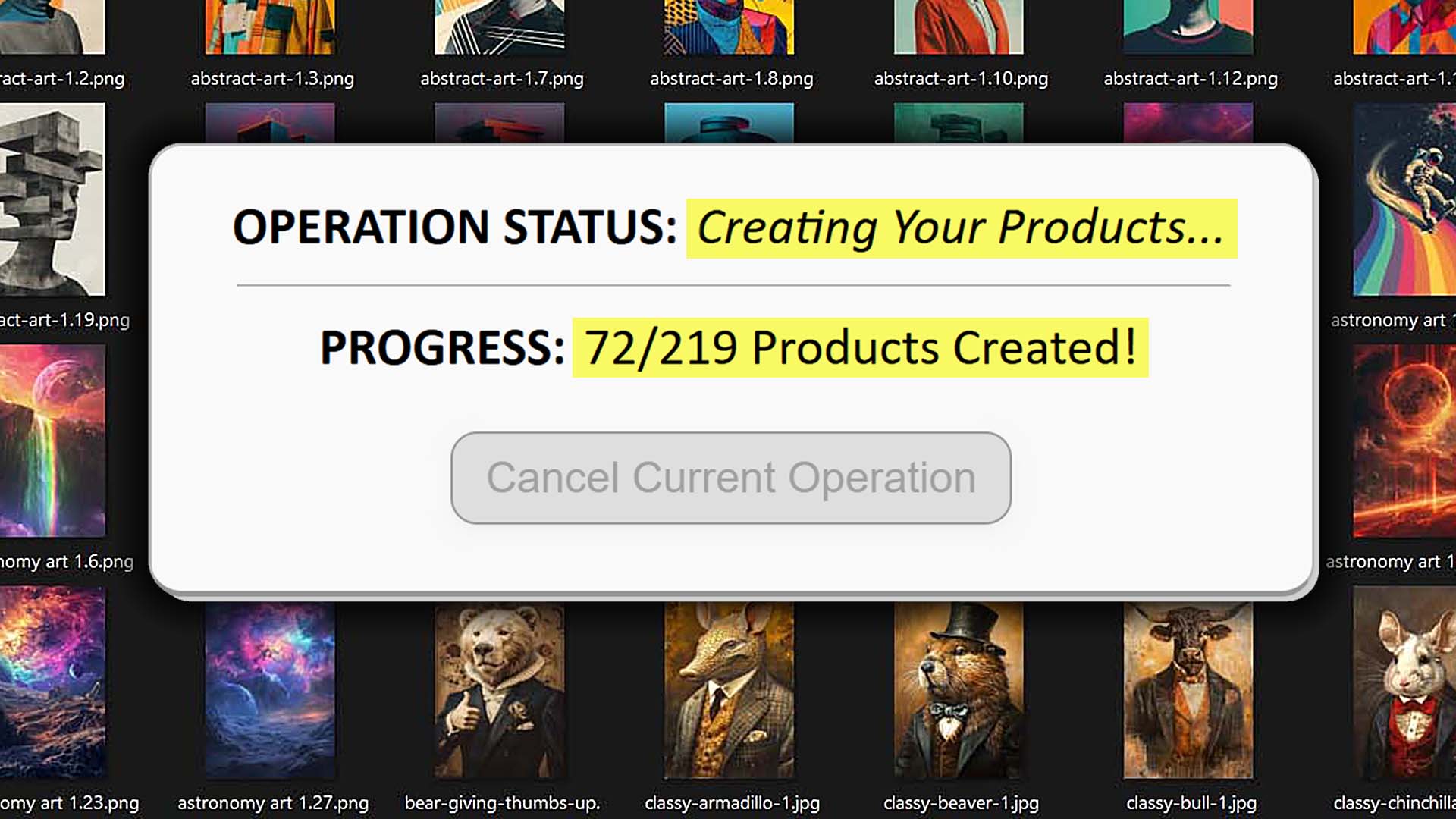
How this ensures consistency: Every product is created through structured, repeatable logic—no human errors, no timing delays, no random AI behavior. It’s industrial-grade precision, not browser guesswork.
Conclusion: Precision Over Guesswork
Using ChatGPT’s Agent Mode for product creation might sound novel, but in practice it’s fragile, unpredictable, and not suited for large-scale automation. Browser-based control simply isn’t built for operational reliability.
The Bulk POD Product Creator eliminates those problems entirely by automating every step through official API connections—the correct, stable, and scalable way to handle high-volume POD creation.
- You define your Example Product once.
- You set your artwork placement and metadata rules.
- You click “Run Operation,” and the system creates consistent products at scale.
No UI scripts. No randomness. No maintenance headaches—just true automation purpose-built for print-on-demand sellers who want reliable growth.
Automation isn’t about making AI guess—it’s about precision. The Bulk POD Product Creator delivers that precision every time, transforming your workflow from manual repetition to seamless scalability.