
Can You Make Printify Products via TinyTask, By Recording Mouse Clicks & Keyboard Typing?
Overview: This post explores whether TinyTask can reliably automate Printify product creation by recording mouse clicks and keyboard typing, why this approach is fragile, and how the Bulk POD Product Creator solves the problem with robust, API-driven automation for scalable, SEO-optimized product launches.
Printify Product Creation Is Slow and Boring—Let’s Learn How to Automate It
If you’ve ever sat in front of Printify creating products one by one, you already know the pain: click, upload, resize, type, repeat—hundreds of times. It’s slow, monotonous, and brutally inefficient. Every product requires the same exact steps, and none of them meaningfully grow your business.
So you start thinking: there’s got to be a better way.
If you’re reading this, you’re probably already exploring automation tools—maybe something like TinyTask, a popular macro recorder that lets you record your mouse movements, clicks, and keyboard inputs so you can replay them later. In theory, that sounds like a great fit for automating Printify product creation, right? You could just record yourself creating a product once, then have TinyTask repeat the process endlessly to generate more.

The logic makes sense. You’re doing the same point-and-click actions over and over, so why not record them and have your computer handle it automatically? It seems like a clever shortcut—and it’s exactly what we’ll explore in this post.
Can Printify product creation actually be automated this way? Is TinyTask the right tool for the job? And is there a better, more reliable way to achieve the same goal without the constant breakage and frustration?
Let’s dig in—and later in this post, we’ll also look at a purpose-built print-on-demand automation tool designed specifically to handle this process correctly and efficiently.
Can Printify Product Creation Be Automated Using TinyTask?
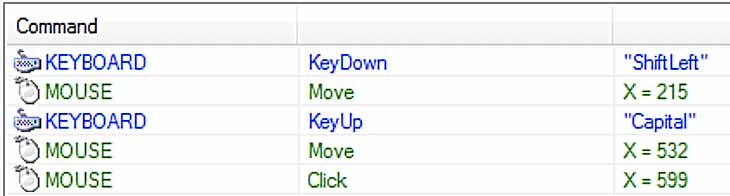
On paper, yes—TinyTask can be configured to automate at least some repetitive tasks. It records your inputs, mouse coordinates, and keystrokes, then replays them exactly. That makes it powerful for simple desktop tasks, like filling forms, launching programs, or performing basic UI sequences.
But the Printify product creation process isn’t simple. It’s multi-step, highly dynamic, and full of dependencies that change constantly—from page load times to element positions and image uploads. In short, automating this process is no tiny task.
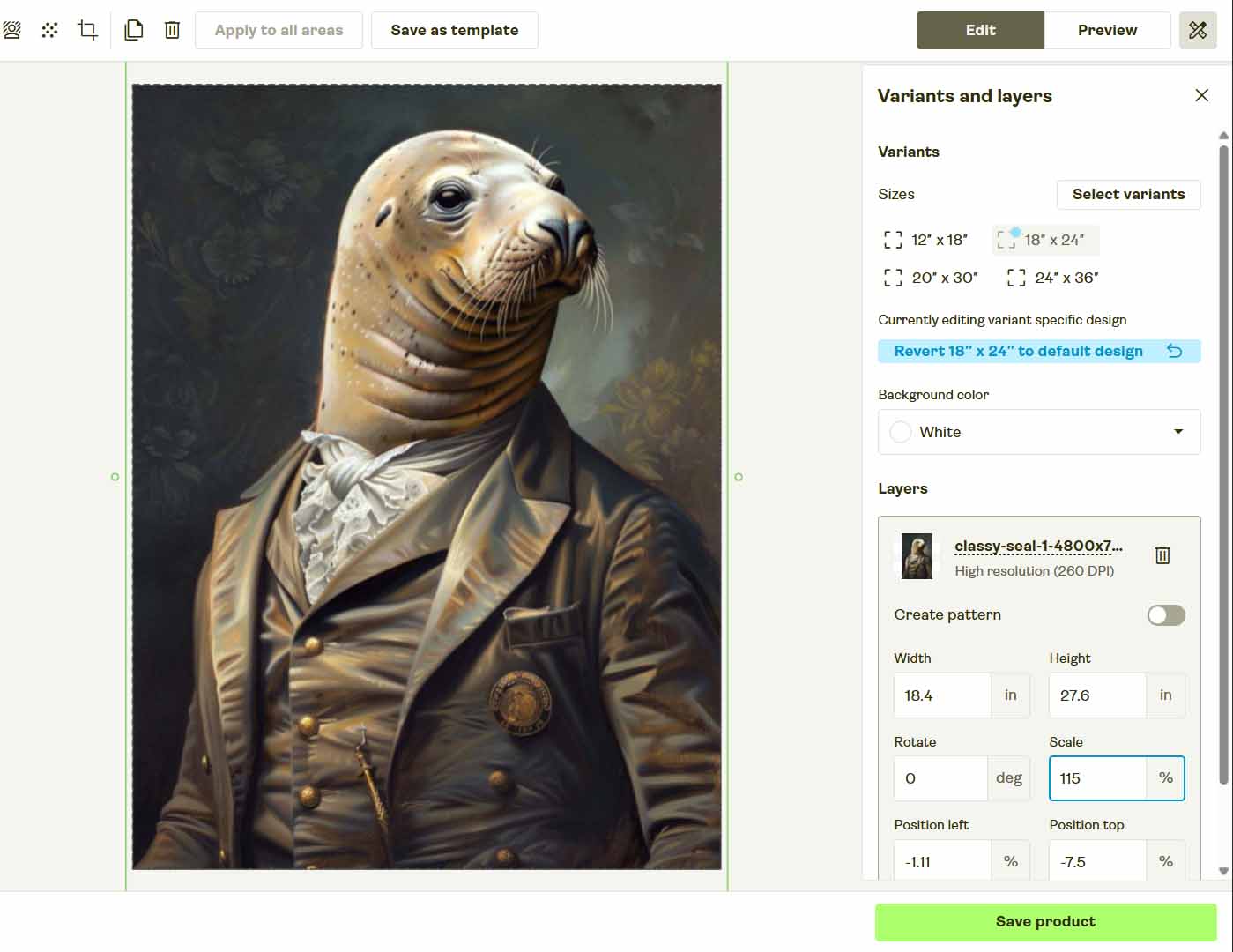
Even if you spent hours carefully recording an TinyTask script that clicks each button and types each value in the exact order you do it manually, the automation would only work if every single condition remained identical every time you ran it.
- Your browser window must stay the same size.
- Your zoom level can’t change.
- The Printify layout must remain identical.
- Your mouse can’t move mid-run.
- The site must load at the same speed every time.
If any of those variables change, the script fails—or worse, misfires and ends up clicking in the wrong places. And because Printify frequently updates its interface, these kinds of breakages are inevitable.
So yes, theoretically, you could make TinyTask perform product creation steps like clicking “Add Product,” uploading an image, selecting variants, and typing prices—but it’s an incredibly fragile, high-maintenance system that’s constantly on the verge of breaking.

It’s the kind of solution that might sort of work for a handful of products as an experiment, but not something you’d ever rely on to scale your print-on-demand business.
No Need to Reinvent the Wheel—An Automation Tool for This Already Exists
If you push TinyTask to its limits, the best-case scenario is you’ll manage to cobble together a script that successfully creates a few products before something inevitably breaks. You’ll then spend hours debugging, re-recording, and tweaking your timing delays just to keep it barely functional.
At that point, you’re not automating—you’re babysitting automation.
What’s worse is that you’re effectively reinventing the wheel. There’s no need to spend days engineering fragile macros to automate a process that’s already been solved.
A dedicated print-on-demand automation solution already exists that can do everything you’re trying to achieve—faster, more reliably, and at scale. Instead of recording your screen and hoping for the best, this system automates your Printify product creation properly, using direct API commands rather than fake mouse movements and typed inputs.
That tool is the Bulk POD Product Creator—a purpose-built automation platform for print-on-demand sellers who want to scale efficiently without the technical headaches of makeshift scripts.
Meet the Bulk POD Product Creator: The Proper Way to Automate Printify Product Creation
The Bulk POD Product Creator completely eliminates the need for janky, mouse-based automation. Instead of simulating user behavior, it communicates directly with the Printify API—the same system the Printify website uses behind the scenes.
This means no more fragile automations that break when the site layout changes, no wasted time manually clicking or typing, and no guesswork. You set your parameters once, and the system handles the rest—correctly, predictably, and automatically.
Here’s how it works, at a glance:
- You upload a batch of your artwork files.
- You choose how you want the artwork applied to each product (e.g., stretch to fit, preserve aspect ratio, or exactly match an example image).
- You select one of your existing products as an Example Product, which defines the structure, variants, and pricing you want to replicate.
- You define your product title, description, and tag rules—with AI automatically writing optimized metadata for you.
- You run the operation, and hundreds of new Printify products are created automatically—all consistent, structured, and ready to sell.

It’s a professional-grade automation solution designed specifically for print-on-demand workflows—not a general-purpose macro recorder duct-taped into something it was never designed to do.
Step 1: Upload Your Artwork Batch
Drag in your entire folder of artwork files—whether you have ten designs or a thousand. The system automatically detects and prepares each image for generation. There’s no need to rename, reorder, or manually organize anything.

How this automation feature streamlines your Printify workflow:
By treating each artwork file as a self-contained product seed, the system removes all manual prep work. You don’t have to hover over folders or double-check filenames—just upload your batch and the automation engine takes over.
Step 2: Select Your Example Product
Choose one of your existing products to act as your Example Product. This becomes the structural template for all new products—defining things like which variants to include, how they’re priced, and what print areas to use.

How this automation feature streamlines your Printify workflow:
This step ensures your entire catalog stays consistent. Every product you generate mirrors your Example Product perfectly, eliminating human error and keeping your pricing, variants, and visual structure standardized across hundreds of listings.
Step 3: Define Your Product Titles, Descriptions, and Tags
This is where you bring automation and creativity together.
In Step 3, the Bulk POD Product Creator uses AI to analyze each artwork image and automatically write the POD product’s title, description, and tags. The AI focuses on describing what’s visible in the artwork itself—color, composition, style, and theme—generating text that is natural, varied, and optimized for SEO.
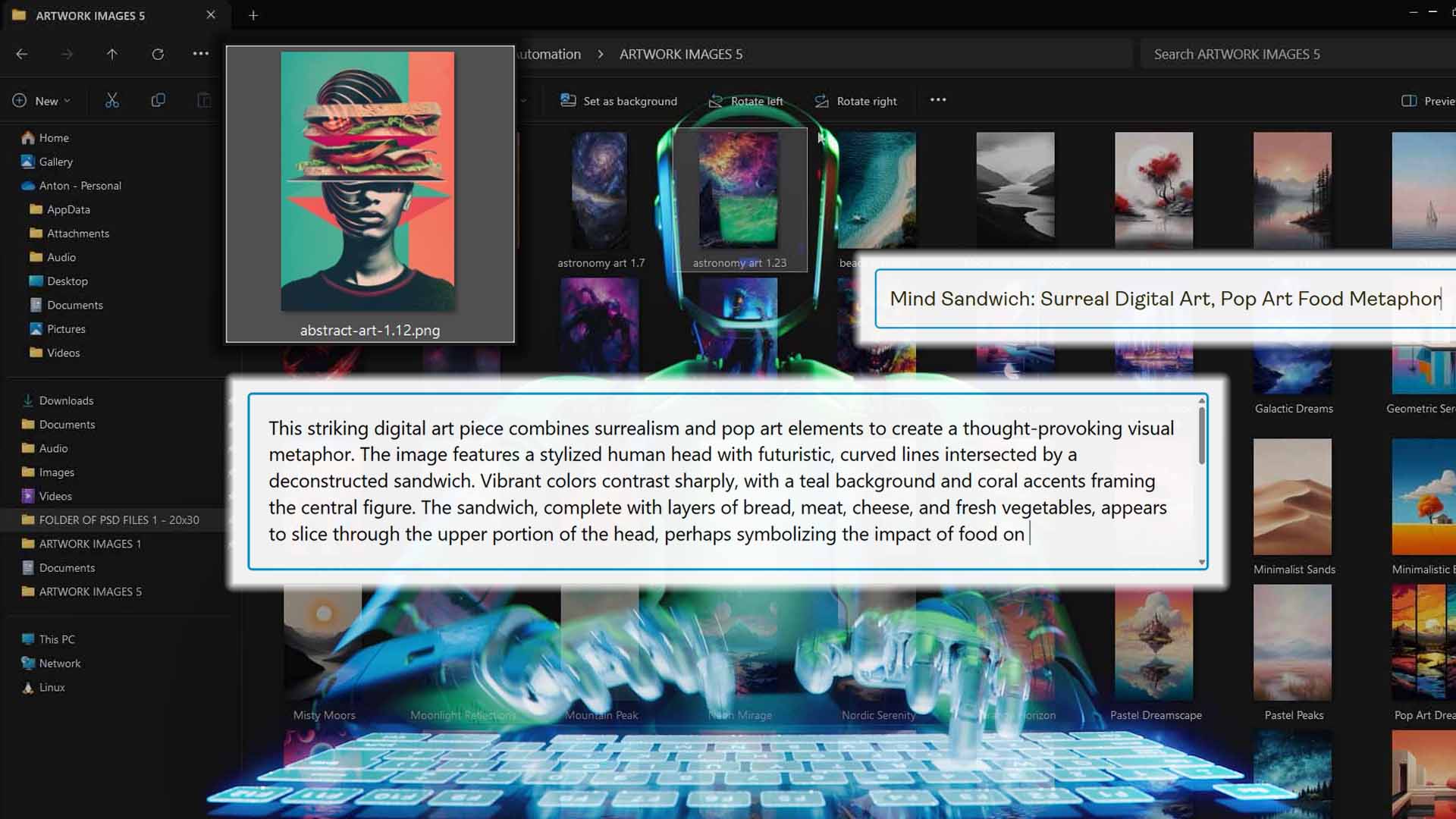
You can optionally layer in Custom Text Rules to make the listings reflect your brand’s consistent format. For example:
- Add a prefix like “Modern” or “Minimalist” to align with your store’s aesthetic.
- Add a suffix like “— Canvas Print” or “— Poster Wall Art” to specify the product type.
- Combine artwork-level AI generation with your product-level naming logic for perfectly structured listings.
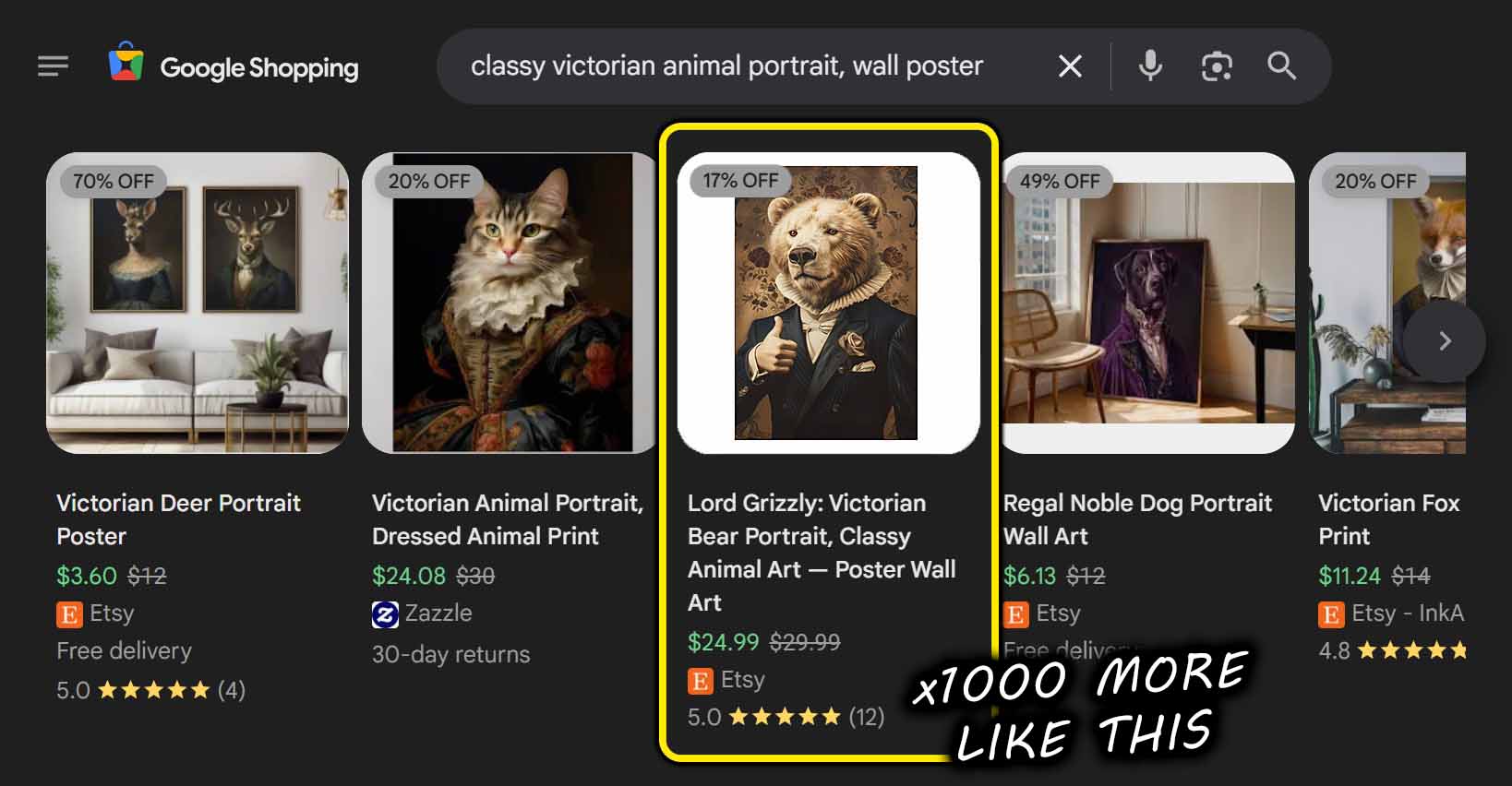
The result is hundreds of unique, SEO-ready listings created automatically—without you needing to type a single word.

How this automation feature streamlines your Printify workflow:
Writing titles, descriptions, and tags manually is one of the most time-consuming parts of product creation. This feature not only eliminates that burden but also standardizes your brand voice and SEO formatting across all listings—something virtually impossible to achieve manually at scale.
Run Your Operation—Create Your POD Products Automatically at Scale
Once your setup is ready—artwork uploaded, Example Product selected, and AI title rules defined—you’re one click away from complete automation.
Click Run Operation, and the system begins generating products through Printify’s API.
Behind the scenes, it’s doing everything you’d normally do manually:
- Uploading and resizing your images based on your selected placement rule.
- Cloning all settings, variants, and pricing from your Example Product.
- Injecting AI-written titles, descriptions, and tags for each listing.
- Publishing them directly into your Printify account—automatically and accurately.

You can generate hundreds of products with just a few simple setup steps, all while continuing to use your computer freely—no interference, no browser control, no fragile scripts.
How this automation feature streamlines your Printify workflow:
It replaces hours of manual product creation with a single click. You no longer have to babysit browser windows or keep your cursor still—the automation runs reliably in the background, delivering perfect, repeatable results every time.
Bulk POD Product Creator vs. TinyTask: 7 Key Comparisons
- Maintenance and Longevity
TinyTask automations require constant babysitting. Any small UI update or browser variation breaks the script, forcing you to re-record and debug. By contrast, the Bulk POD Product Creator is built for long-term use—a software-level automation framework that keeps running flawlessly through Printify platform updates. - Speed and Efficiency
TinyTask operates at human speed, waiting for pages to load, scrolling, and typing just like a person would. The Bulk POD Product Creator runs at near-API-limit speeds, creating hundreds of products in a fraction of the time, without human latency or wasted seconds. - Reliability and Precision
TinyTask scripts rely on simulating your mouse movements and keyboard inputs. A single layout change or lag spike can cause the whole flow to collapse. The Bulk POD Product Creator executes through Printify’s official API, making every action precise, reliable, and immune to interface shifts or timing inconsistencies. - Portability and Accessibility
TinyTask setups are tied to one machine. If you get a new computer or want to delegate the work, everything breaks. The Bulk POD Product Creator is fully web-based—you can access your automations from any device or location, and share standardized setups with your team instantly. - Feature Depth
TinyTask can click and type—nothing more. It can’t intelligently generate text, resize images properly, or replicate pricing structures accurately. The Bulk POD Product Creator does all of that automatically—generating titles, resizing images, and mirroring product data with full consistency. - Scalability
TinyTask is fragile even for a handful of products. Scaling it to hundreds is a recipe for chaos. The Bulk POD Product Creator was engineered for high-volume automation, handling large batches of artwork and product creation operations effortlessly. - Professionalism and Business Readiness
TinyTask is an entry-level tool that might help hobbyists with simple desktop tasks—but it’s not designed for serious, revenue-driving automation. The Bulk POD Product Creator is a business-grade system purpose-built for print-on-demand sellers, built to scale operations, standardize processes, and drive growth reliably.
Conclusion: Stop Clicking—Start Scaling
TinyTask might seem like a clever workaround, but it’s ultimately a fragile imitation of automation. It mimics clicks—it doesn’t build systems.
If you’re serious about scaling your print-on-demand business, you need a reliable, purpose-built automation framework—not a shaky macro running on your desktop. The Bulk POD Product Creator gives you that framework:
- Full automation powered by Printify’s official API.
- Consistent, AI-enhanced SEO text for every listing.
- Proper image handling and variant replication.
- Saved operation templates that make future runs effortless.
What TinyTask tries to fake with simulated inputs, the Bulk POD Product Creator achieves properly with real software automation.
Stop recording clicks—start automating intelligently.
With the right tool, scaling your entire Printify catalog becomes a few clicks away.