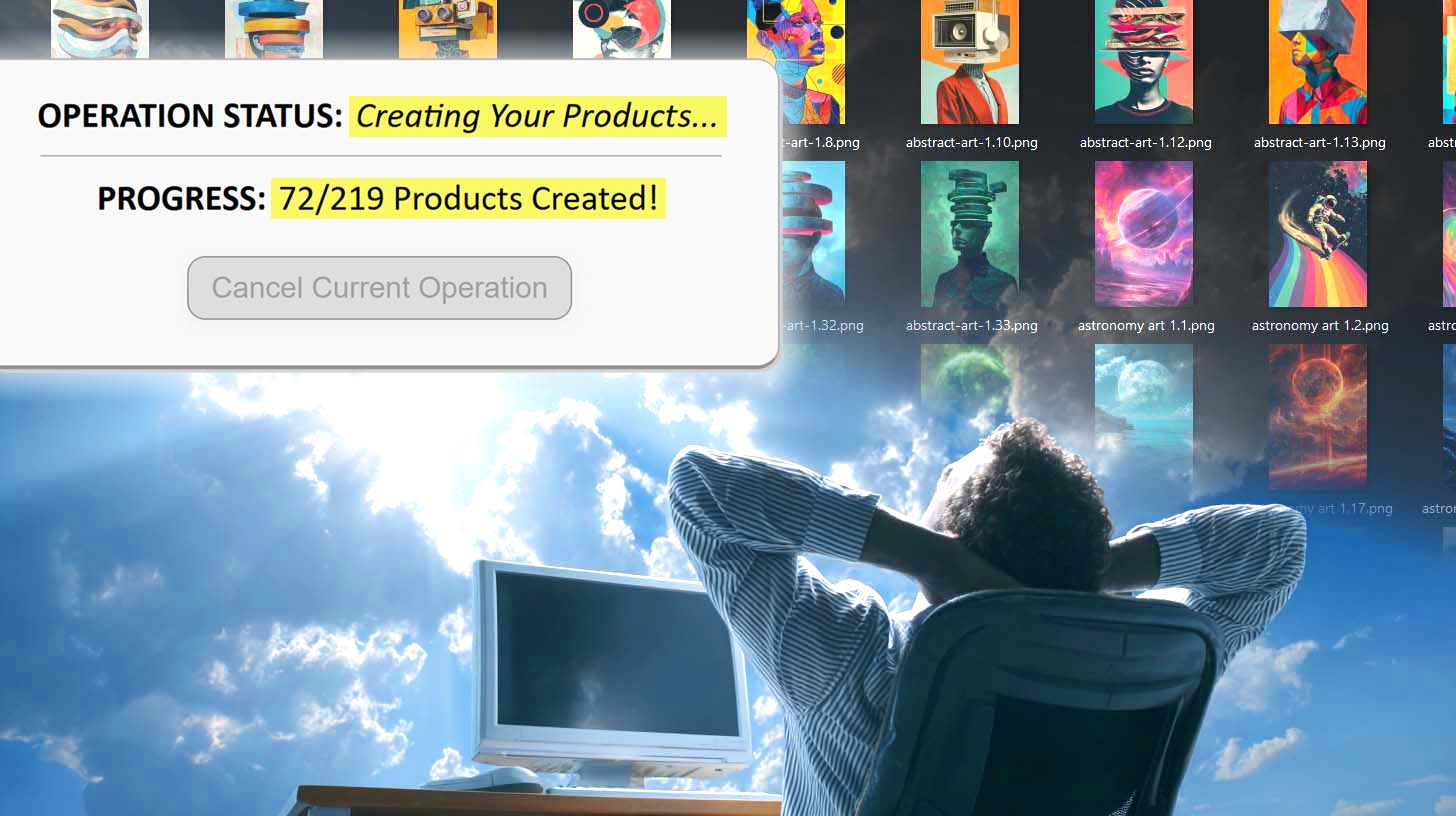
Can You Make Printify Products via Macro Recorder Tools?
Overview: This post explores whether macro recorder tools can reliably be used to create Printify products, explains the technical and practical limitations of mouse-based automation, and explains why the Bulk POD Product Creator provides a more reliable method of automating POD product creation with minimal manual work.
Creating Printify Products Manually Is Boring. Automation Is The Way To Do It.
If you’ve ever tried building out a large Printify catalog manually, you already know how mind-numbing it can be.
Click here. Upload that image. Resize it just right. Scroll down. Toggle variant checkboxes. Type in the same prices over and over again. Copy-paste a title. Copy-paste a description. Repeat—dozens or hundreds of times.
It’s repetitive, inefficient, and a complete waste of your time as a business owner.

So it’s no surprise many sellers eventually ask themselves: Can I just automate this entire Printify product-creation process with some kind of macro recorder tool?
That’s the right instinct—at least conceptually. There are countless macro and automation programs on the market (AutoHotkey, Pulover’s Macro Creator, TinyTask, Jitbit Macro Recorder, and others) that claim to automate “anything you can do with a mouse and keyboard.”
They record your clicks and keystrokes, then replay them automatically to perform the same actions on your computer. In theory, that means you could record yourself creating one product on Printify, and then hit “play” to have it repeat the same steps for hundreds more.

Sounds great, right? But does it actually work in practice? Let’s look a little closer—and more importantly, let’s look at a far more reliable alternative.
Because while macro recorder tools might sound like a quick fix, there’s a purpose-built automation solution that already does everything you’re hoping to achieve—automatically, accurately, and at scale. Later in this post, we’ll show you how the Bulk POD Product Creator lets you generate hundreds of Printify products in bulk without relying on fragile, mouse-based scripts or clunky desktop macros.
Can Printify Product Creation Be Automated With Desktop Macro Recorder Tools?
In short: maybe—but not in any way that would survive more than a few minutes of real-world use.
A macro recorder captures literal, low-level inputs—where your mouse moves, where it clicks, which keys you press, and in what order. It has no understanding of context, page state, or conditional logic. It can’t tell whether an image finished uploading, whether a dropdown menu loaded correctly, or whether the page refreshed mid-process.
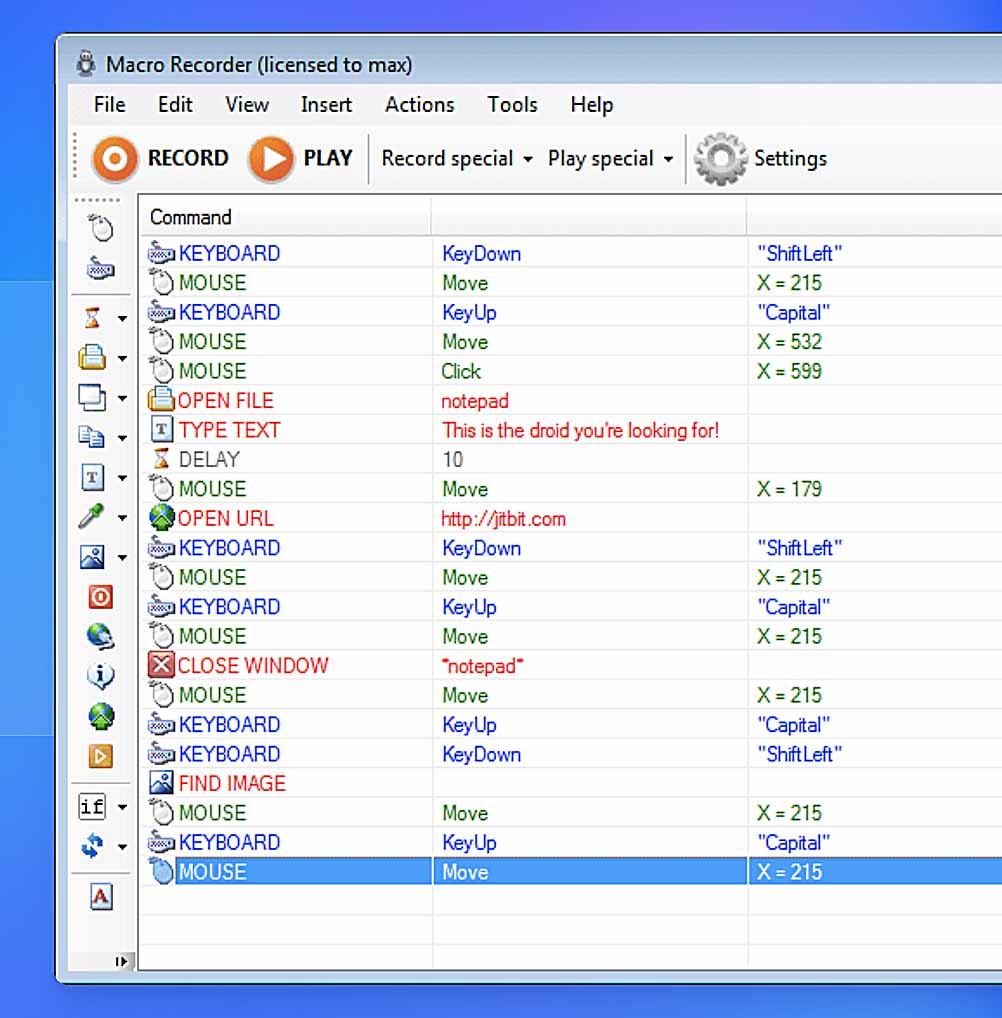
That’s the core problem. Creating products in Printify is a multi-layered, dynamic workflow—not a static sequence of clicks. The UI loads asynchronously, buttons move based on screen resolution, and even a minor layout change will immediately break your automation.
And that’s before you even consider the sheer number of steps involved in creating one product:
- Selecting the correct base product from hundreds of nearly identical options
- Enabling or disabling specific color and size variants
- Uploading artwork files and waiting for them to process
- Scaling, positioning, or stretching designs to fit unique print areas
- Setting variant prices one by one
- Writing titles, descriptions, and tags that reflect the artwork content
You could theoretically record every one of these steps with a macro recorder, but the result would be a brittle, one-off script that works once—maybe—and then collapses the moment anything changes.
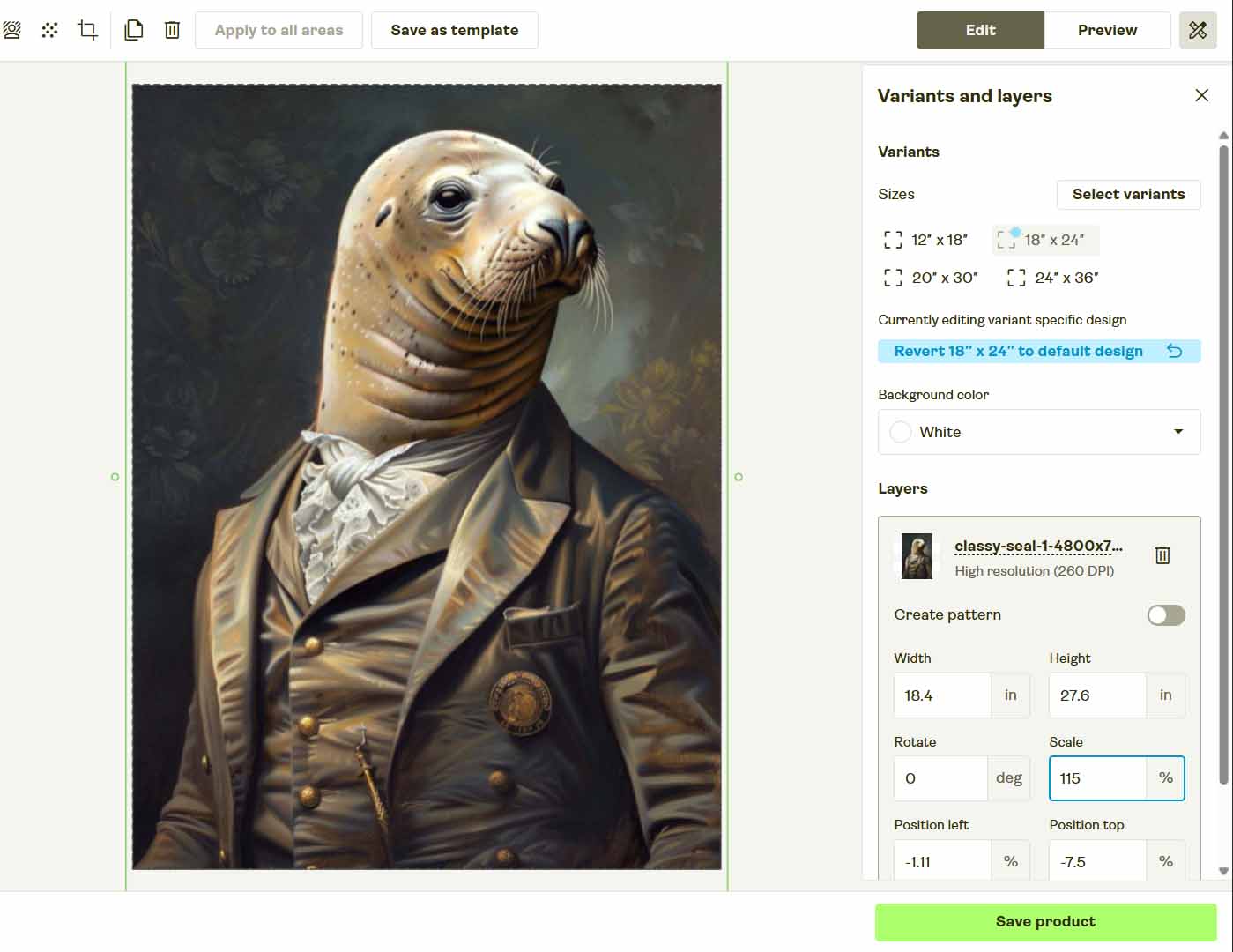
That’s the Achilles Heel of This Entire Category of Automation Tools
They’re built to mimic human motion, not perform structured tasks reliably. Printify’s interface, like most modern web apps, simply isn’t designed to be operated this way.
You’re Thinking About This the Right Way—You Just Need a Proper Automation Tool for the Job
Here’s the thing: your logic is sound.
You’re absolutely right to want to automate this process. Everything about your thought process reflects the mindset of someone who understands what it takes to build a serious, scalable print-on-demand business:
- You want to eliminate boring, repetitive work.
- You shouldn’t be spending your nights clicking through menus and uploading the same files over and over. That’s not where your time creates value.
- You want to free up time for higher-leverage activities.
- Marketing, product research, customer engagement—those are the real revenue drivers. Automation frees you to focus on the parts of your business that matter.
- You want to scale your catalog efficiently.
- More listings mean more potential traffic, more opportunities to convert buyers, and better coverage across niche search terms. Scaling manually just doesn’t cut it.
- You understand that a serious business needs serious systems.
- A successful brand isn’t built on ad-hoc, duct-taped automations that could break at any moment. It’s built on standardized, predictable, and reliable processes.
In short, your thinking is 100% correct—you’re just missing the right tool.
You don’t need a macro recorder that moves your mouse around hoping everything loads correctly.
You need a dedicated automation system built for this exact task—one that can replicate your ideal Printify product structure, upload your artwork automatically, apply your placement rules perfectly, and generate all your titles, descriptions, and tags for you.
That’s where the Bulk POD Product Creator comes in. It’s the proper automation framework for this job, built from the ground up to do everything you’ve been trying to hack together—only faster, cleaner, and without a single misclick.
We’ll explore exactly how it works in the next section.
The Bulk POD Product Creator—Purpose-Built Automation That Actually Works
Instead of trying to puppeteer your mouse, the Bulk POD Product Creator automates print-on-demand product creation through Printify’s official API. You define the blueprint once, feed in your artwork, and the system generates fully configured products at scale—reliably and repeatably.
How it works (high level):
- Choose an Example Product from your Printify store to serve as the structural template (print areas, variants, pricing).
- Provide your artwork batch and select a placement rule for how designs map onto print areas.
- Set text-generation rules so the system uses AI to produce artwork-aware titles, descriptions, and tags (with optional custom text you provide for product context).
- Run the operation; the software executes a clean, deterministic sequence of API calls until the batch is complete.

Operation Interface—Step-by-Step
Step 1: Upload Artwork & Pick a Placement Rule

- Drop in your images (ten or a thousand).
- Choose one: Stretch Images To Fit Print Area(s), Preserve Image Aspect Ratio & Center, or Exactly Match Example Image(s).
Behind the scenes, the system prepares files, applies your rule, and queues everything for creation.
Step 2: Connect Store & Select Example Product

- Securely connect your Printify account.
- Pick an existing Example Product whose structure you want replicated.
- The tool reads its configuration (print areas, enabled variants, base pricing, mockup orientation) to standardize the entire batch.
Step 3: Define Title/Description/Tag Rules

- AI analyzes each image and generates artwork-aware text (subject, style, tone).
- You can append custom text (prefix/suffix) to introduce your product-level context consistently across the batch.
Net effect: unique, coherent metadata for every listing without manual typing.
Step 4: Run the Operation
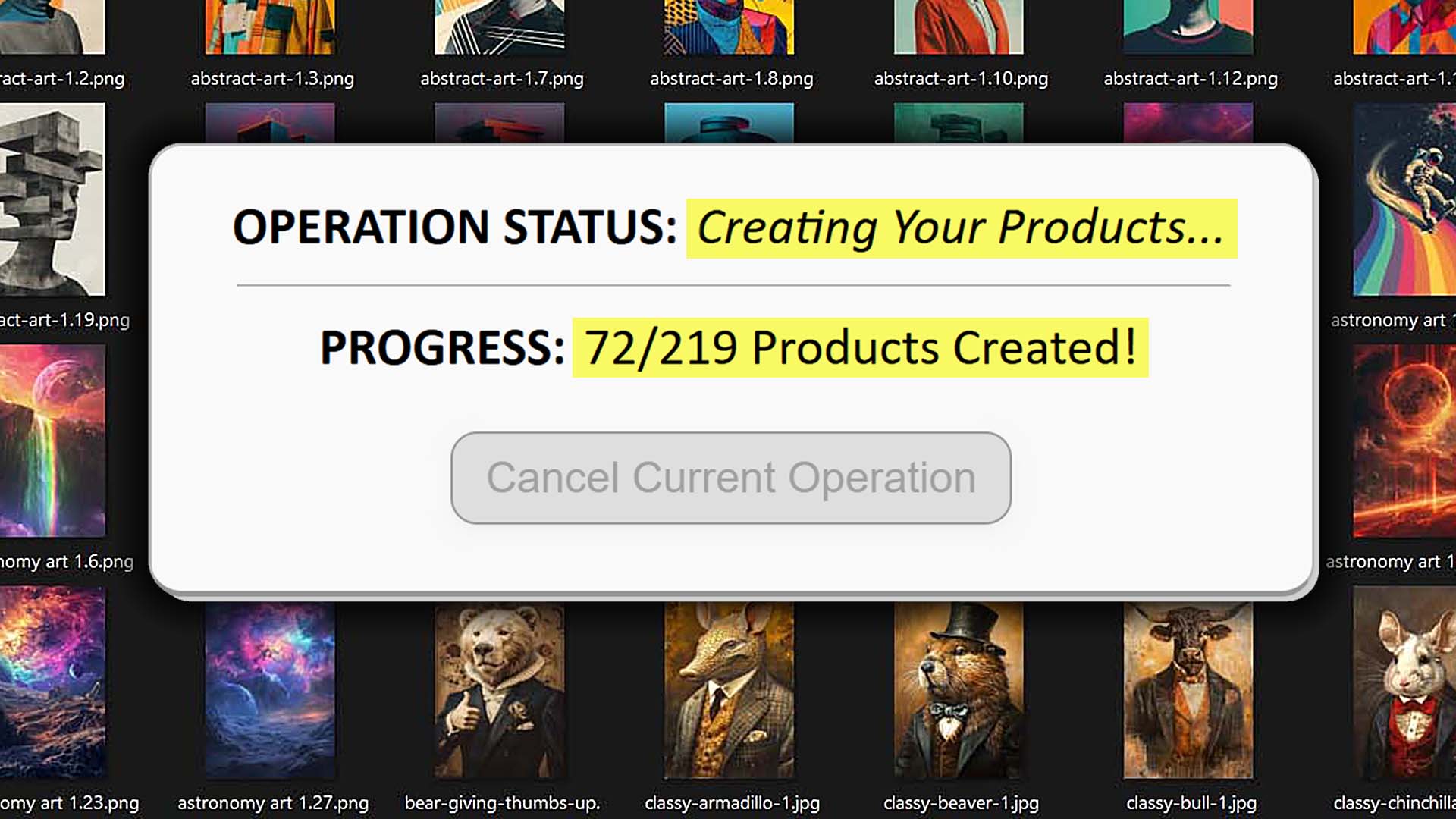
- Launch once; the system handles creation via API calls—image upload, placement, variant setup, pricing, and metadata assignment.
- Progress is tracked per item; you can work on other tasks while the batch completes.
Bulk POD Product Creator vs. Point-and-Click Macro Recorder Tools (Deep Comparison)
1. Deterministic Execution vs. Recorded Motion
- Bulk POD Product Creator: Calls exact endpoints with known payloads—identical results every time.
- Macro Recorders: Replay mouse coordinates and keystrokes; a tooltip, modal, or slow page load can derail the entire sequence.
2. Immune to Layout Shifts
- Bulk POD Product Creator: Unaffected by CSS, element order, or viewport changes.
- Macros: Break whenever a button moves, a class name changes, or the page renders differently on another display.
3. Conditional Logic and Data Awareness
- Bulk POD Product Creator: Operates on structured product data—variants, print areas, pricing, and placement logic.
- Macros: Blind to state; they simply “click and hope,” unaware if an upload finished or a dropdown populated.
4. Placement and Image Processing in Code
- Bulk POD Product Creator: Applies placement rules uniformly and resizes or positions images programmatically for each print area.
- Macros: Attempt manual drag/resize operations inside a live UI—imprecise, slow, and inconsistent across variants.
5. Artwork-Aware Metadata at Scale
- Bulk POD Product Creator: Uses AI to write artwork-specific titles, descriptions, and tags for each created POD product based on image content, while letting you append standardized custom text for product-level context.
- Macros: Have no understanding of images—you still need to manually type or paste all metadata.

6. Machine-Independent Automation
- Bulk POD Product Creator: Runs reliably on any device, OS, or resolution—completely environment-agnostic.
- Macros: Tied to one setup; changing monitors or hardware requires re-recording everything.
7. Performance Near API Throughput Limits
- Bulk POD Product Creator: Implements optimized batching, intelligent retries, and rate-limit awareness for maximum throughput.
- Macros: Limited to human-speed clicking; throttled by animations, scrolls, and pop-ups.
8. Use Your Computer While It Runs
- Bulk POD Product Creator: Executes in the background without hijacking your mouse or keyboard.
- Macros: Take full control of inputs; a single accidental cursor movement can break the sequence.

9. Clear Error Surfaces and Recovery
- Bulk POD Product Creator: Provides structured API responses that enable precise error handling and safe retries.
- Macros: Fail with vague errors like “element not found,” leaving no traceable diagnostic trail.
10. Lower Risk of Bot Challenges
- Bulk POD Product Creator: Interacts via authenticated API requests, the sanctioned and stable approach.
- Macros: Mimic robotic browsing behavior—far more likely to trigger captchas or challenge pages.
11. Standardization and Auditability
- Bulk POD Product Creator: Ensures every listing mirrors your Example Product for consistent, auditable outputs.
- Macros: Gradually drift over time—a missed toggle here, a misprice there—silently degrading quality.
12. Maintainability Over Time
- Bulk POD Product Creator: Update logic once and keep scaling effortlessly.
- Macros: Require constant maintenance after every UI or layout change—an endless game of whack-a-mole.
Conclusion: Build a System, Not a Script
Macro recorder tools might look like automation, but they’re really just imitation. They repeat the gestures of work, not the logic behind it—and that distinction is everything.
The Bulk POD Product Creator replaces fragile, error-prone macros with proper, API-based automation that produces perfect listings every time. No misclicks, no lost progress, no wasted hours—just scalable, standardized product creation that keeps running while you focus on strategy and growth.
If you want to run your print-on-demand business like a professional operation instead of a weekend project, stop recording macros and start building systems. The Bulk POD Product Creator is that system—the right tool for automating Printify product creation intelligently, efficiently, and at scale.