
Can You Make Printify Products via Browser Automation Tools?
Overview: This post evaluates whether browser automation tools (e.g., Selenium, Microsoft Power Automate, Playwright, UI.Vision RPA) can reliably create Printify products, explains why dynamic UI complexity makes click-replay brittle, and shows how the Bulk POD Product Creator achieves stable, scalable automation through Printify’s official API—with standardized placement, variants, pricing, and AI-generated SEO metadata.
If You’re Here, You’re Asking the Right Questions About Printify Automation
If you’ve spent any amount of time building products on Printify, you already know what a grind it can be.
Click, upload, resize, click again, type, scroll, repeat—over and over, for hours. It’s the kind of work that’s simple but exhausting, predictable but time-consuming, and absolutely not where your focus should be as a business owner.
The truth is, manual product creation isn’t just tedious—it’s a bottleneck. You could be growing your store, optimizing your listings, or exploring new design ideas. Instead, you’re stuck doing mechanical, low-leverage tasks that feel like data entry on repeat.
And here’s the thing—if you’re thinking, “There has to be a better way to do this,” you’re completely right.
No serious business would expect the owner or creative lead to spend endless hours manually duplicating the same work hundreds of times. A scalable operation depends on standardized, automated systems, not human persistence.

That’s why you’re here—and that’s a good sign. You’re thinking like a systems builder, not a task repeater.
So now you’re probably wondering:
"Since all this product creation happens inside my web browser, can’t I just use some kind of browser automation tool to take over these repetitive steps?"
Maybe a Chrome extension or standalone program that records your clicks, types in your text fields, uploads your images, and replicates the process automatically? Tools like Selenium, UI.Vision RPA, Katalon Recorder, or Microsoft Power Automate come to mind—each designed to automate browser tasks by replaying your recorded actions.
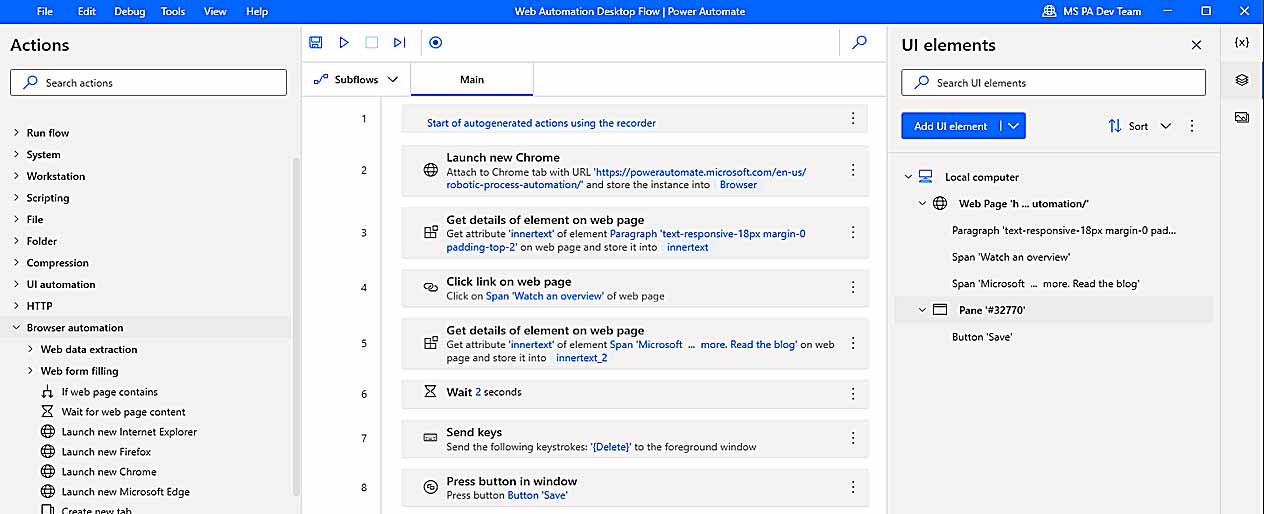
It’s an appealing idea. In this post, we’ll examine whether browser automation tools can actually handle something as complex as Printify product creation, where their limitations lie, and what the proper automation method looks like.
Because while browser-based automation can sometimes work for basic web tasks, when it comes to building hundreds of structured products in Printify, there’s a much more reliable, API-level automation solution designed specifically for this job—the Bulk POD Product Creator.
Can Printify Product Creation Actually Be Automated with Browser-Based Automation Tools?
On the surface, browser automation tools sound perfect for this. They record your on-screen actions—mouse clicks, keyboard input, and navigation sequences—and then replay those steps inside your browser like a human assistant.
Tools like Selenium, Playwright, Power Automate, and UI.Vision RPA all operate on the same basic principle: you script (or record) a sequence of interactions, then run it again automatically. In simple use cases—like logging into a website or filling out a short web form—they work surprisingly well.
But creating Printify products is an entirely different kind of problem.
Here’s why: The Printify interface isn’t a static form. It’s a deeply interactive web app with complex dynamic states and elements that shift around constantly as the website updates. Pages load asynchronously, modals pop up unexpectedly, and elements shift around depending on your selected product or print provider. You can’t just “click here, type there” in a predictable pattern—because the interface itself changes constantly.
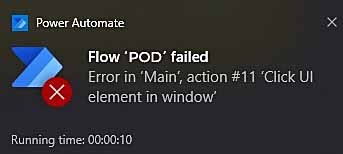
To create even a single Printify product correctly, your automation would need to:
- Select the correct base product from hundreds of similar options
- Toggle specific color and size variants
- Upload artwork images and wait for them to fully process
- Position and scale those images differently for each print area
- Enter the correct pricing values for each variant
- Write or paste in SEO-optimized titles, descriptions, and tags
All of that happens across multiple pages and layers of interface logic. And if your browser automation tool misses even one timing window, or if Printify updates its layout by a few pixels, your entire sequence falls apart.
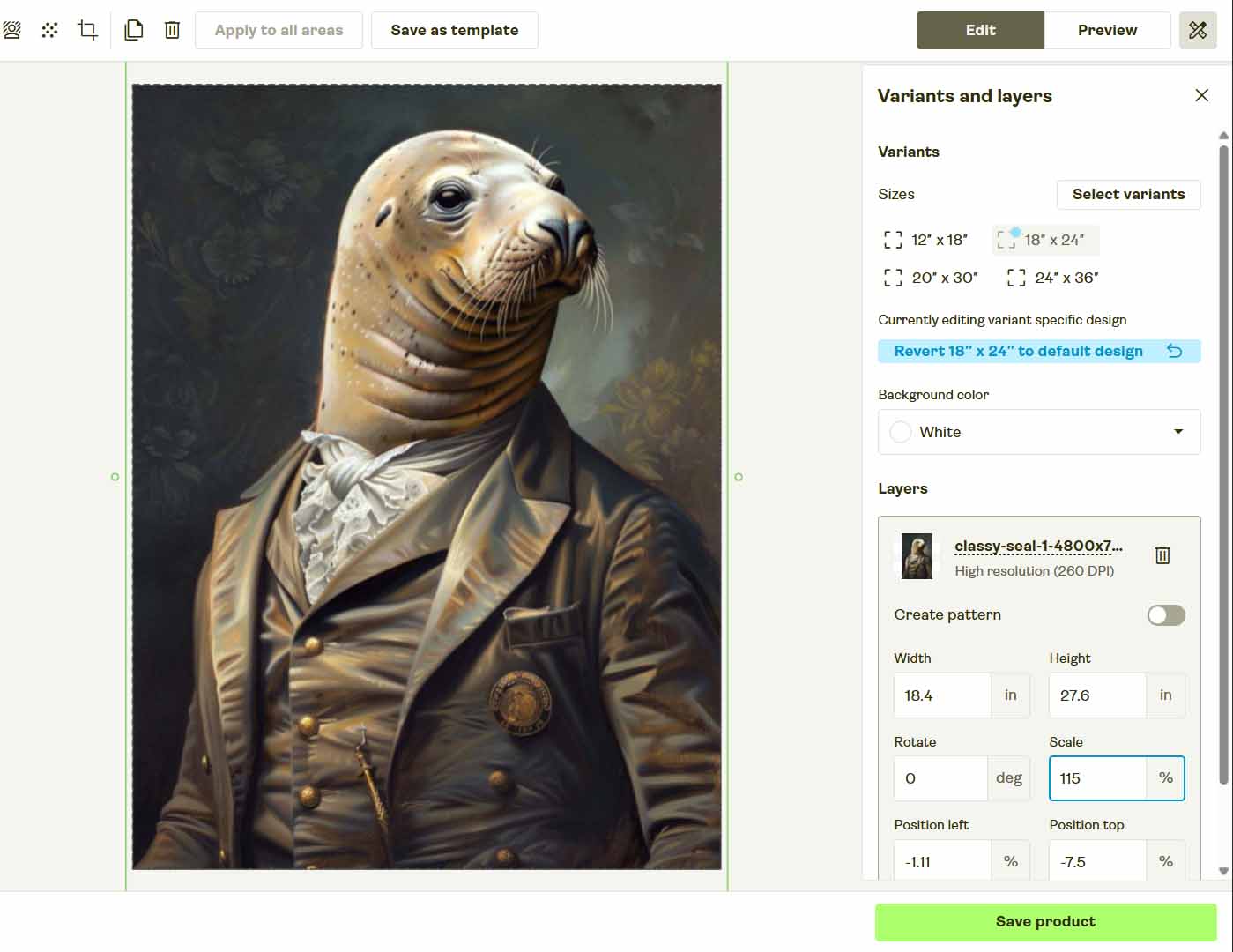
In short: browser-based automation tools can mimic human actions, but they can’t adapt to complex logic or dynamic page states. They’re great at playing back a predictable flow—terrible at handling variability.
That’s why serious businesses, when automating real-world processes, don’t use front-end browser automation to do the heavy lifting. They use API integrations (e.g., via purpose-built software tools like the Bulk POD Product Creator), which are stable, structured, and unaffected by UI layout shifts or page delays.
So while you might get a browser automation script to technically click through one product setup, you’ll spend far more time maintaining, debugging, and re-recording those scripts than you’d ever save in actual automation benefits.
And if your goal is to scale to hundreds or thousands of products? It’s simply not viable.
Fortunately, there’s a much better way.
The Bulk POD Product Creator: Reliable, Scalable Automation Built the Right Way
The Bulk POD Product Creator is a specialized automation tool designed from the ground up to do what browser automation can’t—create Printify products at scale, without relying on fragile UI interactions.
Instead of pretending to be a human clicking around in a browser, it connects directly to Printify’s official API, performing all operations programmatically. That means every product it creates is structured correctly, consistently, and quickly—no misclicks, no timeouts, and no random browser glitches.
At a high level, here’s how it works:
- You choose an Example Product from your Printify store—this acts as your standardized template for print areas, variants, and pricing.
- You upload a folder of artwork images to turn into new products.
- You configure how the automation engine should apply placement rules, generate SEO metadata, and structure your output.
- You run the operation—and the system creates your full print-on-demand product batch automatically.
Step 1: Upload Your Artwork and Select a Placement Rule

Begin by uploading the folder of artwork images you want converted into Printify products. Each image represents a new product.
Then, choose how you want those images to be applied to your Example Product’s print areas. You can select between:
- Stretch Images To Fit Print Area(s) — fills every available print area completely for full coverage.
- Preserve Image Aspect Ratio & Center — centers each image neatly within the print area without distortion.
- Exactly Match Example Image(s) — replicates the exact placement and scaling from your Example Product mockups for pixel-perfect consistency.
Behind the scenes, the system automatically handles all resizing, aspect-ratio alignment, and placement mapping. There’s no dragging, adjusting, or manual resizing required—it’s all automated.
Step 2: Connect Your Printify Store and Choose an Example Product

Next, connect your Printify account securely. Once connected, choose any product in your store to act as the Example Product—the structural reference the system will replicate across your batch.
This step defines everything about your standardized output: print areas, supplier, variant options, and even pricing logic. From there, the tool clones that framework for each new artwork image you uploaded in Step 1.
Every resulting product inherits your Example Product’s structure perfectly, ensuring total consistency across the board—all without you ever having to click through another interface again.
Step 3: Define Your Product Title, Description, and Tag Rules

This is where your creative control meets automation power. In Step 3, you’ll define how the system should generate titles, descriptions, and tags for each product automatically.
The Bulk POD Product Creator uses integrated AI to analyze each artwork image and generate metadata that reflects what’s actually visible in the design—colors, subjects, themes, and visual style. Each listing gets a unique, SEO-optimized set of text fields that describe the artwork accurately and naturally.
You can also add Custom Text Rules to standardize the product-level context for your listings.
For example:
- Prefixes like “Modern” or “Minimalist” to emphasize aesthetic style.
- Suffixes like “— Premium Canvas Print” or “— Poster Wall Art” to clarify format or product type.
This structure keeps your entire catalog both search-friendly and consistent, without any repetitive manual input.

The AI handles the artwork interpretation and wording variation, while your custom rules layer in the business-specific details that tie the listings together.
By separating artwork-level AI output from your business-level custom text, you end up with listings that sound human, stay unique, and perfectly match your branding.
Step 4: Run the Operation and Let the Automation Work for You
Once your artwork, Example Product, and text rules are set, it’s time to put the system into motion.
Simply click Run Operation, and the automation engine will handle every detail behind the scenes:
- Uploads your artwork directly through the Printify API.
- Applies your selected placement or resize rules for each print area.
- Copies all Example Product settings (variants, pricing, orientation).
- Inserts the AI-generated titles, descriptions, and tags.
- Publishes the finished products to your Printify account.

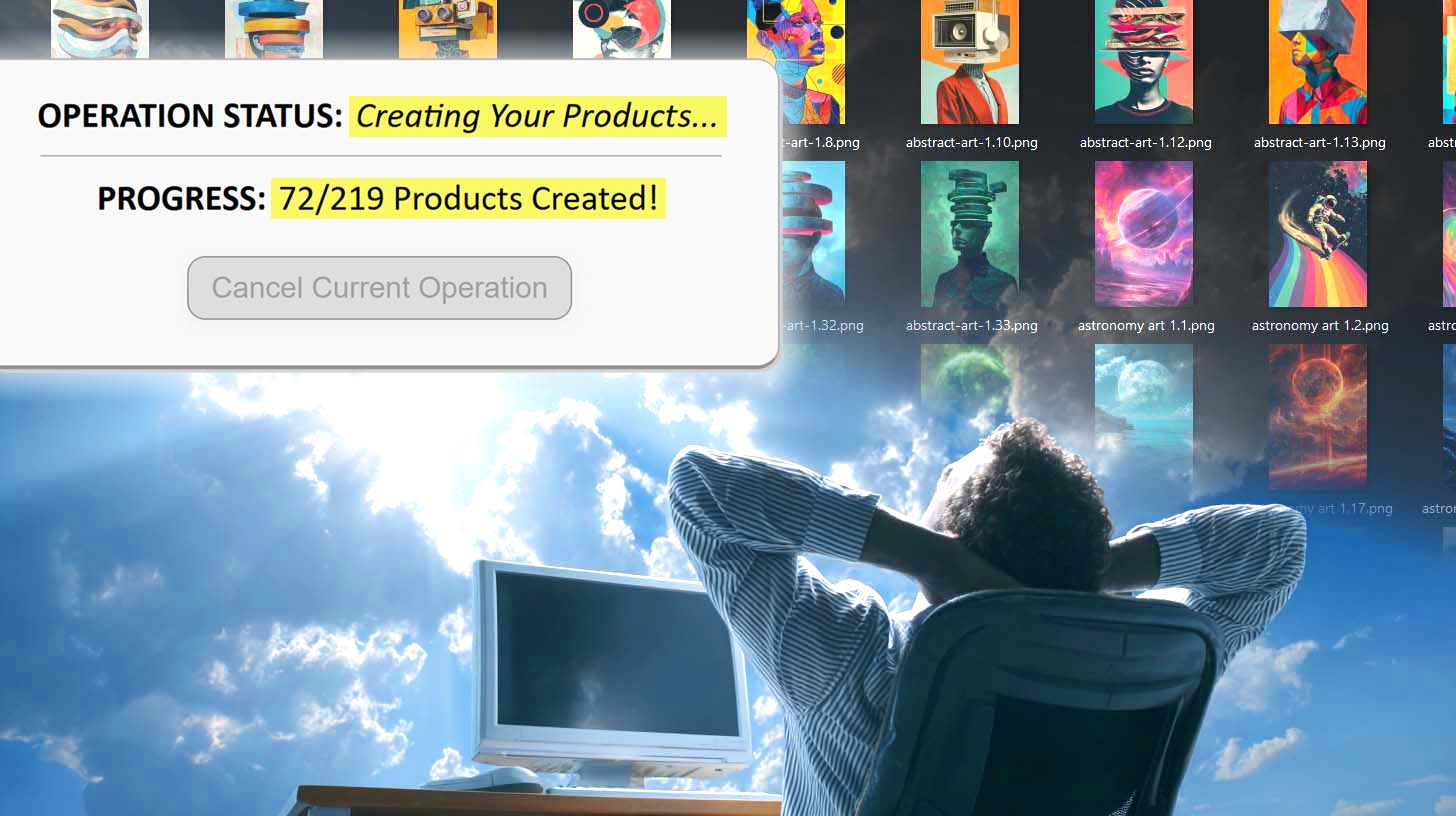
You can monitor progress as products are created in real time—or simply let the process run while you focus on other parts of your business.
Unlike browser-based automation, there’s no need to keep your cursor still or your browser open. Every step executes through backend API logic, ensuring precise, repeatable results every single time.
The result: an entire batch of new, SEO-ready Printify products generated automatically—no clicking, typing, or rework required.
Save and Reuse Operation Configurations Instantly
Once you’ve defined an operation setup you like—with your Example Product, placement mode, and text-generation preferences—you can save that configuration for future use.

The next time you want to create a new batch of products, all you need to do is:
- Upload your next set of artwork images.
- Select your saved operation preset from the dropdown.
- Click Generate Products.
That’s it. Within seconds, all your previous settings are reapplied automatically. Every rule, placement mode, and text-generation configuration is preloaded and ready to go.
This means you can prepare distinct operation presets for different product lines (like apparel, home décor, or wall art) and switch between them instantly. No reconfiguring, no setup friction—just load, drop, and run.
The entire setup process takes less than ten seconds, and the automation handles the rest. It’s a completely standardized, scalable system for generating hundreds of POD products with almost zero manual input.
Browser Automation Tools vs. Bulk POD Product Creator: 10 Key Differences
| Comparison Point | Browser Automation Tools | Bulk POD Product Creator |
|---|---|---|
| Execution Method | Simulates clicks and keystrokes on a live webpage. | Executes structured Printify API commands with no fragile UI dependency. |
| Reliability | Breaks when elements move or timing changes. | Fully consistent across runs; immune to layout updates or network lag. |
| Placement and Image Handling | Attempts to drag or resize within a live editor. | Programmatically resizes and positions artwork per placement rule. |
| Speed | Human-speed and bound by page load times. | Runs near API throughput limits, finishing hundreds of listings rapidly. |
| Error Handling | Limited; re-recording often required after a failure. | Structured feedback and retry logic for every operation. |
| Portability | Tied to one machine’s specific setup and resolution. | Runs consistently across devices and environments. |
| Scalability | Struggles to handle more than a few dozen listings. | Effortlessly processes hundreds or thousands in bulk. |
| Workflow Efficiency | Foreground-only; blocks your ability to multitask. | Executes entirely in the background while you work on other tasks. |
| Professional-Grade Stability | Relies on brittle, duct-taped scripts that often break. | Enterprise-grade automation built for long-term reliability. |
| Metadata Generation | Requires manual entry of titles, descriptions, and tags. | AI automatically writes artwork-specific SEO text for every product. |
Conclusion: Automate Like a Pro, Not an Amateur
Browser-based automation tools were built to imitate users—not to run businesses. They can replay clicks, but they can’t understand context, interpret artwork, or guarantee consistent results across dynamic websites like Printify.
The Bulk POD Product Creator does all of that—and more—by operating through Printify’s official API, executing predictable logic with no risk of layout-based failure. It grows your print-on-demand catalog automatically, creates SEO-ready listings, and standardizes your workflow from end to end.
Once you’ve configured and saved your operation, creating new products takes less than ten seconds—upload, select, run.
From there, the software does everything for you: generates, structures, and publishes each product perfectly.
That’s not a shortcut—it’s the professional way to automate.
Replace fragile browser automations with a reliable, API-based system, and focus your time where it truly matters: growing your business instead of clicking through it.