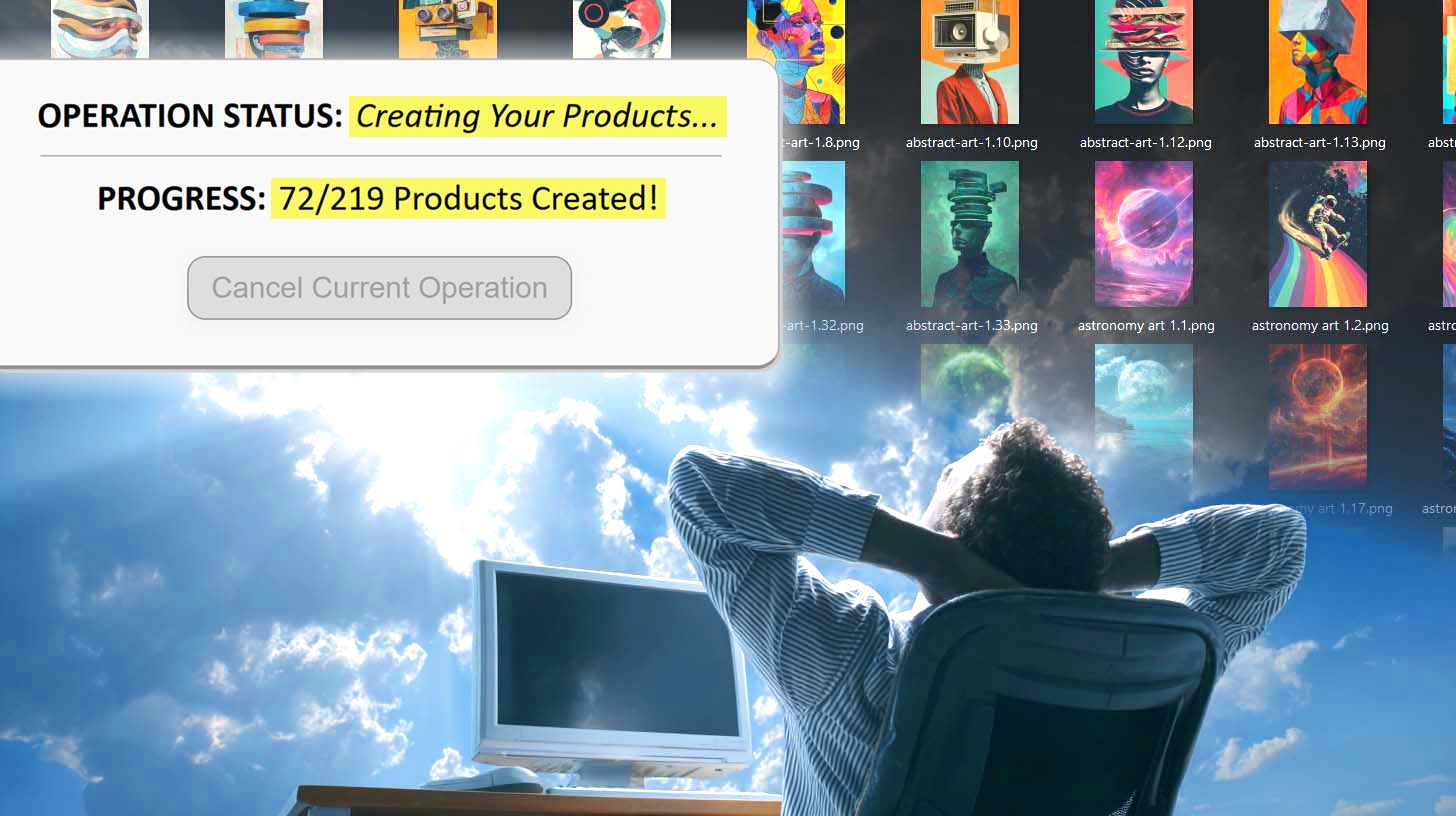
Can You Make Printify Products Using Zapier Automation?
Overview: This post answers whether Zapier can automate Printify product creation, and introduces the Bulk POD Product Creator as the dedicated solution for bulk, API-driven Printify automation with SEO-optimized listings.
Introduction: Printify Product Creation Is Boring, Repetitive Work
If you’ve spent any time working with Printify, you already know the drill: creating products one by one in the interface is a soul-sucking grind. You click “Add Product,” upload an image, pick variants, set prices, write descriptions, and rinse-repeat dozens or hundreds of times. It’s the kind of work that drains your energy and kills growth.
Naturally, you’re looking for a smarter way: A method to automate the repetitive tasks, letting you scale your print-on-demand business instead of getting bogged down in manual drudgery.

During your research you likely stumbled upon Zapier, a popular no-code automation platform that promises to connect apps and trigger workflows without writing heavy code. You might have asked: “Can Zapier automate Printify product creation for me?”
In this post, we’ll answer that question directly, and we’ll also introduce a dedicated automation tool called the Bulk POD Product Creator that does what you’re trying to achieve: bulk-creating Printify products with virtually zero manual effort.
Does Zapier Let You Create Printify Products?
Unfortunately, the answer is a firm no. While Zapier integrates with thousands of apps and excels at workflows like “when X happens, do Y,” it does not offer built-in actions for creating new Printify products.
A quick search of Zapier's integration directory reveals that Printify is absent from their app.
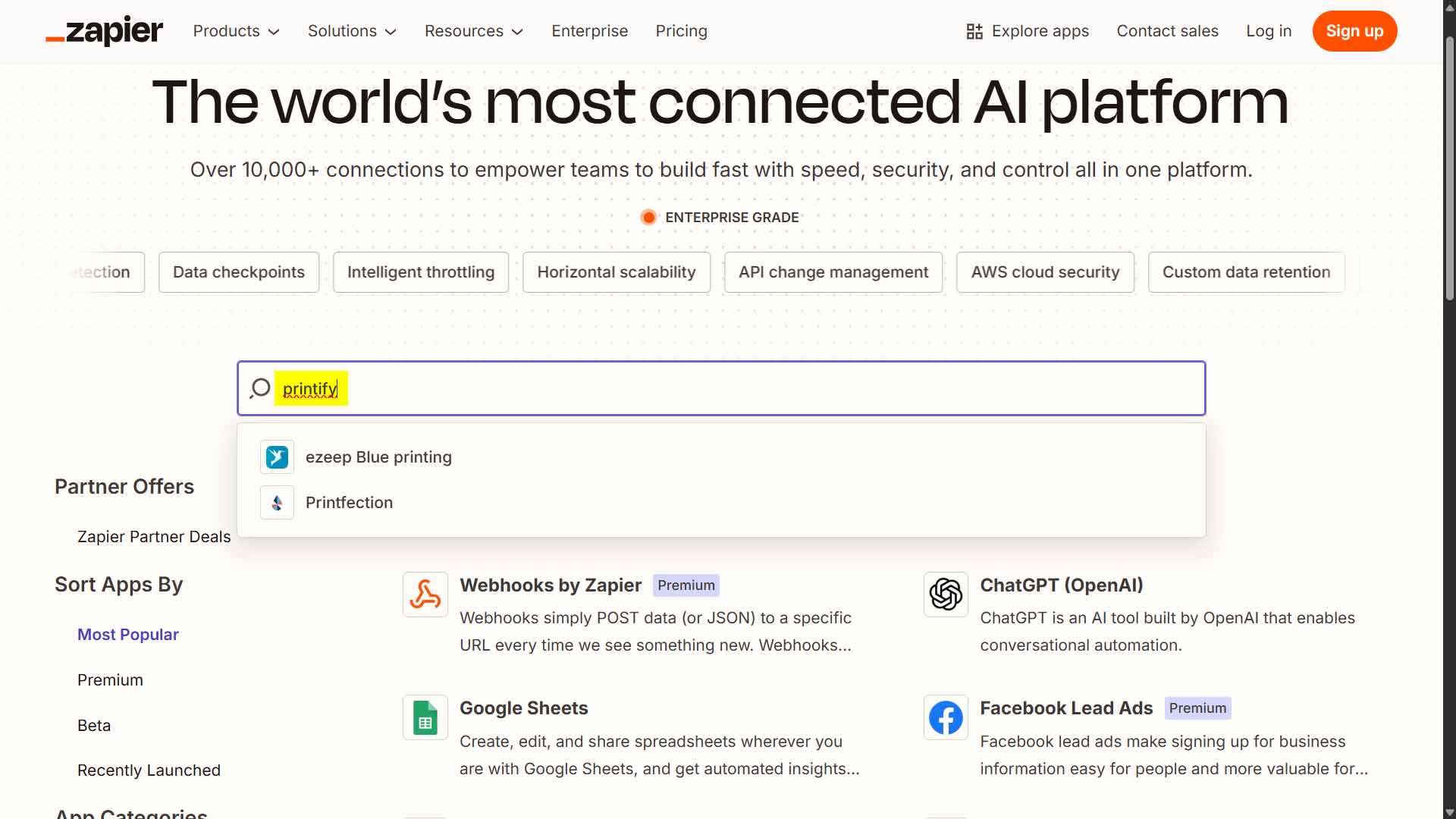
Additionally, community threads show users attempting to automate Printify order or product actions with Zapier and hitting a dead end. One user wrote:
“Zapier seems to support Printful but not Printify.”
Other sources reinforce that while Printify has its own API integration capabilities, they’re not exposed via Zapier in a way that supports new product creation. Zapier is strong when it comes to triggers and basic data flows, but it lacks the depth required for fully automating a complex product-generation workflow for Printify.
So yes—in theory you might attempt a workaround via webhooks or custom integrations, but for all practical purposes: Zapier cannot reliably do what you’re here trying to do (bulk-create Printify products).
Next: A Better Solution for Printify Automation
Since Zapier falls short of your core goal, you’re left with two choices:
- Build your own custom automation setup using the Printify API and a lot of custom code, or
- Use a tool that’s already built specifically for this job.
Enter the Bulk POD Product Creator—a purpose-built automation platform designed with Printify product creation in mind. Rather than wrestling with generic automation tools like Zapier, this tool streamlines your workflow, handles product configuration, image uploads, metadata generation, variant management, and bulk publishing.
In the next section we’ll take a closer look at how it works, step by step—and show why it’s a far better fit for automating your Printify product creation than trying to bend Zapier into doing something it wasn’t designed for.
How to Use the Bulk POD Product Creator to Automate Your Printify Workflow
If Zapier can’t automate Printify product creation, the good news is—you don’t actually need it. The Bulk POD Product Creator was built specifically to automate every step of this process cleanly, reliably, and at scale. It’s the proper, software-level way to do what Zapier simply can’t.
Here’s a quick overview of how it works and how to set it up:
Step 1) Upload Your Artwork Folder
Start by uploading your entire folder of artwork files—whether that’s 10, 100, or 1,000 images. The system automatically queues and prepares each image to become its own Printify product.

This step replaces hours of manual uploading or repetitive click-and-drag work. The software standardizes and batches your uploads automatically.
Step 2) Select Your Image Placement Mode
Choose from precise placement rules like Stretch To Fit Print Area(s), Preserve Image Aspect Ratio & Center, or Exactly Match Example Image(s).

This ensures your images are automatically resized and positioned correctly across every product variant without any manual resizing or guesswork.
Step 3) Choose an Example Product
Select one of your existing Printify products to act as the Example Product—your blueprint. The system uses that structure to replicate all key settings like product type, print areas, variants, and pricing across every new item you generate.

This ensures your entire store follows the same consistent structure—every new listing looks polished, professional, and perfectly aligned with your brand.
Step 4) Generate Titles, Descriptions, and Tags Automatically
The software’s integrated AI writes product metadata for you. It analyzes each artwork image, generating unique, SEO-optimized titles, descriptions, and tags—describing what’s in the design itself while allowing you to add your own branding or suffixes.

This feature eliminates one of the most time-consuming creative bottlenecks and gives every listing strong SEO foundations from day one.
Step 5) Run the Operation
Once your configuration is ready, simply click “Run Operation.” The system handles the rest—generating every product via Printify’s official API with full accuracy. You can step away from your computer while it runs; the automation executes everything in the background.

Result: You go from spending hours in the Printify interface to spending seconds—all while your product line expands automatically and consistently.
Why Zapier Isn’t the Right Tool for Automating Printify Product Creation
Zapier is a great tool—but not for this. Even if it did support Printify integrations, it still would be a suboptimal tool for this job. Its strength lies in simple conditional automations: “When X happens, do Y.” For example:
- When a customer fills out a form, send an email.
- When a payment is processed, update a Google Sheet.
- When a file is uploaded, post a Slack message.
These are straightforward, trigger-based workflows. They don’t require complex data structures, precision timing, or dynamically generated metadata.
But Printify product creation? That’s a completely different beast. It’s a multi-step process involving dozens of actions across multiple screens—image uploads, variant selections, text entry, image resizing, pricing rules, and API synchronization. Each step must be performed in a specific order and verified as complete before moving to the next.
Zapier isn’t designed for that level of precision. It doesn’t have native support for interacting with Printify’s backend API, nor can it reliably replicate the hundreds of dependent actions required to create listings at scale.
Even if you could piece together a webhooks-based workaround, you’d still be limited by Zapier’s structure—slow triggers, generic connectors, and rate limits that make bulk product creation practically impossible.
In short: Zapier is perfect for lightweight, event-based automation—but not for mission-critical, data-intensive workflows like creating hundreds of customized products in Printify.
Conclusion: Skip the Limitations—Automate the Right Way
Zapier is powerful, but it’s not the right tool for automating Printify product creation. It wasn’t built to handle the complexity of image uploads, product variants, or dynamic text generation. And since it doesn’t even support product creation natively, the conversation really ends there.
The Bulk POD Product Creator, on the other hand, was purpose-built for this exact job. It automates Printify product creation through official API calls, generates your print-on-demand product SEO metadata automatically, applies consistent pricing and variant structures, and scales from a handful of products to thousands—all in a few clicks.
You don’t need to reinvent the wheel, wrestle with half-measure tools, or manually click through the same Printify forms again and again. The smarter move is to let a purpose-built automation engine handle it all for you—cleanly, efficiently, and exactly the same way every time.
Stop clicking. Start automating. With the Bulk POD Product Creator, your Printify workflow finally runs like real automation—not a stitched-together workaround.