
Can You Make Printify Products Using Selenium Automation?
Overview: This post explores whether Selenium can automate Printify product creation, explains why browser scripting is fragile and not scalable, and introduces the Bulk POD Product Creator as the robust, API-driven solution for bulk, SEO-optimized Printify automation.
Creating Printify Products Is a Slow, Repetitive Process That You Should Automate
If you’ve ever sat through the process of manually creating Printify products, you already know how soul-crushingly repetitive it can be. Clicking “Add Product,” uploading one design, choosing print areas, typing in titles and descriptions, adjusting prices, and doing that same routine over and over—it’s a time sink. It’s slow, it’s mind-numbing, and it’s absolutely not the kind of work that a serious business owner or creative founder should be wasting hours on.
If you’re here reading this, you’ve probably realized the same thing: your time is too valuable to spend clicking and typing through hundreds of nearly identical steps. You’re smart enough to know this should be automated.

At this point, you might be thinking, “Since everything I do in Printify follows a repeatable pattern—click here, type this, upload that—maybe I can just automate those same actions directly inside my browser?” That line of thinking often leads people to discover Selenium, a browser automation framework that can simulate user interactions like mouse clicks and keystrokes. It’s widely used for testing websites and automating repetitive browser actions.
So the question becomes: can you use Selenium to automate Printify product creation? Can you make it click through all the screens, fill in the data, and generate products automatically?
We’ll explore that question below—and we’ll also look at why that approach is far from ideal, especially when there’s already a purpose-built, plug-and-play solution made specifically for this task: the Bulk POD Product Creator, which automates Printify product creation properly, without the hassle or fragility of browser scripting.
Can Printify Product Creation Be Automated via Selenium?
Technically speaking, yes, you could automate at least certain parts of your Printify workflow using Selenium. The framework can open the Printify dashboard, click through menus, type text into fields, and even upload files. In theory, you could write a Selenium script that reproduces parts of your manual workflow.
However, that’s where the good news ends.
Because Selenium operates by simulating a user in a live browser, it’s entirely dependent on the website’s visual/coded structure—the exact HTML element positions, button labels, and field names. That makes it incredibly fragile and notoriously error-prone for such automations. A single layout tweak, new pop-up, or even a changed button ID on Printify’s end can cause your entire automation to fail.
In other words: yes, you might get it to work for a little while—but it’s a brittle, break-prone, high-maintenance solution that’s fundamentally not suited for scaling serious business workflows. And it still wouldn’t even cover all the steps you actually need for a complete, automated Printify operation. This is precisely why purpose-built automation tools like the Bulk POD Product Creator are the way to go for these tasks.
Why Selenium Automation for Printify Is a Half-Measure (and a Fragile One at That)
Trying to automate Printify product creation with Selenium shows that you're on the right track, with wanting to eliminate this boring, repetitive work. However the bottom line is that using Selenium for these complex tasks is not an intelligent, robust automation strategy.
Here are the core downsides and limitations:
1. It Can’t Handle the Full Workflow
Even if you somehow get Selenium to click through Printify’s menus reliably, it’s still only automating a portion of the process. It can’t resize images to match different product variants, it can’t dynamically position artwork within print areas, and it can’t generate unique SEO-optimized titles, descriptions, and tags for each product (all tasks that the Bulk POD Product Creator performs to distinction).
At best, you’d end up with a clunky “partial automation”—something that still requires you to manually fix image placements, write metadata, and double-check listings. It’s not a real end-to-end solution.
2. Cloudflare and Captcha Barriers Will Stop You
Printify runs on Cloudflare and has anti-bot detection built in. Selenium browser sessions look exactly like bots to these systems. That means you’re likely to get blocked, hit with captchas, or even temporarily locked out if you run these automations frequently.
Worse yet, repeated “bot-like” activity could flag your account, creating unnecessary risk for a business-critical platform.
3. The “Don’t Touch the Laptop” Problem
Selenium requires an open browser window to run, which means you have to keep your computer powered on and idle during execution. You can’t minimize the window, you can’t move the mouse, and you can’t use your system for other tasks—because doing so would interrupt the automation.
Imagine Jeff Bezos at Amazon headquarters saying, “Hey, don’t touch that laptop—it’s running our mission-critical inventory automation!” That’s how absurd browser-based automation looks in a professional context.

4. It’s Extremely Fragile
Your Selenium script could fail from the smallest, most trivial changes:
- If Printify slightly redesigns a page layout.
- If a modal appears differently or a button label changes.
- If your bookmarks bar is visible when it wasn’t before.
- If you switch computers or monitor resolutions.
Everything from screen size to browser version can throw your automation off.
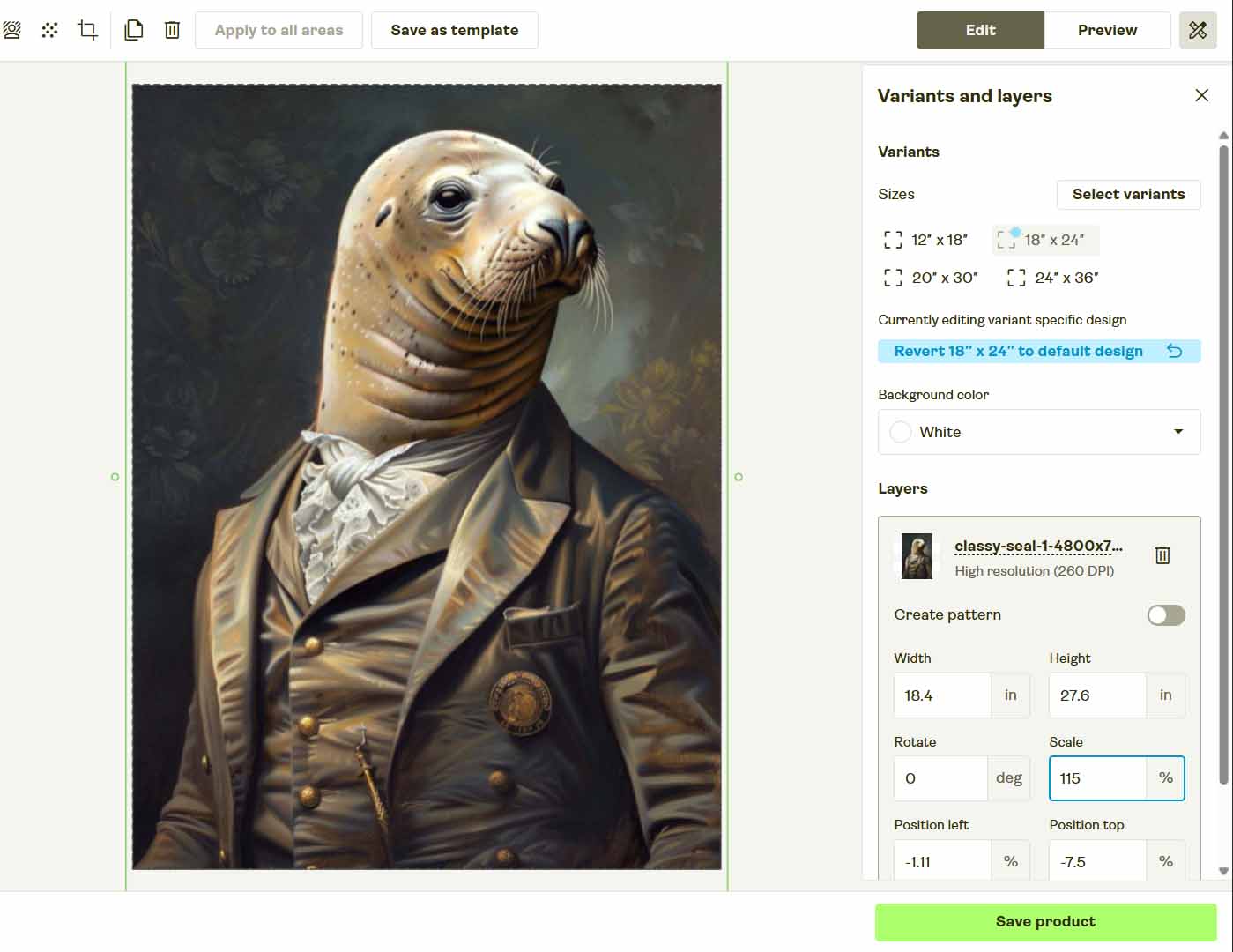
5. It’s Not a Scalable, Reliable System
Even if you somehow make it work on one setup, Selenium isn’t portable. It’s tightly tied to your computer’s environment, and scaling it to multiple users or hundreds of products introduces exponential failure points.
Real businesses don’t scale through fragile browser scripts. They scale through structured backend automation.
There’s No Need to Reinvent the Wheel: Use the Bulk POD Product Creator Instead
Rather than wasting days (or weeks) cobbling together a half-working Selenium setup, there’s a better solution: the Bulk POD Product Creator.
This is a dedicated automation tool built for print-on-demand sellers who want to generate hundreds of Printify products at scale—without touching the browser at all.
It works through Printify’s official API, meaning it performs legitimate, backend-level automation—no clicking, no UI simulation, no captchas, and no breakage from layout updates.
All you do is:
- Upload your batch of artwork files.
- Select an Example Product to define structure, pricing, and variants.
- Choose your image placement mode (Stretch, Preserve Aspect Ratio, or Exactly Match Example).
- Let the integrated AI automatically generate titles, descriptions, and tags based on your artwork.
- Click “Run Operation”—and watch the system handle everything on autopilot.
The result? A fully automated, end-to-end product creation pipeline that’s fast, stable, and scales infinitely better than any Selenium script ever could.
So before you waste time trying to reinvent the wheel, just use the wheel that’s already been built—and perfected—for this exact purpose.
How to Use the Bulk POD Product Creator
Using the Bulk POD Product Creator doesn’t require coding knowledge, custom scripts, or a technical background. It was designed for ordinary print-on-demand sellers who simply want to automate the repetitive, time-consuming work of POD product creation—without ever touching Selenium or writing a single line of Python code.
Here’s how it works in practice:
Step 1 – Upload Your Artwork Batch
Start by uploading your entire folder of designs. Whether you’ve got ten files or a thousand, the system automatically queues and prepares them for generation. Every image becomes its own “seed” for a new product—no renaming, sorting, or manual prep required.

How this streamlines your Printify workflow: you eliminate hours of repetitive uploads and guarantee consistent handling for every design.
Step 2 – Select an Example Product
Choose any existing product from your Printify account to act as your Example Product. This serves as the structural blueprint: it defines your variants, print areas, prices, and other configuration details that will be cloned across every generated listing.

How this streamlines your workflow: all future products follow the same professional layout and pricing standards automatically, saving you from re-entering data dozens or hundreds of times.
Step 3 – Define Placement & AI Settings
Pick your preferred image placement rule—Stretch Images To Fit Print Area(s), Preserve Aspect Ratio & Center, or Exactly Match Example Image(s)—and toggle the integrated AI generation features. The AI analyzes each artwork image and produces unique, SEO-optimized titles, descriptions, and tags that describe the artwork itself, ensuring your listings stand out in search.

How this streamlines your workflow: it removes the two biggest bottlenecks of POD listing creation—manual resizing and manual copywriting.
Step 4 – Run Your Operation
Click “Run Operation,” and the automation engine handles everything: product generation, image uploads, metadata creation, and synchronization with Printify through official API calls. The process runs asynchronously in the background, allowing you to use your computer freely while hundreds of products are created automatically.

How this streamlines your workflow: it converts hours of mind-numbing manual work into a few clicks—the entire catalog builds itself while you focus on marketing or design.
Bulk POD Product Creator vs. Selenium Automation: A Clear Comparison
Now let’s look at why this software-based approach completely outclasses Selenium scripting.
1 – Execution Method
Selenium imitates a human moving a mouse. The Bulk POD Product Creator issues structured API commands directly to Printify—faster, safer, and immune to layout changes.
2 – Reliability & Maintenance
Selenium breaks whenever Printify updates a button label or reorganizes a page. The Bulk POD Product Creator never depends on UI elements; it runs consistently through backend endpoints designed for automation.
3 – Speed & Throughput
Browser automation moves at human speed—waiting for pages, pop-ups, and animations. API automation runs near the upper limit of Printify’s request allowance, generating hundreds of listings rapidly.

4 – Image Placement & Resizing
Selenium can’t intelligently resize or align images. The Bulk POD Product Creator automatically adjusts each image to fit every variant’s aspect ratio based on your selected placement rule—something impossible through click-based automation.
5 – Metadata Generation
Selenium can’t write SEO copy. The Bulk POD Product Creator uses AI to generate artwork-specific titles, descriptions, and tags for every print-on-demand product automatically.

6 – Portability
Selenium scripts are tied to a single computer and browser configuration, meaning they often break when switching devices or environments. In contrast, the Bulk POD Product Creator runs securely in the cloud and operates consistently across any setup.
7 – Professionalism & Stability
A Selenium script is a hobby project. The Bulk POD Product Creator is a professional-grade automation framework—stable, supported, and designed for long-term commercial use.
8 – Scalability
While Selenium struggles to handle large-scale operations and often slows down or fails after a handful of listings, the Bulk POD Product Creator scales effortlessly—capable of generating hundreds or even thousands of products in a single automated run.
Conclusion: The Smart Way to Automate Printify Product Creation
Yes—Selenium can click buttons for you. But that’s not true automation. It’s a fragile shortcut that breaks easily, risks account issues, and can’t handle the full Printify workflow.
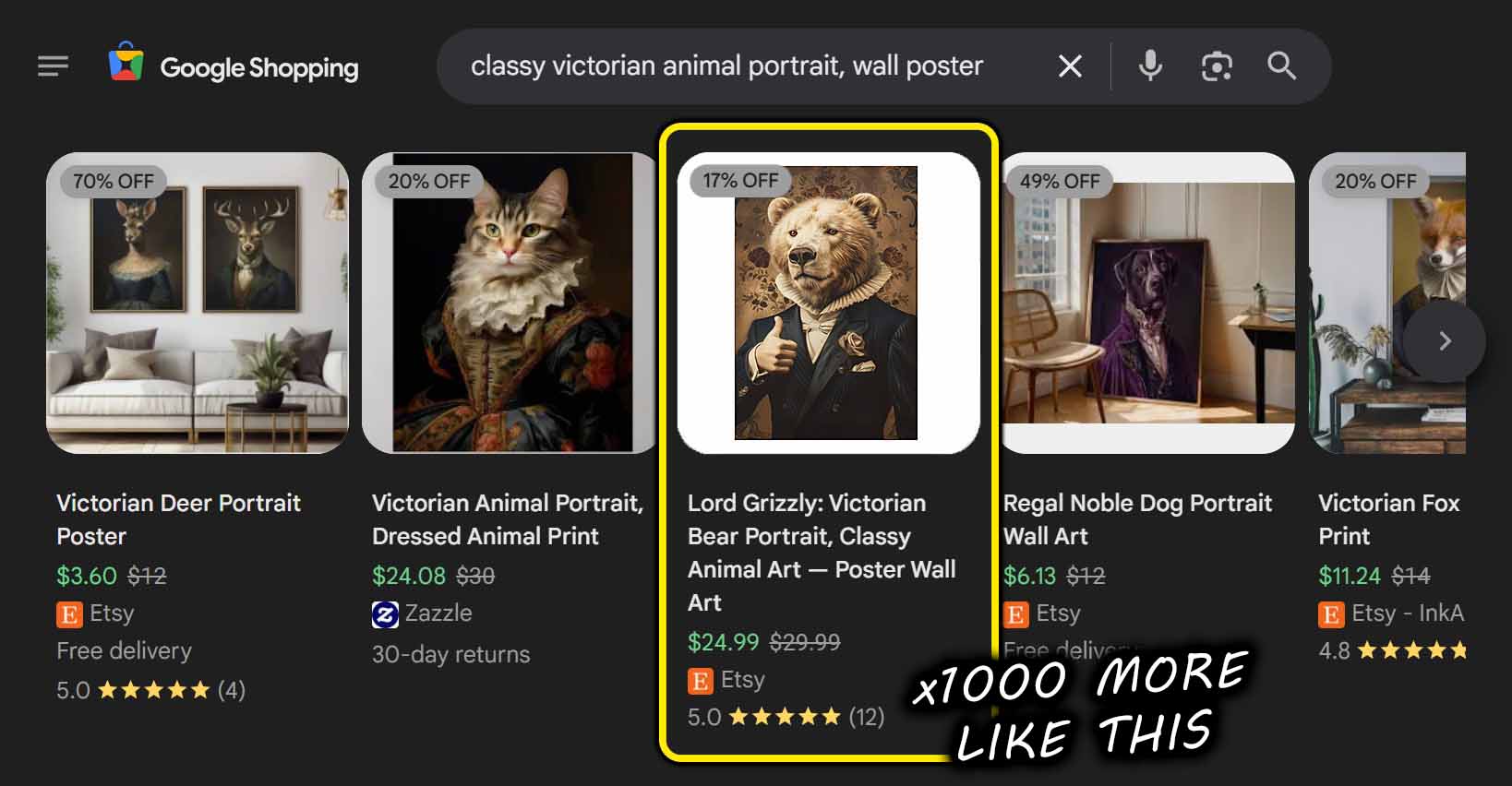
The Bulk POD Product Creator achieves what Selenium never will: fast, reliable, end-to-end automation that creates your Printify products through official, approved API calls. It resizes your artwork, writes your product metadata, and replicates your Example Product structure—all automatically, all at scale.
So skip the clunky browser scripts and move straight to real automation. With the Bulk POD Product Creator, you can build your entire catalog with just minutes of work—without ever touching the Printify interface again.