Can You Make Printify Products Using Microsoft Power Automate?
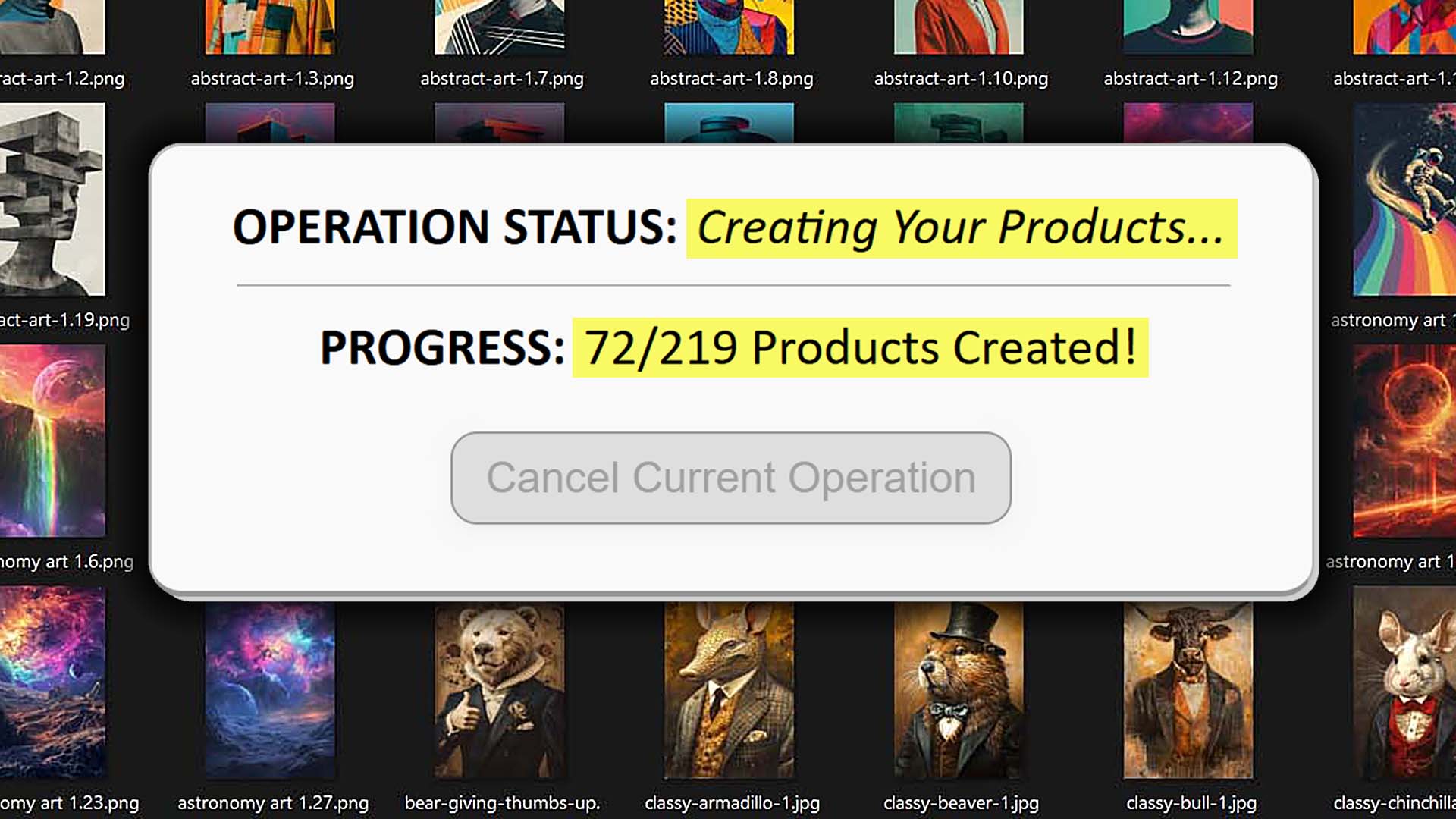
Overview: This post explores whether Microsoft Power Automate can reliably automate Printify product creation, explains the technical and practical limitations of click-recording automation, and details why the Bulk POD Product Creator offers a superior, API-driven method of efficiently creating print-on-demand products, in bulk, with no boring manual work required on your part.
The Appeal of No-Code Automation For Your Printify Workflow
Microsoft Power Automate has become a go-to tool for anyone who wants to automate repetitive computer tasks without writing code. It works by letting you create “flows”—sequences of recorded steps that simulate human activity. You can define actions like click this button, type this text, navigate to this URL, upload this file, and wait three seconds before continuing. Once saved, these flows can replay your actions endlessly to handle routine work for you.
It’s an inviting idea for print-on-demand sellers. After all, creating products in Printify involves endless, mind-numbing repetition: opening the same pages, selecting identical forms, checking the same boxes, typing in variant prices, and uploading artwork over and over again. You might reasonably think: why not have Power Automate record my process and repeat it for me?
In theory, that’s exactly the kind of workflow Power Automate promises to simplify—automation without technical expertise. But the real question is whether it’s feasible to use a system like this to automate something as complex as Printify product creation. And more importantly, whether it’s intelligent or scalable to do so.
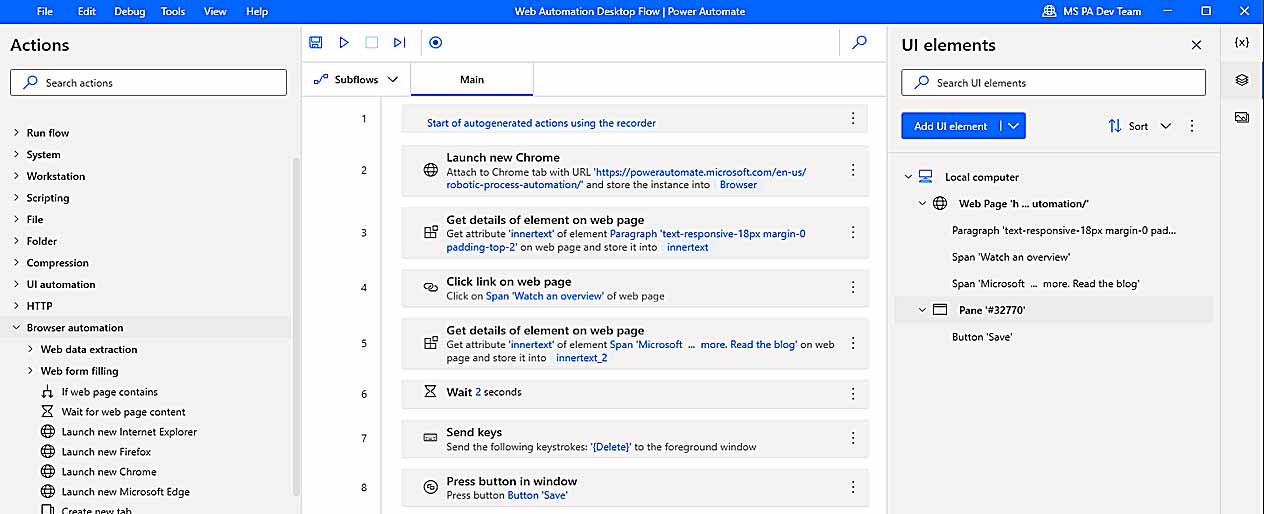
That’s what we’ll explore here: how Power Automate works, whether it can actually create Printify products for you, and—for those who want a realistic, robust solution—we'll also take a look at a dedicated automation tool called the Bulk POD Product Creator purpose-built for this job, one that lets you bulk-create Printify products with just a few quick setup steps.
Can Printify Product Creation Be Automated Using Microsoft Power Automate?
If you’re determined enough, it’s technically possible to piece together a working Power Automate “flow” that performs parts of the Printify product-creation process. You could theoretically record sequences of actions that mimic what you do manually—clicking buttons, typing text, selecting dropdown options, uploading image files, and pressing Publish.
But “possible” and “practical” are very different things.
Printify’s product setup process is not a single form with a handful of fields. It’s an intricate multi-stage workflow involving dozens of moving parts, dynamic pages, and asynchronous content. Power Automate’s simplistic click-and-wait logic simply isn’t built to handle that level of complexity.
Even if you manage to make it work once, you’ll be walking on eggshells every time you run it. Any minor difference in timing, screen resolution, network latency, or UI layout will cause your automation to misclick, mistype, or stall. And indeed, this is a known and commonly-observed pitfall of using RPA tools to automate workflow tasks: What works some of the time may (and often does) fail unexpectedly for a variety of reasons.
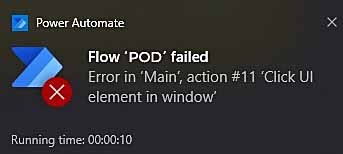
This is precisely why automation tools like the Bulk POD Product Creator (which use proper API-based commands) will always outperform such clunky "record what I click and type" automation methods.
Let’s break down why this specific process—Printify product creation—is such a bad fit for click-recording automation.
Why Printify Product Creation Is So Complex
Creating even one product inside Printify requires navigating a long sequence of interdependent steps:
- Selecting the right base product from hundreds of options that look nearly identical (multiple suppliers, print areas, and quality tiers).
- Enabling and disabling variants, often dozens at a time, across different color and size combinations.
- Uploading artwork images, each with their own resolutions, dimensions, and required placements.
- Adjusting placement and scaling—for example, resizing a design to fill a hoodie’s front print area versus centering it on a mug.
- Setting variant prices accurately, ensuring no mismatched cost entries or typos.
- Adding SEO metadata—titles, descriptions, and tags that need to reflect each artwork image accurately.
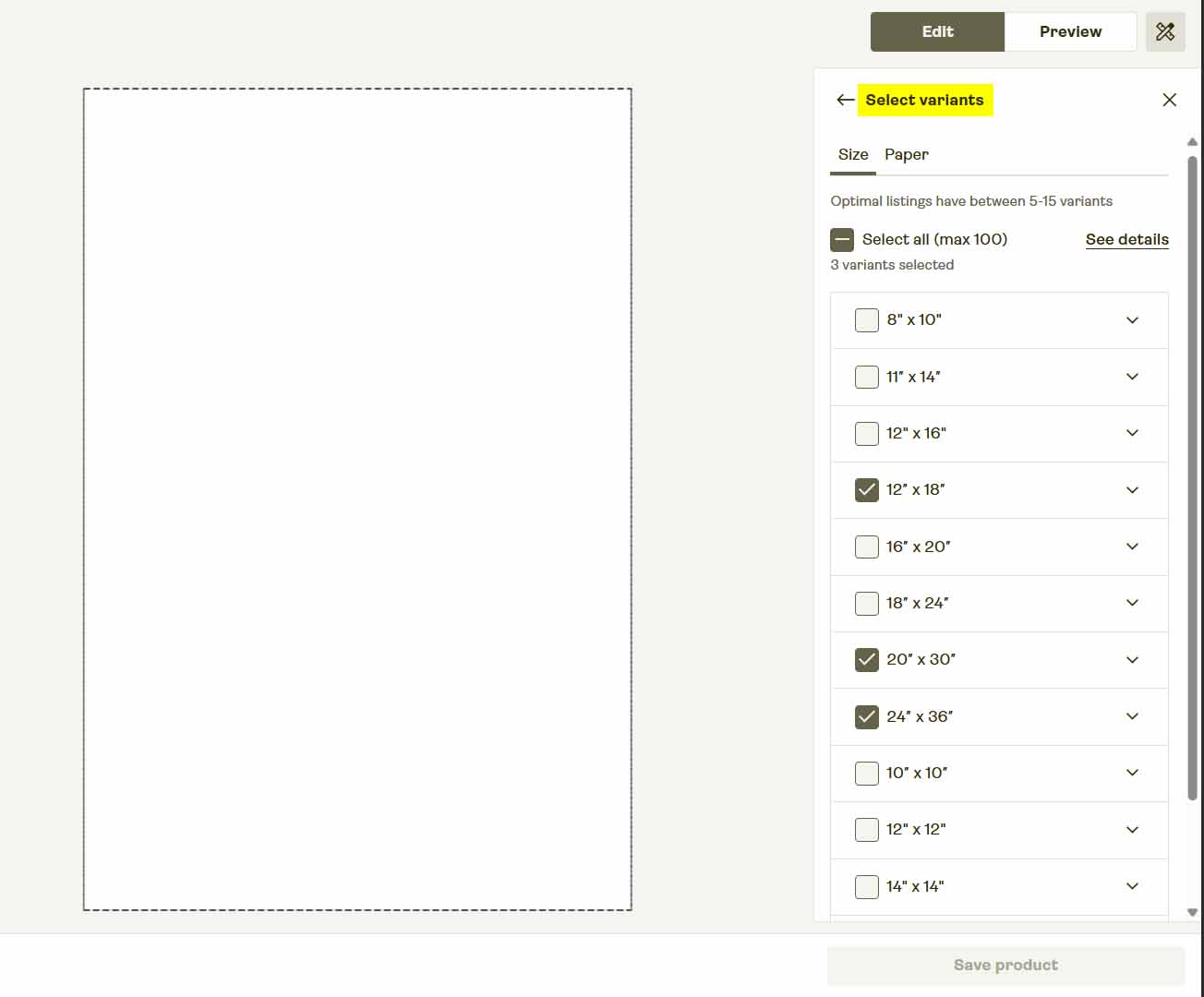
Each of these steps lives on a different, reactive screen that loads content dynamically. That means buttons don’t always appear in the same location or timing sequence, which immediately breaks rigid “mouse click” automation logic.
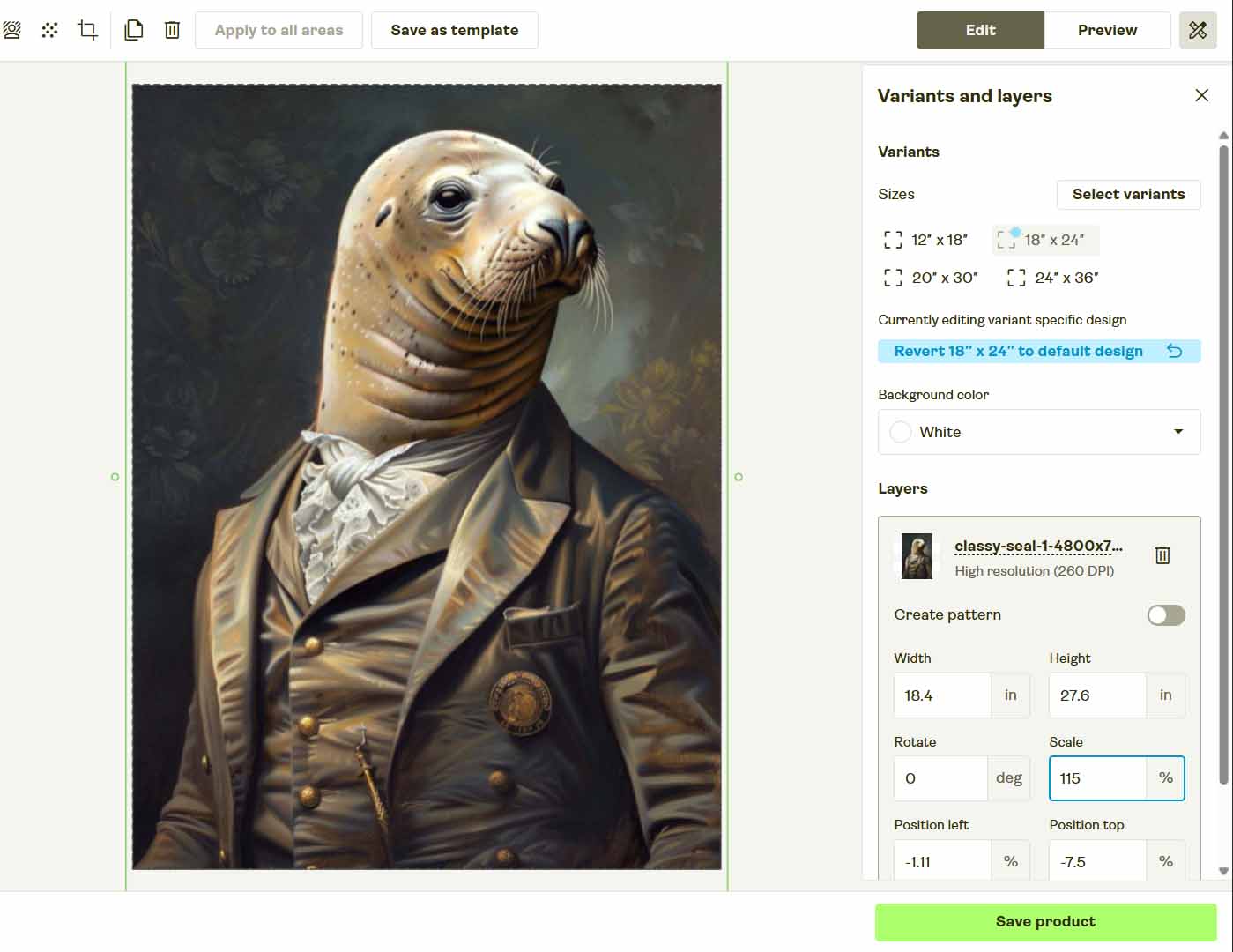
So while it’s technically conceivable to create a long Power Automate flow that clicks and types its way through all of this, the probability of that setup working reliably over time is slim to none.
Why Tools Like Power Automate Break So Easily
Point-and-click automation tools—whether Power Automate, AutoHotkey, or other macro recorders—share the same fatal flaw: they depend on fragile assumptions about what’s on your screen.
A few examples of how quickly things can break:
- If you enable or disable your bookmarks bar in your browser, it shifts the coordinates of every clickable element. Your automation now misses every target.
- If you move your mouse even slightly while the automation is running, the sequence desynchronizes and starts clicking the wrong locations.
- If Printify renames or reorders form elements—which happens frequently in modern web apps—your automation clicks in empty space or triggers the wrong action.
- If you change computers, screen resolutions, or browser zoom levels, you’ll need to rebuild the entire flow from scratch.
- If you try to delegate this task to an employee or run it remotely, the automation fails because it’s calibrated to your environment specifically.

This is why serious operations don’t run production workflows on desktop macros. Real businesses automate their workflows through proper software systems that execute structured backend operations programmatically, not through fragile front-end mimicry.
And that’s exactly the right mindset for scaling a print-on-demand business. If you want a reliable, scalable automation system, you need something that uses Printify’s official API, runs independent of your personal computer, and executes tasks deterministically every time.
In the next section, we’ll look at how to do exactly that—using the Bulk POD Product Creator, a professional-grade automation tool that handles all of this automatically, without the breakage, downtime, or error-prone chaos of desktop macros.
The Smarter Way To Automate Printify Product Creation
Rather than trying to duct-tape together a “click here, type this” automation flow in Microsoft Power Automate, there’s a professional, reliable way to accomplish the exact same goal—and achieve massively better results in the process.
That solution is the Bulk POD Product Creator—a specialized print-on-demand automation tool for sellers who want to grow their Printify catalogs without the endless manual labor.
Instead of moving your mouse and keyboard around to imitate human actions, this software connects directly to Printify’s official API. Every operation it performs—creating products, uploading artwork, setting variant prices, and writing metadata—is handled through structured backend requests that execute perfectly every single time.
Step 1: Upload Your Artwork and Choose a Placement Rule
Start by uploading your folder of artwork images. Each design becomes a seed for a new product in Printify. Then, select your preferred placement or resize rule:
- Stretch Images To Fit Print Area(s)—fills the entire print area for full coverage.
- Preserve Image Aspect Ratio & Center—maintains proportions while centering neatly within each print area.
- Exactly Match Example Image(s)—replicates pixel-accurate positioning from your Example Product mockups.

Once selected, the system automatically resizes, formats, and prepares every image. There’s no dragging, cropping, or visual alignment needed—all placement logic is applied programmatically.
Why This Is Better Than Microsoft Power Automate:
Power Automate would have to physically move your mouse, wait for each image to upload, click the placement area, and hope every page loads identically each time. The Bulk POD Product Creator skips that entire fragile front-end layer—it uses code-level resizing and placement instructions that never miss, no matter what screen you’re on.
Step 2: Connect Your Printify Store and Select an Example Product
Next, securely connect your Printify account. Choose any existing item in your store as the Example Product—this serves as the structural blueprint for your entire batch.

The system reads that product’s configuration directly from the API, including:
- Enabled print areas
- Available color + size variants
- Price settings for each variant
- Mockup orientation and supplier data
When the operation runs, every new product inherits those exact parameters automatically.
Why This Is Better Than Microsoft Power Automate:
Power Automate can’t “understand” what variants are enabled or which supplier a product belongs to—it just clicks wherever you tell it. The Bulk POD Product Creator works from the data itself, not the pixels on your screen. That means your setup is always accurate, repeatable, and immune to layout or browser quirks.
Step 3: Generate Titles, Descriptions, and Tags With AI
Finally, you’ll define how the system should create your SEO metadata. The integrated AI analyzes each artwork image to generate:
- Artwork-aware titles that describe what’s visually present
- Concise descriptions summarizing the design in natural, keyword-rich language
- Relevant tags that capture style, mood, and theme

You can also add custom text fields (prefix or suffix) to append product-level context like “—Canvas Print” or “—Premium Wall Art.”
Why This Is Better Than Microsoft Power Automate:
Power Automate can’t think—it would need you to type every title and description manually into a spreadsheet or prompt it step-by-step. The Bulk POD Product Creator does all that automatically, ensuring every created print-on-demand listing has unique, SEO-optimized text generated consistently across your batch.
Why the Bulk POD Product Creator Is Far Superior to Power Automate
Let’s take a closer look at the specific reasons this API-based framework completely outclasses any “recorded click sequence” approach.
1) Reliability and Error Resistance
- API-driven commands execute the same way every time, independent of UI changes.
- Power Automate’s flows break constantly whenever the Printify interface updates or loads differently.
2) Compliance and Stability
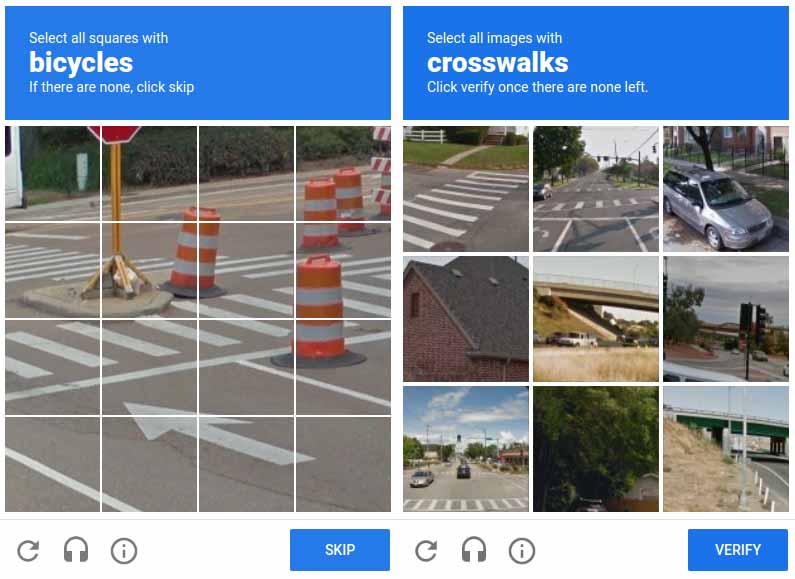
- API integration is the official, sanctioned way to automate Printify. It never triggers captchas, Cloudflare verifications, or bot-detection measures.
- Browser-driven automation tools often raise flags or get throttled for suspicious activity.
3) Freedom From Fragile UI Dependencies
- The Bulk POD Product Creator doesn’t rely on screen positions or HTML element names.
- Power Automate depends entirely on them—even a renamed field or shifted button can derail the whole flow.
4) Machine-Independent Operation
- Your automation runs in the cloud or on any computer, with zero dependence on your local setup.
- A Power Automate flow tied to your laptop stops working the moment you switch devices or change display scaling.
5) Performance and Speed
- The Bulk POD Product Creator runs near the upper throughput limit allowed by Printify’s API—completing hundreds of product creations in the background while you do other work.
- Power Automate can only perform one mouse event at a time, at human speed, often slower, and monopolizes your computer while it runs.

6) True Professional-Grade Automation
- The Bulk POD Product Creator is built as proper software code, not as a recorded desktop macro.
- That means real error-handling, retry logic, and consistency across every operation—the qualities real businesses rely on.
7) Non-Intrusive Execution
- You can freely use your computer while the automation runs in the background.
- Power Automate takes over your mouse and keyboard—bump the cursor a few pixels and the entire flow fails.
8) AI-Generated Metadata, Not Manual Typing
- The Bulk POD Product Creator uses integrated AI to analyze each artwork image and automatically write accurate, SEO-optimized titles, descriptions, and tags that describe what’s actually depicted.
- Power Automate can’t do that—it has no contextual understanding of what your images contain. You’d still have to pre-write or copy-paste every title and description manually. The AI-driven approach means your listings come out keyword-ready with zero extra work.

9) Automatic Image Resizing and Placement Precision
- The Bulk POD Product Creator dynamically resizes and repositions every uploaded image according to your selected placement rule, ensuring perfect alignment across all variants, even when their print-area aspect ratios differ.
- Power Automate can’t replicate that. It would have to “guess” where to click and drag in a constantly shifting design interface—an impossible task to standardize. The API-based system handles all resizing and scaling in code, flawlessly and consistently every time.
In short, this isn’t about “hacking together something that sort of works.” It’s about implementing a real automation framework that delivers industrial-grade consistency. The Bulk POD Product Creator turns what used to be a fragile personal script into a standardized system that scales safely and predictably.
Conclusion: Real Automation Beats Recorded Clicks Every Time
Microsoft Power Automate is excellent for simple, repetitive office tasks—renaming files, sending emails, or moving data between spreadsheets. But trying to use it to build and manage Printify products is like trying to run a factory by pressing buttons on a toy robot. It’s fragile, inefficient, and fundamentally not designed for the job.
If your goal is to actually scale your print-on-demand business, the Bulk POD Product Creator offers the professional solution you need. It automates print-on-demand product creation the right way—through Printify’s official API—producing perfectly structured listings in bulk, without human error, breakage, or babysitting.
Set it up once. Standardize your operation. Then watch your product catalog grow automatically while you focus on the creative and strategic side of your business. That’s real automation—and it’s how serious sellers scale.