
Can You Make Printify Products Using RPA Tools?
Overview: This post investigates whether RPA tools like Microsoft Power Automate, Ui.Vision, and TinyTask can reliably automate Printify product creation, explains why UI fragility and timing issues make RPA brittle, and shows how the Bulk POD Product Creator delivers robust, scalable automation through Printify’s API for professional-grade results.
Using RPA Tools for Printify Print-on-Demand: Is It the Promised Land?
If you’ve spent any amount of time creating Printify products manually, you already know how tedious it can be. Click into the product, upload an image, resize it, select variants, type prices, save, repeat—again and again. It’s exactly the kind of repetitive digital grunt work that screams, “this should be automated.”
So it’s only natural that you’ve started researching ways to do just that. Maybe you’ve come across the concept of RPA, or Robotic Process Automation, a growing category of software that automates rule-based digital tasks by mimicking human actions inside of computer applications. Tools like Microsoft Power Automate, Ui.Vision, and TinyTask are some of the most well-known players in the space, and they’ve helped companies automate repetitive workflows ranging from data entry to report generation.
At first glance, RPA seems like it could be the holy grail for print-on-demand sellers too. After all, creating Printify products is a repeatable, rule-driven process that involves a lot of clicking and typing—exactly the kind of task RPA software was built to handle.

But does that mean RPA tools are actually a good fit for automating Printify product creation? Can you really build a robust, scalable product-generation workflow around something like Microsoft Power Automate, Ui.Vision, or TinyTask?
That’s what we’ll explore in this post. We’ll analyze whether this kind of automation truly works in practice, and we’ll also look at a purpose-built print-on-demand automation solution—the Bulk POD Product Creator—that achieves the same goal far more effectively, without you needing to reinvent the wheel or duct-tape together a fragile custom setup.
Can Printify Product Creation Be Automated via RPA Tools?
Technically, yes—RPA tools can automate at least some parts of the Printify product creation process. They can record and replicate user actions, click buttons, type text into input fields, and even handle simple conditional logic.
In other words, if you built an RPA “bot” that opens Printify, clicks “Add Product,” uploads an image, selects variants, sets prices, and saves the product—you could, in theory, automate parts of your Printify workflow.
But that’s where the theory ends and reality begins.
Creating Printify products isn’t a simple “copy-paste” workflow. It’s a multi-step, interactive process that involves dynamic UI elements, network latency, image upload dialogs, resizing tools, variant selection checkboxes, and multi-page transitions. Every one of those variables introduces fragility into your RPA automation.
Why RPA Automation Is Fragile for Printify
- Dynamic Interfaces: Printify regularly updates its dashboard layout. When a button moves or a field changes its name, your RPA bot breaks instantly.
- Timing Dependencies: RPA bots rely heavily on delays and wait conditions. If Printify loads a few milliseconds slower one day, the bot will misclick or stall.
- Image Upload Complexity: File upload popups, drag-and-drop elements, and aspect-ratio/variant-specific adjustments are extremely difficult for RPA systems to handle consistently.
- Variant Setting Rules: RPA can’t intelligently apply price rules or replicate product configurations unless every single UI step is perfectly predictable—which it rarely is.
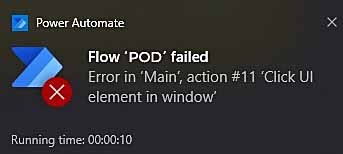
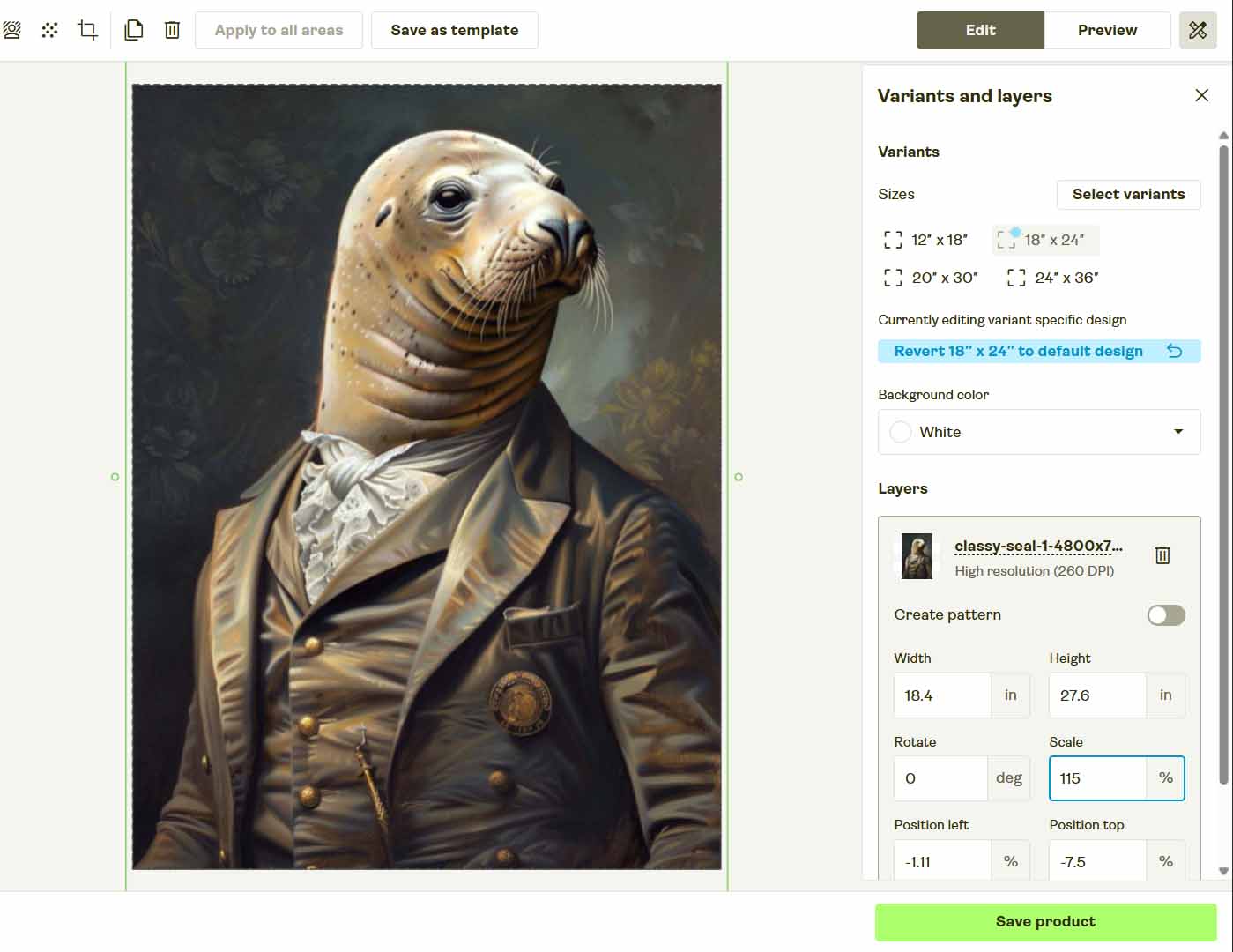
So while it’s technically possible to build an RPA flow for Printify, maintaining it quickly becomes a nightmare. Every minor UI update or loading delay forces you to re-record, tweak, or completely rebuild your automation.
In the end, what you’ve built isn’t a scalable business process—it’s a fragile imitation of one. It’s automation that constantly needs human babysitting, which defeats the entire purpose of automating in the first place.
That’s why most serious businesses don’t automate web workflows through RPA for complex dynamic platforms like Printify. They use software-level automation frameworks that communicate directly with APIs—the same backend interfaces the web apps themselves use—to ensure reliability, scalability, and long-term consistency.
And in the next section, we’ll look at a tool that’s built specifically on that principle.
Introducing the Bulk POD Product Creator—The Proper Way to Automate Printify Product Creation
Instead of trying to force-fit an RPA tool to handle an inherently complex and fragile browser process, a far better solution is to use a purpose-built automation system that was designed specifically for this exact job.
That’s where the Bulk POD Product Creator comes in.
This tool eliminates the guesswork, the recording scripts, and the maintenance headaches that come with RPA or macro-based automations. It connects directly to the Printify API—meaning it automates natively through the same underlying commands Printify’s own system uses. The result: professional-grade automation that’s clean, consistent, and virtually immune to UI changes.
How the Bulk POD Product Creator Workflow Works
Step 1) Upload Your Artwork Batch
Start by dropping in your full folder of artwork images—whether it’s a handful or thousands. The software automatically detects and prepares every image, turning each file into a ready-to-generate product seed.

Key benefit: There’s no renaming or organizing required. You save hours of prep time compared to manual uploading or brittle UI-based automation sequences.
Step 2) Choose Your Image Placement Rule
Select how your images should be applied to the print areas of your products—whether to stretch to fit, preserve aspect ratio, or exactly match an existing image placement.
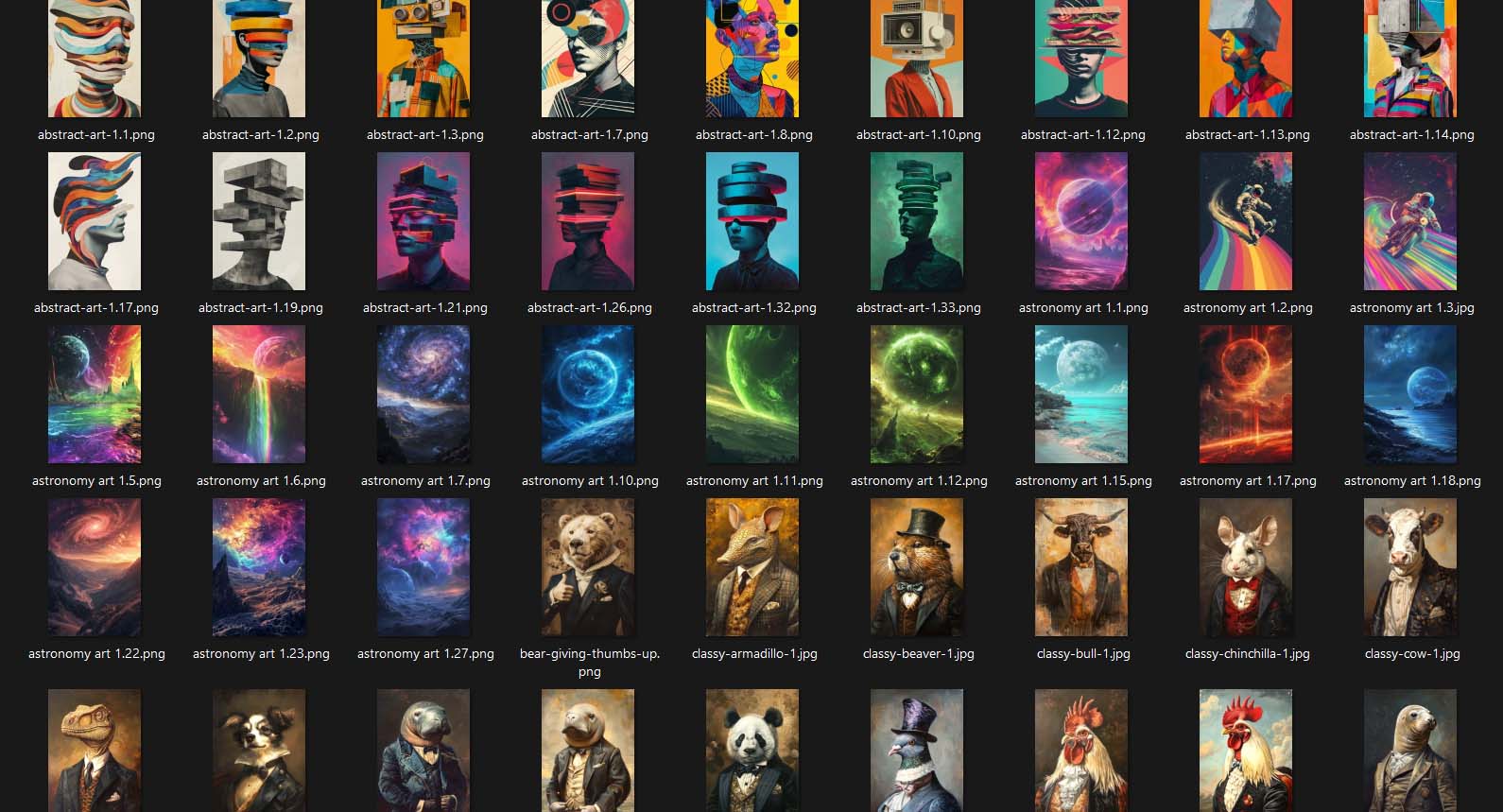
Key benefit: Each image is automatically resized and positioned correctly across all variants, ensuring professional, uniform results without manual drag-and-drop adjustments.
Step 3) Select an Example Product
Choose one existing product from your Printify store to serve as your Example Product. This defines the structure, variants, and pricing that you want replicated across your new listings.

Key benefit: This step standardizes your entire catalog. Every new product mirrors your preferred layout and variant structure perfectly, ensuring visual and pricing consistency throughout your shop.
Step 4) Define Titles, Descriptions, and Tags Using AI
Instead of typing every title, description, and tag manually—or trying to record RPA input actions—the Bulk POD Product Creator uses AI to analyze each artwork image and write optimized text automatically. It generates unique, SEO-ready product metadata that describes the design itself, while you can append your own brand-specific prefixes or suffixes for perfect consistency.

Key benefit: This automation eliminates one of the most time-consuming parts of product creation, while ensuring your listings are high-quality, keyword-rich, and aligned with your store’s brand voice.
Step 5) Run Your Operation
Once your setup is complete, click “Run Operation.” The automation system will generate every product in your batch directly through Printify’s API—automatically applying your Example Product settings, uploading images, writing AI text, and saving all listings with full accuracy.

Key benefit: You can walk away while it runs. The automation executes in the background without needing your browser open, your mouse still, or your keyboard idle.
With this workflow, creating hundreds of products takes minutes instead of hours. And because it’s API-based, it remains consistent no matter how Printify updates its layout or branding.
Bulk POD Product Creator vs. RPA Tools: Which Is Better for Automating Printify?
- Reliability and Maintenance
RPA automations rely on recorded UI actions, meaning even a small change in Printify’s interface can break your entire sequence. You’ll find yourself constantly re-recording and debugging. The Bulk POD Product Creator never relies on screen positions—it uses structured API calls, so your automation continues running flawlessly even after site updates. - Speed and Throughput
RPA runs at human speed—waiting for pages to load, elements to render, and input delays to pass. The Bulk POD Product Creator works at machine speed, pushing data directly to Printify’s backend, often generating hundreds of listings in a fraction of the time. - Accuracy and Error Handling
RPA tools can’t validate outcomes—if a click fails, the automation keeps running blindly. The Bulk POD Product Creator verifies each product creation event, providing structured logs and retry logic that ensures no missed or incomplete listings. - Scalability
An RPA script might survive a dozen listings before choking on timing or browser performance issues. The Bulk POD Product Creator scales effortlessly—designed to handle hundreds or even thousands of product creations in one automated operation. - Flexibility
RPA tools replicate what you do manually—nothing more. They can’t dynamically adapt to changing inputs like new artwork batches or metadata rules. The Bulk POD Product Creator lets you save operation configurations, reload them instantly, and even swap out artwork batches while keeping all other parameters consistent. - Visual Consistency and Image Handling
RPA would need to simulate every drag-and-resize step in the Printify editor—a brittle and unreliable approach. The Bulk POD Product Creator handles this programmatically, resizing and centering images perfectly based on your placement rules across every variant. - Professionalism and Future-Proofing
RPA automation is essentially “screen recording with extra steps.” It’s fine for small, repetitive admin tasks, but not for building a scalable e-commerce operation. The Bulk POD Product Creator is professional-grade infrastructure—a stable, code-driven automation system that lets you scale your business without worrying about breakage, timing, or fragile UI sequences. - AI Integration
RPA tools have no understanding of content—they can only type what you tell them to type. The Bulk POD Product Creator integrates AI natively, generating SEO-friendly titles, descriptions, and tags automatically for every design.

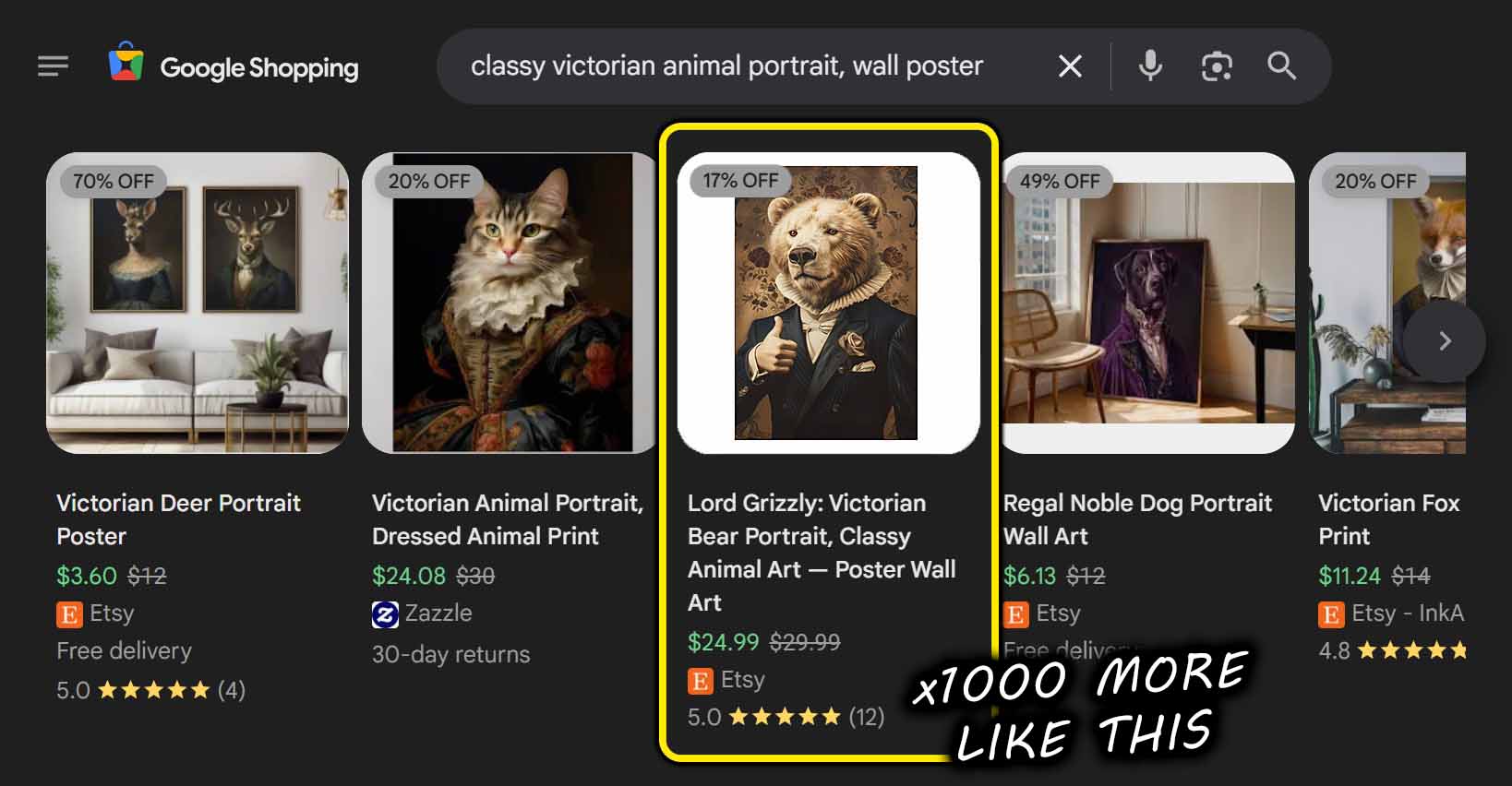

Conclusion: Automate Intelligently—Not Fragilely
RPA tools might seem like a shortcut to automation, but they’re ultimately a band-aid solution for a complex process. They imitate your clicks—they don’t replace them intelligently.
If your goal is to build a scalable, efficient, and professional print-on-demand operation, you need real automation—not recorded mouse movements.
The Bulk POD Product Creator is that solution. It automates print-on-demand product creation at the software level, not the browser level. It uses real API calls, not simulated clicks. It writes your titles and tags for you, resizes your images automatically, and scales from 10 products to 1,000 with the same ease.
Stop duct-taping scripts together. Stop recording macros. Start automating properly.
With the right system in place, your Printify product creation workflow can finally run as fast and efficiently as your ambition.