
Can You Make An AI Agent To Create Printify Products For You?
Overview: This post examines whether a true AI agent can automate Printify product creation, explains the technical and practical limitations of browser-control automation, and details why the Bulk POD Product Creator offers a superior, API-driven solution for reliably generating large batches of print-on-demand products with perfect consistency and SEO-optimized titles, descriptions and tags.
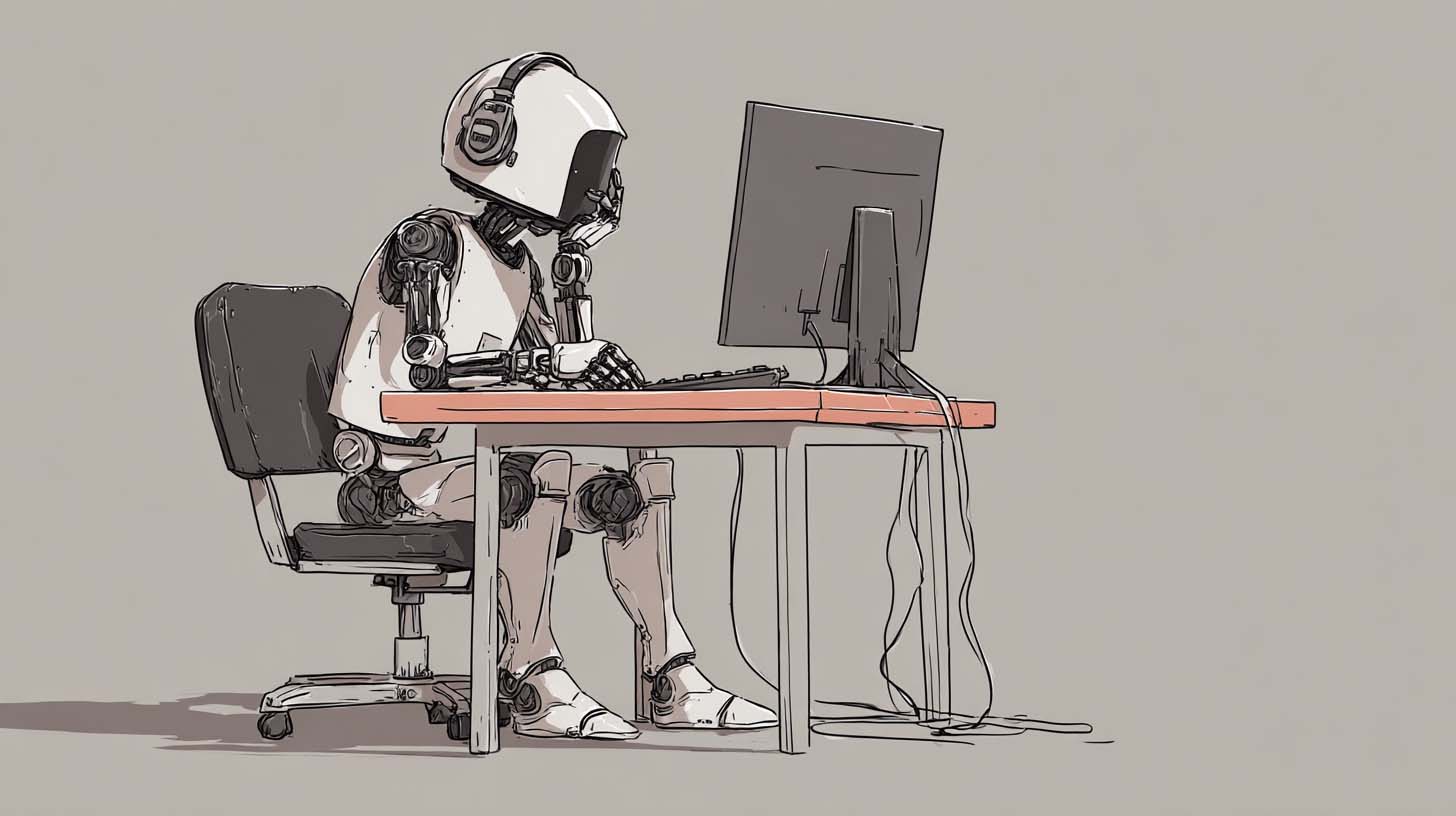
The Temptation of Using AI For Printify Automation
Every print-on-demand seller eventually hits the same wall—the sheer tedium of creating products one by one inside Printify. You spend hours clicking through identical screens, uploading artwork, resizing it for each variant, inputting prices, writing descriptions, and managing endless little details that add up to an exhausting, repetitive workflow. It’s natural to dream about automating all of it—to have an AI system take over your browser and handle those clicks and keystrokes while you sit back and watch your catalog build itself.
That’s where the idea of an AI agent comes in—an autonomous assistant that can take action on your behalf, not just generate text. In theory, such an agent could open Printify, select products, upload files, and complete every step of the product-creation process automatically. It sounds like the ultimate productivity fantasy for anyone drowning in manual setup work.
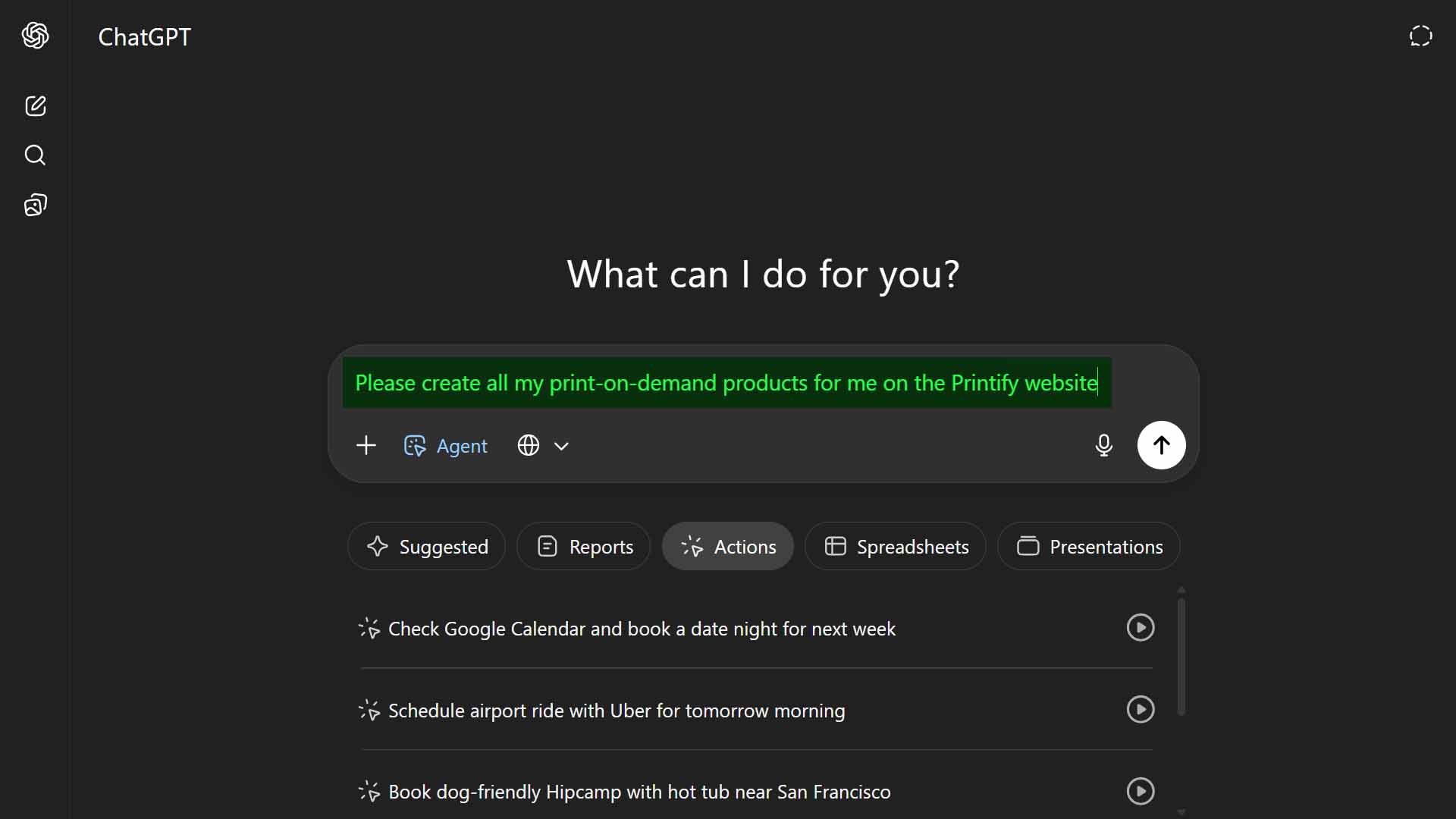
But how realistic is that idea in practice? Could you truly make an AI agent capable of creating your Printify products accurately and consistently?
In this post, we’ll break that question down from multiple angles:
- What AI agents actually are and how they operate.
- Why using one for something as intricate as product creation is far harder than it sounds.
- The limitations and risks of "browser control"-based automation.
- And finally, a look at the Bulk POD Product Creator—a specialized automation tool that achieves the same core goal through proper software methods rather than experimental hacks.
If your dream is to build hundreds of Printify products without all the manual effort, this is the practical, reality-based path forward.
What AI Agents Are—and Why They Struggle With Complex Workflows Like Printify
AI agents are designed to go beyond simple text generation. They can use connected tools, call APIs, or even operate within sandboxed browser environments to perform tasks. You give them an objective, and they decide how to execute it—much like a digital personal assistant with hands on the keyboard.
In theory, that means an AI agent could "open" Printify in your browser, navigate through the dashboard, choose a base product, upload your design, adjust placement, add prices, write metadata, and publish listings automatically. But while this might sound achievable on paper, the reality is far more complicated.
Creating Printify products isn’t a single, linear task—it’s a multi-stage, precision-sensitive operation spread across numerous dynamic pages and menus. Consider what’s required for even a single product:
- Picking the exact right base product from hundreds of similar templates.
- Enabling and disabling dozens of variant combinations correctly.
- Uploading artwork, then resizing and positioning it perfectly across all print areas.
- Typing in accurate variant pricing without missing a field.
- Writing unique, artwork-specific titles, descriptions, and tags optimized for search.
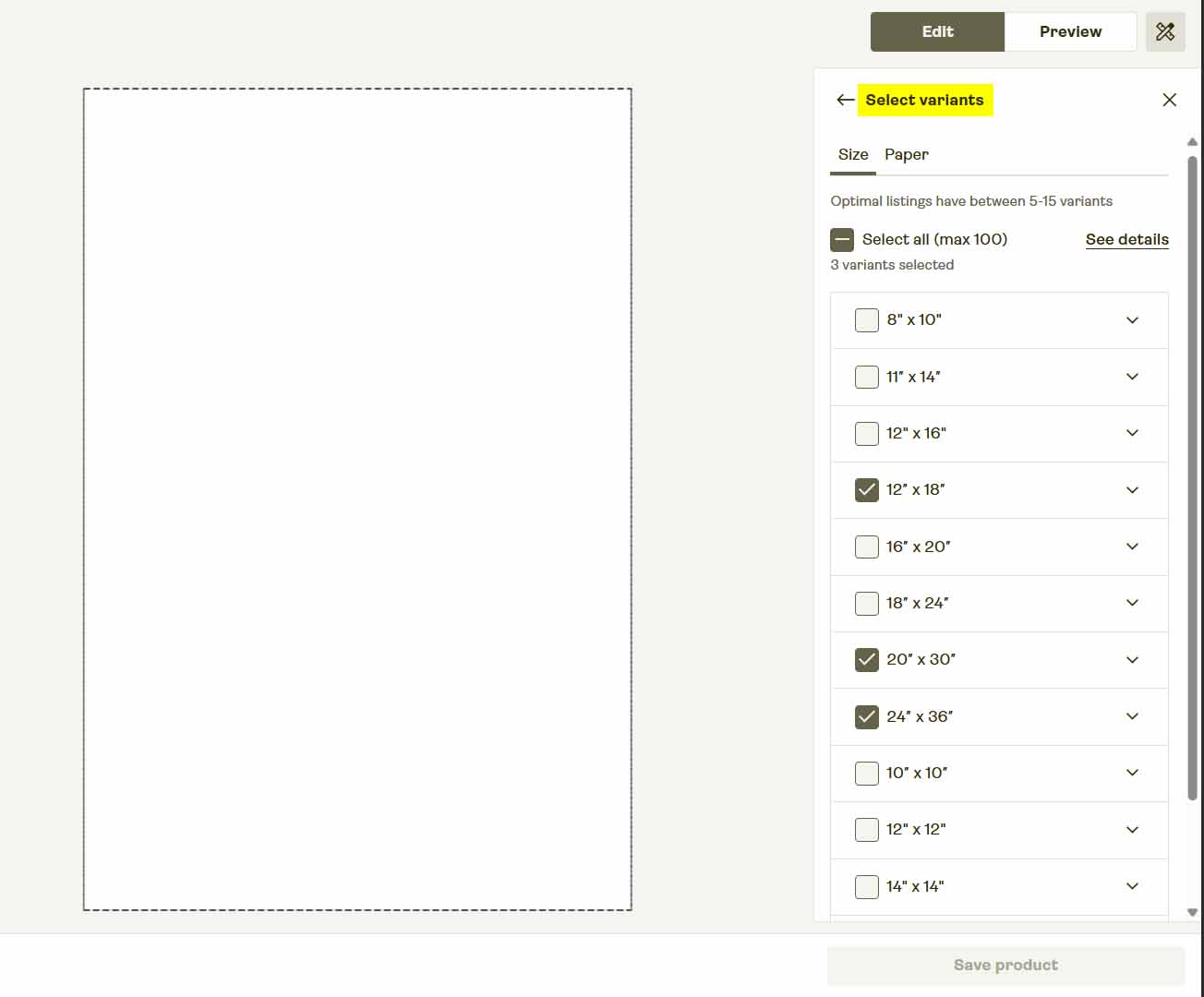
The problem is reliability. Every one of these steps depends on Printify’s constantly evolving interface. The moment Printify changes a button placement, modifies a layout, or adds a loading animation, the agent’s automation sequence can break. The process is non-deterministic—meaning the agent’s decisions and timing can vary each run, leading to inconsistent results or outright failures.
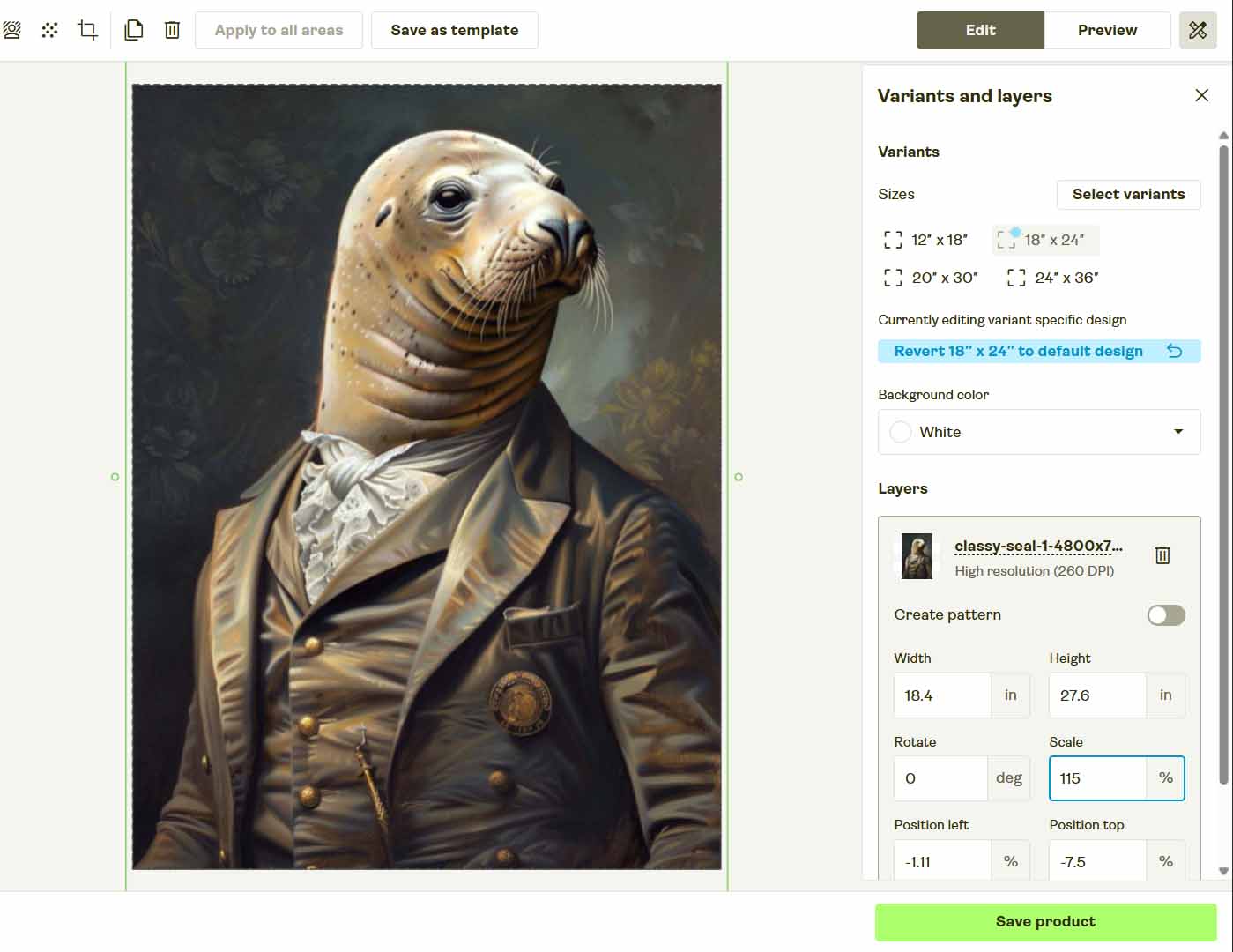
Even a human user sometimes misclicks during setup; an AI agent operating from visual cues and assumptions is exponentially more likely to misinterpret what it sees. That’s why browser-control automation is so fragile—it’s built on a moving foundation.
In short: AI agents are fine for small, predictable tasks, but they fail catastrophically in complex, high-precision workflows like Printify product creation.
A Better Path Forward: Automating Product Creation the Right Way
If your goal is to eliminate manual repetition while still achieving professional, standardized results, there’s a far better option than trying to make an AI agent click around in your browser. That’s where the Bulk POD Product Creator comes in—a purpose-built automation tool designed specifically for print-on-demand sellers who want to scale efficiently and safely.
Instead of attempting to mimic human actions, this software connects directly to Printify’s official API. That means it communicates with Printify the same way Printify’s own systems do—performing legitimate, structured operations with perfect accuracy and zero UI fragility.
Step 1: Select Your Artwork Images and Placement Rule
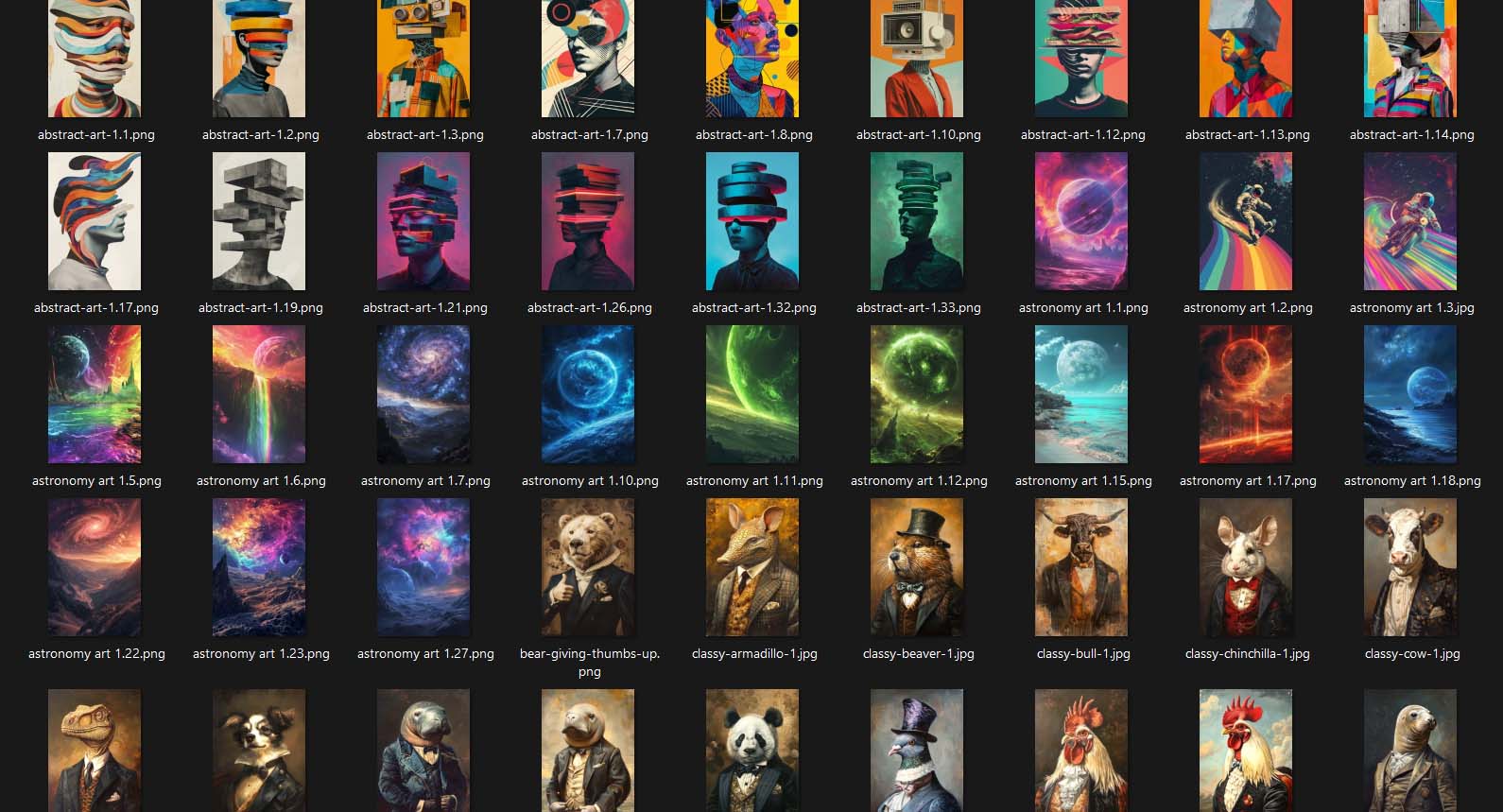
Begin by uploading your folder of designs or artwork images. Each file becomes its own seed product, ready to be generated automatically. Then choose one of three placement rules:
- Stretch Images To Fit Print Area(s)—fills the print area fully for maximum coverage.
- Preserve Image Aspect Ratio & Center—maintains proportions while centering within boundaries.
- Exactly Match Example Image(s)—aligns perfectly with an Example Product’s mockup placement.

Once you’ve selected your rule, the system automatically resizes, crops, and prepares every image for upload. There’s no need to manually open mockup editors or reposition artwork per variant—the software handles every aspect programmatically.
How This Creates Optimal Printify Products:
Every single design in your batch follows identical placement logic. Whether you’re creating 10 products or 1,000, they’ll all share the same image alignment, scaling, and layout precision. This uniformity ensures professional-grade results at scale, something no AI agent clicking through a browser could ever replicate reliably.
Step 2: Connect Your Printify Store and Select an Example Product
Next, link your Printify store. Once connected, choose an Example Product—any existing item in your store that you’d like the system to replicate structurally.

That Example Product becomes your template blueprint. The software reads its configuration, including:
- Enabled print areas (front, back, sleeves, etc.)
- All size and color variants
- Pricing for each variant
- Default mockup style
When the operation runs, every generated product inherits these exact parameters.
How This Creates Optimal Printify Products:
You only need to define your ideal product setup once. The system copies that setup perfectly across every generated listing—no chance of skipped variants, price mismatches, or inconsistent configurations. Compared to an AI agent’s guess-and-click approach, this API-driven method guarantees 100% repeatability.

Step 3: Generate Product Titles, Descriptions, and Tags Using AI
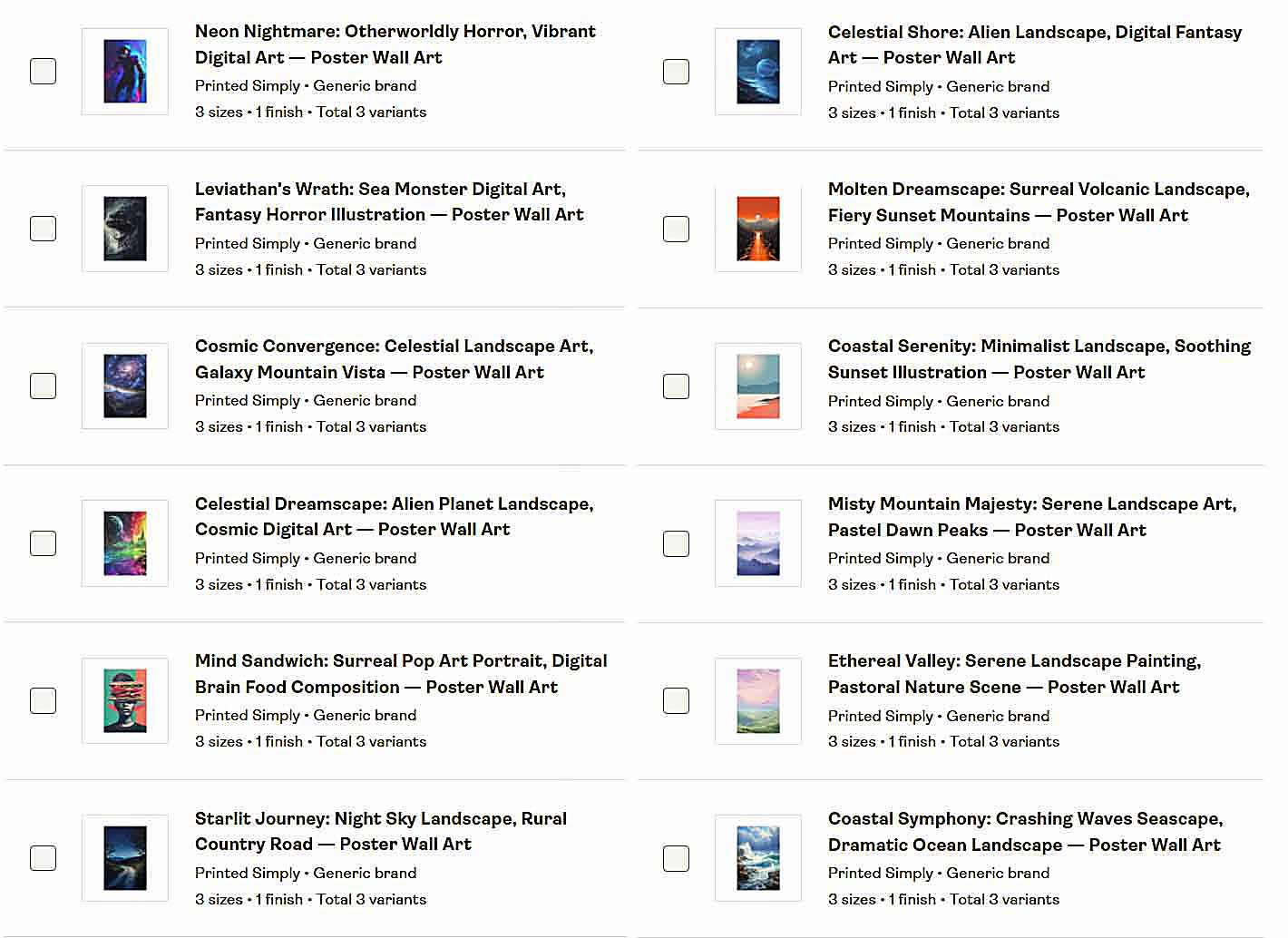
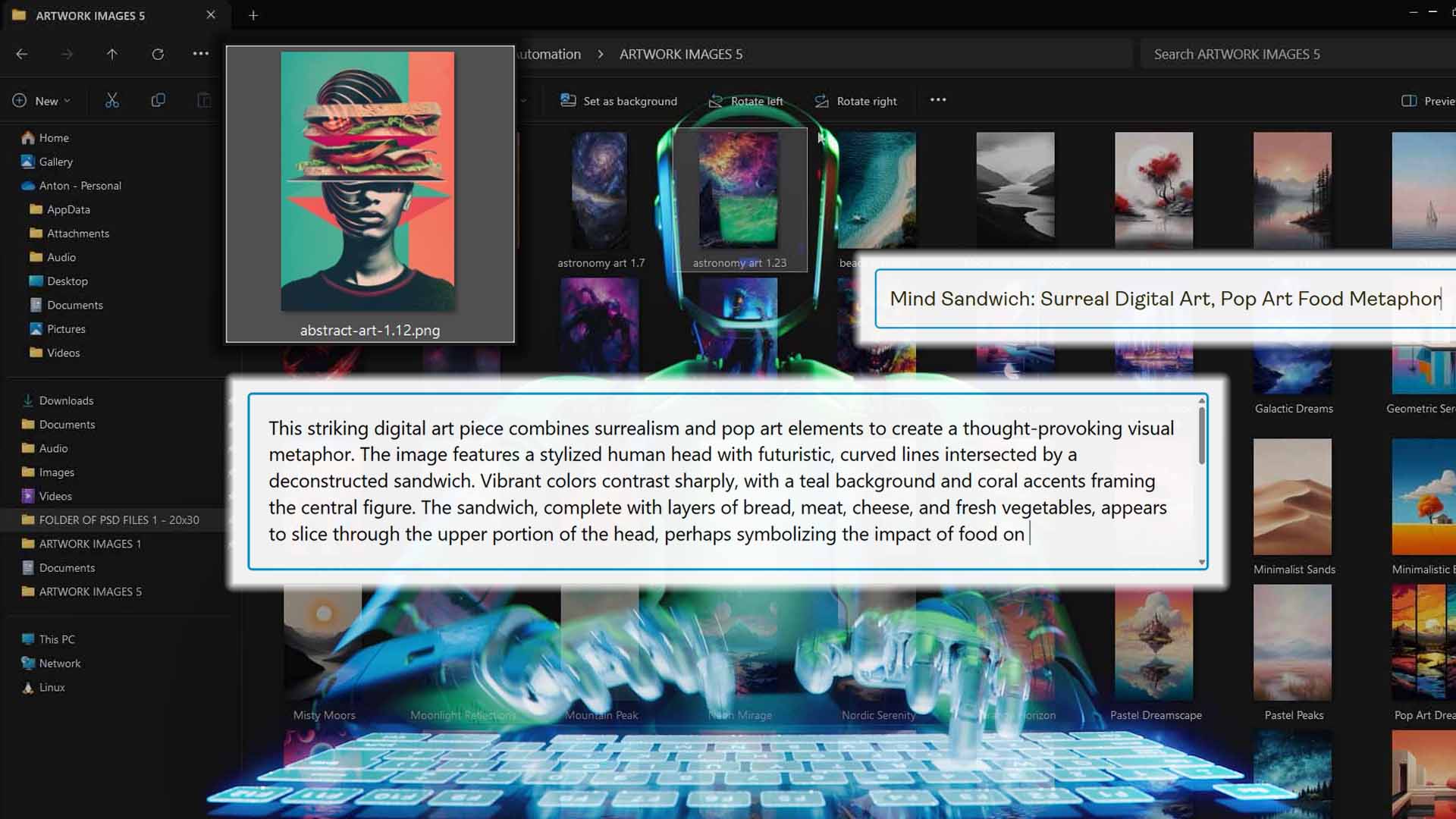
The final setup step defines how your product metadata will be generated. The tool uses integrated AI to analyze each artwork image and write titles, descriptions, and tags that accurately describe the visual content.
This process focuses purely on artwork-level attributes—what’s in the image, its subject, tone, and style—while giving you optional custom text fields to add product-specific details like “—Canvas Print” or “—Premium Wall Art.”

How This Creates Optimal Printify Products:
Every generated product includes coherent, SEO-optimized text that follows the same rule set. The AI’s artwork-aware approach ensures creative variety without sacrificing structure, while the standardized rule definitions keep your listings cohesive.
Step 4: Run the Operation—Bulk Printify Product Creation On Autopilot
With images queued, your store connected, an Example Product selected, and metadata rules defined, click Run Operation. From there, the system executes a clean, deterministic sequence of API calls to:
- Replicate your Example Product’s structure (print areas, variants, pricing),
- Apply your chosen placement rule to each artwork,
- Upload prepared images, generate mockups,
- Attach AI-generated (artwork-aware) titles, descriptions, and tags.

It processes the entire batch end-to-end without you juggling tabs, watching spinners, or babysitting the workflow. Whether you queue ten products or hundreds, the operation proceeds with the same standardized logic every time.
Why this matters: the execution is repeatable (identical logic per run), predictable (no UI drift or misclicks), and hands-off (no manual labor once configured).
Why API-Based Automation Wins (and "Click/Type in My Browser" Loses)
Not all "automation" is created equal. Here’s a deeper breakdown of why a proper API-driven approach outperforms any browser-control, point-and-click hack:
Determinism vs. Guesswork
- API approach: Executes exact, documented calls. If you request 42 variants at set prices, you get precisely 42 variants at those prices.
- Browser control: Relies on volatile DOM elements, timing, and visual cues. A modal, pop-up, or layout tweak can break the flow—or worse, silently misconfigure products.
Scalability That Doesn’t Trip Alarms
- API approach: Built for batch operations; respects rate limits and platform rules by design.
- Browser control: More likely to trigger bot defenses (e.g., captchas, challenge pages), stalling or blocking your runs.

Stability Through UI Changes
- API approach: Unaffected by CSS, layout, or button placements.
- Browser control: Fragile. Any redesign, new class name, or shifted input can cause widespread failures across your batch.
Speed Without Sloppiness
- API approach: Sends efficient, structured requests—no wasted time waiting on animations, no mis-typed fields.
- Browser control: Prone to latency issues, element-not-found errors, and the classic "it worked yesterday."
Perfect Structural Consistency
- API approach: Every product mirrors your Example Product—variants, print areas, and base pricing reproduced exactly.
- Browser control: Tiny deviations compound—missed toggles, partial variant sets, inconsistent alignments.
Security & Compliance
- API approach: Uses official authentication and authorized endpoints.
- Browser control: Emulates a human user; brittle, harder to audit, and more likely to collide with anti-automation checks.
Artwork Handling Done Right
- API approach: Placement rules are applied uniformly across the batch; images are prepped (resize/fit/position) with the same logic.
- Browser control: Visual dragging and clicking are error-prone and inconsistent across products and variants.
Metadata That Scales
- API approach: AI generates artwork-aware titles, descriptions, and tags using consistent rules; you can append your own product-level custom text.
- Browser control: Still needs the text written somewhere—often devolving into copy-paste chaos or brittle field fills.
Bottom line: Browser puppetry is a maintenance treadmill. API-based automation is a production system.
Conclusion: Use Real Automation, Not Hope
Could you cobble together an AI agent to click and type through Printify’s interface? Maybe—for a few runs—until the UI changes, a modal appears, a field shifts, or the agent hesitates at the wrong moment. That’s not a business-grade solution.
The Bulk POD Product Creator is.
- You define a single, verified Example Product.
- You choose a placement rule and upload artwork.
- The system generates artwork-aware titles, descriptions, and tags (with your optional custom text for product context).
- You run one operation—and get standardized, repeatable, API-level results at scale.
If the goal is to eliminate repetitive labor while increasing quality and consistency, proper software automation wins every time. Replace brittle "click bot" experiments with deterministic, API-driven creation—and turn your catalog growth into a reliable, push-button process.