
Can You Make An AI Agent To Create POD Products For You?
Overview: This post explores whether a self-running AI agent can realistically automate print-on-demand product creation, breaks down the technical limits of browser-based automation, and explains why the Bulk POD Product Creator offers a more stable, API-driven solution for creating large batches of POD products with reliable precision and SEO-optimized titles, descriptions, and tags.

The Temptation of Using AI for POD Automation
Every print-on-demand creator eventually runs into the same bottleneck—the repetitive grind of building products manually through their platform’s dashboard. Uploading designs, adjusting placements for each size, setting prices, entering descriptions, and tagging each listing can take hours. It’s natural to imagine a future where an AI handles all of this for you—where your catalog builds itself while you focus on creative work or marketing.
That vision is what fuels the idea of an AI agent: a self-directed assistant that can not only write content but also take real actions. In theory, such an agent could open your POD dashboard, select base items, upload artwork, and configure listings end-to-end on autopilot. It sounds like the dream solution for anyone drowning in setup work.
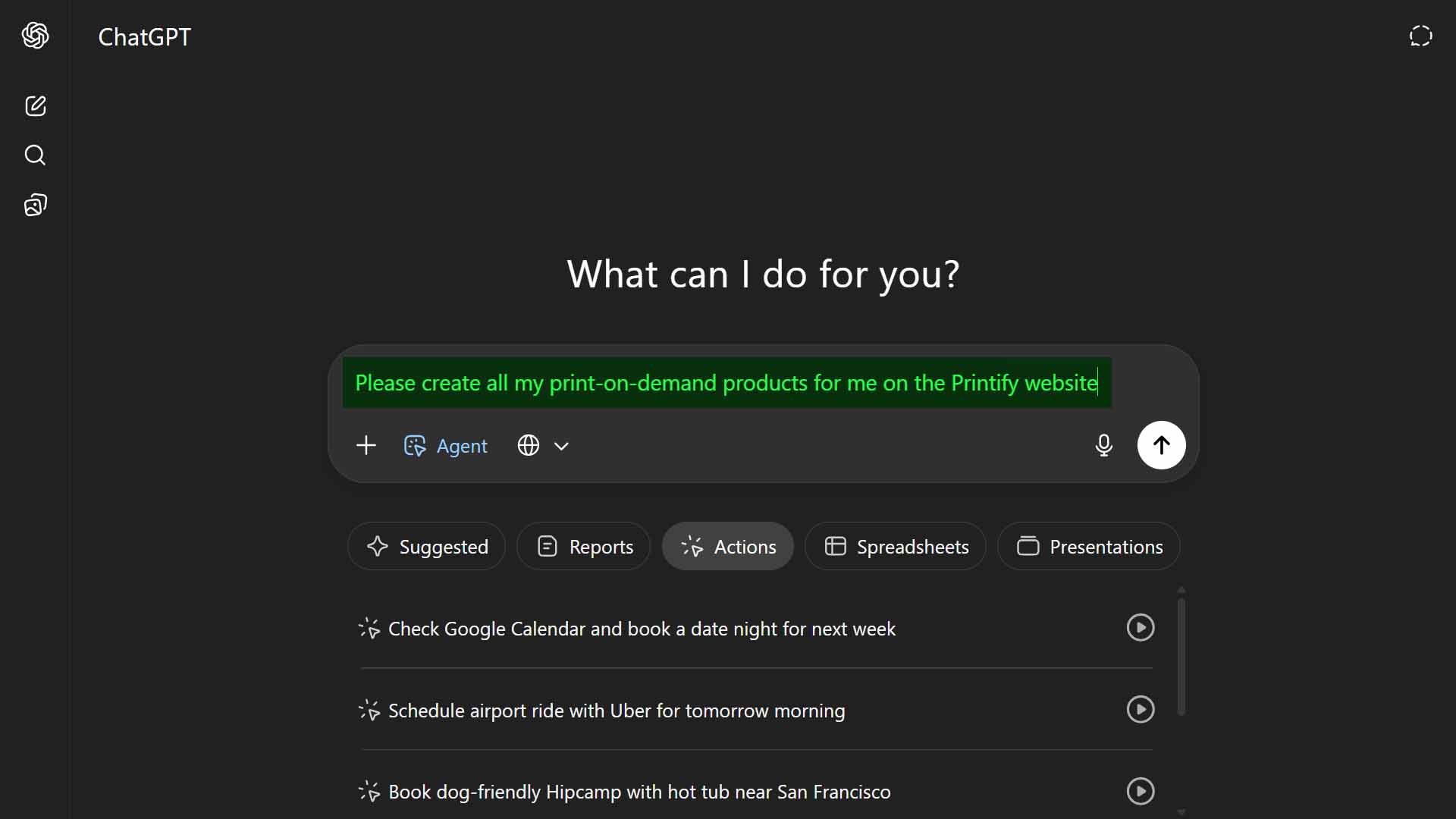
But how feasible is this in practice? Could an AI agent truly manage complex, multi-step listing creation accurately and consistently?
This post breaks that question down across several angles:
- What AI agents actually are and how they function.
- Why using them for detailed, multi-layered workflows is far harder than it appears.
- The inherent fragility of browser-based automation.
- And a look at the Bulk POD Product Creator—a dedicated automation system that achieves the same end goal through structured, API-level methods instead of experimental browser control.
If your aim is to produce hundreds of listings automatically, this post shows the realistic, reliable way to get there.
What AI Agents Are—and Why They Struggle With Complex Workflows
AI agents go beyond text generation. They can use tools, make API calls, or act in simulated browser environments to perform tasks. You provide a goal, and the system determines how to accomplish it—like a digital assistant capable of operating software on your behalf.
In theory, such an agent could log into your POD platform, pick a product, upload designs, adjust placement, set prices, and publish listings automatically. But that vision breaks down quickly once you examine how intricate those workflows actually are.
Creating POD listings involves multiple sequential steps with precise dependencies. Even one product requires:
- Selecting the correct base item from hundreds of near-identical templates.
- Configuring size and color variants accurately across suppliers.
- Uploading artwork, then aligning and scaling it correctly for each print area.
- Assigning precise variant pricing without skipping fields or duplicating values.
- Writing descriptive, SEO-aware titles, tags, and product text for each design.
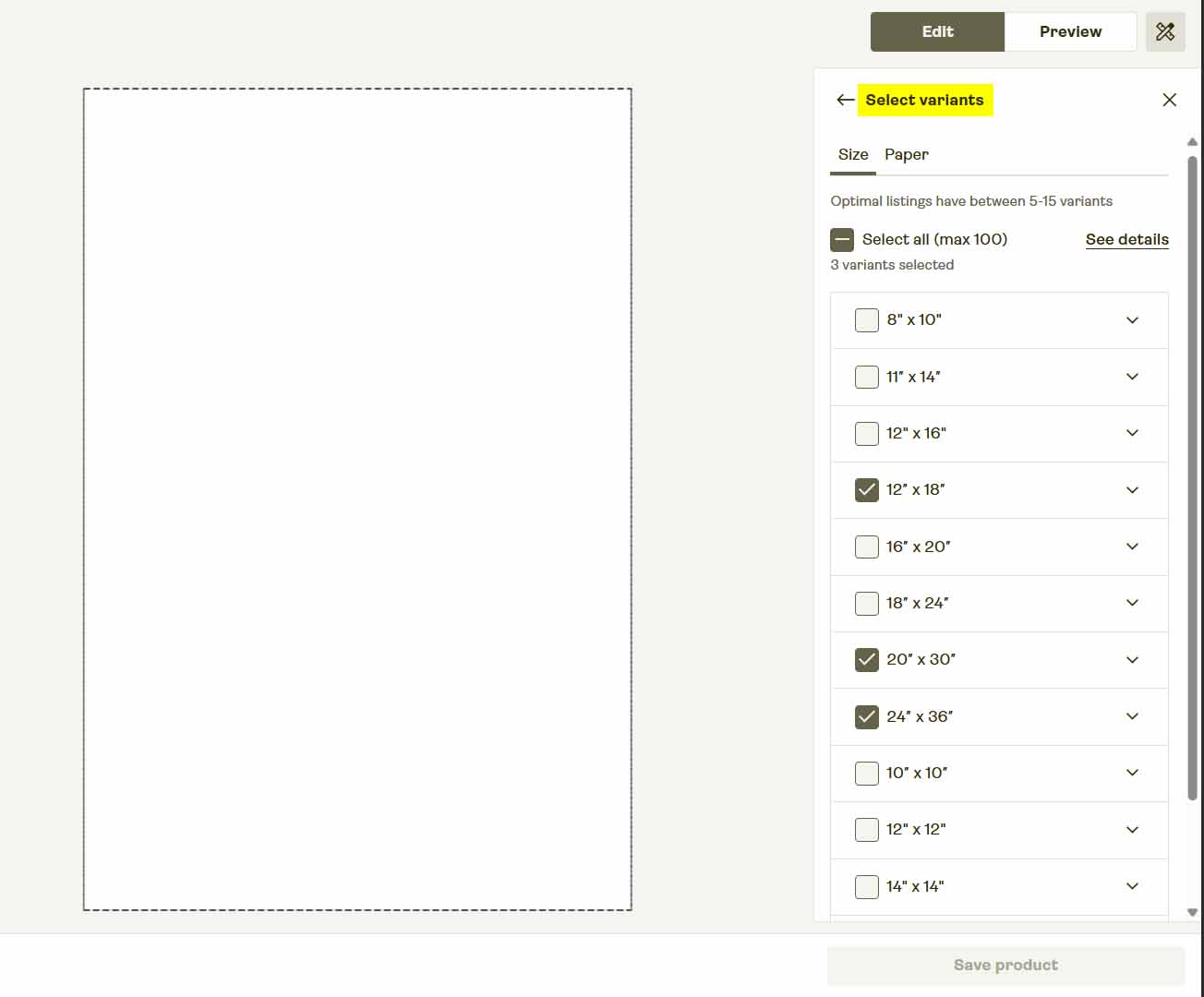
The issue is reliability. Each of these actions depends on a front-end interface that changes constantly. If the platform updates a button label, adds a new modal, or adjusts page load timing, the agent’s click sequence breaks. These environments are non-deterministic—meaning their structure and timing can vary with every session—causing inconsistent or failed runs.
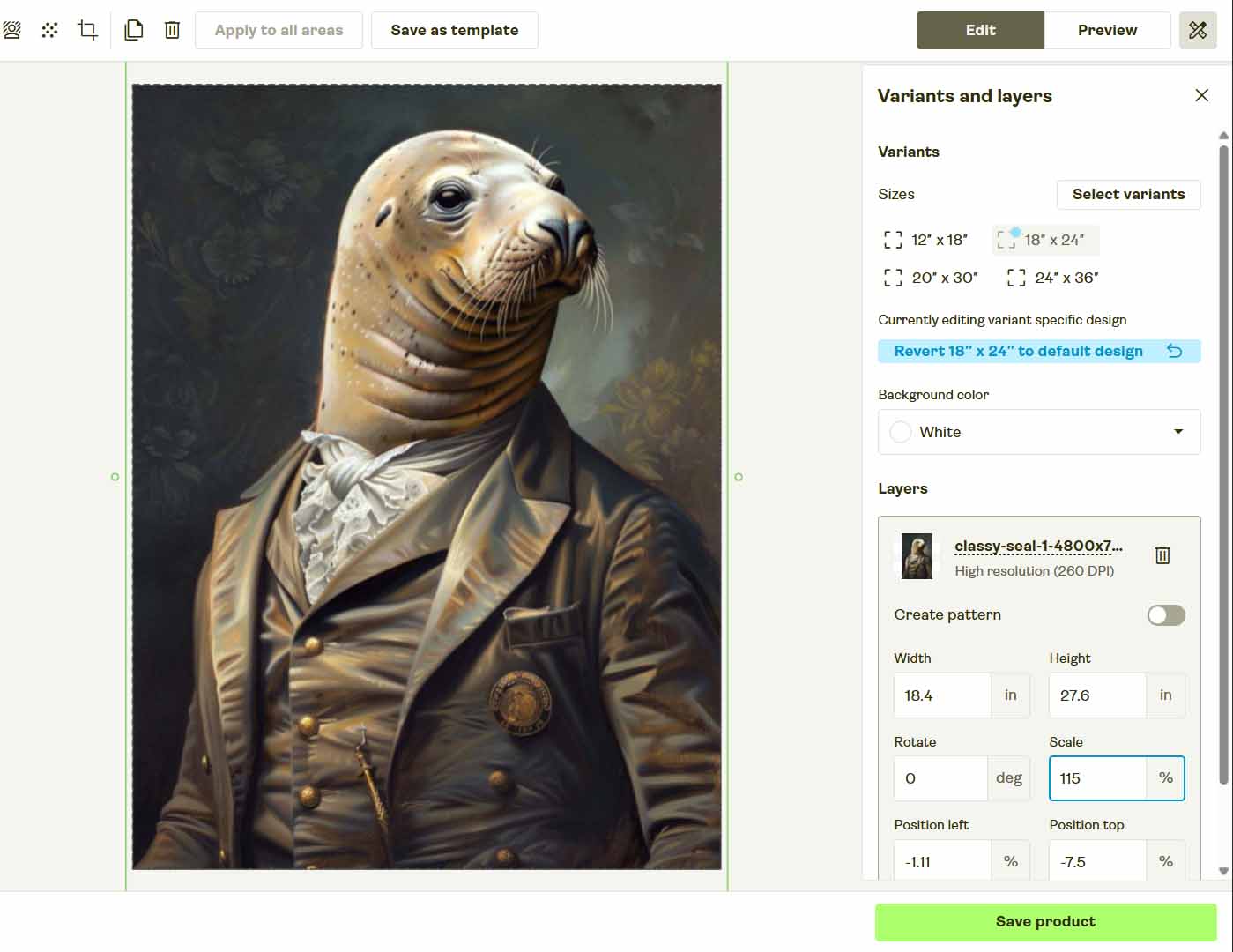
Even experienced humans occasionally misclick. An AI agent relying on visual cues and assumptions is far more prone to error. Browser-control automation is, by nature, fragile because it relies on a shifting foundation.
In summary: AI agents handle straightforward, deterministic tasks well—but they fall apart in complex, high-precision workflows like full product creation.
A Better Path Forward: Automating Product Creation the Right Way
If your goal is to eliminate manual labor while maintaining precision and professionalism, the answer isn’t to force an AI agent to mimic your clicks. The smarter route is to use a purpose-built system like the Bulk POD Product Creator—an automation platform made specifically for print-on-demand sellers who want scalability and accuracy without technical overhead.
Instead of imitating user actions, this tool connects directly to your POD platform’s backend using its official API. That means every product is created through authorized, structured operations—ensuring precision, speed, and complete immunity to interface changes.
Step 1: Select Your Artwork Images and Placement Rule
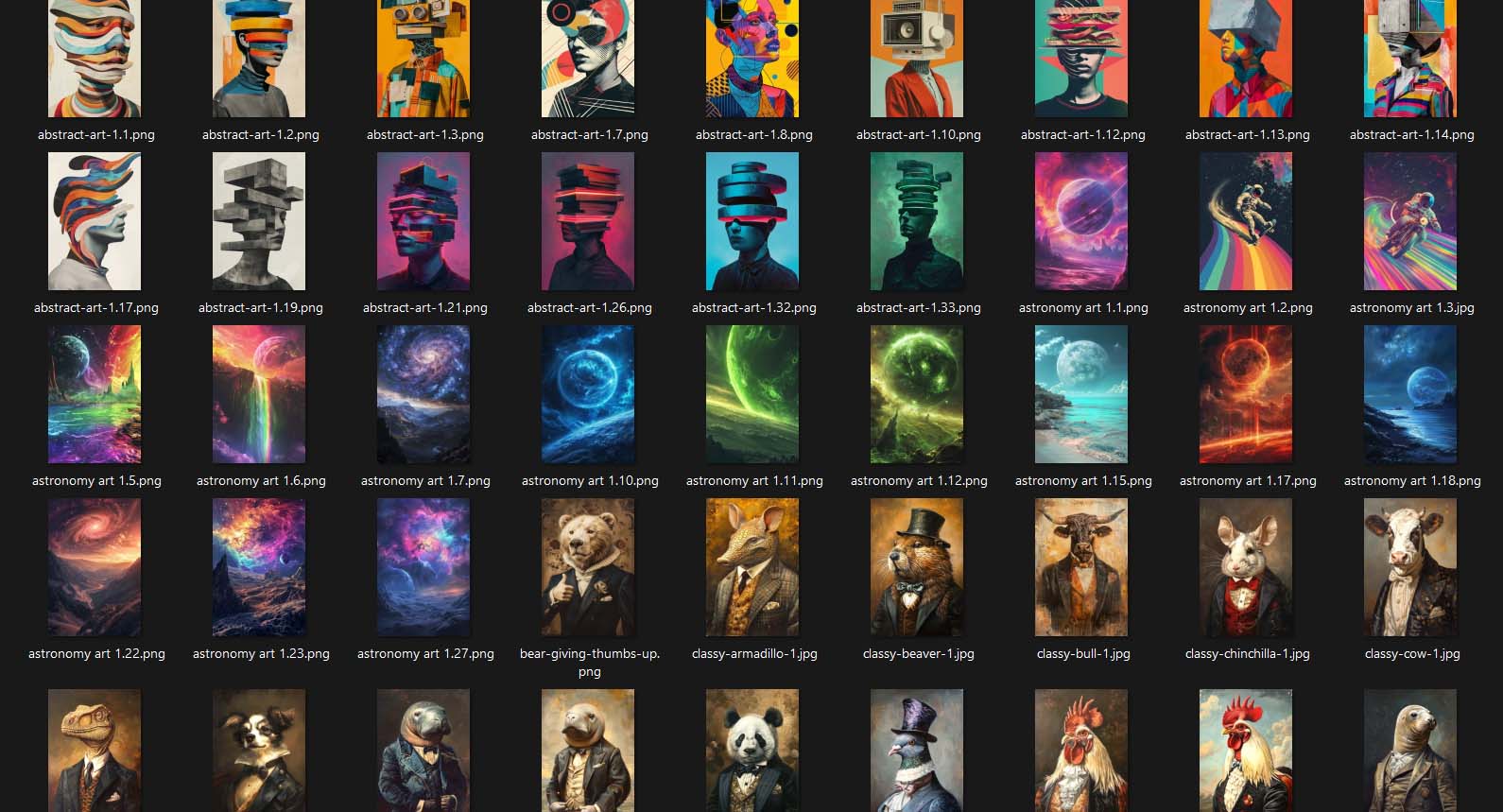
Start by uploading your folder of artwork images. Each file becomes a new product seed ready for generation. Then select one of three placement options:
- Stretch Images To Fit Print Area(s) — fills each print area edge to edge for maximum coverage.
- Preserve Image Aspect Ratio & Center — maintains proportions and centers the image cleanly within boundaries.
- Exactly Match Example Image(s) — replicates placement exactly from your Example Product for pixel-perfect alignment.

Once chosen, the system automatically processes each image—resizing, cropping, and preparing it for placement. There’s no need to manually drag artwork within mockup editors; everything is handled automatically through code.
How This Improves Workflow Efficiency:
Every design follows consistent placement logic. Whether you’re generating ten products or a thousand, all share identical alignment and layout precision. The result is professional, repeatable quality that browser-driven automation simply can’t match.
Step 2: Connect Your POD Platform and Select an Example Product
Next, connect your print-on-demand platform account. Once linked, choose an Example Product—an existing item you’ve already configured exactly how you like. This product acts as the structural template that the system will replicate across your new listings.

That Example Product serves as your operational blueprint. The software reads and preserves its configuration details, including:
- All enabled print areas (front, back, sleeves, etc.)
- Active size and color variants
- Pricing across all variants
- Default mockup settings and layout
When you run your operation, every new product mirrors these specifications precisely.
How This Improves Product Consistency:
You only need to perfect your setup once. The system clones that verified configuration for every generated listing—eliminating skipped variants, mismatched pricing, or alignment errors. Unlike AI agents that simulate mouse clicks, this API-based process guarantees deterministic, error-free replication.

Step 3: Generate Product Titles, Descriptions, and Tags Using AI
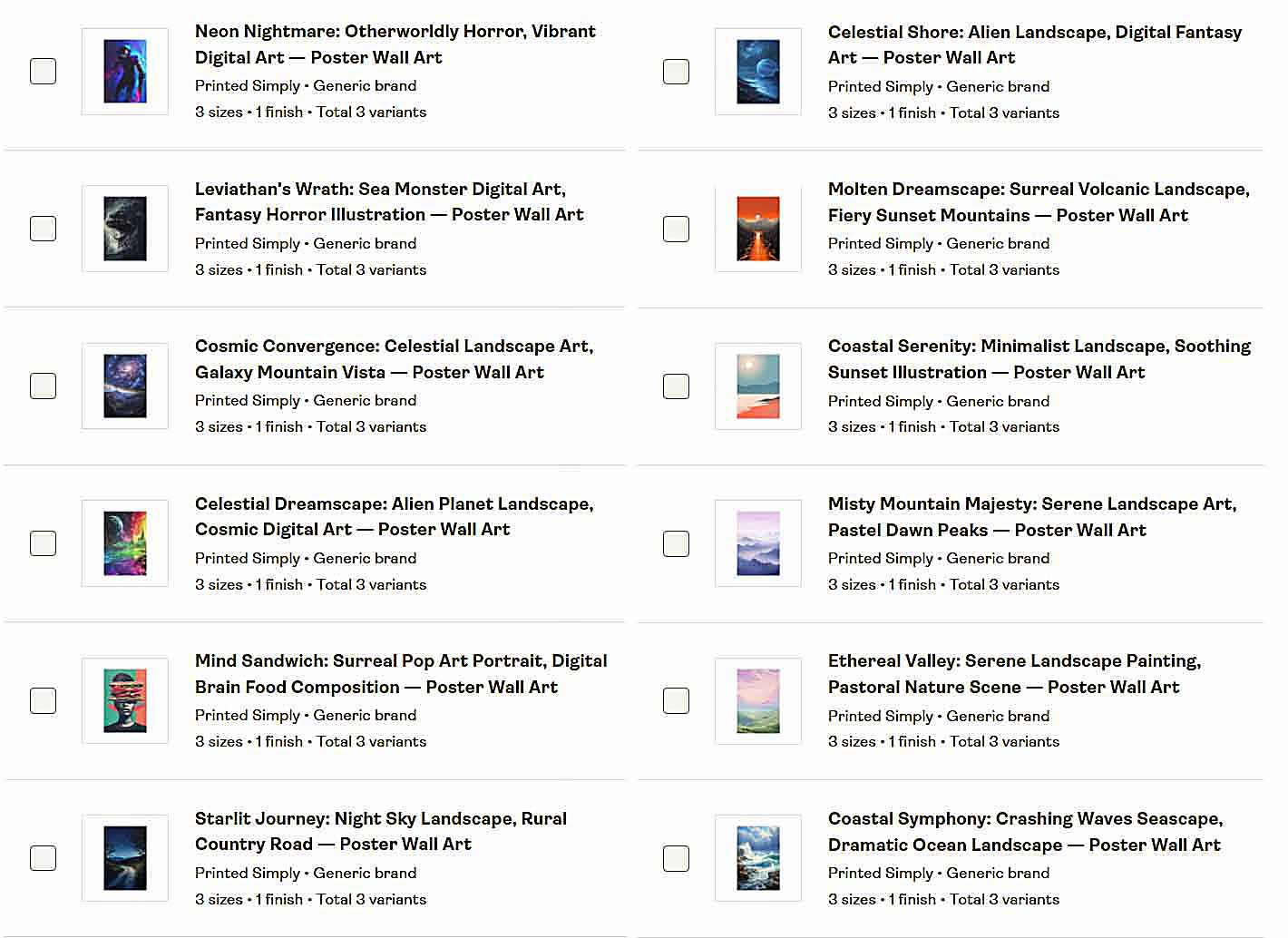
Next, define how you want your product metadata to be generated. The integrated AI analyzes each artwork image to create accurate, descriptive text for titles, descriptions, and tags—focusing exclusively on the image’s subject matter, tone, and style.
Optional custom text fields allow you to append consistent product-level context such as “—Canvas Print,” “—Premium Poster,” or “—Wall Art Collection.”

How This Enhances SEO and Consistency:
Each generated product includes clear, keyword-optimized metadata built from the same logical structure. The AI ensures creativity through artwork-specific variety, while your predefined text rules maintain uniformity and professional coherence across your catalog.
Step 4: Run the Operation—Bulk POD Product Creation on Autopilot
Once your artwork is uploaded, your account connected, and your Example Product and metadata settings defined, click “Run Operation.” The system executes a clean, repeatable sequence of API actions to:
- Replicate your Example Product’s structure (print areas, variants, and pricing),
- Apply your chosen placement rule to each artwork,
- Upload prepared images and generate mockups,
- Attach AI-generated titles, descriptions, and tags derived from the artwork.

The process completes automatically—no manual tab switching, loading waits, or interruptions required. Whether processing a few products or several hundred, every run follows the same structured logic for predictable results.
Why This Matters: The system’s execution is deterministic, stable, and asynchronous—no random pauses, UI drift, or misclicks. It’s hands-off, consistent automation at scale.
Why API-Based Automation Wins (and “Click/Type in My Browser” Loses)
Not all automation approaches are equal. Here’s why API-driven workflows far outperform browser-based “click bot” methods in reliability, scalability, and control:
Determinism vs. Guesswork
- API approach: Executes clearly defined, documented actions—if you specify 42 variants at set prices, that’s exactly what you get.
- Browser control: Relies on fragile visual cues. A modal or UI change can halt or misconfigure the entire process.
Scalability Without Triggers
- API approach: Built for batch operations and respects rate limits automatically.
- Browser control: Mimics user activity and often triggers bot protection systems, such as captchas or rate-limit challenges.

Resilience to UI Changes
- API approach: Independent of layout or design updates.
- Browser control: Fragile—any class name or CSS modification can break workflows instantly.
Efficiency Without Errors
- API approach: Performs fast, structured requests without redundant page loads or animation delays.
- Browser control: Prone to timing failures and inconsistent behavior across sessions.
Perfect Structural Consistency
- API approach: Replicates your Example Product exactly—variants, print areas, and pricing remain identical.
- Browser control: Produces drift—skipped fields, mismatched variants, and subtle formatting errors.
Security & Compliance
- API approach: Uses official authentication and sanctioned endpoints for stable, legitimate automation.
- Browser control: Impersonates a human user—harder to audit, easy to break, and risky under anti-bot policies.
Consistent Artwork Handling
- API approach: Applies uniform placement and resizing logic across all listings automatically.
- Browser control: Relies on manual or simulated dragging, which introduces visual inconsistencies.
Metadata That Scales
- API approach: AI generates artwork-based titles, descriptions, and tags using consistent rules and optional custom text fields for context.
- Browser control: Still requires manual text input or unreliable field-filling scripts.
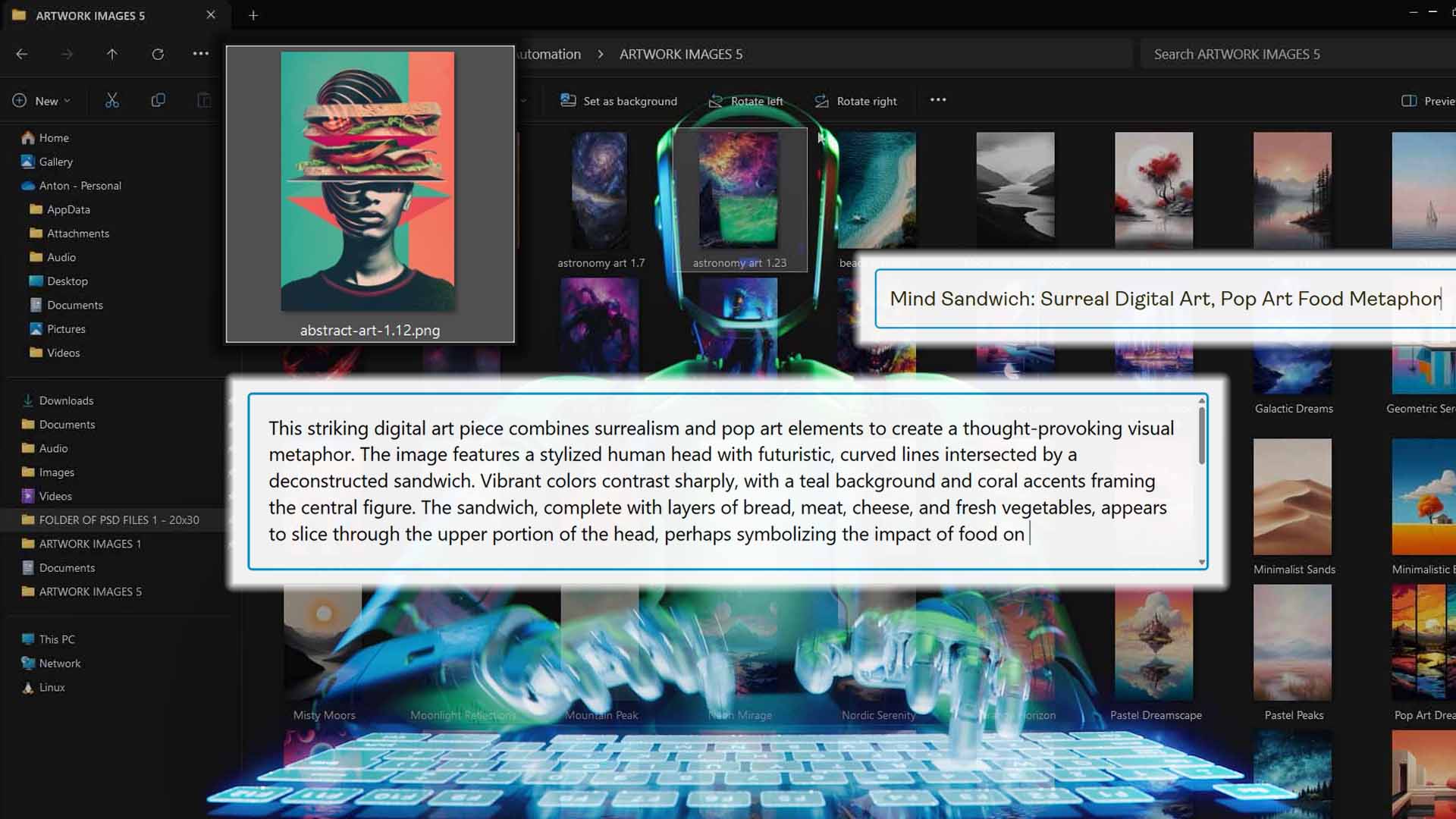
Bottom line: Browser puppetry is a temporary workaround. API-driven automation is a long-term, production-grade system.
Conclusion: Use Real Automation, Not Hope
Could an AI agent theoretically automate your product creation workflow? Maybe—until a layout change, new pop-up, or delayed response breaks the chain. That’s not sustainable automation; it’s a temporary patch.
The Bulk POD Product Creator provides the real answer.
- Define a single, verified Example Product once.
- Upload your artwork and select your placement rule.
- Let the AI generate artwork-aware titles, descriptions, and tags with your chosen custom context.
- Run one automated operation—and produce hundreds of listings with perfect consistency.
If your goal is to scale efficiently while maintaining high-quality listings, structured API automation is the only viable approach. Replace unreliable “click bots” with professional-grade automation—and turn product creation into a repeatable, push-button process.