
Can You Make POD Products via TinyTask, By Recording Mouse Clicks & Keyboard Typing?
Overview: This article examines whether TinyTask—a lightweight macro recorder that replays mouse movements and keystrokes—can truly automate print-on-demand product creation effectively. It explains why such front-end imitation quickly breaks under real-world conditions and how the Bulk POD Product Creator replaces this fragile approach with API-level, reliable automation for consistent, scalable, SEO-optimized product launches.
POD Product Creation Is Slow and Boring — Let’s Learn How to Automate It
If you’ve ever built out products one by one on platforms like Printify, Printful, Gooten, or Gelato, you know how painful the repetition is: click, upload, resize, type, repeat—hundreds of times. It’s slow, mechanical, and unproductive. Every listing requires the same tedious sequence, yet none of that effort truly grows your business.
So naturally, you start thinking—there must be a better way.
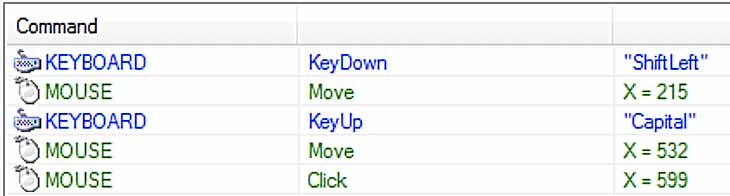
If you’re here, you’ve probably looked into automation shortcuts like TinyTask, a lightweight macro recorder that tracks your mouse and keyboard inputs and plays them back automatically. On paper, it seems ideal for automating your product-creation routine. You could just record yourself making a listing once, then replay it endlessly to produce more.

The logic makes sense—you’re repeating identical actions, so why not delegate them to a script? It sounds clever enough, but how does it hold up in real-world use?
Can a simple macro recorder like TinyTask truly automate the process of creating print-on-demand products? Or is there a more reliable, scalable way to achieve full automation without the fragility and constant maintenance?
Let’s find out—and then look at the professional-grade solution built specifically to handle this workflow properly.
Can POD Product Creation Be Automated Using TinyTask?
Technically, yes—TinyTask can replicate simple on-screen actions. It records your clicks and keystrokes and replays them later with the same timing. For basic, unchanging workflows—like opening an app or typing in a short form—it’s surprisingly effective.
But print-on-demand product creation isn’t a static process. It’s dynamic, multi-layered, and constantly changing—from how long pages load to where interface elements appear. In short, this is where TinyTask’s simplicity becomes its downfall.
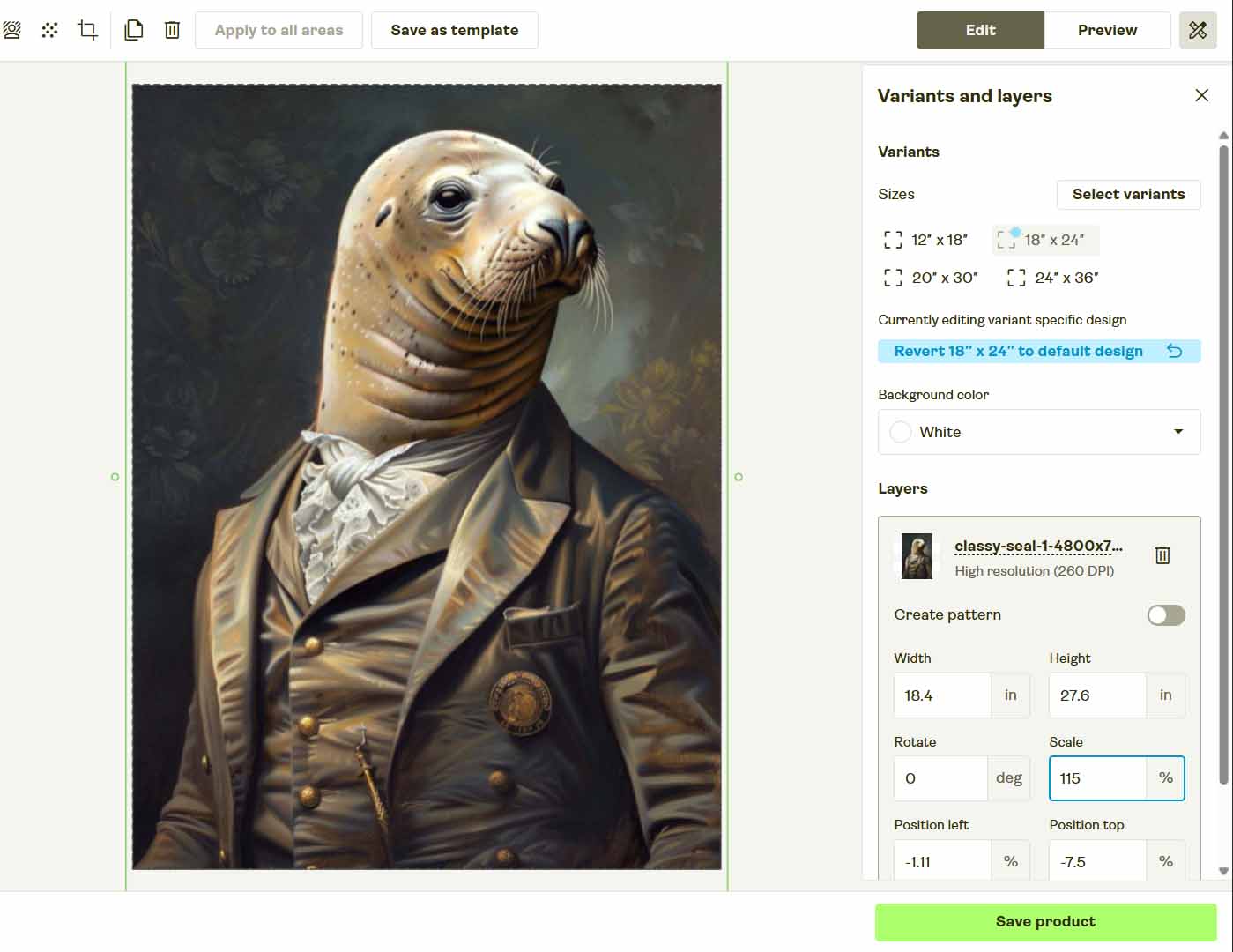
Even if you carefully recorded a TinyTask macro that mimics every click, scroll, and keystroke, it would only function correctly if all environmental conditions remained identical:
- Window size and screen resolution can’t change.
- Browser zoom level must remain fixed.
- The POD platform’s layout must stay identical.
- Your mouse must stay perfectly still during execution.
- Page load times must match the recording exactly.
Change any one of those—and the automation breaks. Worse, it may misfire and click the wrong element. Because platforms like Printify routinely update their UI, breakages are inevitable.
So yes, TinyTask can imitate the process of adding a product, uploading an image, and typing fields—but it’s a fragile, high-maintenance workaround that collapses under real operational demands.

It might “work” for a handful of products, but it’s not something you’d ever trust to scale a business.
No Need to Reinvent the Wheel — A Proper Automation Solution Already Exists
If you’ve ever tried pushing TinyTask to handle complex tasks, you know how this story ends. You get it working once, then spend hours re-recording and debugging when even the smallest layout tweak breaks the sequence.
At that point, you’re not automating—you’re maintaining automation.
And that’s unnecessary effort. You don’t need to engineer brittle macros for something that already has a stable, tested solution.
A dedicated print-on-demand automation tool already exists that does everything TinyTask can’t—faster, cleaner, and at scale. Instead of imitating mouse clicks, it automates your print-on-demand product creation process properly using API logic that communicates directly with your platform.
That tool is the Bulk POD Product Creator—a professional-grade automation system designed for sellers who value reliability and scale.
Meet the Bulk POD Product Creator — The Right Way to Automate POD Product Creation
The Bulk POD Product Creator replaces all that fragility with a robust, code-level framework. Instead of moving your mouse around, it performs structured operations through each platform’s official API.
That means no more misclicks, failed uploads, or broken flows. You define the rules once, and the automation executes perfectly every time—reliably and securely.
Here’s the general workflow:
- Upload your batch of artwork images.
- Select how those images should map onto product print areas (stretch, preserve ratio, or exactly match an example).
- Choose an Example Product to clone its structure—variants, prices, and print areas.
- Define metadata generation rules so the AI writes artwork-specific titles, descriptions, and tags automatically.
- Run the operation and watch hundreds of POD products get created automatically—structured, consistent, and SEO-ready.

It’s professional automation built for serious sellers—not a macro recorder struggling to mimic complex workflows.
Step 1: Upload Your Artwork Batch
Upload your entire folder of artwork files—whether ten or a thousand. The system automatically scans, queues, and prepares each image for processing. No renaming or manual prep is required.

How this automation feature streamlines your POD workflow:
Each artwork file becomes its own product seed. The automation engine removes the need for tedious manual sorting or validation—just upload your batch once and let the system process everything in the background.
Step 2: Select Your Example Product
Select one of your existing listings as the Example Product. It serves as your blueprint—defining variants, pricing, and print areas to replicate across every new item.

How this automation feature streamlines your POD workflow:
This step enforces standardization. Every new listing mirrors your Example Product perfectly—ensuring uniform pricing, structure, and visual layout across hundreds of products while eliminating manual setup errors.
Step 3: Define Your Titles, Descriptions, and Tags
This is where automation meets creative consistency.
The Bulk POD Product Creator uses AI to analyze each artwork image and automatically generate SEO-optimized titles, descriptions, and tags. The AI focuses solely on the artwork—its color palette, composition, and theme—producing natural, keyword-rich metadata tailored to each design.
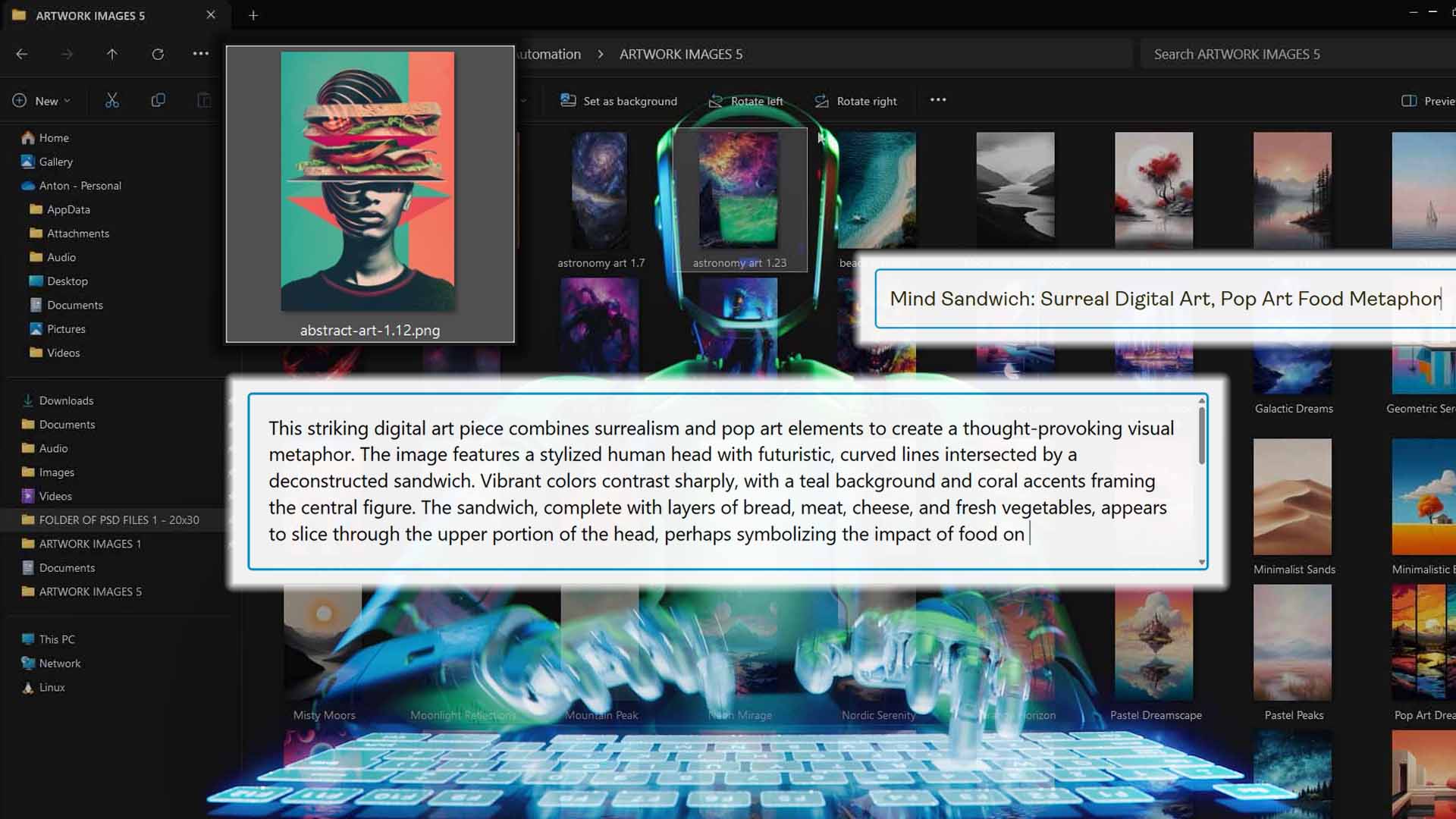
You can layer in Custom Text Rules to align output with your store’s format. For example:
- Prefix “Modern” or “Minimalist” to match your brand’s aesthetic.
- Suffix “— Canvas Print” or “— Metal Wall Art” to clarify format.
- Combine artwork-level AI text with brand-level naming for uniform results.
The outcome: hundreds of listings, each unique, keyword-rich, and aligned with your store’s voice—without typing anything manually.

How this automation feature streamlines your POD workflow:
Manually writing metadata is slow and inconsistent. This automation ensures uniform SEO quality, saves hours per batch, and keeps every listing structured to your brand’s format—something near-impossible to maintain by hand.
Run Your Operation — Create Your POD Products Automatically at Scale
Once your setup is complete—artwork uploaded, Example Product chosen, and AI text rules defined—click Run Operation to let the automation take over.
The system generates your entire batch through the POD platform’s API, handling every detail automatically:
- Uploads and resizes your artwork according to your placement rule.
- Replicates all Example Product settings—variants, orientation, pricing.
- Applies AI-written titles, descriptions, and tags per image.
- Publishes each finished product to your account without manual input.

Generate hundreds of products in one operation while freely using your computer. No browser control, no frozen cursor, no fragile scripts—just real automation running in the background.
How this automation feature streamlines your POD workflow:
It replaces hours of manual effort with one click. No need to monitor browser windows—the automation performs everything reliably, with repeatable, pixel-perfect accuracy every time.
Bulk POD Product Creator vs. TinyTask: 7 Key Comparisons
- Maintenance and Longevity
TinyTask scripts break anytime the UI changes. The Bulk POD Product Creator remains functional through updates by using structured API logic—no re-recording required. - Speed and Efficiency
TinyTask runs at human speed, waiting for pages to load. The Bulk POD Product Creator operates at near-API-limit speeds, generating hundreds of products in minutes. - Reliability and Precision
TinyTask depends on screen coordinates—one lag spike and it misfires. The Bulk POD Product Creator executes code-level commands that never miss, regardless of UI layout or timing. - Portability and Accessibility
TinyTask runs locally on one computer. The Bulk POD Product Creator is cloud-based—accessible from any device and easily shareable with teammates. - Feature Depth
TinyTask can only click and type. The Bulk POD Product Creator can generate AI-written metadata, manage image placement, and mirror variant configurations automatically. - Scalability
TinyTask struggles with even small batches. The Bulk POD Product Creator scales effortlessly to handle hundreds or thousands of listings in a single run. - Professionalism and Business Readiness
TinyTask is fine for hobby projects, but it’s not built for revenue-scale automation. The Bulk POD Product Creator is a professional platform engineered for business use—stable, standardized, and built for growth.
Conclusion: Stop Clicking — Start Scaling
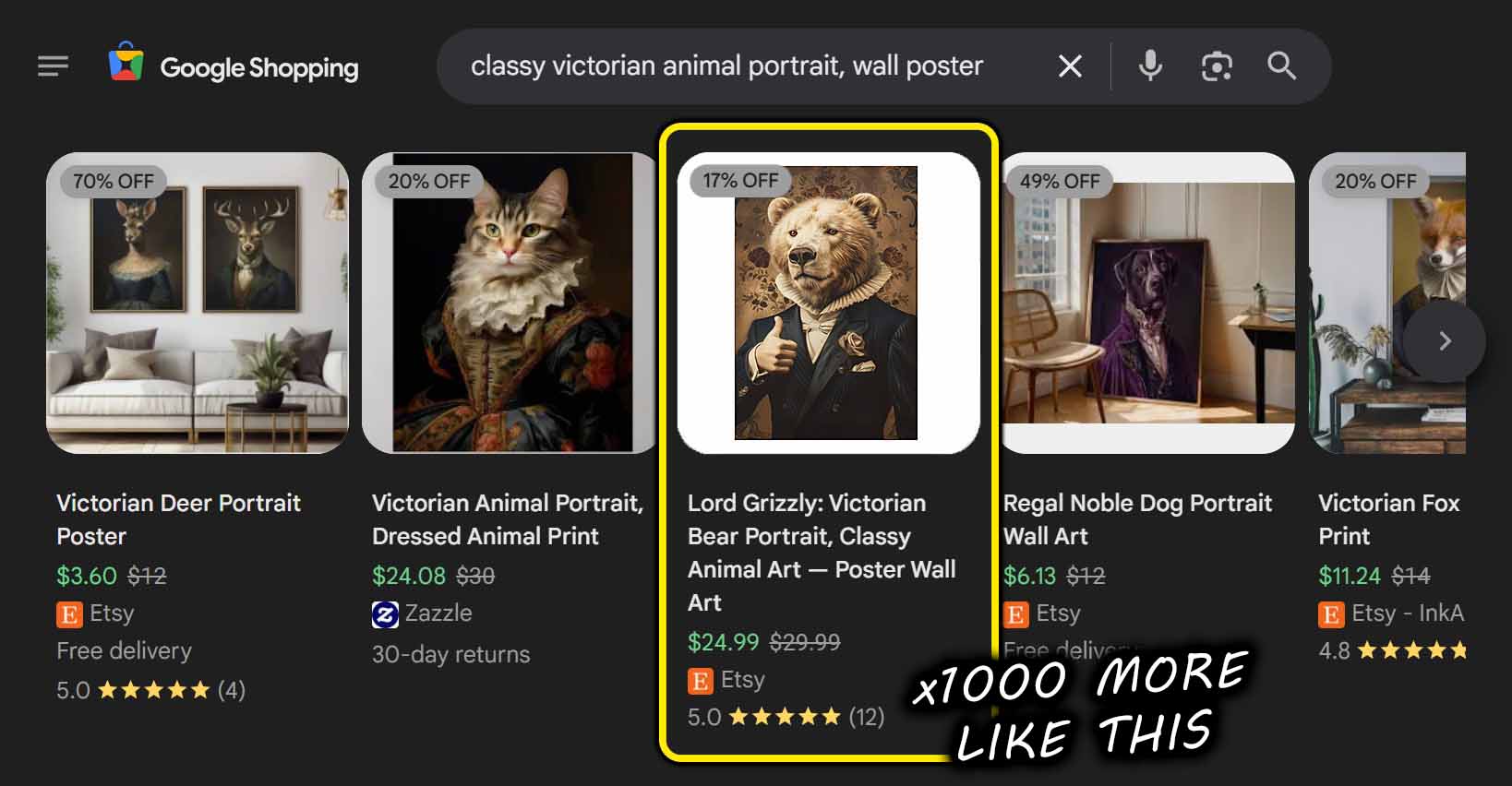
TinyTask might look like automation, but it’s really imitation. It mimics clicks—it doesn’t build systems.
If you want real scalability for your print-on-demand business, use a system that automates intelligently. The Bulk POD Product Creator delivers that:
- Full automation through your POD platform’s official API.
- AI-enhanced SEO titles, descriptions, and tags.
- Accurate image resizing and variant replication.
- Reusable operation templates for effortless reruns.
What TinyTask tries to fake with recorded inputs, the Bulk POD Product Creator achieves natively through real software automation.
Stop recording macros—start scaling intelligently.
With the right system, growing your entire catalog becomes a streamlined, hands-off process.