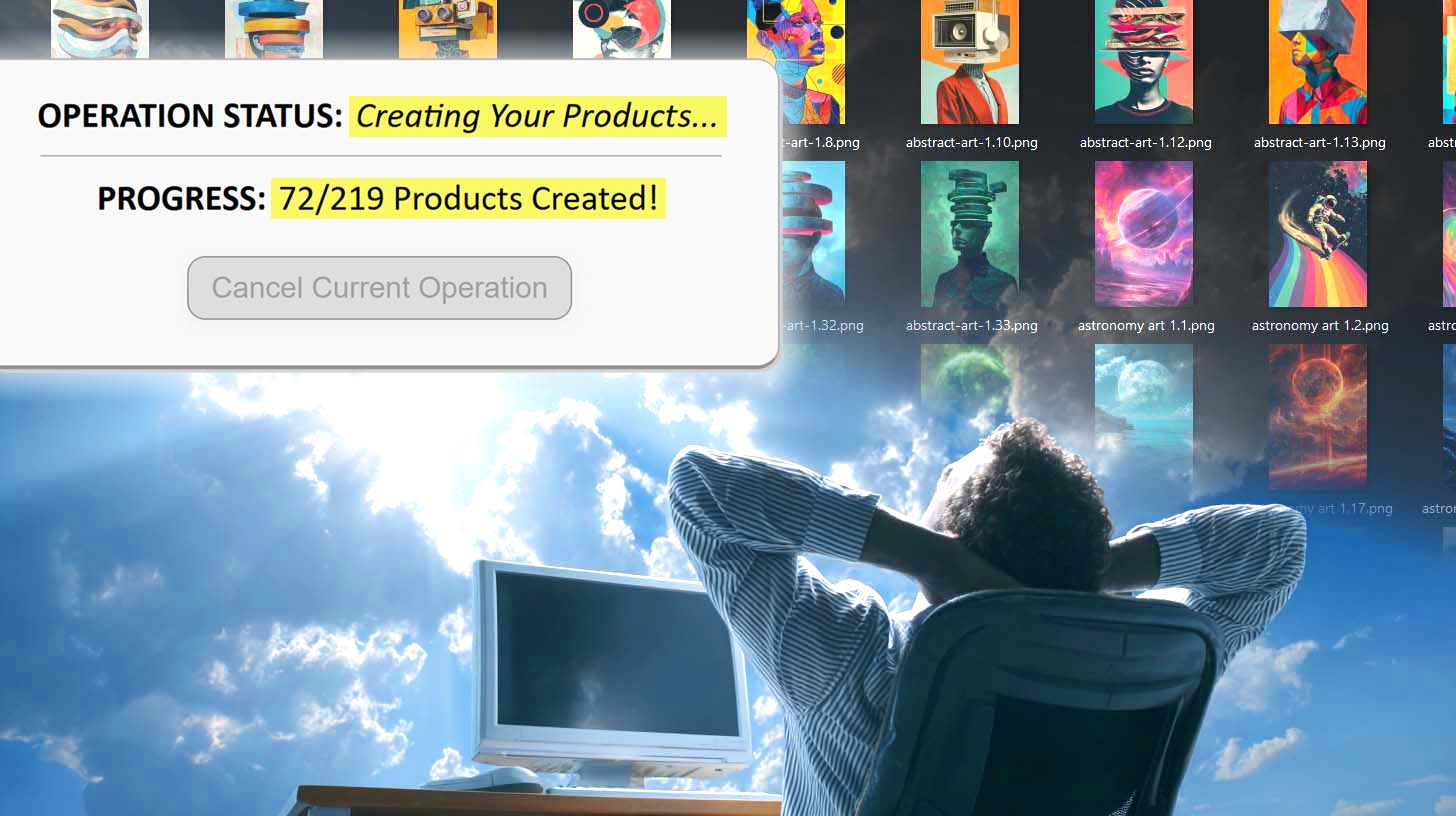
Can You Make POD Products via Macro Recorder Tools?
Overview: This article evaluates whether desktop macro recorders can reliably create products for modern print-on-demand platforms, outlines the practical limits of mouse/keyboard playback automation, and explains why the Bulk POD Product Creator offers a more dependable way to automate POD product creation with minimal manual work.
Manual POD Product Creation Is Drudgery—Automation Is the Answer
If you’ve ever tried building a sizable catalog on a POD platform, you know the grind.
Open the listing page. Upload an image. Nudge the placement. Scroll. Toggle variant checkboxes. Re-enter prices. Paste a title. Paste a description. Repeat—dozens or even hundreds of times.
It’s repetitive, inefficient, and not the best use of a business owner’s time.

So it’s natural to ask: Could a desktop macro tool automate the entire POD listing process by replaying my clicks and keystrokes?
That instinct makes sense. Tools like AutoHotkey, Pulover’s Macro Creator, TinyTask, and Jitbit Macro Recorder promise to automate “whatever you can do with a mouse and keyboard.”
They capture your inputs and play them back. In theory, you could record yourself creating one product on, say, Printify or Printful, then press “play” to repeat the same steps over and over.

Sounds compelling—but does it hold up in real use? Let’s examine the reality—and then look at a more reliable route.
Because while macro recorders can seem like a shortcut, there’s a purpose-built automation approach that achieves the outcome you want—accurately and at scale—without fragile mouse scripts. Later in this post, you’ll see how the Bulk POD Product Creator lets you generate large batches of print-on-demand listings without babysitting a desktop macro.
Can POD Product Creation Be Automated with Desktop Macro Recorders?
Short answer: sometimes—but rarely in a way that survives real-world conditions.
A macro recorder captures raw input—pointer coordinates, click events, key presses, and timing. It has no understanding of context or page state. It can’t tell if an upload finished, if a dropdown actually loaded, or if the page re-rendered mid-run.
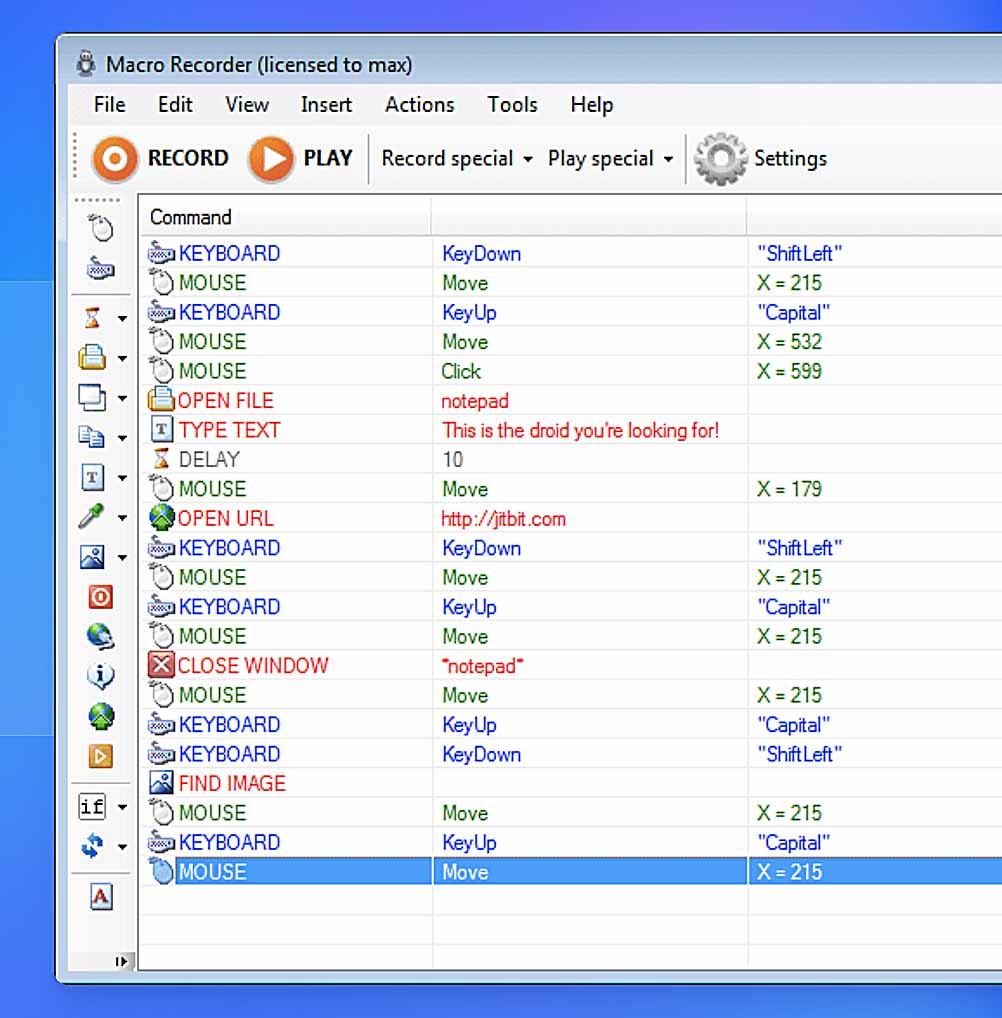
That’s the fundamental limitation. POD product creation is a dynamic, multi-step workflow—not a fixed series of motions. Interfaces load asynchronously, elements shift with resolution and zoom, and minor layout tweaks can instantly invalidate your recording.
Consider just a single listing:
- Choose the correct base product from look-alike templates and suppliers.
- Enable/disable specific size and color variants.
- Upload artwork and wait for processing to complete.
- Scale and position designs to fit each print area properly.
- Enter variant pricing accurately.
- Write titles, descriptions, and tags that reflect the artwork content.
You could try to record all of this—but you’d end up with a brittle one-off script that works once (maybe) and breaks the moment timing or layout changes.
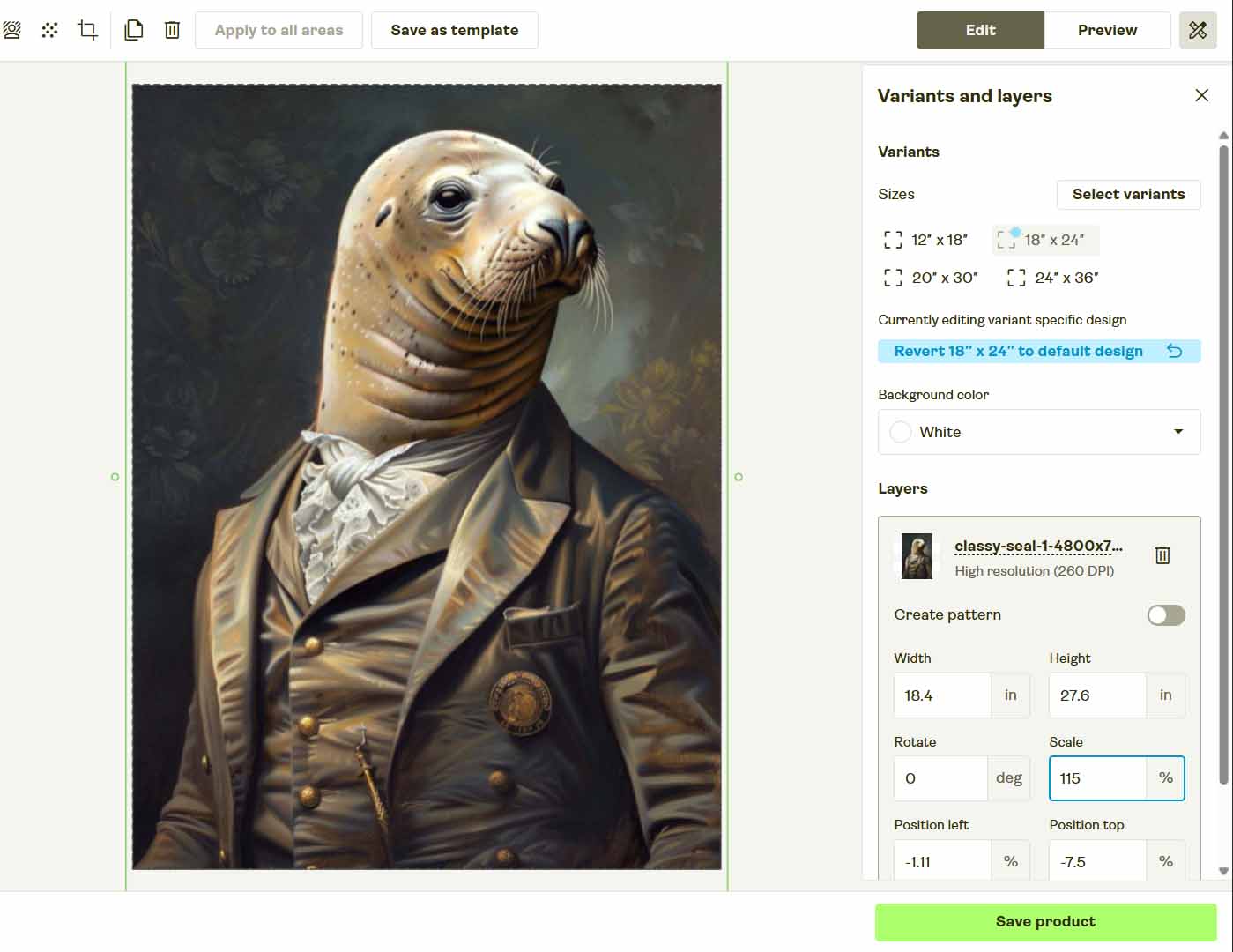
The Achilles’ Heel of Mouse-Playback Automation
Macro recorders mimic human motion; they don’t execute structured tasks. Modern POD interfaces simply aren’t designed to be driven by blind coordinate clicks and timed delays. A single UI shift or slower network response can derail the entire run.
Right Idea, Wrong Tool: What Reliable Automation Looks Like
Your instinct to automate is correct.
You’re aiming to build a real, scalable POD operation, which means:
- Eliminating repetitive, low-value clicking.
- Spending time on higher-leverage work (marketing, research, customer experience).
- Expanding your catalog efficiently to increase surface area for demand.
- Standardizing processes so outputs are consistent and predictable.
The missing piece isn’t more clever mouse scripting—it’s the right system.
You don’t need a tool that “tries” to click the right pixel. You need a dedicated automation framework that can mirror your preferred product structure, upload artwork automatically, apply placement rules consistently, and generate artwork-aware titles, descriptions, and tags.
That’s exactly where the Bulk POD Product Creator fits in—a proper solution designed for this job, built to deliver clean, repeatable results without the misclicks and timing failures of desktop macros.
Next, we’ll walk through how it works.
The Bulk POD Product Creator — Automation That Actually Works
Instead of recording mouse movements, the Bulk POD Product Creator automates the entire print-on-demand workflow using official API connections. You set the structure once, upload your artwork, and the system produces fully configured listings in bulk—precise, consistent, and repeatable.
High-Level Workflow:
- Select an Example Product from your connected POD platform (e.g., Printify, Printful) as the blueprint for structure, variants, and pricing.
- Upload your artwork batch and pick a placement mode to control how images map across print areas.
- Define AI text-generation settings so the system produces artwork-aware titles, descriptions, and tags—with optional custom text you can append for product context.
- Run the operation; the tool executes clean, deterministic API calls to create every product automatically.

Operation Interface — Step by Step
Step 1: Upload Artwork & Choose Placement Mode

- Upload your entire artwork batch—whether it’s 10 images or 1,000.
- Pick your rule: Stretch Images To Fit Print Area(s), Preserve Image Aspect Ratio & Center, or Exactly Match Example Image(s).
The system automatically prepares and queues your files, applying the correct placement settings programmatically.
Step 2: Connect Account & Select Example Product

- Connect your preferred POD platform account securely.
- Select any existing Example Product to replicate its full configuration.
- The system reads print areas, variant settings, base pricing, and mockup orientation to ensure every product follows your standard layout.
Step 3: Define Metadata Generation Rules

- AI examines each image and creates artwork-specific titles, descriptions, and tags.
- Add optional custom text prefixes or suffixes for consistent branding or product-level context.
The result: unique, keyword-ready metadata for every product—no manual writing needed.
Step 4: Run the Batch
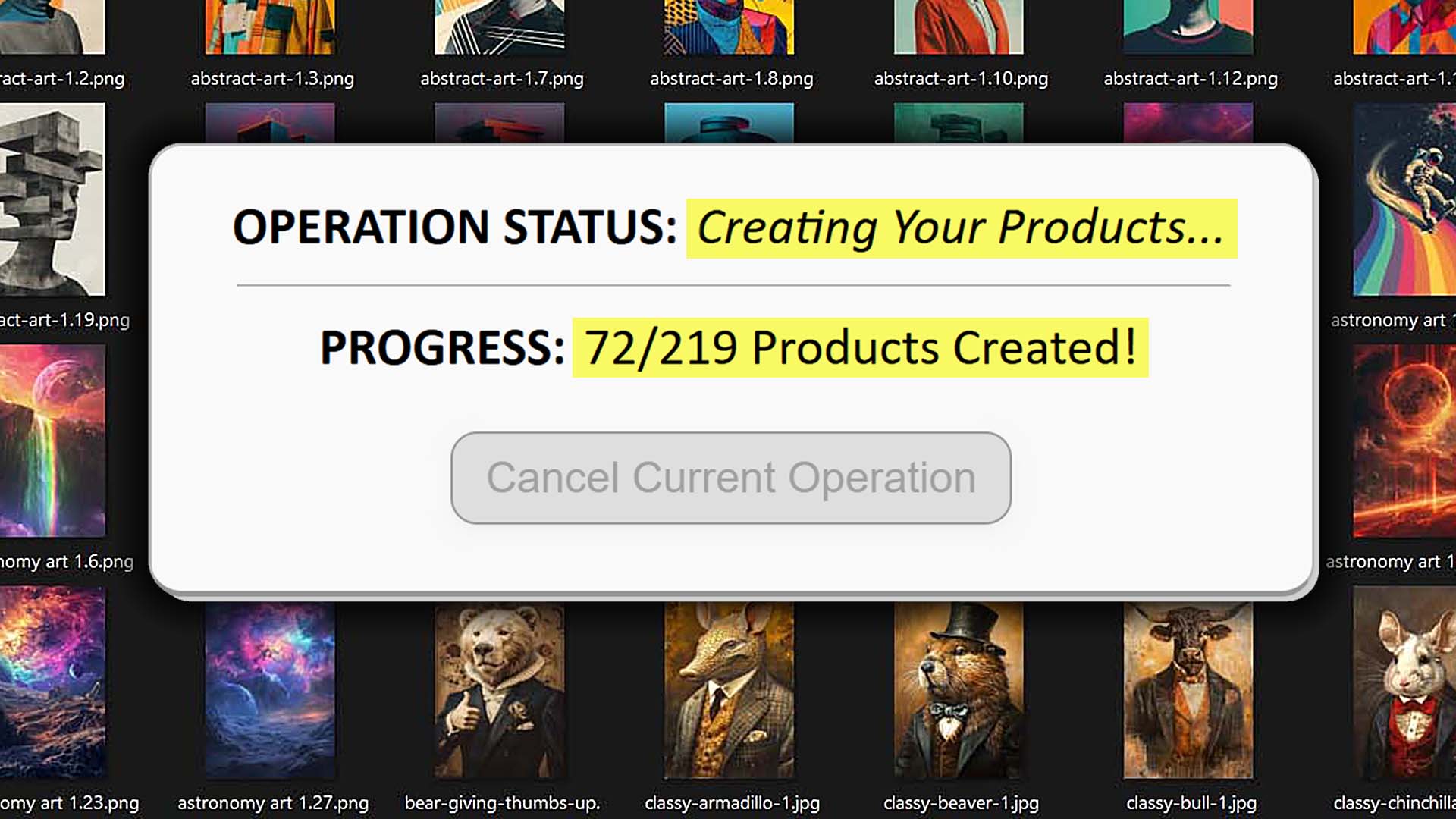
- Click once to start. The tool handles the entire process via API—uploading images, applying placements, setting prices, and generating metadata.
- Progress updates display live while you continue working elsewhere.
Bulk POD Product Creator vs. Point-and-Click Macro Tools (Deep Comparison)
1. Deterministic Logic vs. Recorded Motion
- Bulk POD Product Creator: Executes fixed API calls for guaranteed consistency.
- Macro Recorders: Replay clicks and keystrokes that can desync with even minor timing or UI differences.
2. Immune to Layout Changes
- Bulk POD Product Creator: Functions independently of HTML, CSS, or viewport size.
- Macros: Fail when interface elements move or render differently across screens.
3. Data-Aware Automation
- Bulk POD Product Creator: Works on structured product data—print areas, pricing, variants, placement rules.
- Macros: Operate blindly; they can’t detect upload completion or dynamic content.
4. Programmatic Image Handling
- Bulk POD Product Creator: Resizes and places artwork with code-level precision, identical across all variants.
- Macros: Drag images manually, leading to inconsistent or misaligned placements.
5. AI-Generated Metadata
- Bulk POD Product Creator: Generates artwork-specific titles, descriptions, and tags for your print-on-demand products using AI, while allowing standardized custom text for product context.
- Macros: Have no ability to interpret images or generate language—everything must be typed manually.

6. Works on Any Machine
- Bulk POD Product Creator: Cloud-based execution ensures identical results anywhere.
- Macros: Depend entirely on one device setup; switching hardware breaks them.
7. Superior Throughput and Speed
- Bulk POD Product Creator: Optimized for API rate limits, supporting massive batch creation efficiently.
- Macros: Bound by human-speed clicking and visual wait times.
8. Non-Blocking Execution
- Bulk POD Product Creator: Runs silently in the background, freeing your mouse and keyboard.
- Macros: Take over your screen; one misplaced click can ruin hours of work.

9. Clear Error Handling
- Bulk POD Product Creator: Surfaces structured API responses for quick debugging and safe retries.
- Macros: Fail silently or return generic errors like “element not found.”
10. Minimal Bot-Detection Risk
- Bulk POD Product Creator: Authenticated, compliant automation—no captchas or browser flags.
- Macros: Simulate robotic browsing and frequently trigger bot-protection challenges.
11. Consistency and Quality Control
- Bulk POD Product Creator: Replicates Example Product settings for uniformity and accuracy.
- Macros: Drift over time—small errors accumulate and degrade quality.
12. Long-Term Maintainability
- Bulk POD Product Creator: Update once; the improvements apply globally.
- Macros: Require endless re-recording after every interface or layout change.
Conclusion: Build a System, Not a Script
Macro recorders imitate motion, not understanding. They repeat clicks but don’t comprehend intent—and that’s why they fail at scale.
The Bulk POD Product Creator replaces fragile macros with professional, API-based automation that delivers flawless product creation every time. No misclicks, no timing errors—just clean, standardized output that scales effortlessly.
To grow your print-on-demand business like a real operation, stop relying on manual scripts. Build systems. The Bulk POD Product Creator is that system—the smart, reliable way to automate your workflow and expand your catalog with confidence.