
Can You Make POD Products via Browser Automation Tools?
Overview: This article examines whether browser automation frameworks like Selenium, Playwright, Microsoft Power Automate, or UI.Vision RPA can truly handle print-on-demand product creation at scale. It explores the pitfalls of UI-driven click-replay workflows and explains how the Bulk POD Product Creator delivers reliable, API-based automation with standardized image placement, variant replication, pricing consistency, and AI-generated SEO metadata that stays stable no matter how the interface changes.
If You’re Reading This, You’re Asking the Right Questions About POD Automation
If you’ve spent time publishing products on a platform like Printify or Printful, you know the routine can get old fast.
Click, upload, tweak placement, scroll, toggle variants, set prices, paste copy—then do it again. And again. It’s predictable work, but it siphons hours you could invest in design, marketing, or customer growth.
In other words, manual listing creation isn’t just tedious—it’s a throughput cap. While you babysit the browser, opportunities elsewhere go untouched.
If your gut says, “There has to be a smarter way,” you’re thinking like an operator, not a button-pusher.
No growing business expects the owner or creative lead to duplicate the same clicks hundreds of times. Scale requires standardized systems, not heroic endurance.

That’s why you’re here. The next logical question is:
“Since everything happens in the browser, could a browser automation tool take over these repetitive steps?”
Maybe a recorder or framework that clicks, types, and uploads for you—tools like Selenium, UI.Vision RPA, Katalon Recorder, or Microsoft Power Automate.
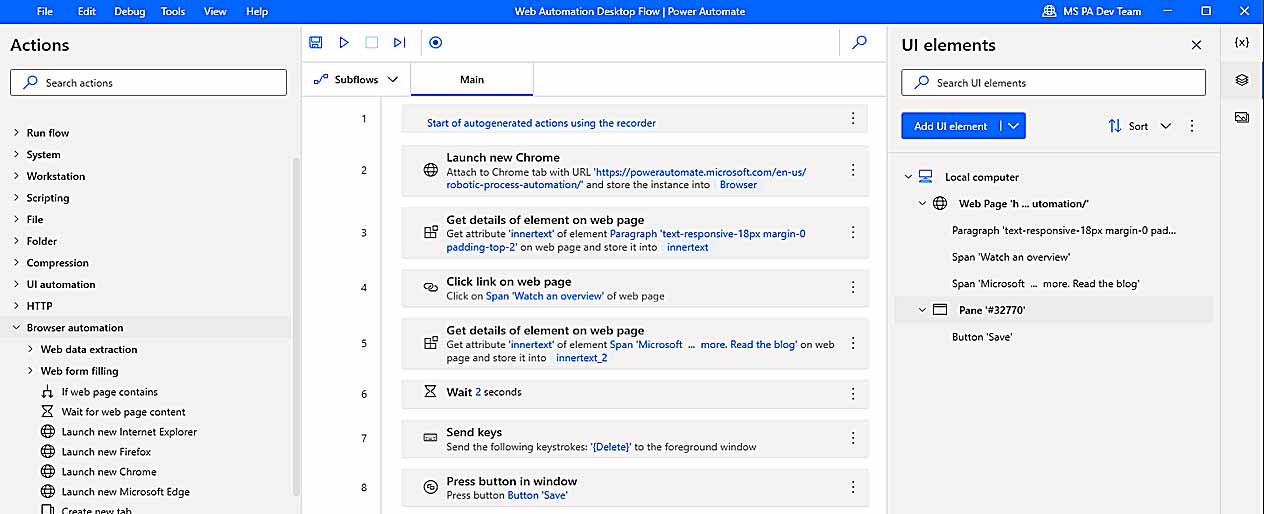
It’s an appealing thought. Below, we’ll test how far browser automation can really go for POD product creation, where it breaks down, and what robust automation looks like in practice.
Because while click-replay can handle simple web chores, building hundreds of structured listings is better solved with API-level automation—specifically the Bulk POD Product Creator.
Can POD Product Creation Actually Be Automated with Browser-Based Automation Tools?
At first glance, these tools seem perfect: record the sequence (mouse moves, clicks, keystrokes, navigation) and replay it like a digital assistant.
Frameworks such as Selenium, Playwright, Power Automate, and UI.Vision RPA all follow that pattern. For straightforward tasks—login, a short form, a predictable page—they’re fine.
But full product creation is a different beast.
POD platforms use reactive interfaces with shifting, stateful elements. Content loads asynchronously; modals appear conditionally; controls move based on product type, supplier, or even your viewport. A brittle “click here, type there” script can’t reliably anticipate those changes.
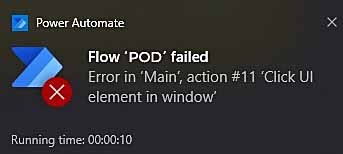
To create a single listing correctly, your automation must:
- Choose the right base product from many look-alikes.
- Enable/disable the exact size and color variants.
- Upload artwork and wait for processing to finish.
- Scale/position designs for each distinct print area.
- Assign accurate prices per variant.
- Provide titles, descriptions, and tags aligned to the artwork.
These steps span multiple screens and layers of logic. Miss one timing window or endure a minor layout tweak and the whole run collapses.
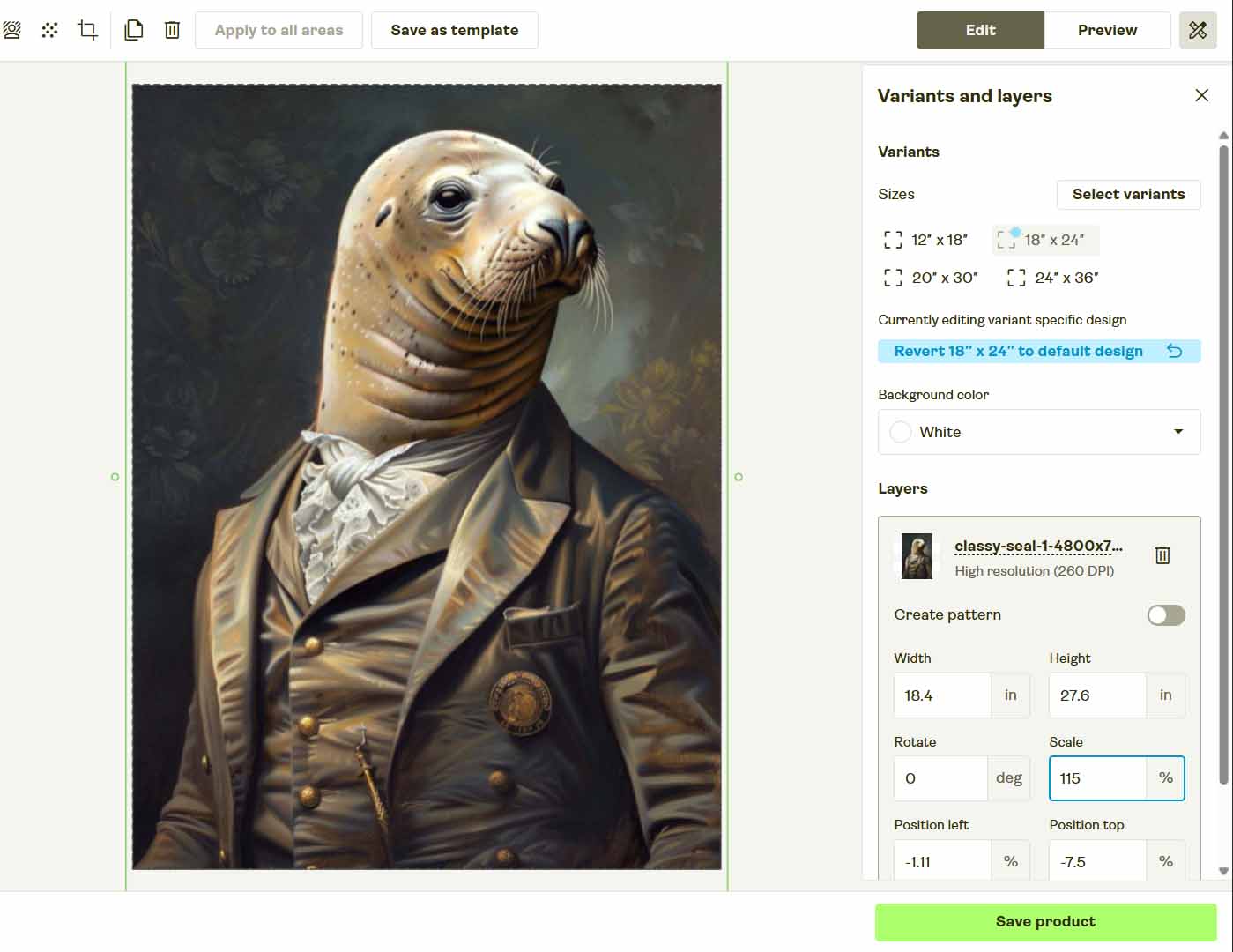
Bottom line: browser automation imitates actions but doesn’t understand state. It replays a happy path; it struggles with change.
That’s why production-grade teams lean on APIs instead of screen automation—using purpose-built tools like the Bulk POD Product Creator that are immune to layout shifts and page delays.
Could you script a one-off? Maybe. Will it scale to hundreds or thousands of products without constant rework? Unlikely.
There’s a better path.
The Bulk POD Product Creator: Reliable, Scalable Automation Built the Right Way
The Bulk POD Product Creator was designed specifically to do what browser scripts can’t—generate POD listings at scale without fragile UI replay.
Rather than pretending to be a user in the browser, it connects to official APIs where available (e.g., Printify) and performs each step programmatically. The result: consistent structure, clean execution, and no misclicks or timing roulette.
High-level flow:
- Select an Example Product from your store (e.g., on Printify) to define print areas, variants, and pricing.
- Upload a folder of artwork to convert into listings.
- Configure placement rules, metadata generation, and output standards.
- Run the batch and let the system create the entire POD product set automatically.
Step 1: Upload Your Artwork and Select a Placement Mode

Upload the folder of designs you want turned into products. Each file becomes one new listing.
Then choose how each image should map onto the Example Product’s print areas:
- Stretch Images To Fit Print Area(s) — full-bleed coverage across the printable region.
- Preserve Image Aspect Ratio & Center — proportional scaling with clean centering.
- Exactly Match Example Image(s) — pixel-accurate replication of your Example Product’s placements.
Resizing and positioning happen automatically; no manual dragging or visual guesswork required.
Step 2: Connect Your POD Platform Account and Choose an Example Product

Securely connect your account (e.g., Printify). Pick any existing listing to serve as the Example Product—your standardized blueprint.
This defines print areas, supplier and variant options, orientation, and base pricing. The tool then mirrors that framework across every new product created from your artwork batch—no extra clicks, no UI wrangling.
Step 3: Define AI Rules for Titles, Descriptions, and Tags

This is where automation meets creative control. In Step 3, you define how the system will automatically generate product titles, descriptions, and tags for each artwork image.
The Bulk POD Product Creator uses AI to analyze every image and create metadata that reflects its visible content—colors, subject matter, style, and composition. Each output is unique, naturally written, and SEO-optimized to match the artwork itself.
You can also add Custom Text Rules to control your brand or product-level framing.
Examples include:
- Prefixes like “Modern” or “Minimalist” for visual style emphasis.
- Suffixes such as “— Premium Canvas Print” or “— Metal Wall Art” to clarify product format.
This two-layer system keeps every listing distinct and keyword-relevant while maintaining uniform branding.

The AI handles artwork interpretation and text variation; your custom text enforces business context. By keeping those layers separate, you achieve natural-sounding, scalable SEO metadata without repetitive manual input.
Step 4: Run the Operation and Let Automation Handle the Work
Once your artwork, Example Product, and text rules are configured, it’s time to run the operation.
Click Run Operation, and the system performs the entire workflow automatically:
- Uploads artwork directly via the POD platform’s API (e.g., Printify).
- Applies your selected placement mode for each print area.
- Replicates the Example Product’s variants, orientation, and pricing.
- Generates and inserts AI-based titles, descriptions, and tags.
- Publishes the finished listings to your connected account.

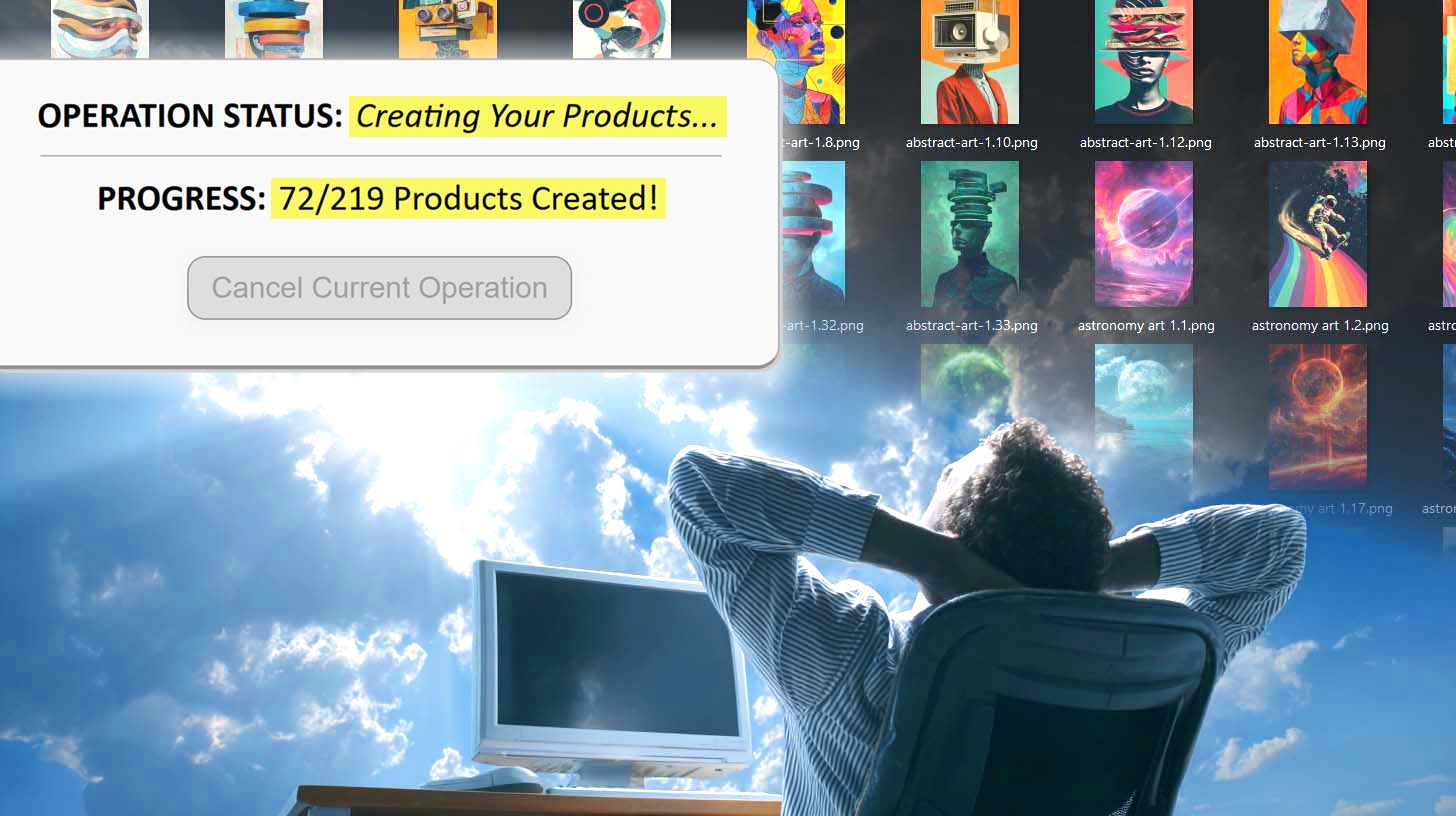
You can watch progress in real time or let it run independently in the background.
No browser windows, no frozen cursors, no guesswork. All tasks execute through API logic, giving you repeatable, stable automation every time.
The outcome: an entire batch of SEO-ready POD products generated automatically—no manual clicking or typing required.
Save and Reuse Operation Configurations Instantly
Once you finalize an operation setup—Example Product, placement mode, and AI text rules—you can save it as a reusable preset.

Next time you generate products:
- Upload your next artwork batch.
- Select your saved preset.
- Click Generate Products.
All prior settings instantly reload—placement modes, AI behavior, and text rules included. You can create distinct presets for different lines (apparel, home décor, wall art) and switch between them in seconds.
Setup takes under ten seconds, and the automation handles everything else. It’s a standardized, scalable system for generating hundreds of POD products with minimal input.
Browser Automation Tools vs. Bulk POD Product Creator — 10 Key Differences
| Comparison Point | Browser Automation Tools | Bulk POD Product Creator |
|---|---|---|
| Execution Method | Simulates user input on live pages. | Performs direct, structured API operations with zero UI dependency. |
| Reliability | Breaks when timing or layout changes. | Consistent and layout-proof across runs. |
| Placement & Image Handling | Relies on manual drag-resize within browser. | Applies placement rules programmatically and uniformly. |
| Speed | Limited by page load and animation delays. | Runs near API throughput limits for rapid output. |
| Error Handling | Manual re-recording required after failures. | Structured feedback with safe retries. |
| Portability | Tied to one OS, display, or browser setup. | Works identically across devices and environments. |
| Scalability | Unstable beyond a few dozen listings. | Processes hundreds or thousands seamlessly. |
| Workflow Efficiency | Foreground-only; locks the mouse and keyboard. | Runs asynchronously in the background. |
| Professional Stability | Fragile scripts that require maintenance. | Purpose-built automation designed for longevity. |
| Metadata Generation | Requires manual copywriting. | AI generates artwork-specific SEO text automatically. |
Conclusion: Automate Like a Pro, Not an Amateur
Browser automation imitates motion—it doesn’t execute logic. It can replay clicks but can’t understand artwork, handle variability, or guarantee accuracy at scale.
The Bulk POD Product Creator solves that problem through direct API integration and structured automation logic. It builds your POD catalog automatically, writes optimized metadata, and standardizes your workflow end-to-end.
After initial setup, generating a full batch takes less than ten seconds—upload, select, run—and the system does the rest.
This isn’t a shortcut; it’s professional-grade automation.
Replace unstable scripts with dependable, API-driven execution and spend your time where it counts—growing your business, not clicking through it.