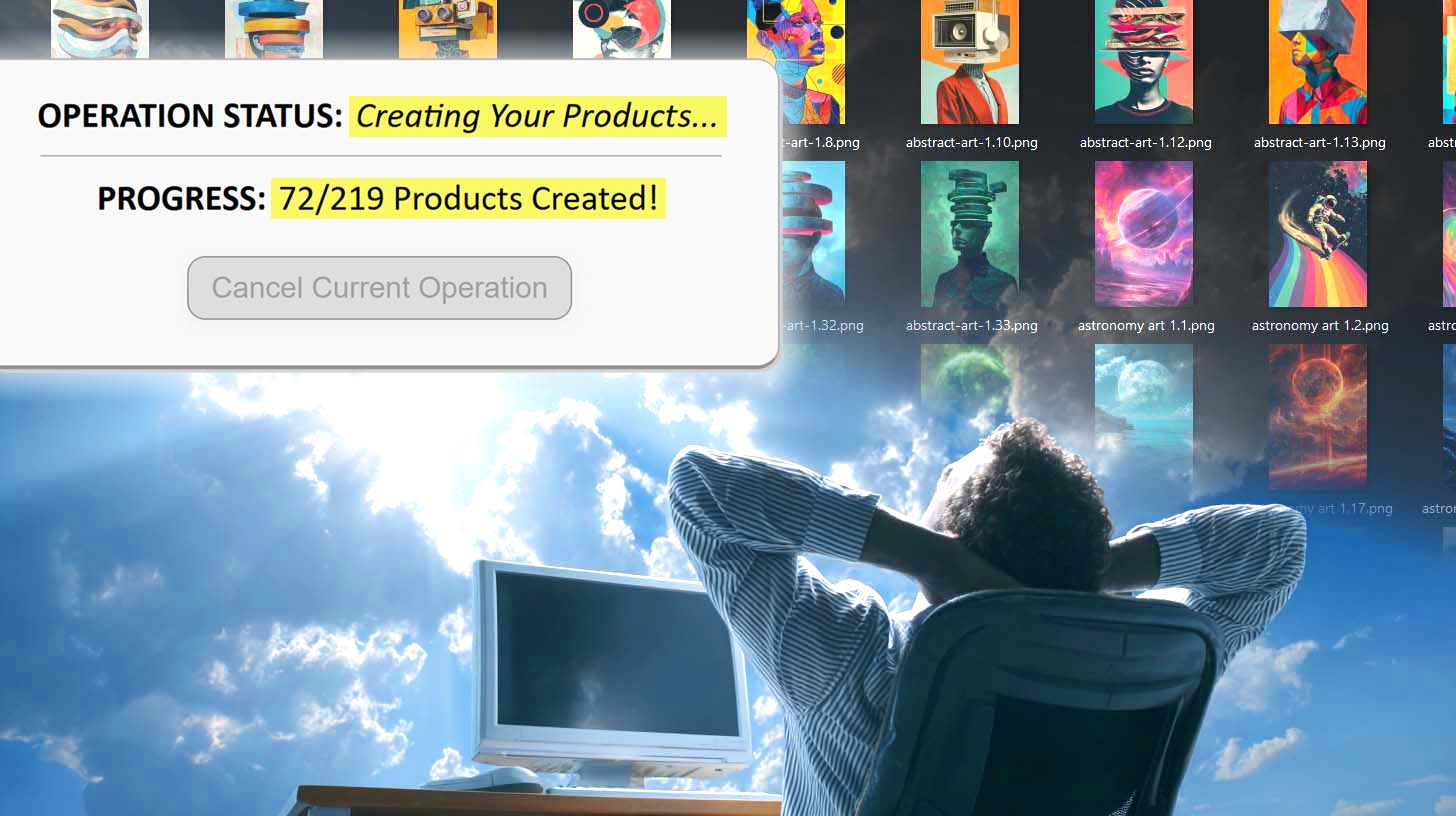
Can You Make POD Products Using Zapier Automation?
Overview: This post examines whether Zapier can be used to automate product creation across popular print-on-demand (POD) platforms such as Printify, Printful, Gooten, and Gelato. It also introduces the Bulk POD Product Creator—a dedicated automation system that uses direct API integration to create, optimize, and publish your POD listings efficiently.
Introduction: POD Product Creation Is Boring, Repetitive Work
If you’ve built listings on any major print-on-demand (POD) platform, you know the routine: click “Add Product,” upload artwork, adjust placement, toggle variants, set prices, write copy—then do it again and again. It’s predictable, time-consuming, and drains focus from higher-value work.
The obvious next step is automation: delegate the mechanical steps so you can spend your time on design, marketing, and growth instead of assembly-line tasks.

During that search you’ll quickly encounter Zapier, a no-code platform for connecting apps and triggering workflows. A common question follows: “Can Zapier automate product creation for my POD catalog?”
This article answers that directly and introduces a purpose-built alternative—the Bulk POD Product Creator—for bulk-creating POD products with minimal manual effort.
Can Zapier Create Products on POD Platforms?
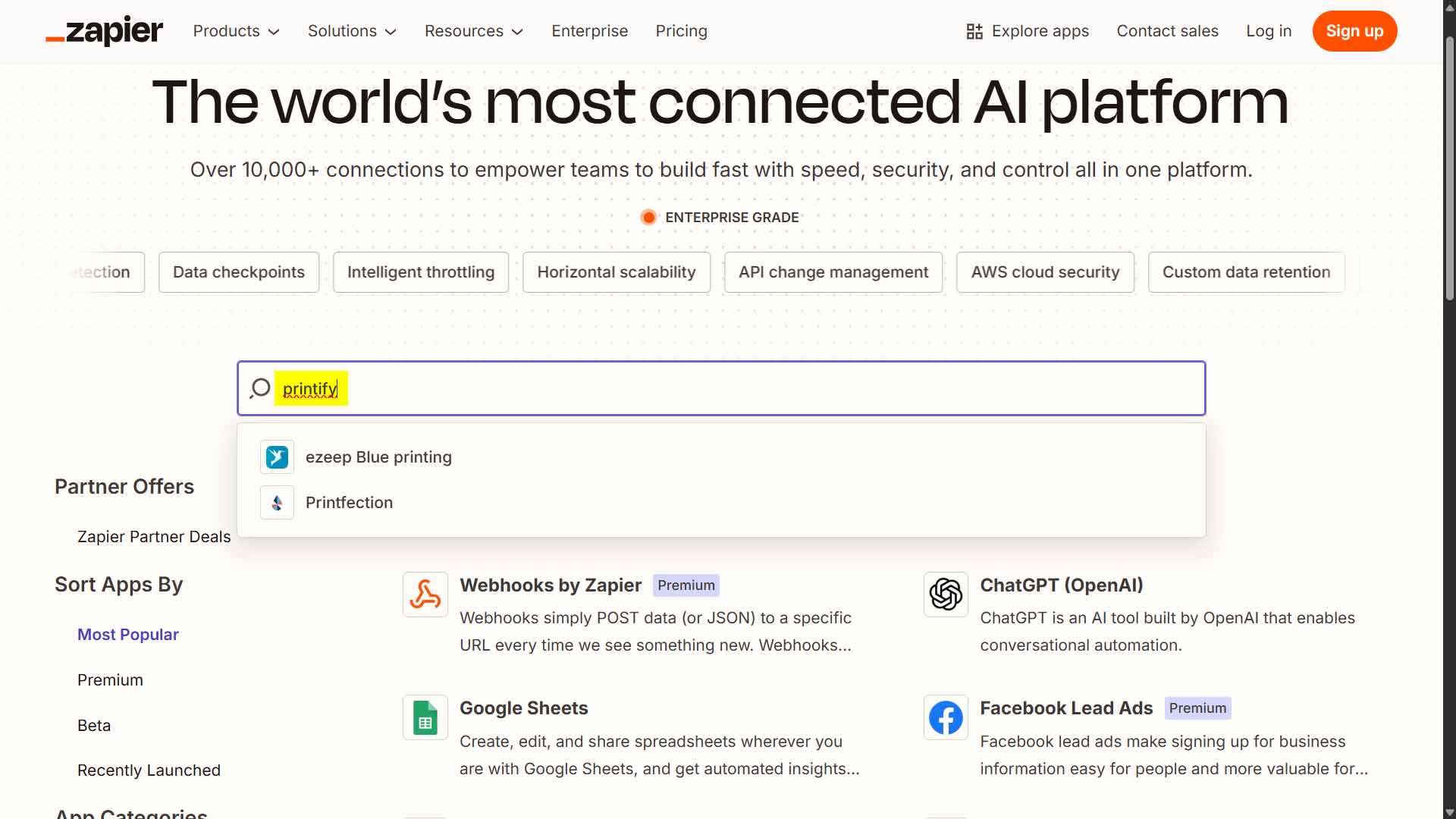
Short answer: not natively for new product creation. Zapier excels at “when X happens, do Y” automations—passing data between apps, sending notifications, updating spreadsheets—but it generally does not expose first-class actions to create brand-new products on POD platforms.
Even where a marketplace or POD service offers some Zapier hooks, they tend to be limited to orders, notifications, or basic data sync—not the multi-step process required to stand up complete, ready-to-sell listings (artwork upload, placement rules, variant configuration, pricing, and metadata).
Could you stitch together custom webhooks and private integrations? Possibly—but you’d still be rebuilding a fragile, partial solution. For practical purposes, Zapier isn’t a reliable path to bulk, end-to-end POD product creation.
A Better Solution for POD Automation
Since Zapier falls short for full listing generation, you have two options:
- Build and maintain your own API integration from scratch, or
- Use a tool engineered specifically for bulk POD product creation.
The Bulk POD Product Creator takes the second route. It streamlines the entire workflow—standardizing variants and pricing from an Example Product, uploading artwork, applying placement rules, and generating SEO-ready listing text—so you can scale without wrestling a generic automation platform into doing a job it wasn’t designed for.
Next, we’ll walk through how it works step-by-step and why it’s a stronger fit for POD catalog growth than trying to bend Zapier around the problem.
How to Use the Bulk POD Product Creator to Automate Your POD Workflow
If Zapier can’t handle full product generation for print-on-demand platforms, there’s no need to force it—because a dedicated solution already exists. The Bulk POD Product Creator was designed specifically to automate every part of your listing workflow reliably and at scale, using direct API connections instead of brittle third-party triggers.
Here’s a concise overview of how it works:
Step 1) Upload Your Artwork Folder
Upload your full collection of artwork files—whether it’s a few dozen or several hundred. The system automatically queues each image to become its own product listing across your chosen POD platform (such as Printify, Printful, Gooten, or Gelato).

This step replaces manual uploads or repetitive drag-and-drop work. Everything is batched, prepped, and standardized automatically.
Step 2) Select Your Image Placement Mode
Choose from the placement styles built into the tool: Stretch Images To Fit Print Area(s), Preserve Image Aspect Ratio & Center, or Exactly Match Example Image(s). Each mode defines how your artwork is positioned and resized within the product’s print areas.

The resizing and alignment are handled automatically across every variant—no manual adjustment or visual guessing needed.
Step 3) Choose an Example Product
Select an existing product from your store to serve as the blueprint. This “Example Product” defines your variants, pricing, and print area configuration so each newly created listing follows the same structure.

Result: your catalog maintains consistent design and pricing standards—no more variant mismatches or manual duplication errors.
Step 4) Generate Titles, Descriptions, and Tags Automatically
The integrated AI analyzes each artwork image and produces natural, SEO-friendly metadata—unique titles, descriptions, and tags based on the visible content of each design. You can append your own prefixes or suffixes for consistent brand phrasing.

This feature replaces hours of repetitive typing with standardized, artwork-aware text that aligns with your store’s branding strategy.
Step 5) Run the Operation
When everything is configured, click “Run Operation.” The automation runs via direct API calls—handling uploads, metadata, and listing creation on your selected POD platform while you focus on other work.

End result: what once took hours of repetitive effort now happens automatically and accurately, creating hundreds of optimized products while you stay hands-off.
Why Zapier Isn’t the Right Tool for Automating POD Product Creation
Zapier is excellent for connecting apps through simple “if-this-then-that” workflows, such as:
- When an order is placed, send an email or Slack alert.
- When a payment posts, add a record to Google Sheets.
- When a form is submitted, trigger a CRM update.
Those use cases are lightweight and event-based—they don’t demand structured logic or multi-step product generation.
Creating print-on-demand listings is far more complex. It involves artwork uploads, placement mapping, variant replication, pricing logic, and SEO metadata—steps that must occur in strict order and verify completion before continuing.
Zapier wasn’t built for that kind of precision. It lacks native integration with most POD platform APIs, and its generic rate-limited triggers can’t efficiently manage hundreds of interdependent operations.
Even advanced webhooks won’t overcome those constraints. Zapier is ideal for notifications and task routing—not for bulk product generation or inventory-level automation at scale.
Conclusion: Skip the Limitations—Automate the Smart Way
Zapier is a solid general-purpose automation tool, but it’s not engineered for the heavy lifting involved in print-on-demand product creation. It can’t manage artwork uploads, pricing logic, or AI-generated text—all core components of a scalable product generation workflow.
The Bulk POD Product Creator was purpose-built for that exact challenge. It automates POD product creation through direct API communication, applies consistent variant and pricing structures, and generates artwork-based SEO text—all in a few streamlined steps.
No more cobbled-together webhooks or endless clicking through browser forms. Instead, use a dedicated automation system that runs cleanly, predictably, and repeatedly—producing professional results at scale.
Stop patching together tools. Start automating intelligently.
With the Bulk POD Product Creator, your print-on-demand workflow finally operates like true automation, not a workaround.