
Can You Make POD Products Using Selenium Automation?
Overview: This post examines whether Selenium—a popular browser automation framework—can realistically automate product creation on print-on-demand (POD) platforms, why front-end scripting is fragile and unscalable, and introduces the Bulk POD Product Creator as the stable, API-driven solution for bulk, SEO-optimized POD automation.
Manual POD Product Creation Is a Slow, Repetitive Process That Deserves Automation
If you’ve ever built listings manually on a print-on-demand platform, you already know how monotonous the workflow is. Uploading one design at a time, selecting print areas, typing out titles and descriptions, setting prices, and repeating that cycle dozens—or hundreds—of times is the definition of inefficiency. It’s tedious, slow, and not how a professional creator or business owner should be spending their time.
If you’re reading this, you’ve likely realized the same thing: your time is too valuable to waste on endless clicking and typing. You need a system that handles it for you.

At this point, you might be wondering: “Since everything I do follows a pattern—click here, type that, upload this—can’t I just automate it in my browser?” That curiosity often leads people to discover Selenium, a browser automation framework capable of simulating user actions such as clicks and keystrokes. It’s a common tool for testing and automating repetitive browser tasks.
So the question becomes: can Selenium truly automate product creation for POD sellers? Can it reliably click through every screen, fill in the fields, and publish listings automatically?
We’ll explore that next—and show why it’s ultimately not a sustainable or scalable solution, especially when a dedicated platform like the Bulk POD Product Creator already exists to automate this entire process properly, using real API-level automation instead of fragile browser scripting.
Can POD Product Creation Be Automated with Selenium?
In theory, yes—you could use Selenium to automate parts of your workflow. It can open a browser, navigate pages, fill forms, and upload files. With enough coding, you might even reproduce sections of your manual process.
But in practice, that’s where the good news stops.
Because Selenium simulates a real user’s interactions inside a live browser, it depends entirely on the current structure of the website—the exact HTML elements, button names, and layout hierarchy. Even a minor UI change can break the entire automation. A new pop-up, altered button ID, or updated page design could render your script useless overnight.
So yes, you might get it running temporarily—but it’s a brittle, high-maintenance approach that’s unsuitable for long-term, business-level automation. It still wouldn’t handle key tasks like image placement, SEO metadata generation, or structured variant replication—areas where the Bulk POD Product Creator excels through stable, backend integration.
Why Selenium Automation for POD Workflows Is a Fragile Half-Measure
Exploring Selenium for print-on-demand automation shows you’re thinking in the right direction—seeking efficiency—but it’s not a durable or professional-grade solution. Below are the core limitations that make Selenium unsuitable for large-scale product generation.
1. It Can’t Handle the Full Workflow
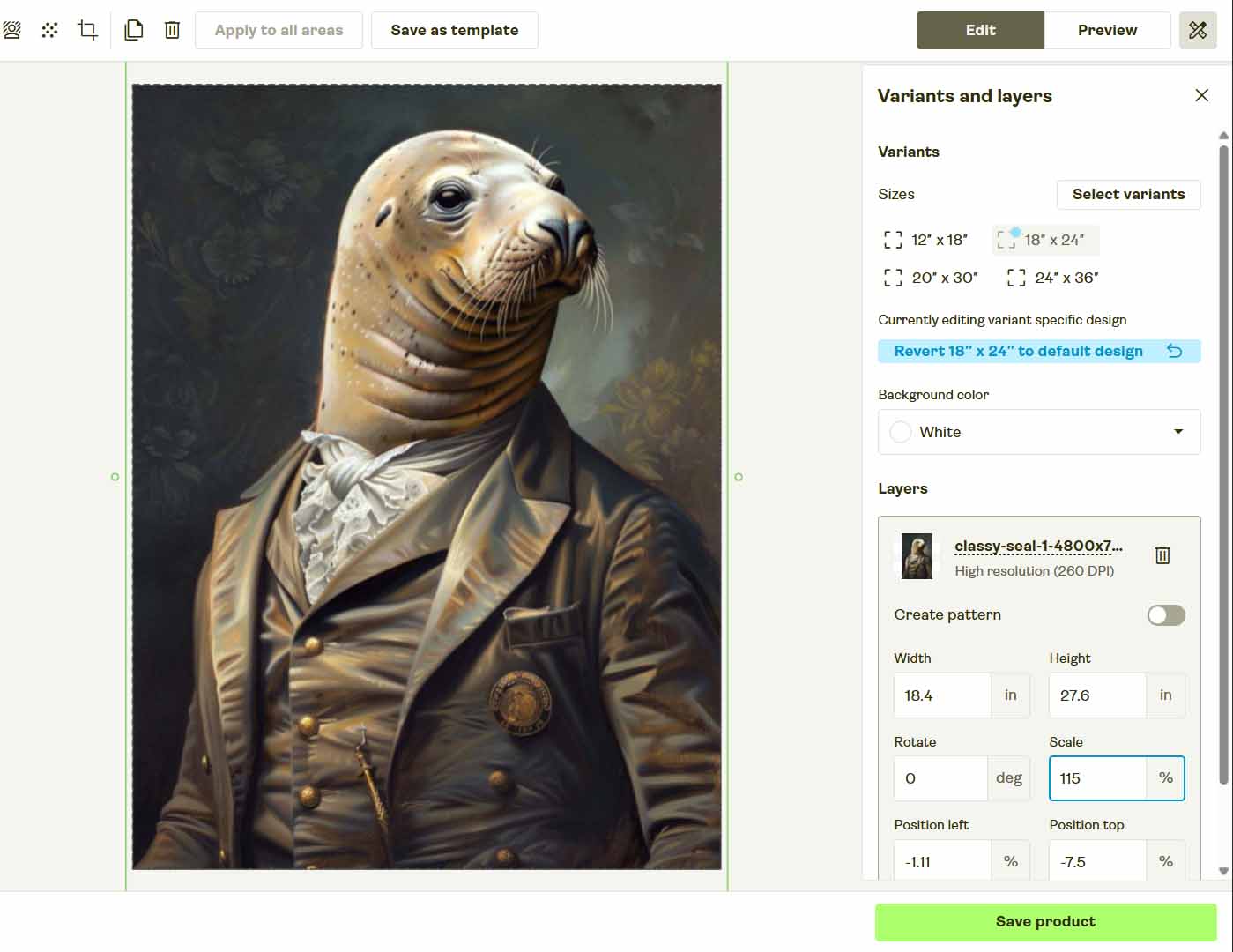
Even if you script Selenium to navigate menus flawlessly, it can only automate visible browser actions. It can’t intelligently resize artwork across variants, position images precisely within print areas, or generate unique SEO titles, descriptions, and tags for each design—tasks that the Bulk POD Product Creator performs automatically.
At best, Selenium produces a clunky partial automation—still requiring you to fix layouts, fill metadata, and double-check results. It’s not true end-to-end automation.
2. Captchas and Anti-Bot Systems Will Stop You
Most major POD platforms use bot-detection systems like Cloudflare. Selenium browser sessions often trigger these defenses because they mimic automated traffic. You’ll quickly run into captchas, access denials, or temporary account restrictions.
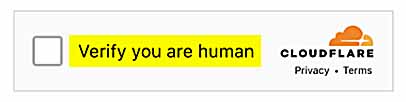
Repeated attempts can even flag your account as suspicious—creating unnecessary risk for your business operations.
3. The “Don’t Touch the Laptop” Problem
Selenium requires a visible, open browser window to function. That means you can’t use your machine for anything else while it runs. Moving your mouse, minimizing the window, or switching applications can disrupt the entire process.
Imagine a major retailer saying, “Don’t touch that laptop—it’s busy creating our product catalog.” That’s how impractical browser-based automation looks in a business setting.

4. It’s Extremely Fragile
Your automation depends on pixel-perfect conditions. A small change can break everything:
- A page layout shifts or a pop-up changes position.
- A button label or CSS selector updates.
- Your screen resolution or browser zoom differs.
- Even switching devices can alter element coordinates.
When every dependency lives in the browser’s front end, the margin for error is microscopic.
5. It’s Not Scalable or Maintainable
Even if you perfect your Selenium setup, it’s bound to one environment—your local machine, browser version, and screen state. Scaling it across users, teams, or large product batches multiplies the failure points exponentially.
Serious businesses scale through structured backend automation, not fragile front-end scripts.
There’s No Need to Reinvent the Wheel: Use the Bulk POD Product Creator Instead
Rather than investing days (or weeks) into brittle Selenium scripts, there’s a cleaner path forward: the Bulk POD Product Creator.
This is a dedicated automation platform for print-on-demand sellers who want to generate large batches of products without relying on front-end clicking.
It operates through supported platform APIs (currently Printify), delivering legitimate, backend-level automation—no UI simulation, no captchas, and no fragility from layout changes.
All you do is:
- Upload your batch of artwork files.
- Select an Example Product to define structure, pricing, and variants.
- Choose an image-placement mode (Stretch, Preserve Aspect Ratio, or Exactly Match Example).
- Let the integrated AI generate artwork-aware titles, descriptions, and tags (you can append your own product-level context).
- Click “Run Operation” and let the system execute the workflow end-to-end.
The result: a fully automated product-generation pipeline—fast, stable, and far more scalable than any Selenium script.
Don’t reinvent the wheel. Use the solution already engineered for this exact workload.
How to Use the Bulk POD Product Creator
Using the Bulk POD Product Creator requires no custom scripting. It’s built for everyday POD workflows, replacing repetitive listing tasks with reliable, API-driven automation.
Here’s how it works in practice:
Step 1 – Upload Your Artwork Batch
Upload your entire folder of designs—ten files or a thousand. Each image is queued as a product seed automatically; no renaming or manual prep is required.

Workflow benefit: removes hours of repetitive uploads and guarantees uniform handling across designs.
Step 2 – Select an Example Product
Choose an existing product to serve as the blueprint (variants, print areas, base pricing, orientation). That structure is cloned across every generated listing.

Workflow benefit: instant standardization—consistent layout and pricing without re-entry.
Step 3 – Define Placement & AI Settings
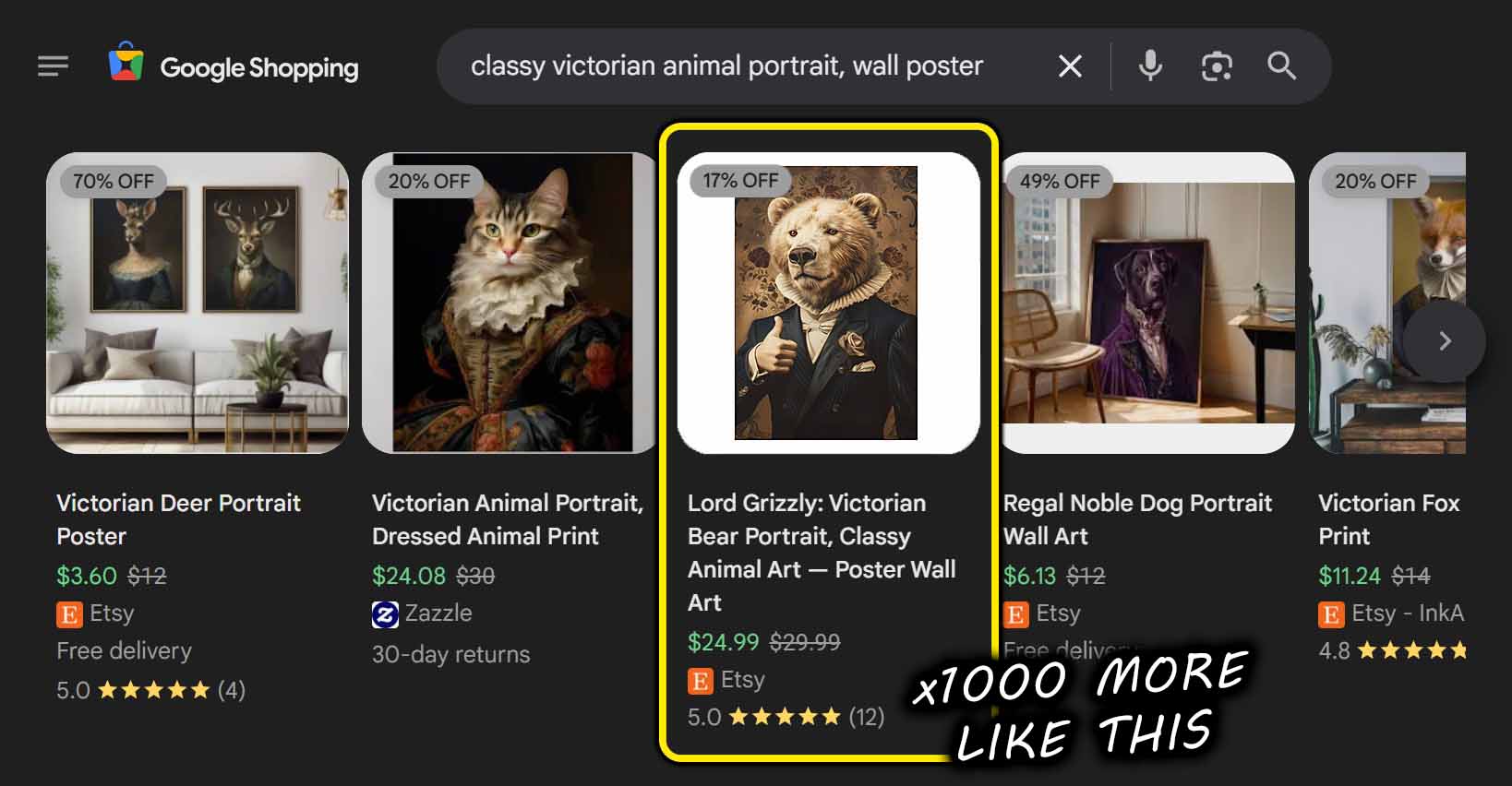
Select your placement rule—Stretch Images To Fit Print Area(s), Preserve Image Aspect Ratio & Center, or Exactly Match Example Image(s)—and enable AI text generation. The AI describes the artwork itself (subjects, style, themes); you can append prefixes/suffixes to add product-level context.

Workflow benefit: eliminates manual resizing and copywriting—the two biggest bottlenecks in listing creation.
Step 4 – Run Your Operation
Click “Run Operation.” The engine performs creation via supported APIs (currently Printify): uploads images, applies placement, mirrors blueprint settings, and assigns AI-generated metadata—end-to-end.

Workflow benefit: hours of manual effort become a few clicks; the process runs in the background while you work.
Bulk POD Product Creator vs. Selenium Automation: A Clear Comparison
Why software-level automation outperforms browser scripting.
1 – Execution Method
Selenium imitates user input in a live browser. The Bulk POD Product Creator issues structured API requests—faster, safer, and unaffected by CSS or DOM tweaks.
2 – Reliability & Maintenance
Selenium breaks when a selector or layout shifts. API-driven automation is insulated from front-end changes and remains stable over time.
3 – Speed & Throughput
Browser automation runs at human speed. Backend workflows approach platform rate limits, generating large batches rapidly.

4 – Image Placement & Resizing
Selenium can’t accurately manage artwork across variants. The Bulk POD Product Creator programmatically applies your placement rule across all print areas.
5 – Metadata Generation
Selenium doesn’t write copy. The Bulk POD Product Creator generates artwork-specific titles, descriptions, and tags for your POD products automatically (you add product-level context via custom text).

6 – Portability
Selenium scripts are environment-dependent. The Bulk POD Product Creator runs consistently from anywhere.
7 – Professionalism & Stability
Browser scripts are hobby-grade. The Bulk POD Product Creator is an automation framework built for sustained commercial use.
8 – Scalability
Selenium struggles beyond small runs. The Bulk POD Product Creator scales to hundreds or thousands of listings per operation.
Conclusion: The Smart Way to Automate POD Product Creation
Selenium can click buttons; that’s not durable automation. It’s fragile, high-maintenance, and can’t deliver a complete, scalable POD workflow.
The Bulk POD Product Creator delivers what browser scripts can’t: stable, API-first automation that resizes artwork, mirrors your blueprint, and generates artwork-aware metadata—at scale.
Skip the duct-taped scripting. Adopt a purpose-built system and build your catalog in minutes, not weeks.