
Can You Make POD Products Using RPA Tools?
Overview: This post examines whether RPA (Robotic Process Automation) tools like Microsoft Power Automate, Ui.Vision, and TinyTask can effectively automate print-on-demand product creation. It explores why UI fragility, browser timing dependencies, and platform updates make RPA unreliable for this purpose—and how the Bulk POD Product Creator achieves stable, scalable automation through direct API integration for consistent, professional-grade results.
Using RPA Tools for Print-on-Demand: Smart Shortcut or Dead End?
If you’ve ever built listings by hand on a POD platform—whether that’s Printify, Printful, Gooten, or Gelato—you know the routine: open a product, upload artwork, resize, toggle variants, set prices, save, repeat. It’s classic, repeatable busywork that begs for automation.
Naturally, RPA (Robotic Process Automation) pops onto the radar. This class of software mimics user actions to automate rule-based digital tasks. Popular options include Microsoft Power Automate, Ui.Vision, and lightweight recorders like TinyTask. Companies use them for everything from data entry to report assembly.
On paper, that sounds perfect for POD too. Listing creation feels deterministic: lots of clicking and typing, little creativity in the mechanical steps. But does RPA actually hold up when asked to generate products at scale?

This post answers that question directly—and then contrasts RPA with a purpose-built approach: the Bulk POD Product Creator, which achieves the same goal far more reliably without brittle, hand-rolled scripts.
Can POD Product Creation Be Automated via RPA Tools?
Technically, yes—RPA can drive parts of the workflow. An RPA bot can open your POD dashboard, click “Add product,” upload files, tick checkboxes, enter prices, and press publish. It reproduces your keystrokes and mouse paths faithfully.
That’s the theory. Reality is less forgiving.
POD listing creation is not one static form. It’s a multi-stage, interactive sequence with modals, async loads, image processing dialogs, placement editors, variant matrices, and page transitions. Each moving piece adds a failure mode for a click-replay bot.
Why RPA Automation Is Fragile for POD Platforms
- Dynamic Interfaces: POD dashboards evolve. A shifted button, renamed selector, or reordered panel can invalidate a carefully recorded routine overnight.
- Timing Sensitivity: RPA often relies on sleeps and waits. A slower image upload or a hiccup in network latency leads to mistimed clicks or stalled runs.
- File & Image Handling: Upload dialogs, drag-and-drop zones, and per-variant placement differences are hard to script consistently with front-end replay.
- Pricing & Variant Logic: Applying structured rules across many SKUs is brittle when every rule depends on a precise, unchanging UI path.
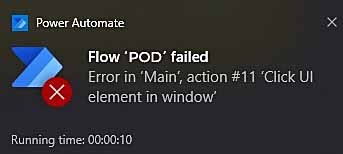
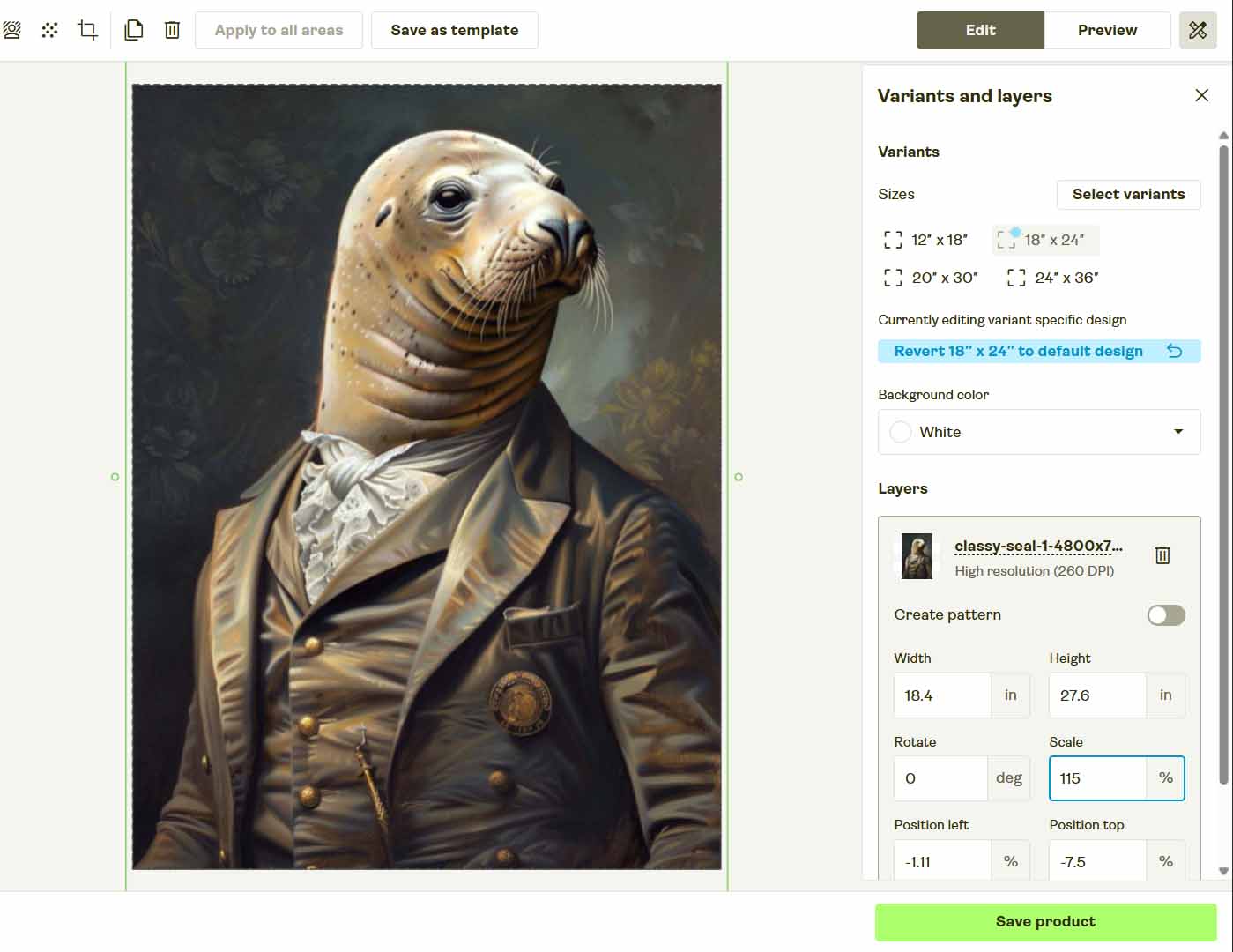
Yes, you can build an RPA flow. But you’ll also inherit the perpetual maintenance burden—re-recording, tweaking delays, and troubleshooting minor layout shifts. That’s not a durable system; it’s a script that needs chaperoning.
For serious operations, the common pattern is different: use software that talks to the platform’s APIs so actions are deterministic and independent of the page layout.
Introducing the Bulk POD Product Creator—The Proper Way to Automate POD Product Creation
Rather than puppeteering the browser, the Bulk POD Product Creator executes through your print-on-demand platform's official API. That eliminates the guesswork of selectors and timing and replaces it with structured, verifiable requests that yield consistent outputs.
The result is clean, repeatable automation: standardized variant setups, consistent pricing replication from your Example Product, artwork placement driven by explicit rules, and AI-generated, artwork-aware metadata—without brittle front-end choreography.
How the Bulk POD Product Creator Workflow Works
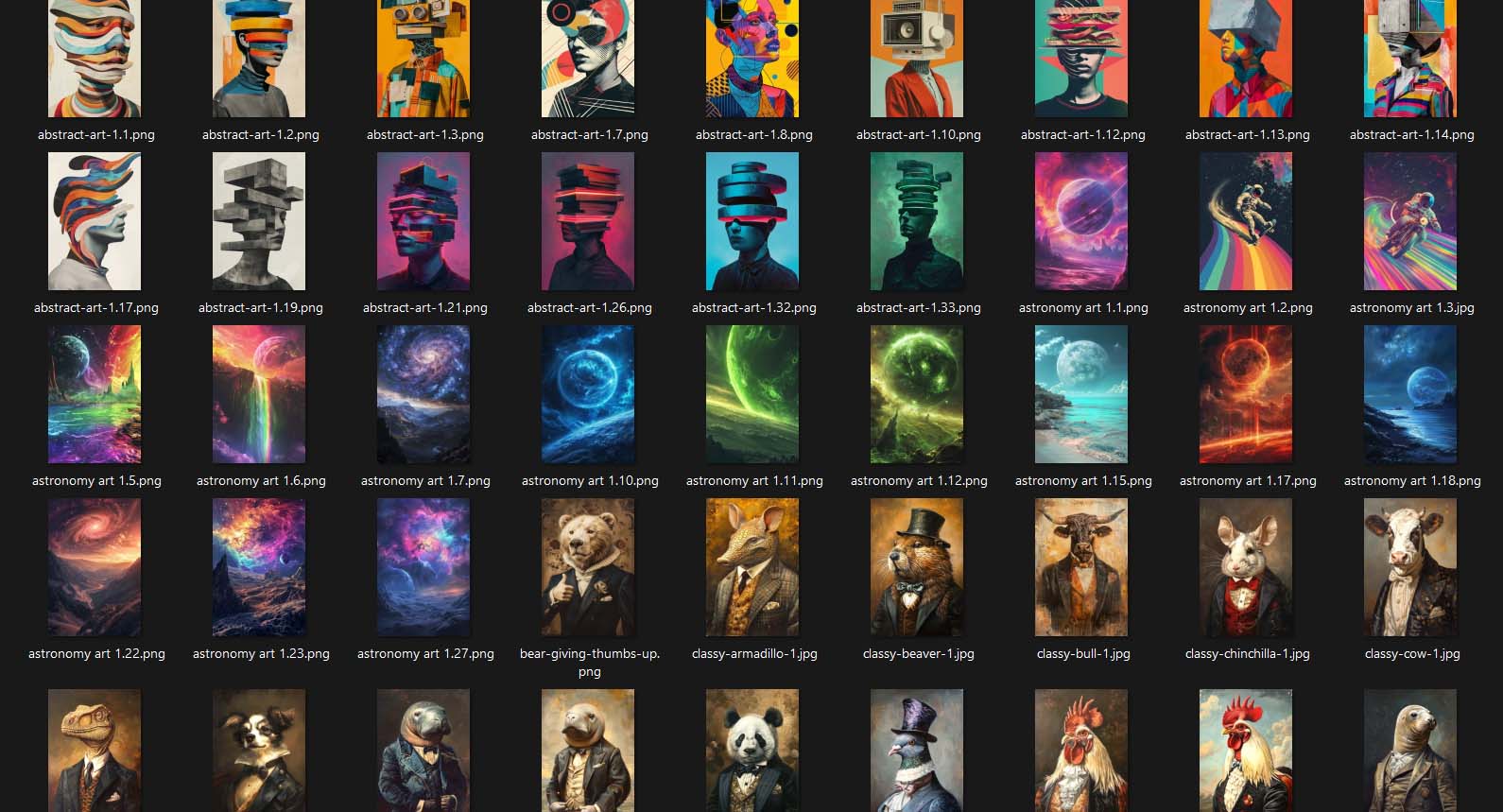
Step 1) Upload Your Artwork Batch
Upload your entire folder of artwork images—whether it’s a few or a few thousand. Each file is automatically recognized and prepped as a product seed, ready for generation.

Key benefit: No renaming or sorting required. You skip hours of prep work and eliminate one of the biggest friction points in manual product creation or brittle RPA workflows.
Step 2) Choose Your Image Placement Rule
Define how your artwork should be applied to product print areas—stretch to fill, preserve aspect ratio, or exactly match a reference placement.
Key benefit: Every image is resized and positioned programmatically. No dragging or adjusting manually—your placements remain pixel-perfect across every variant.
Step 3) Select an Example Product
Choose one of your existing listings—on Printify, Printful, Gooten, or Gelato—to act as your Example Product. It defines which variants, print areas, and pricing structures will be cloned in each generated product.

Key benefit: This guarantees structural consistency across your entire catalog. Every new listing inherits your established format and pricing, creating a standardized, professional look across platforms.
Step 4) Define Titles, Descriptions, and Tags Using AI
Rather than typing metadata manually—or trying to record RPA text-input macros—the Bulk POD Product Creator analyzes each artwork image using AI to generate titles, descriptions, and tags automatically. The AI focuses on describing the artwork itself (subjects, colors, style), while your own prefix/suffix rules provide brand-level consistency.

Key benefit: It removes the most time-intensive part of product creation while keeping every listing SEO-optimized, consistent, and aligned with your store’s style guide.
Step 5) Run Your Operation
Once setup is complete, click “Run Operation.” The system generates your entire batch directly through your connected POD platform’s API—replicating settings, uploading artwork, inserting metadata, and publishing listings automatically.

Key benefit: The automation runs fully in the background. You don’t need your browser open or your cursor idle—it just works, reliably, every time.
With this workflow, creating hundreds of products takes minutes instead of hours. And because it’s API-based, it remains consistent even if the POD platform’s interface changes.
Bulk POD Product Creator vs. RPA Tools: Which Is Better for Automating POD Workflows?
- Reliability and Maintenance
RPA scripts rely on UI replay. A small layout change can break the whole flow. The Bulk POD Product Creator uses structured API logic—stable, versioned, and immune to front-end updates. - Speed and Throughput
RPA runs at human pace, waiting for pages and inputs. The Bulk POD Product Creator runs near API throughput limits—producing hundreds of listings in a fraction of the time. - Accuracy and Error Handling
RPA clicks blindly. The Bulk POD Product Creator validates each product creation with confirmation logs and built-in retry logic, ensuring complete accuracy. - Scalability
RPA struggles beyond small batches. The Bulk POD Product Creator is engineered for volume—handling hundreds or thousands of product generations per operation. - Flexibility
RPA reproduces static behavior. The Bulk POD Product Creator adapts dynamically: swap artwork folders, load saved configurations, or modify text rules instantly without retraining scripts. - Image Handling and Visual Consistency
RPA tries to drag and resize manually. The Bulk POD Product Creator programmatically resizes and centers artwork per placement rule—guaranteeing uniform outputs. - Professionalism and Future-Proofing
RPA is a patchwork solution. The Bulk POD Product Creator is a production-grade automation framework—code-driven, scalable, and built for long-term growth. - AI Integration
RPA can only replay keystrokes. The Bulk POD Product Creator intelligently generates artwork-level SEO metadata automatically for every listing.


Conclusion: Automate Intelligently—Not Fragilely
RPA looks like automation but behaves like imitation. It replays clicks—it doesn’t build scalable systems.
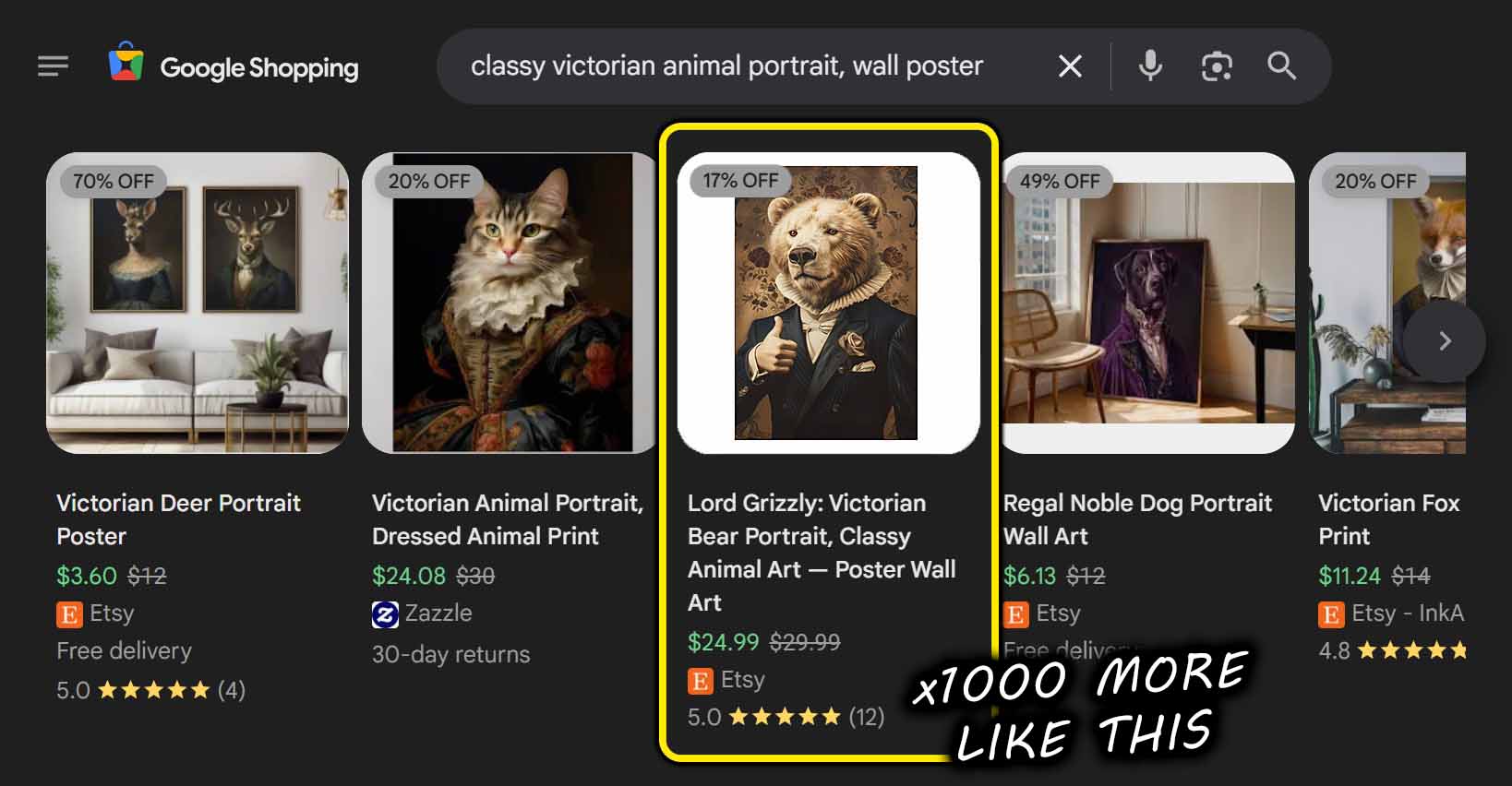
To grow efficiently, you need backend-level automation, not front-end mimicry. The Bulk POD Product Creator provides that foundation. It automates POD product creation using structured API commands, AI-powered text generation, and reusable configuration templates.
Stop maintaining brittle scripts—start deploying reliable systems.
With proper software automation, your product creation workflow becomes as efficient and scalable as your ambitions.