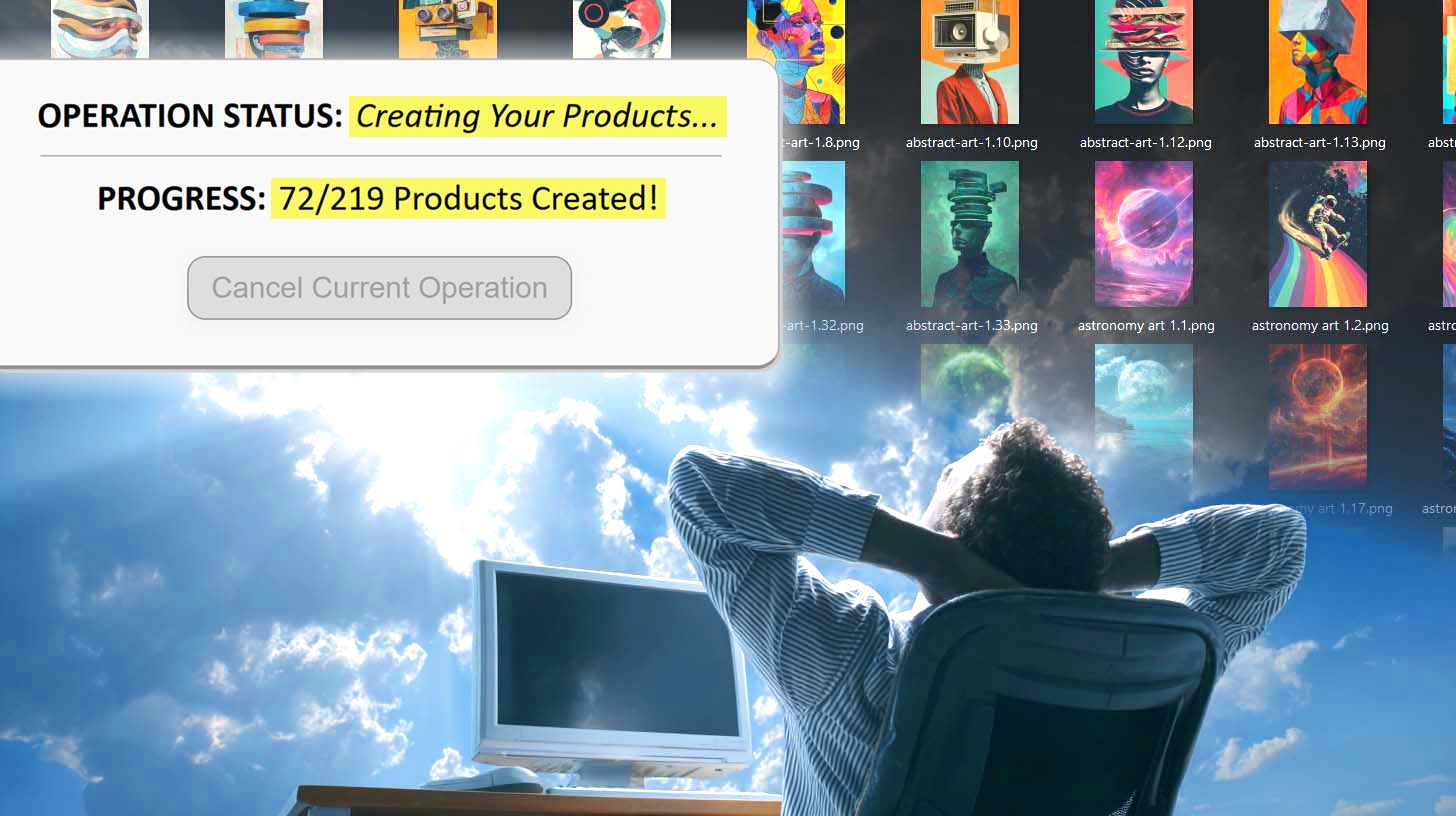
Can You Import Printify Products From A CSV Spreadsheet?
Overview: This post explores whether Printify supports bulk product creation via CSV import, and details how the Bulk POD Product Creator offers a superior, automated solution for efficiently generating large batches of print-on-demand products, including artwork upload, product standardization, and AI-powered metadata generation—all without spreadsheets or manual entry.
Does Printify Allow You To Create Products via CSV Spreadsheet Import?
Many software platforms let users perform large-scale actions all at once by importing CSV spreadsheets. It’s a common pattern: define your structure once, fill in rows of data, then upload the sheet to instantly populate your system. For instance, Mailchimp lets you bulk-import an entire list of email addresses directly into your marketing database. Shopify and other ecommerce platforms follow a similar approach with product catalogs.
So it’s understandable that, as a Printify seller, you might find yourself wondering: can I do the same thing for my print-on-demand products? Can you take a CSV file, fill it with titles, descriptions, image URLs, prices, and variants, and upload it to Printify to automatically create hundreds of products?
The short answer is no—at the time of writing, Printify does not allow sellers to bulk-create products via CSV import. Each product must still be created through the interface or an approved API connection.
That said, this limitation doesn’t mean you’re stuck manually creating listings one at a time. There’s a much faster, cleaner, and more reliable way to achieve your same goal—to standardize your process, create consistent listings, and build large batches of products efficiently.
How To Achieve the Same Goal Without Spreadsheets
That tool is the Bulk POD Product Creator—a web-based automation system designed specifically for print-on-demand sellers who want to scale their product catalogs efficiently.

In essence, this tool gives you what CSV importers promise, but without the complexity. You don’t have to learn field mappings, check column headers, or debug data import errors. Instead, you configure your setup once, and this tool automatically generates complete, ready-to-publish products for your Printify store on autopilot.
Here’s how it works at a high level:
- You choose an Example Product from your Printify store—this serves as your structural blueprint for all new products.
- You upload your folder of artwork images—these become the visual foundation of the new listings.
- You define simple rules for how the system should generate titles, descriptions, and tags.
- You click “Run Operation,” and the automation engine handles everything else: placement, resizing, mockup creation, product metadata, and publishing.
The result? You can automatically create hundreds of new Printify products at scale—without spreadsheets, manual copy-pasting, or hours of repetitive clicking in the Printify interface.
Step 1: Standardize Your Product Creation Using an Example Product
Every successful bulk operation starts with consistency—and that’s what the Example Product provides.
When you select an existing Printify product to serve as your Example Product, the system captures its structure:
- Which print areas it uses (front, back, sleeves, etc.)
- The variants and sizes you’ve enabled
- Your pricing, mockup style, and default settings
This Example Product becomes your template for the entire batch. Once selected, every new product you generate will automatically mirror those same attributes.

Behind the scenes, the system reads your Example Product’s data from Printify and uses it as a schema for the automation engine. This guarantees that every product you generate follows a standardized format—no mismatched variants, forgotten print areas, or inconsistent pricing.
This single step eliminates the kind of row-by-row guesswork a CSV import requires. Instead of manually defining attributes for each product, you define them once, confirm that everything looks right, and the automation engine replicates that configuration perfectly across every listing you generate.
The benefits are straightforward:
- Zero manual setup repetition. You never have to redefine variants or reselect print areas again.
- No spreadsheet headaches. A single confirmed setup ensures perfect uniformity.
- Error-free replication. The system reuses your proven Example Product structure with pixel-accurate precision.

Step 2: Select the Artwork Images You Want to Convert Into POD Products
Next, you upload or select your artwork images—the designs that will become the core of each new product.

Each image you provide is treated as its own seed product. Once uploaded, the tool queues them for generation, automatically applying your Example Product’s structure and settings to each image in turn.
Under the hood, the system analyzes each artwork file, retrieves its dimensions, and adjusts placement dynamically according to your selected placement rule (e.g., “Stretch Images To Fit Print Area(s),” “Preserve Image Aspect Ratio & Center,” or “Exactly Match Example Image(s)”).
That means you don’t have to resize, crop, or manually position anything—the software handles it all. The placement logic ensures that every image looks perfectly formatted on its corresponding product mockups, maintaining consistency across hundreds of listings.
By handling image placement automatically, the Bulk POD Product Creator eliminates one of the most tedious, time-consuming parts of the product creation process. You simply provide the artwork; the automation engine does the rest—including resizing, re-naming, uploading to Printify, and integrating it into each generated listing.
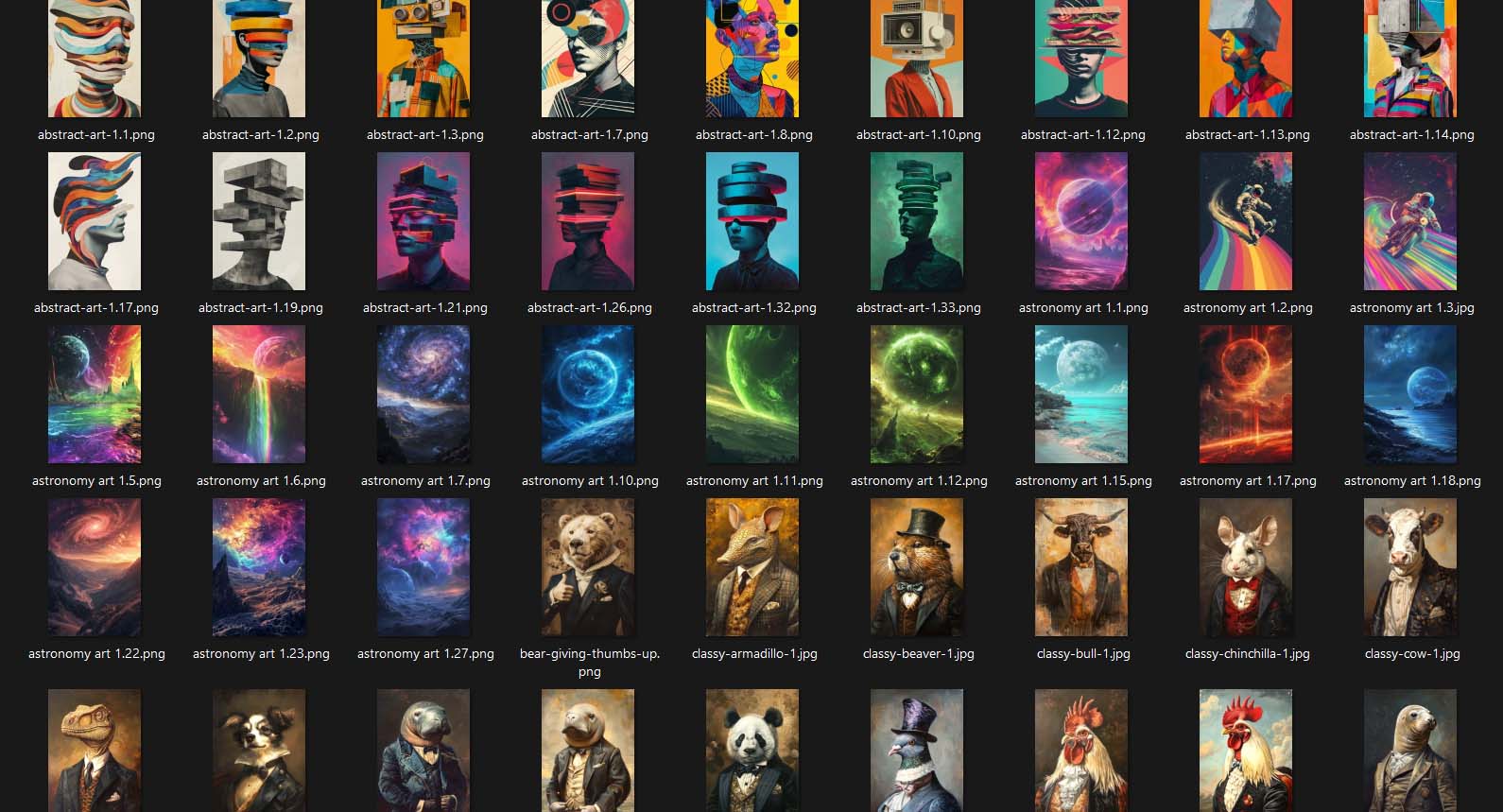
The result is a streamlined, standardized operation where each image seamlessly becomes a finished Printify product, ready to publish—no spreadsheets, no formulas, and no manual uploads required.
Step 3: Specify the Rules for Titles, Descriptions, and Tags
This is where your automation becomes truly intelligent. Once your Example Product and artwork images are set, you’ll define the rules that determine how the system generates each product’s text content—titles, descriptions, and tags—in bulk.

Here’s how it works: the Bulk POD Product Creator uses AI to analyze each artwork image, recognize what’s visually present, and write SEO-optimized text based on that analysis. It identifies things like subject matter, style, mood, and color palette—producing titles, descriptions, and tags that accurately reflect the artwork content.
For example, an uploaded design featuring a mountain landscape might yield:
- AI Simple Title: “Mountain Landscape at Sunrise”
- AI Compound Title: “Mountain Landscape at Sunrise: Tranquil Nature Photography”
- AI Tags: mountain, sunrise, nature, landscape, outdoor scene, golden hour
These AI outputs are artwork-focused only, not product-specific. You remain in full control of product context through custom text fields that can be appended before or after the AI titles and descriptions (e.g., adding “—Canvas Wall Art” or “Print-On-Demand Poster”). This separation ensures that your creative text remains SEO-rich and flexible without locking you into product-type assumptions.
The system generates this text for every product in your batch automatically. That means no typing, no copy-pasting, and no keyword fatigue. You can produce hundreds of listings that each have high-quality, search-friendly titles and descriptions—all written in seconds, not hours.
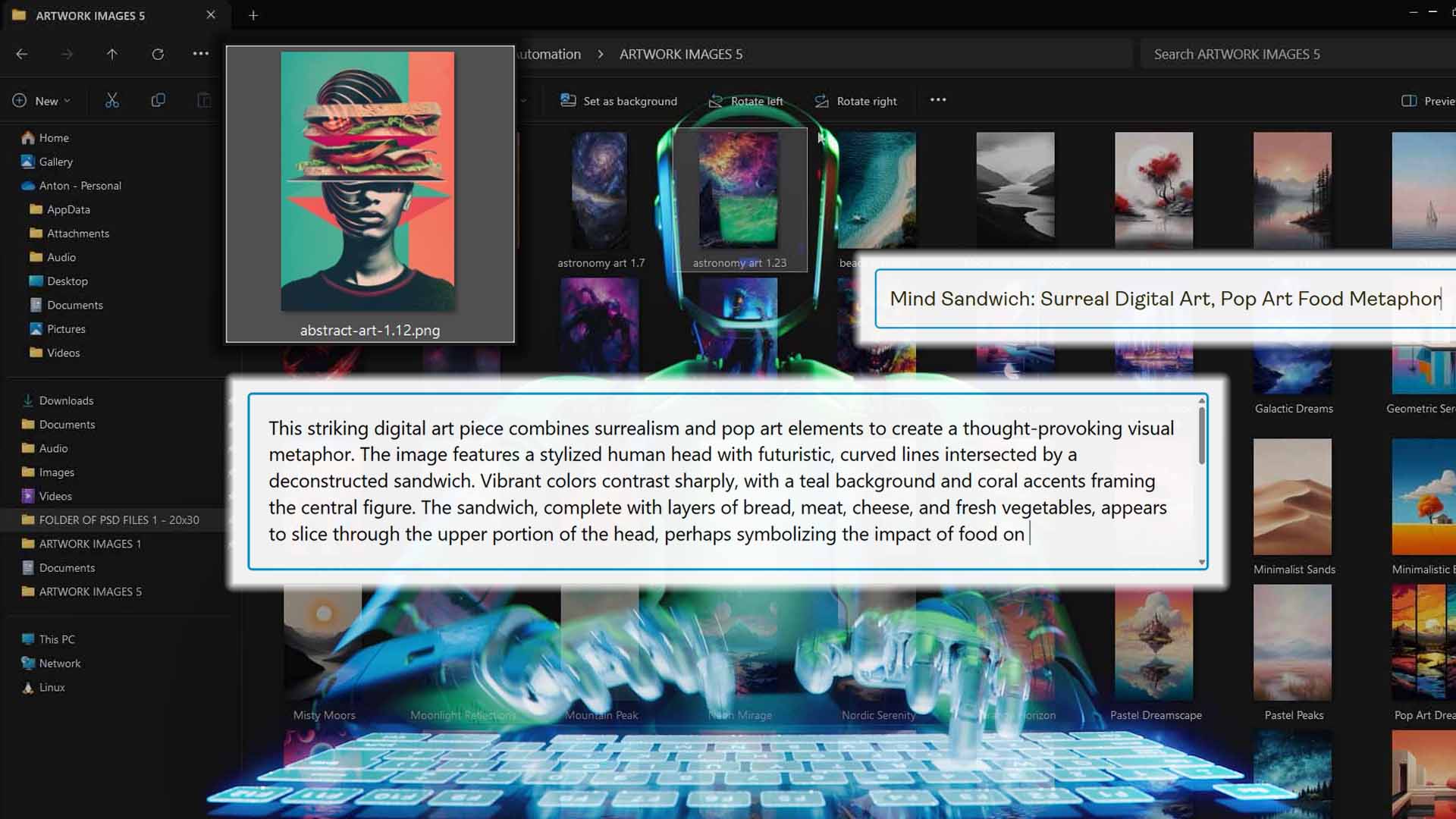
The benefits of this approach compared to spreadsheet imports are immediate:
- No manual metadata entry. You don’t need to populate hundreds of rows with text or tags.
- Consistent, readable language. Every product’s metadata follows coherent SEO patterns instead of inconsistent spreadsheet fragments.
- Smarter automation. The system recognizes visual content directly, something a CSV importer can’t do.
Step 4: Run the Operation to Bulk-Create Your Printify Products
Once your Example Product is defined, your artwork images are uploaded, and your title/description/tag rules are in place, you’re ready to launch the operation.
From this point forward, the entire workflow is fully automated. The system begins processing each artwork image one by one, replicating your Example Product structure and applying your chosen image placement rules. It then generates mockups, writes metadata, uploads everything to Printify, and finalizes the listings—all without further input from you.
Behind the scenes, each operation is handled in a secure, server-side workflow that communicates directly with Printify’s API. This ensures reliability, prevents browser timeouts, and enables large batches to complete safely even when hundreds of products are being generated.
You can monitor progress in real time through the dashboard, where each product’s creation status updates asynchronously. If you close the browser or step away, the automation continues in the background until the batch is complete.
The result is what every Printify seller wants: your product catalog expands automatically while you focus on strategy, marketing, or new artwork—not repetitive data entry.

Why This Automation Is Better Than CSV Spreadsheet Imports
If you’ve ever worked with CSV-based import systems, you know how fragile they can be. One wrong column header, one misplaced comma, or one mismatched image URL can cause the entire import to fail—or worse, to populate incorrect information across dozens of products.
The Bulk POD Product Creator eliminates those risks entirely. Here’s why it’s fundamentally more efficient than any spreadsheet-based workflow:
- No Human Data Entry Errors: You define your Example Product once and let the automation replicate it perfectly. There’s no chance of typos, missing fields, or broken formulas that often plague spreadsheet imports.
- No Manual Metadata Preparation: A CSV import still requires you to manually write titles, descriptions, and tags before uploading. With this tool, the AI handles that step for you—generating detailed, artwork-specific metadata automatically.
- Integrated Image Handling: A spreadsheet import can’t resize, reposition, or upload artwork files. You’d still need separate systems or scripts for that. The Bulk POD Product Creator does it all in one process—fetching, resizing, and aligning each image according to your placement rule before sending it to Printify.
- Perfect Structural Consistency: Because every product is based on a verified Example Product, you maintain identical variant settings, pricing, and mockup orientation across the batch. That level of uniformity is nearly impossible to achieve through CSV imports.
- Time Savings Without Complexity: CSV workflows require technical setup, data prep, and troubleshooting. Here, you click once to run your entire operation—no spreadsheets, no mapping, no trial-and-error.
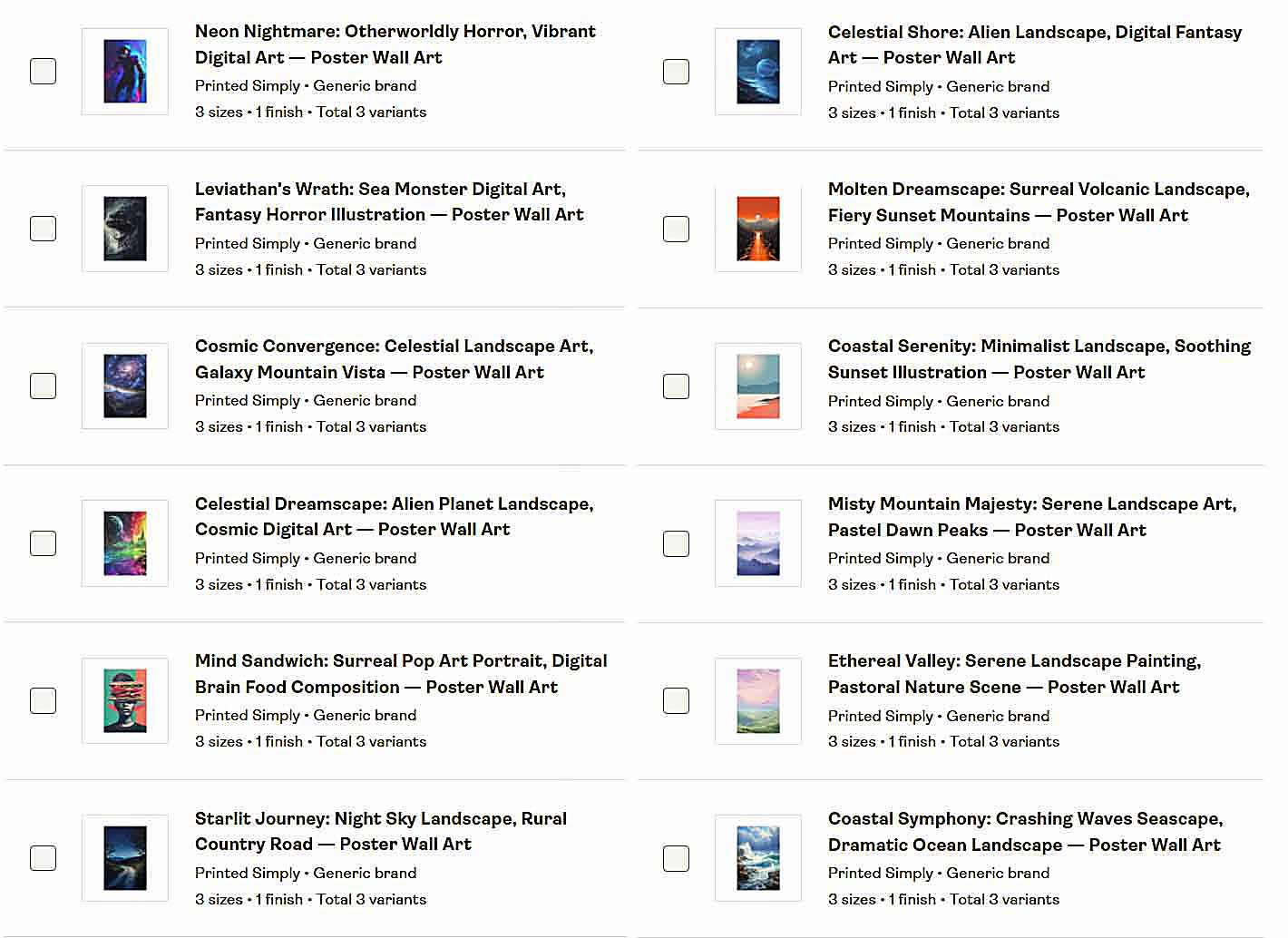
Ultimately, CSV imports are a workaround for systems that lack automation. The Bulk POD Product Creator is the automation—the streamlined, no-spreadsheet way to accomplish the same goal with higher accuracy and far less manual labor.
Conclusion
While Printify doesn’t currently support bulk product creation via CSV import, that limitation doesn’t have to slow you down. With the Bulk POD Product Creator, you can accomplish the same outcome—mass-creating standardized Printify products at scale—through an intuitive, automated process that’s faster, smarter, and virtually error-proof.
Instead of managing columns and rows, you set up your Example Product once, feed in your artwork images, and let the system generate fully configured products—complete with AI-written titles, descriptions, and tags—all on autopilot.
For any print-on-demand seller who values efficiency, accuracy, and growth, this tool provides the clear path forward. The spreadsheet may have built the internet’s early data pipelines—but for modern POD workflows, automation is the better import.