
Bulk Shopify Product Listing Optimizer For POD Stores: AI-Powered SEO For Print-on-Demand Sellers
Overview: Discover how the Bulk POD Product Creator automates the creation and SEO optimization of Shopify print-on-demand product listings, enabling you to scale your store with hundreds of unique, search-ready products—without manual effort.
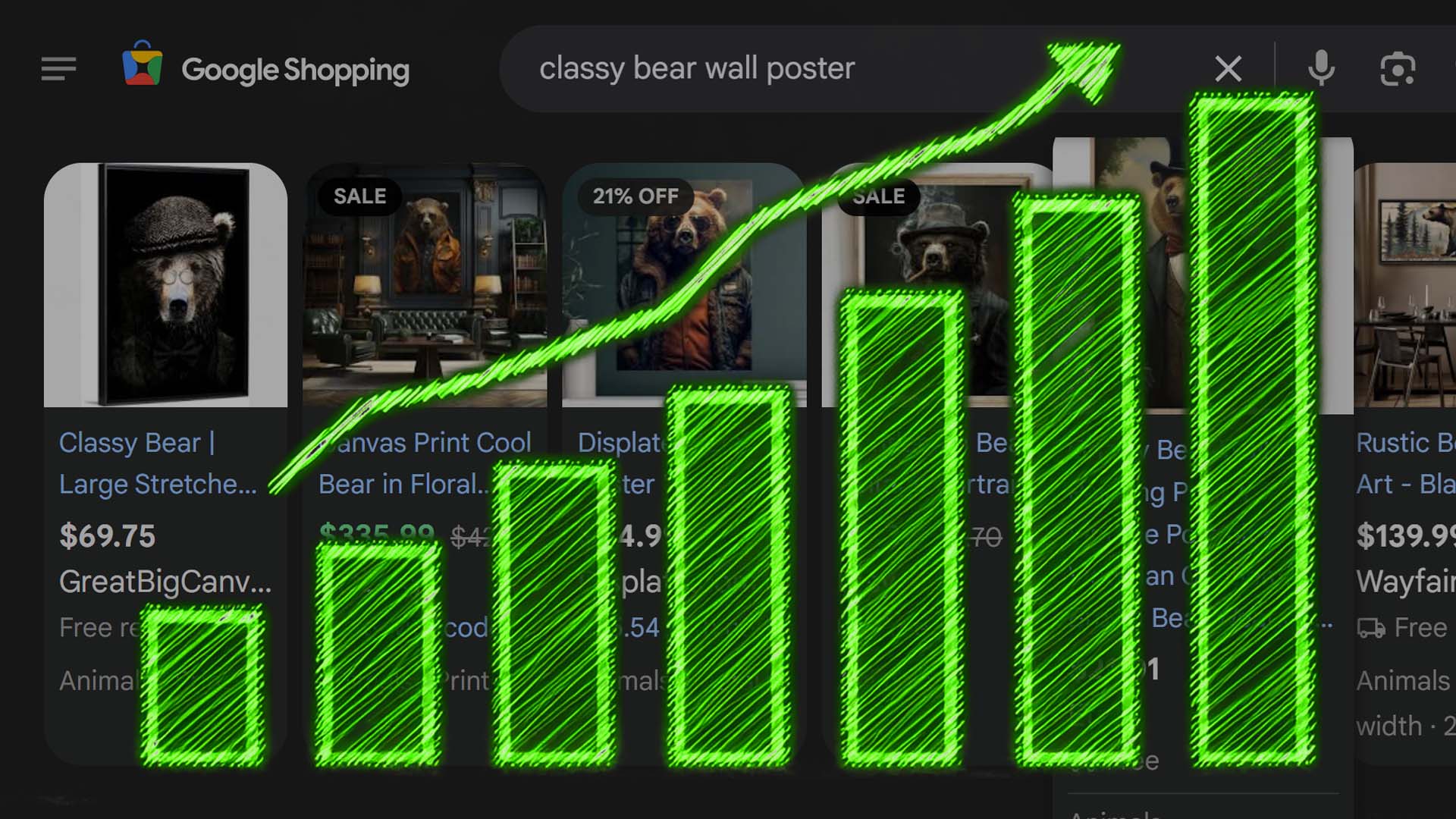
Optimizing Your Shopify POD Products for Search Engine Discoverability Is Critically Important
If your print-on-demand products aren’t showing up in search results, they’re invisible—no matter how good the artwork is.
That’s the simple truth about running a Shopify POD business: visibility equals sales.
Search Engine Optimization (SEO) determines whether your products reach buyers organically—people already searching for the kind of art, design, or apparel you’re selling. When done right, SEO turns every individual product page into a mini landing page that attracts traffic from long-tail keyword searches, product-specific queries, and even voice-based search results.
The challenge? Doing it well across a large catalog.
Every product you create needs a well-written title, detailed description, and keyword-rich tag structure to rank effectively. Doing this for 20 products is tedious; doing it for 2,000 is practically impossible if you’re writing everything manually.
That’s where automation and AI now change the equation entirely. With the right tool, you can generate hundreds of fully optimized Shopify POD listings automatically—each with its own unique SEO fingerprint, each accurately describing your artwork, and each designed to attract real, targeted traffic from search engines.

Introducing the Bulk POD Product Creator: The AI-Powered Shopify Listing Optimizer for Print-on-Demand Sellers
The Bulk POD Product Creator is built for one purpose: to help Shopify print-on-demand sellers create and optimize products at scale—automatically.
It combines two core functionalities that make it an indispensable asset for any serious POD entrepreneur:
- It creates the POD products themselves on your POD platform backend.
Instead of manually cloning listings, uploading images, and reapplying settings one by one, the tool takes a single Example Product—your ideal reference setup—and automatically generates more products following that blueprint. Every product it creates inherits the same variant configurations, pricing, and settings as your example, but swaps in your new artwork images. - It uses AI to write SEO-optimized titles, descriptions, and tags for every created POD product.
The system’s AI engine uses advanced image recognition to analyze your artwork, understand what’s visually present, and generate highly relevant, keyword-rich copy that aligns with search engine best practices. This ensures that every single product in your catalog contributes to your organic visibility—without you writing a single line of text.

The result is a fully automated, search-optimized workflow that handles the most time-consuming parts of building a successful POD store: product creation and SEO optimization.
You provide the images, the system handles the rest.
How To Use the Bulk POD Product Creator To Set Up and Run Operations
Once you’ve connected your Shopify-linked POD account, setting up your first automated operation is straightforward. The tool is designed to mirror the way experienced sellers already think—just automated, faster, and more scalable.
Here’s how it works:
Step 1: Select the Artwork Images You Want Turned Into POD Products
Start by choosing the artwork images you want to convert into products. Each image in your selection will become its own standalone product, built and optimized automatically. You can upload these in bulk—there’s no need to process them one by one. Whether you’re working with 10 designs or 1,000, this step is identical. The system processes your input batch and handles each file independently, ensuring every image receives its own product record downstream.
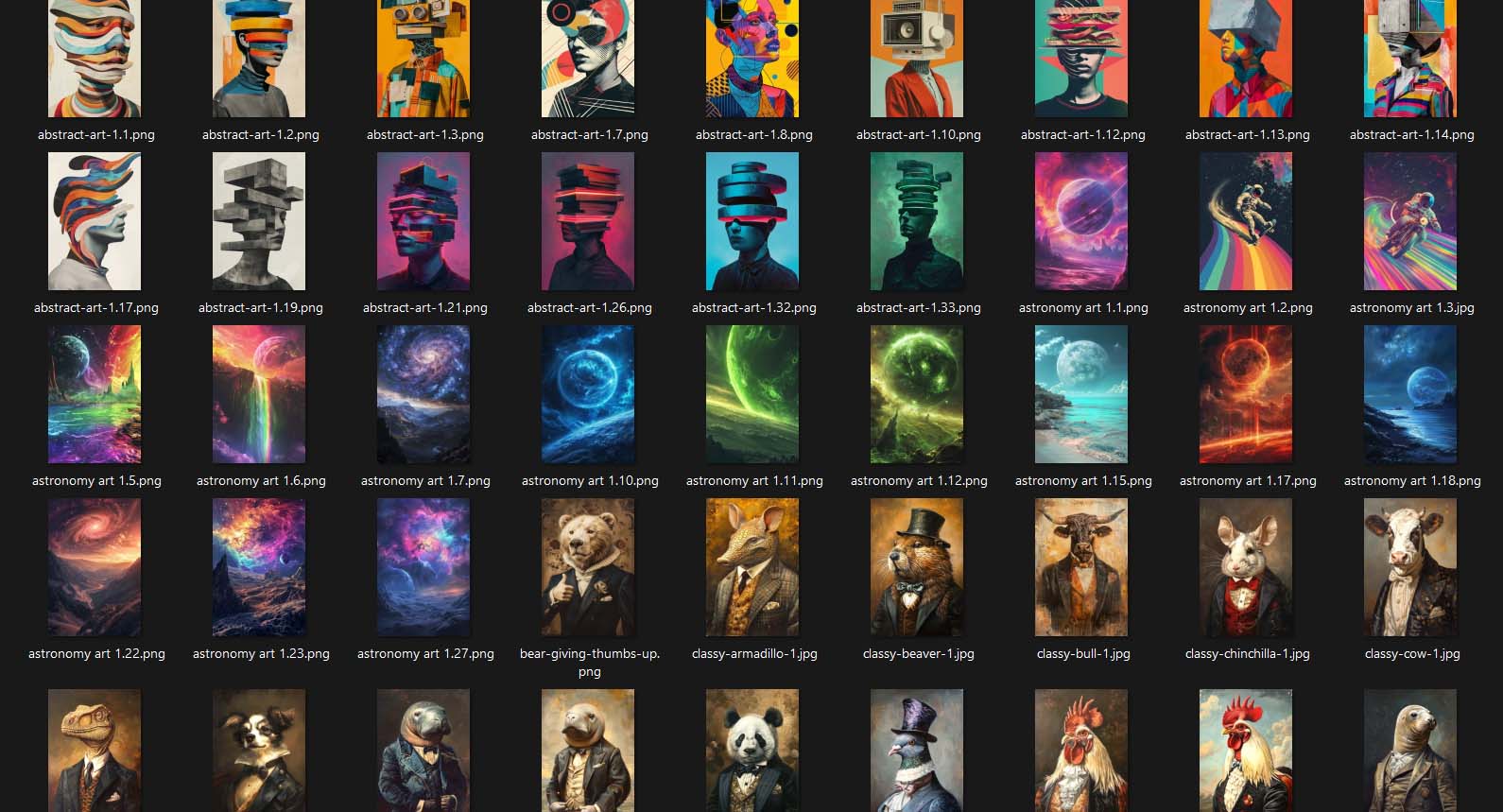
Step 2: Decide on Your Image Placement and Sizing Rule for the Product Print Areas
Next, choose how you want your images placed inside the print areas of your selected product. The tool offers three flexible placement modes:

- Stretch Images To Fit Print Area(s): Perfect for sellers who want each print area completely filled for a clean, full-coverage look across variants.
- Preserve Image Aspect Ratio & Center: Keeps your original proportions intact while centering the artwork within each print area—ideal for photography, typography, or designs where distortion must be avoided.
- Exactly Match Example Image(s): Replicates the exact pixel placement and scale from your Example Product’s print areas. This ensures absolute consistency across large batches of products.
This placement logic applies automatically across every generated product and variant, ensuring your catalog looks professionally uniform and on-brand.
Step 3: Select the Example Product To Use as a “Role Model” To Create More Of
Now it’s time to define your Example Product—the blueprint that all generated products will follow. Whatever this product’s structure is—its variants, pricing, print provider, and associated attributes—becomes the foundation for every product the system creates. That means no manual duplication, no repetitive price-setting, and no forgetting to enable or disable certain variants. By letting you define an ideal model once, the system can automatically replicate its configuration hundreds of times without deviation.

Step 4: Specify Your New Product Creation Rules for Titles, Descriptions, and Tags
This is where the AI-driven SEO engine comes into play. You’ll define your formatting rules and custom text preferences for the generated titles, descriptions, and tags:
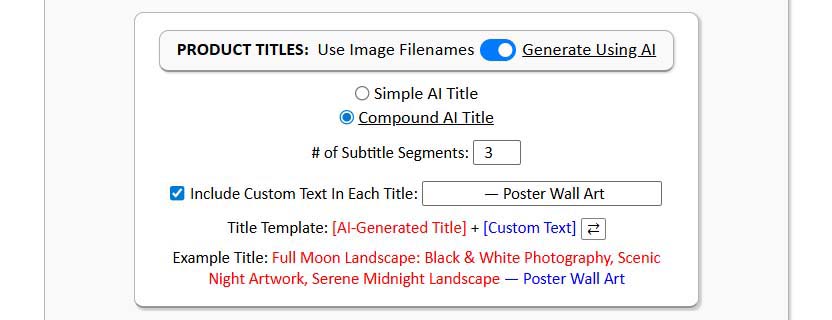
Titles
Automatically generated using AI image recognition. Each title accurately reflects the artwork content—not just a generic label—and you can choose between simple or compound formats depending on your branding needs.
Descriptions
Generated using natural, search-friendly language that explains the image’s subject matter and tone while providing helpful context for the buyer. You can also append your own standardized HTML block containing product specifications or shop info.

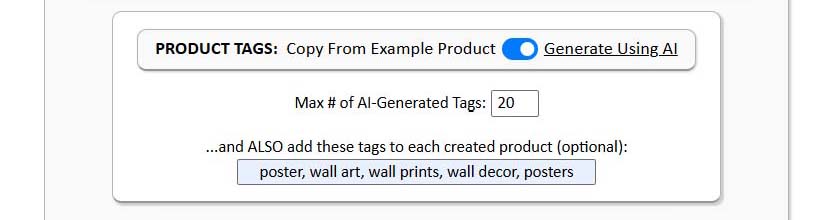
Tags
The system automatically generates artwork-relevant tags and allows you to append custom tags as needed. These tags help both with SEO keyword coverage and Shopify collection organization.
This setup ensures that every new product isn’t just a clone—it’s a unique, SEO-optimized listing aligned with what your prospective customers are actually searching for.
Step 5: Click a Button, Then Sit Back and Relax as All Your POD Products Get Created for You
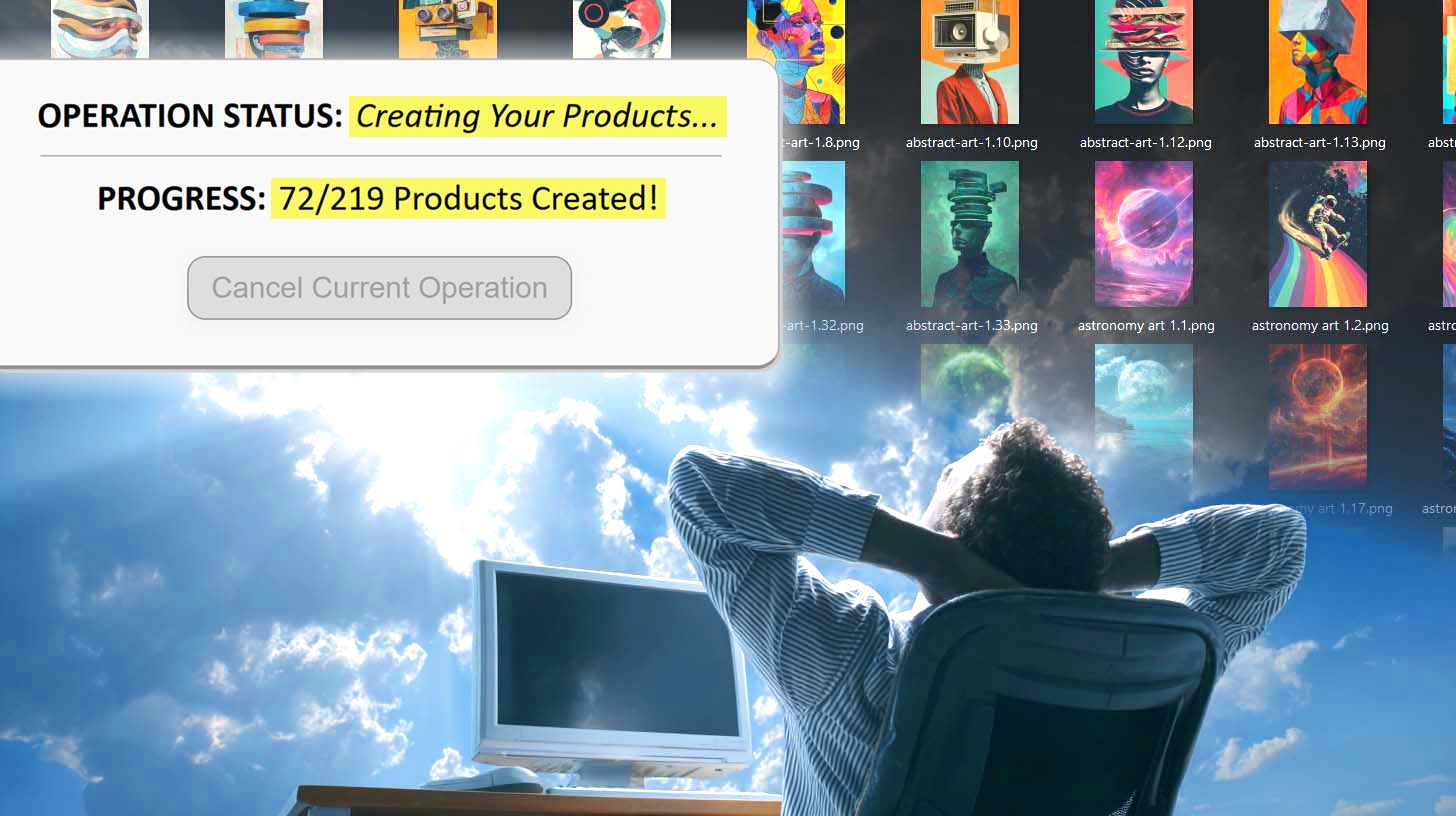
Once everything’s configured, you simply click the Run Operation button. The system then processes your entire batch, automatically creating and SEO-optimizing each print-on-demand product based on your defined settings.
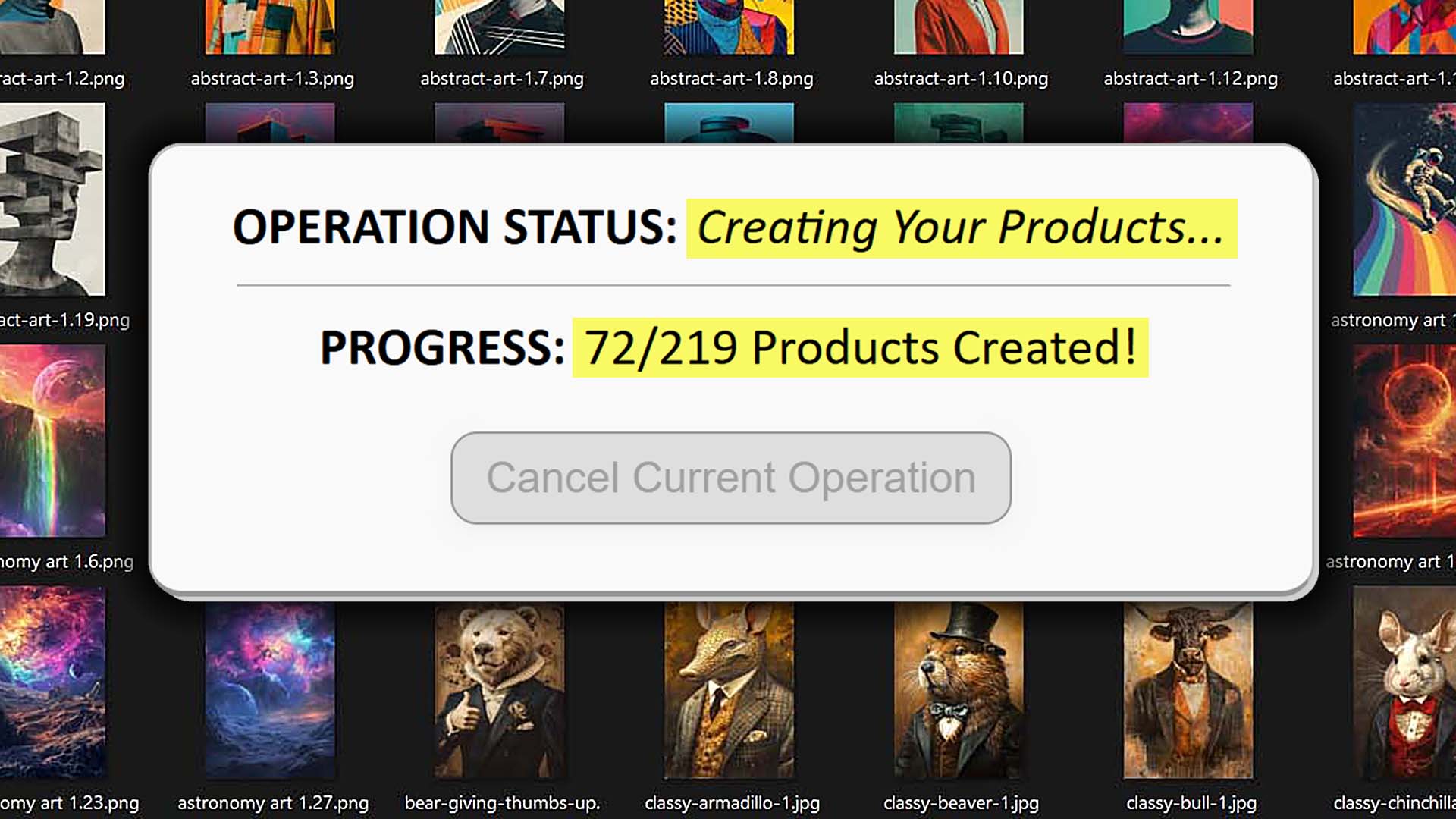
There’s no manual input, no editing one listing at a time, and no need to recheck every detail. The output is consistent, properly formatted, and aligned with your Example Product’s setup—multiplied across your entire image library. With a single button click, your Shopify POD store gains hundreds of new, search-optimized product listings—all created and published while you focus on the higher-value creative or strategic aspects of your business.
How the POD Products Generated by This Tool Are Optimized for SEO
The Bulk POD Product Creator doesn’t just automate listing creation—it ensures every product is generated with SEO best practices in mind. Each listing is structured around what search engines look for: strong, relevant titles, meaningful descriptions, and consistent keyword coverage across your catalog.
Here’s how the automation improves your Shopify POD store’s search visibility:
1. AI-Written Titles That Align with Buyer Search Intent
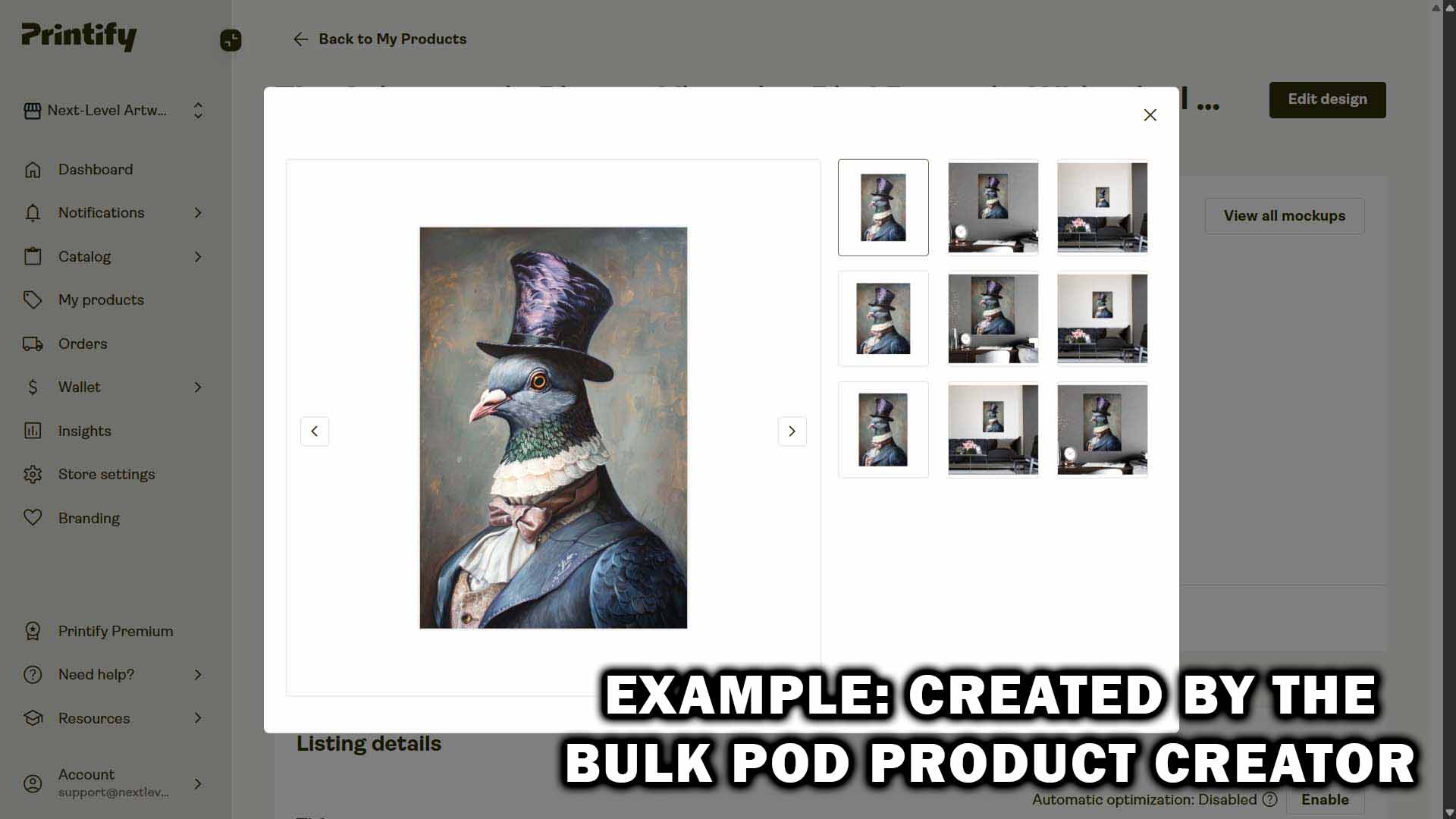
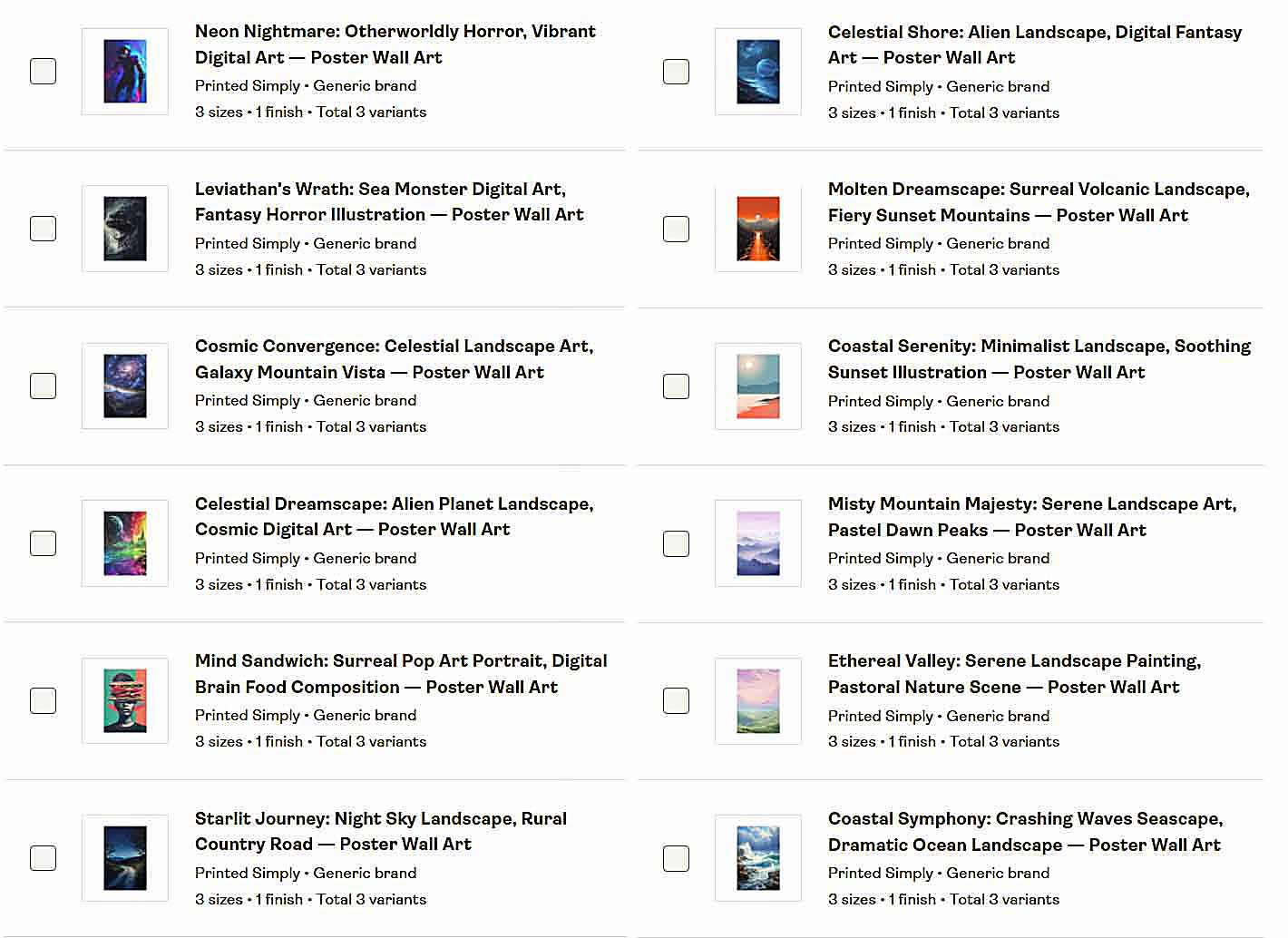
The tool’s AI analyzes each artwork image and generates titles that describe the visual content itself—subjects, styles, colors, or themes—without referencing product types. This ensures the wording is accurate, natural, and directly tied to what’s depicted in the artwork.
For example, the AI might produce artwork-focused titles like:
- “Vintage Surf Illustration: Retro Ocean Artwork”
- “Minimalist Botanical Drawing: Line Art Nature Design”
Then, you can append your own custom text—for instance “—Framed Wall Art” or “| Canvas Print”—to give those same titles strong product-level SEO context. Together, this creates a powerful combination: the AI provides fresh, relevant artwork keywords, while your custom text anchors them to your specific print-on-demand offerings.

Each AI-generated phrase expands your store’s organic keyword reach by targeting the visual themes buyers actually search for—without repetitive or generic product wording.
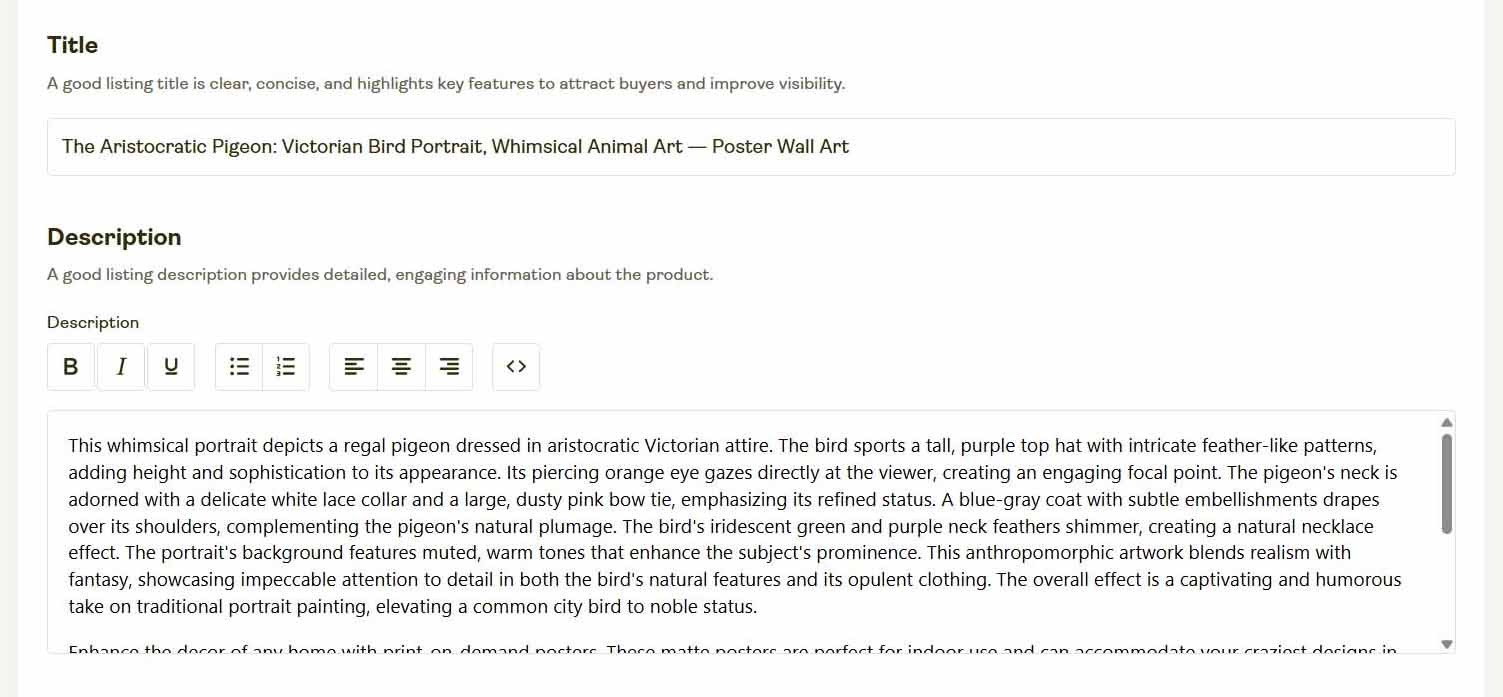
2. Descriptions That Blend Context, Keywords, and Buyer Appeal
Each product’s description is generated to serve dual purposes: helping search engines understand the artwork’s content and persuading human buyers to purchase it.
The language naturally incorporates descriptive keywords while avoiding keyword stuffing. The result: text that feels authentic, relevant, and keyword-rich—exactly what Google rewards.
Since each description is tied directly to the visual characteristics of the artwork, your catalog ends up with strong semantic variety across hundreds of listings—something that’s almost impossible to achieve manually.
3. Smart, Context-Aware Tagging for Broader Discovery
The tool automatically generates tags relevant to each image’s content—capturing artistic themes, moods, and styles that help with internal search and collection organization inside Shopify.
These AI-generated tags broaden your store’s keyword reach and make your products easier to find within Shopify’s ecosystem. And when combined with custom tags that you define (for example, “space,” “floral,” or “modern art”), they help structure your storefront automatically through Shopify’s tag-based collection feature.
4. Naturally Diverse Copy Across Products (Without Repetition Fatigue)
While it’s impossible to eliminate all overlap between similar artworks, the AI avoids the common pitfalls of manual writing—like repeating the same three adjectives across your entire catalog.
Instead, it draws from a broad vocabulary, producing stylistically varied phrasing that keeps listings distinct and engaging. The end result: a catalog that feels dynamic and original, even across hundreds or thousands of related designs.
This diversity boosts your search performance by covering more keyword angles and prevents your listings from competing directly against one another for identical phrases—a frequent problem in manually written catalogs.
Additional Benefits of Using This Print-on-Demand Automation Tool
Beyond SEO optimization, the Bulk POD Product Creator delivers massive operational efficiency. It’s not just faster—it transforms how efficiently you can scale your print-on-demand business.
1. Enormous Time Savings
Manually creating even 50 listings can consume hours of clicking, typing, resizing, and copy-pasting. This tool compresses all of that into a single operation.
Once configured, it handles every product in the batch for you automatically—creating listings, setting variants and pricing, and writing SEO copy at the same time. You reclaim dozens of hours each week—time that can be reinvested into higher-value work.
2. Faster Scaling, Bigger Catalogs, More Reach
Because you can process large batches at once, your catalog expands exponentially faster than what’s possible by hand.
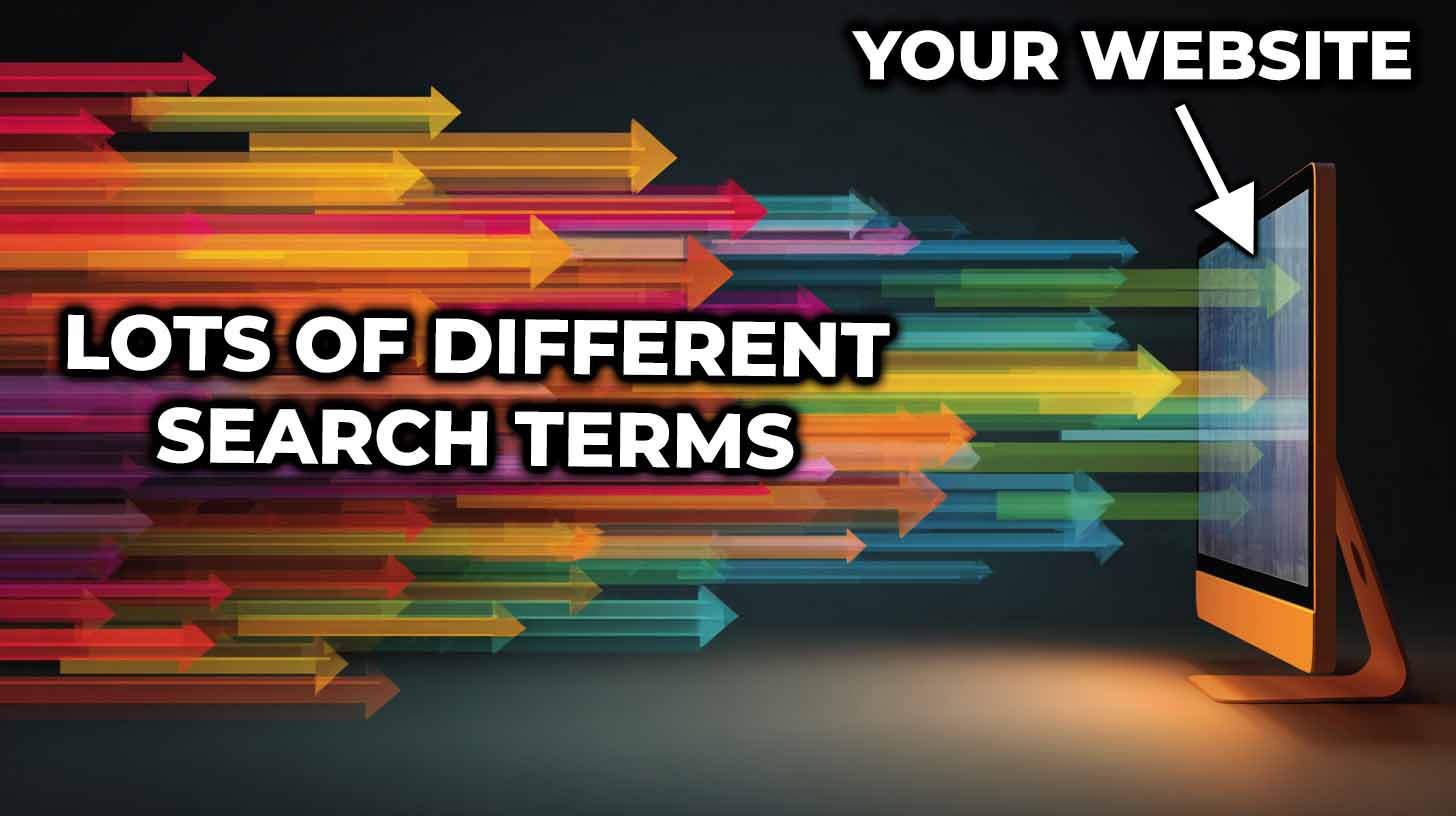
Each new listing acts as another potential search entry point—multiplying your chances of being discovered through long-tail keywords and niche art queries. The more products you publish, the more surface area your store has for organic traffic growth.
3. Consistency Without Human Error
Humans make small but costly mistakes: mispricing variants, skipping tags, copying the wrong description, or leaving images misaligned.
Automation removes those risks. Every listing adheres to your Example Product’s configuration—same structure, same price logic, same formatting—ensuring complete consistency across your storefront.
4. More Time for Creative and Strategic Work
When repetitive admin tasks are automated, your mental bandwidth and working hours are freed for the parts of the business that actually grow revenue:
- Creating new artwork collections.
- Studying analytics and conversion data.
- Experimenting with pricing and A/B testing.
- Improving storefront UI and customer experience.
- Running ads or content marketing campaigns.
This shift from low-leverage to high-leverage work compounds over time. It’s not just about saving time—it’s about using that time more effectively.
Manual SEO Work vs. AI-Powered Automation: The Difference in Outcomes
Let’s compare the two approaches side-by-side:
| Task | Manual Process | Automated via Bulk POD Product Creator |
|---|---|---|
| Product Creation | Slow, repetitive, one by one | Entire batch created in one operation |
| Writing Titles/Descriptions | Fatiguing, inconsistent | AI-written, accurate, and stylistically varied |
| Tagging | Easy to forget or duplicate | Context-aware and automatically generated |
| Accuracy | Human error common | Consistent with Example Product setup |
| Speed | Hours or days per batch | 1 click to complete large batches |
| Scalability | Limited by your time | Virtually unlimited—create at scale |
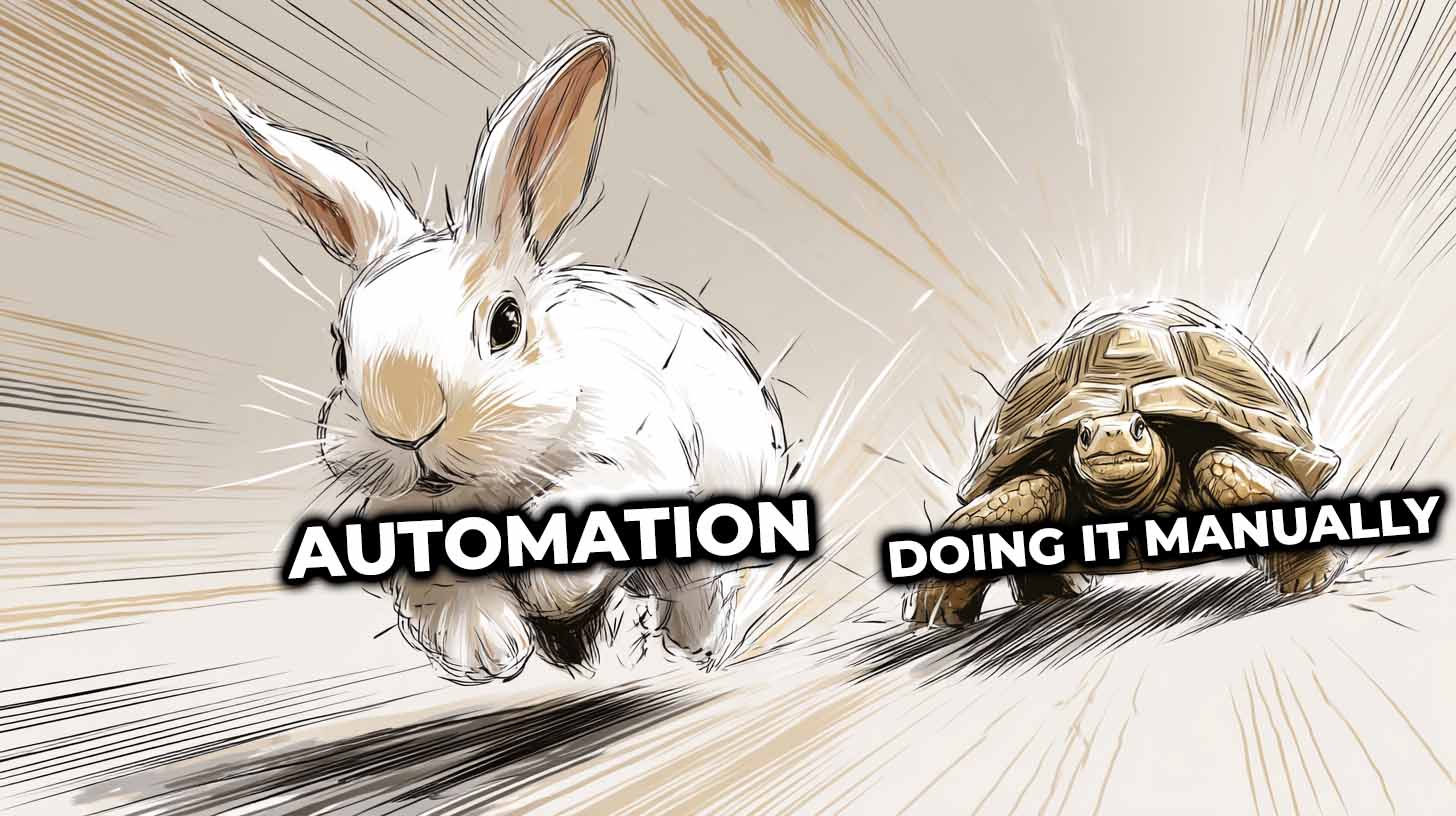
When automation handles the boring work, your role as the store owner changes—from product inputter to system architect. You focus on vision, branding, and growth, not on repetitive clicking.
Conclusion: Automation Multiplies Your Output—Without Sacrificing Quality
The old model of print-on-demand business growth—manually creating listings, writing descriptions, and editing one product at a time—simply doesn’t scale.
The Bulk POD Product Creator replaces that bottleneck with an automated framework that’s faster, more consistent, and smarter. You still control the creative direction—the AI just executes it flawlessly, over and over, at a scale humans can’t match.
More listings.
More visibility.
More time for the work that actually moves your business forward.
That’s what real automation delivers.