
Bulk Product Uploader Tool For Shopify POD Sellers: Build Your Catalog Faster Than Ever
Overview: Learn how the Bulk POD Product Creator empowers Shopify sellers to build massive print-on-demand product catalogs quickly and efficiently. This guide covers the step-by-step workflow, automation features, and business benefits of bulk uploading, including speed, consistency, SEO, and creative freedom.
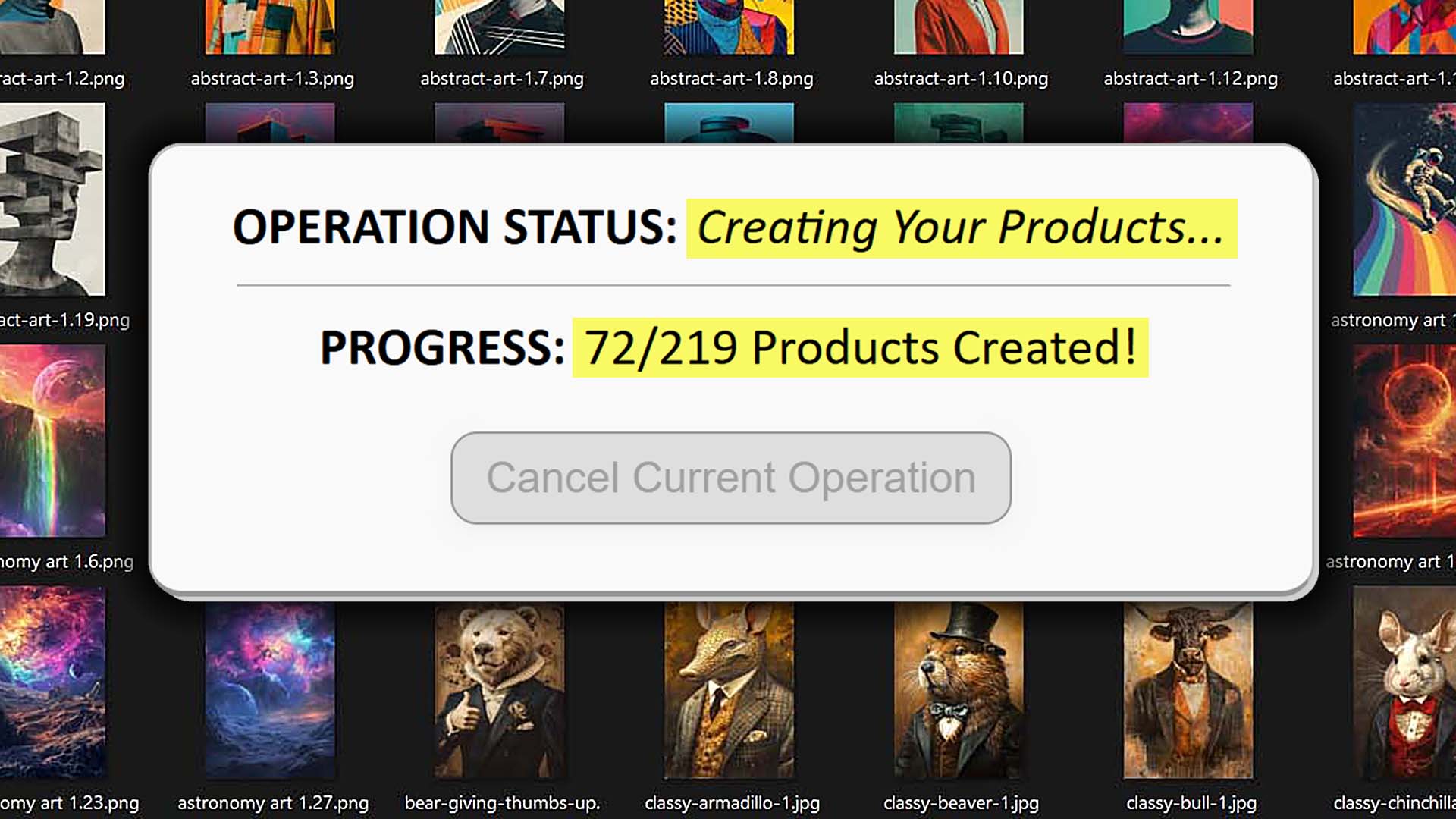
Intro — Building a Huge POD Product Catalog on Shopify Is Now Made Easy
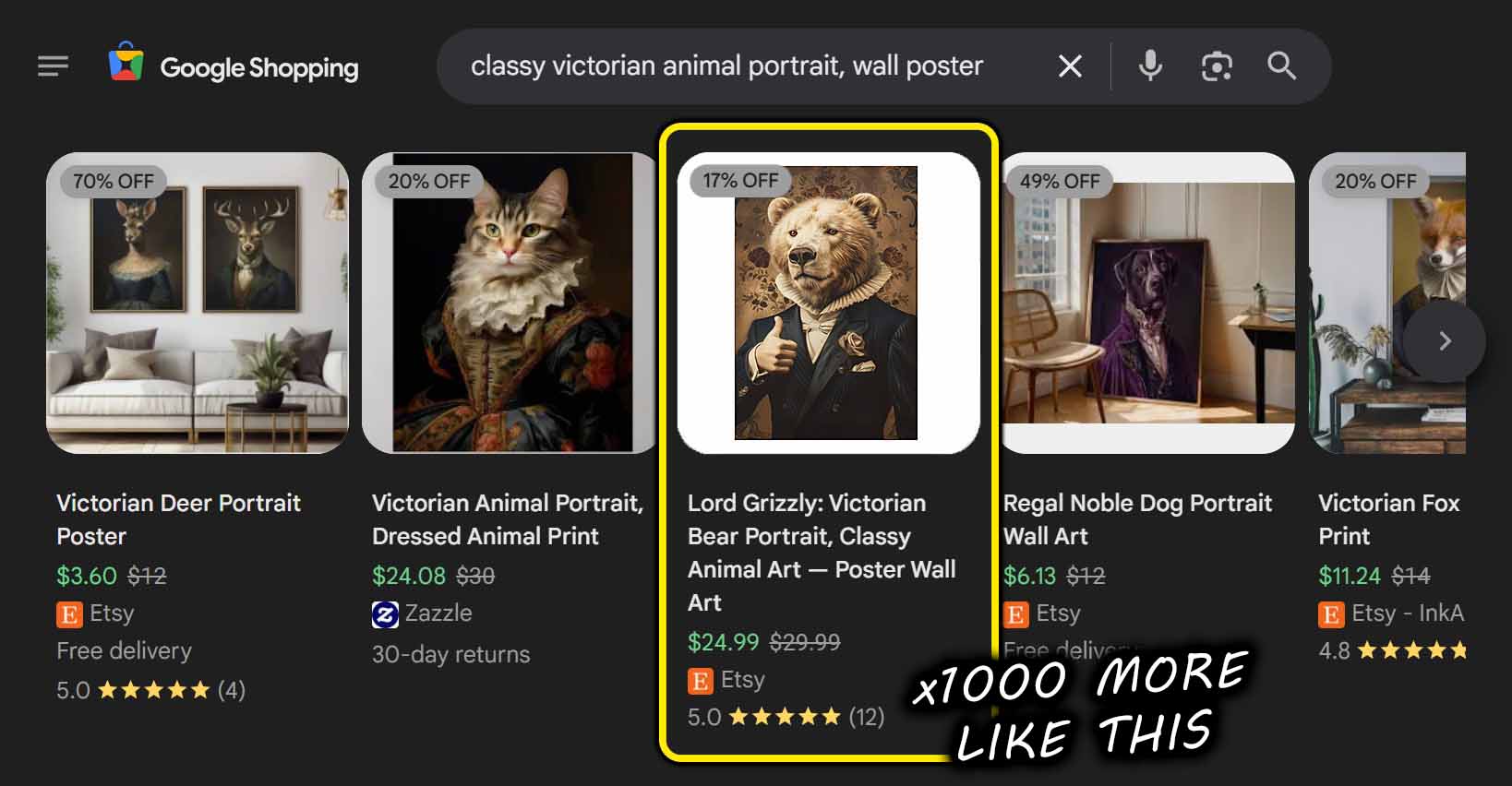
Manually building a serious Shopify POD catalog is a grind. You click into a product template, upload one artwork file, resize it, position it, configure variants and pricing, write a title, write a description, add tags… then repeat the exact same routine hundreds of times. Even if you're fast, the overhead per manually-created listing is brutal. For a one-person operation, the idea of launching a 1,000-product collection is effectively impossible if you're doing it all by hand—the time cost of resizing, placing, writing, and publishing adds up to weeks of labor.
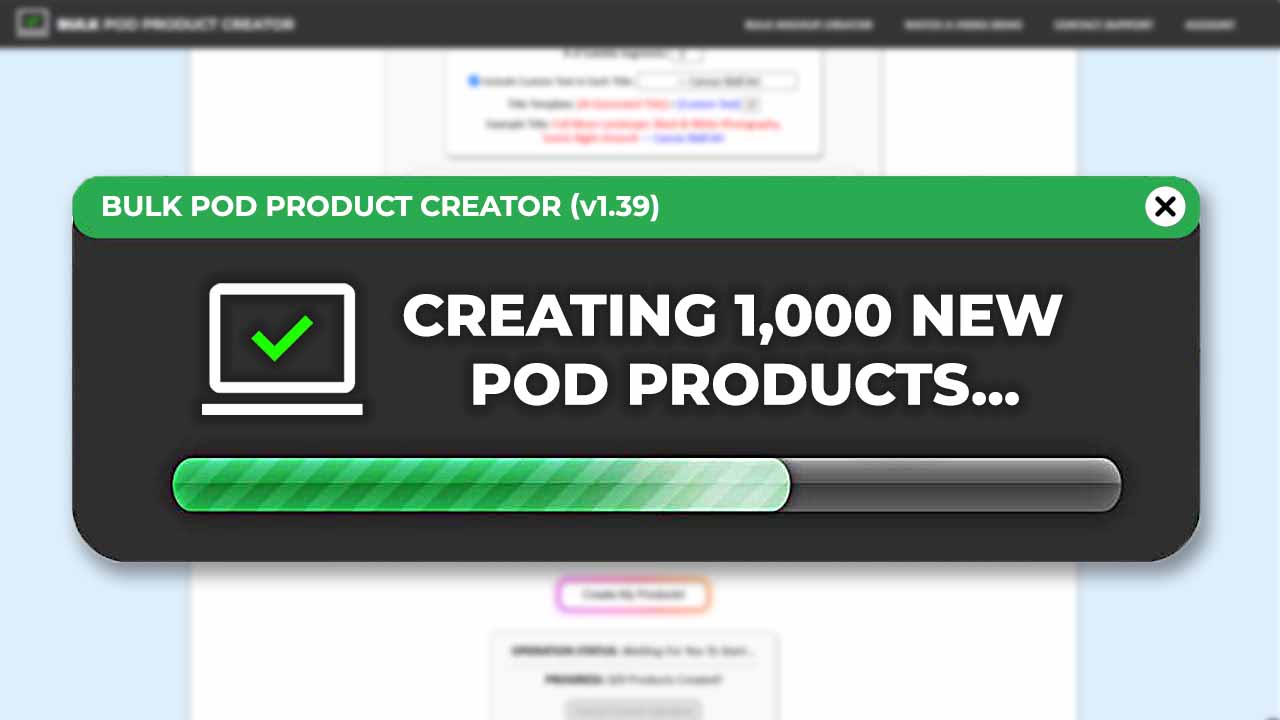
The Bulk POD Product Creator removes that bottleneck. It's a bulk product uploader that can be used by Shopify POD sellers who want to publish entire collections with one button click. You point it at a folder of artwork, define how those images should be placed and which product configuration to clone, choose how titles/descriptions/tags are generated, and press run. With no manual work spent on the slow and boring parts of POD product creation, you've produced a wave of consistent, SEO-ready Shopify listings using AI + automation. Instead of “how long will this take me,” the question becomes “how big a batch do I want to ship today.”
How To Use This Tool To Bulk-Upload All Your Shopify POD Products
Below is the end-to-end workflow. Each step explains how to set it up and how it accelerates publication so you understand both the mechanics and the speed gains.
Step 1 — Pick Which Images You Want To Turn Into Shopify POD Products

Collect the artwork you plan to publish (illustrations, photography, typography, mixed media) and select the folder for this batch. For best results, pre-organize images by aspect ratio (e.g., square, vertical, horizontal). This lets you pair each batch with the most suitable product configuration later.
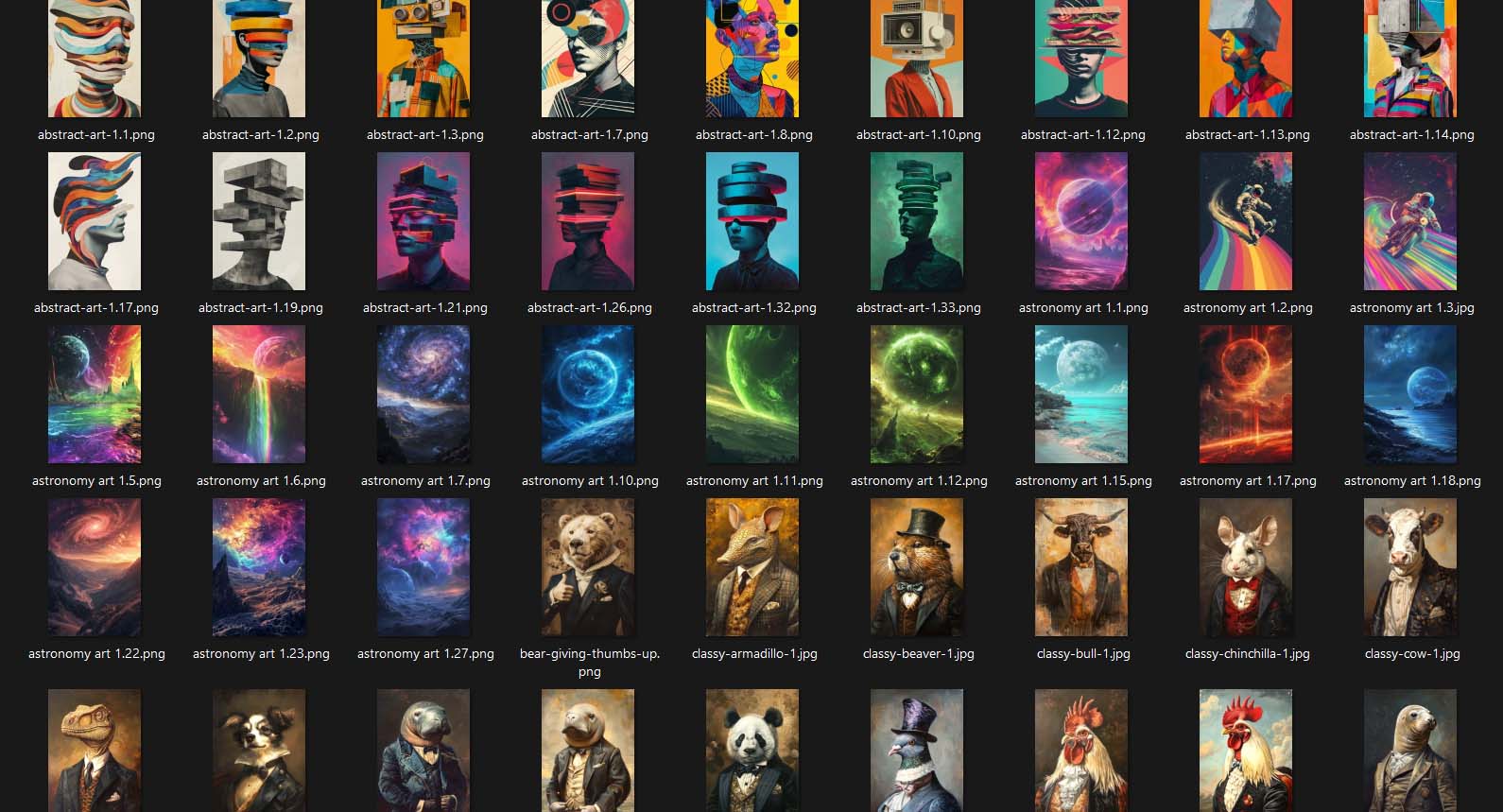
Batch selection eliminates one-by-one uploads. The tool ingests the entire set at once and tracks each file's dimensions so downstream placement and sizing are handled automatically.
Step 2 — Decide What Image Resizing/Placement Mode You Want To Use
Choose one of the three placement modes to define how each artwork fits the product's print area(s):
- Stretch Images To Fit Print Area(s): Fills the print area completely for uniform, full-bleed coverage.
- Preserve Image Aspect Ratio & Center: Keeps proportions intact, centering the artwork and touching the nearest boundary without distortion.
- Exactly Match Example Image(s): Replicates placements pixel-accurately from your chosen Example Product (ideal when you've perfected a template and want identical results).

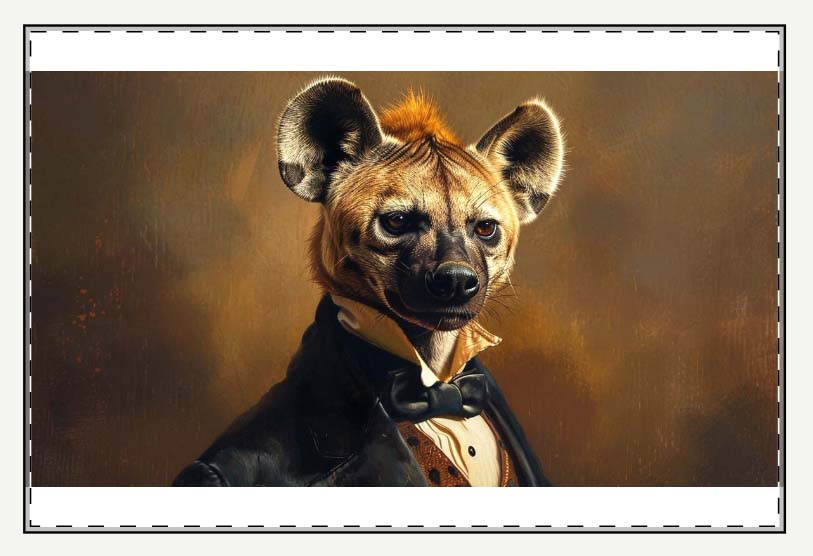
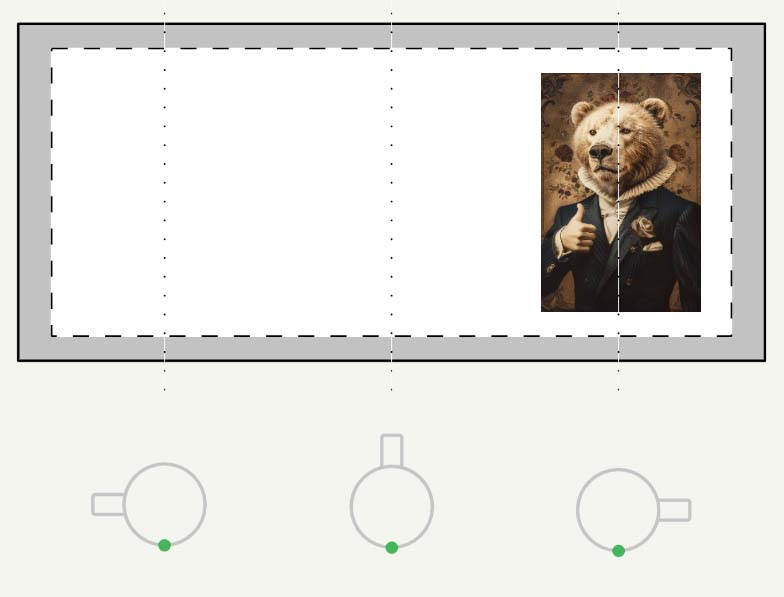
You replace dozens of micro-adjustments with a rule. The placement mode is applied consistently to every image in the batch, eliminating per-listing tinkering and ensuring a polished, uniform storefront.
Step 3 — Select the Specific Type of POD Product You Want To Create
Pick (or load) your Example Product—the “blueprint” that defines which variants, print areas, and pricing to replicate. This is where you lock in sizes, colors, sides (front/back), and any other standardized settings you want cloned across the batch.
Instead of configuring variants and prices 300 separate times, you configure them once. Every new listing inherits the same professional setup, eliminating inconsistency and saving hours of repetitive clicks.

Step 4 — Decide What Rules To Use For Titles/Descriptions/Tags
You have two complementary systems: filenames/custom text and AI artwork analysis.

- Titles (two primary inputs):
- Default: Use image filenames—best when filenames already carry the exact wording you require for certain designs.
- Alternate: Generate using AI—the AI analyzes the artwork image itself and writes an artwork-focused title.
- Simple title: concise subject description (artwork content only).
- Compound title: simple title + AI descriptive extension (still artwork content only).
In all cases, you can prepend/append custom text (prefix/suffix) to add your brand or product-level information. Custom text is user-defined and separate from the AI. - Descriptions: AI generates a description from the visual content of each artwork. You can prepend/append your standardized Custom HTML block (e.g., materials, sizing notes, care info) to ensure product-level details are present. Result: artwork-specific language from AI + your consistent, store-wide product information.
- Tags: AI generates artwork-relevant tags based on the image content. You can add custom tags (e.g., brand/category tags) to support Shopify's automated, rule-based collections.
- Artwork-specific text + Product-level text: AI outputs only artwork semantics (subjects, styles, colors, text found in the image). Any product-level context (e.g., “poster,” “t-shirt,” materials, sizes) is added by your custom text or Custom HTML—not by the AI.
You eliminate hand-writing titles/descriptions/tags for each listing. The AI handles artwork description at scale; your reusable custom text and HTML ensure consistent product info without retyping. It's the fastest path to unique, descriptive, SEO-ready metadata across hundreds of items.
Step 5 — Run the Operation To Create Your Print-on-Demand Products In Bulk
Review your batch, confirm the Example Product and placement rules, confirm the title/description/tag settings, and start the operation. The backend processes items concurrently, respecting platform rate limits while moving through your batch quickly and reliably.

With a single button click, you have a wave of consistent, polished listings instead of a long night of copy-paste. The combination of template-driven product cloning, rule-based placements, and AI artwork descriptions turns a week of manual effort into a short, predictable run.
Additional Useful Features for Shopify POD Sellers
Use Custom Tags To Automatically Build Tag-Based Collections: One of Shopify's most underrated features is its rule-based collection system—and this tool taps into that beautifully. Instead of manually selecting individual products to include in a collection (for example, “Posters,” “Abstract Artwork,” or “Space Designs”), you can have Shopify automatically group products by tag.
Here's how it works: When running your bulk product creation operation, simply define a custom tag (like poster, astronaut-art, or abstract-series). Every product generated during that operation will automatically receive that tag. Then, in Shopify, set your collection rule to “Product tag equals [that tag].” The result? Every new product you create that includes that tag instantly appears in the right collection.
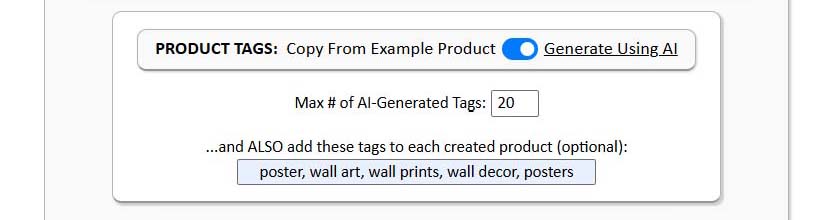
- Upload 100 new wall posters → tag them “poster” → they auto-populate your “Posters” collection.
- Upload 50 astronaut-themed artworks → tag them “astronaut” → they auto-populate your “Astronaut Collection.”
No manual assignment. No extra clicking. Just one simple rule that keeps your entire store organized automatically.
Append Your Standardized Product Information Template: Most Shopify POD stores include some version of standard “product details” info—materials, finishes, sizes, etc. Normally, you'd paste that into every single description manually. With the Bulk POD Product Creator, you can set it up once and apply it automatically to every generated product.

You can copy and paste the actual HTML of your preferred info block—for example:
<p>Enhance the decor of any home with print-on-demand posters. These matte posters are perfect for indoor use and can accommodate your craziest designs in crisp detail with vivid colors. Available in multiple sizes to find the perfect match for your decorating needs.</p> <p>• Material: 180 gsm fine art photo paper<br /> • Matte paper finish<br /> • 10 sizes to choose from<br /> • Horizontal and vertical options available<br /> • Scratch and water resistant<br /> • For indoor use only</p>
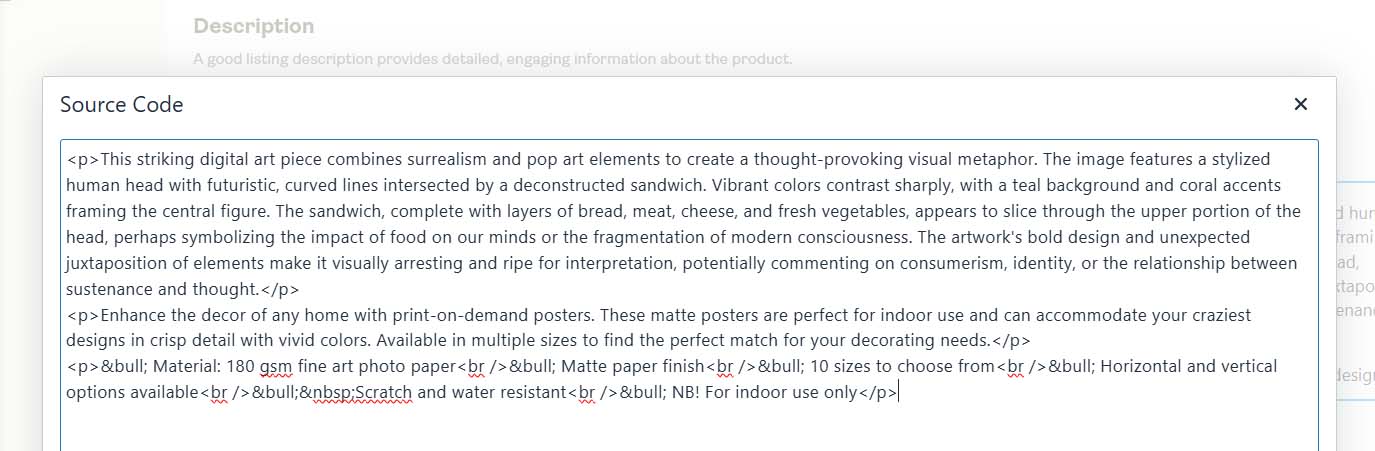
You can choose to prepend or append this HTML to each description: Prepend if you want it to appear before the AI-generated artwork description. Append if you prefer it after the artwork description. This gives you the best of both worlds: AI-generated, artwork-specific keywords that improve SEO relevance and variety, and your standardized product information, which adds buyer trust and long-tail keyword coverage for search queries that combine artwork and product-level terms.
Offer Flexible Variant and Aspect Ratio Options: Another advantage of this tool is how gracefully it handles variant diversity—especially when working with products that come in multiple aspect ratios or sizes.
If your Shopify storefront offers multiple size variants of the same product (for example, 8x10, 12x18, 16x20 posters), you can use the Stretch Images To Fit Print Area(s) mode. This automatically resizes each image to fill the print area completely, removing white space and keeping everything visually polished across all variants.

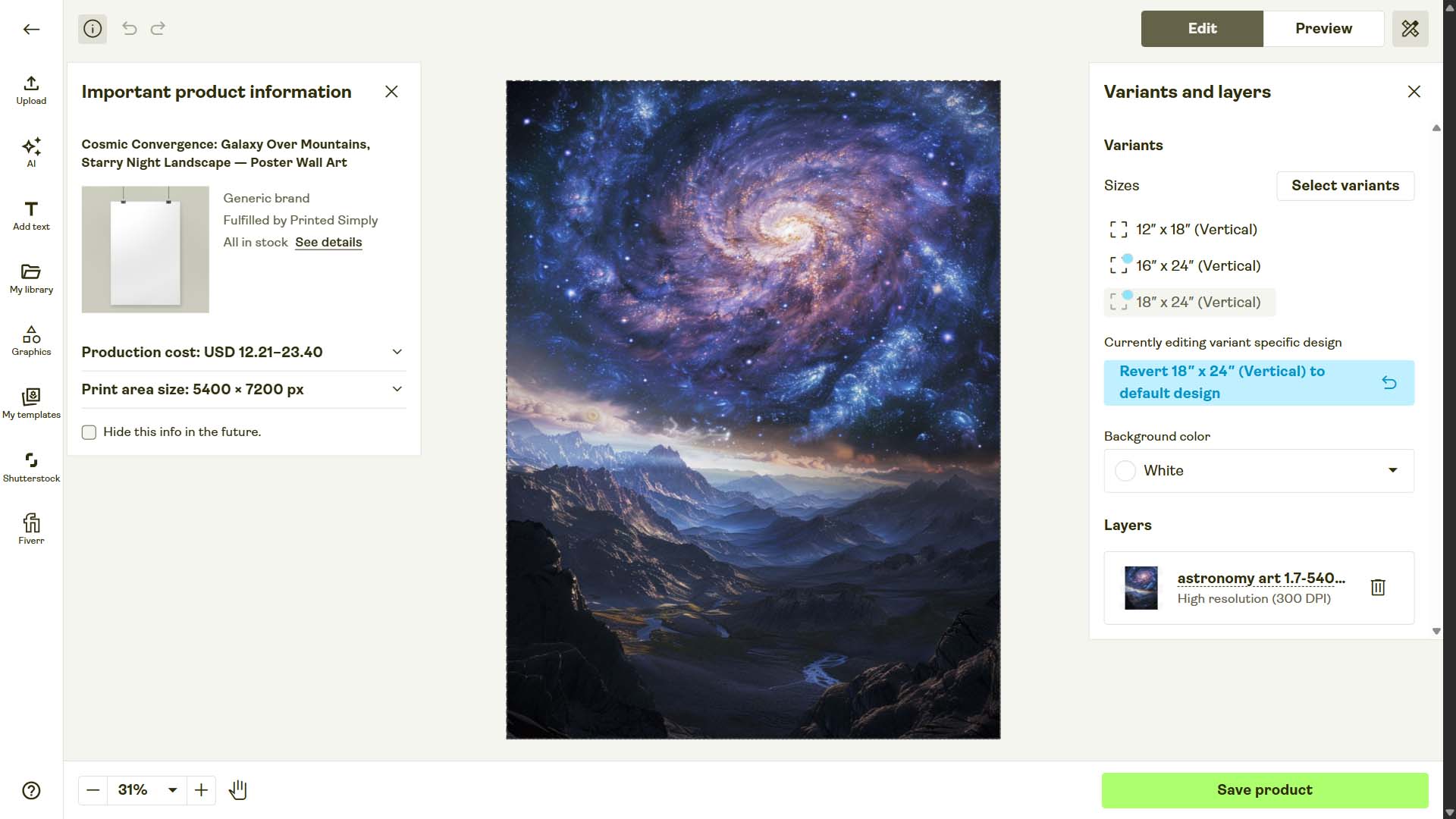
This allows you to:
- Offer more size options to customers.
- Maintain consistent, professional image presentation.
- Avoid tedious manual resizing in your design software.
The only caveat: use common sense with extreme aspect ratios. A vertical 2:3 artwork shouldn't be stretched to a square 1:1 frame. Stick to similar proportions, and you'll achieve excellent results across all your variant offerings.
Why This Automated Workflow Will Always Beat Doing It Manually
- Time Scales Linearly, But Manual Work Doesn't
Manually creating listings scales badly—every new product adds minutes of work. Automation flips that equation. Once your operation is configured, generating 100 products takes nearly the same time as generating 10. That means every additional batch delivers exponentially higher output per hour. - Human Consistency Has Limits
Even disciplined sellers make small mistakes: typos, missing variants, inconsistent pricing, copy-paste errors. An automated system follows logic perfectly. It never forgets a variant or misplaces a decimal. Your Shopify store stays consistent, professional, and reliable no matter how large it gets. - You Get Both Volume and Quality
High volume usually means cutting corners—but not here. The Bulk POD Product Creator ensures every listing is uniform, descriptive, and SEO-optimized. It's speed without sloppiness, which is exactly what separates hobby-level operations from serious storefronts. - Creative Focus Returns To The Creator
Uploading products isn't why you got into print-on-demand. You did it to create, design, and experiment. Automation gives that time back to you. The system handles the repetition so you can focus on creativity, new niches, and strategic growth. - You Build Momentum Instead of Fatigue
Manual workflows drain motivation—and when you're tired, progress stops. Automation creates the opposite effect: momentum. When publishing hundreds of listings feels effortless, you naturally produce more, test more, and grow faster.
Conclusion: Turn Your Shopify POD Store Into a True Production Engine
Scaling a Shopify print-on-demand business doesn't have to be overwhelming. Bulk POD Product Creator transforms your workflow from a slow, manual grind into a streamlined, high-volume production system. You handle the creative direction—the tool handles the grunt work.
Upload your images, define your settings, and let automation handle the rest. You'll build your catalog faster, publish at scale, and finally run your Shopify store like the efficient, professional operation it was meant to be.