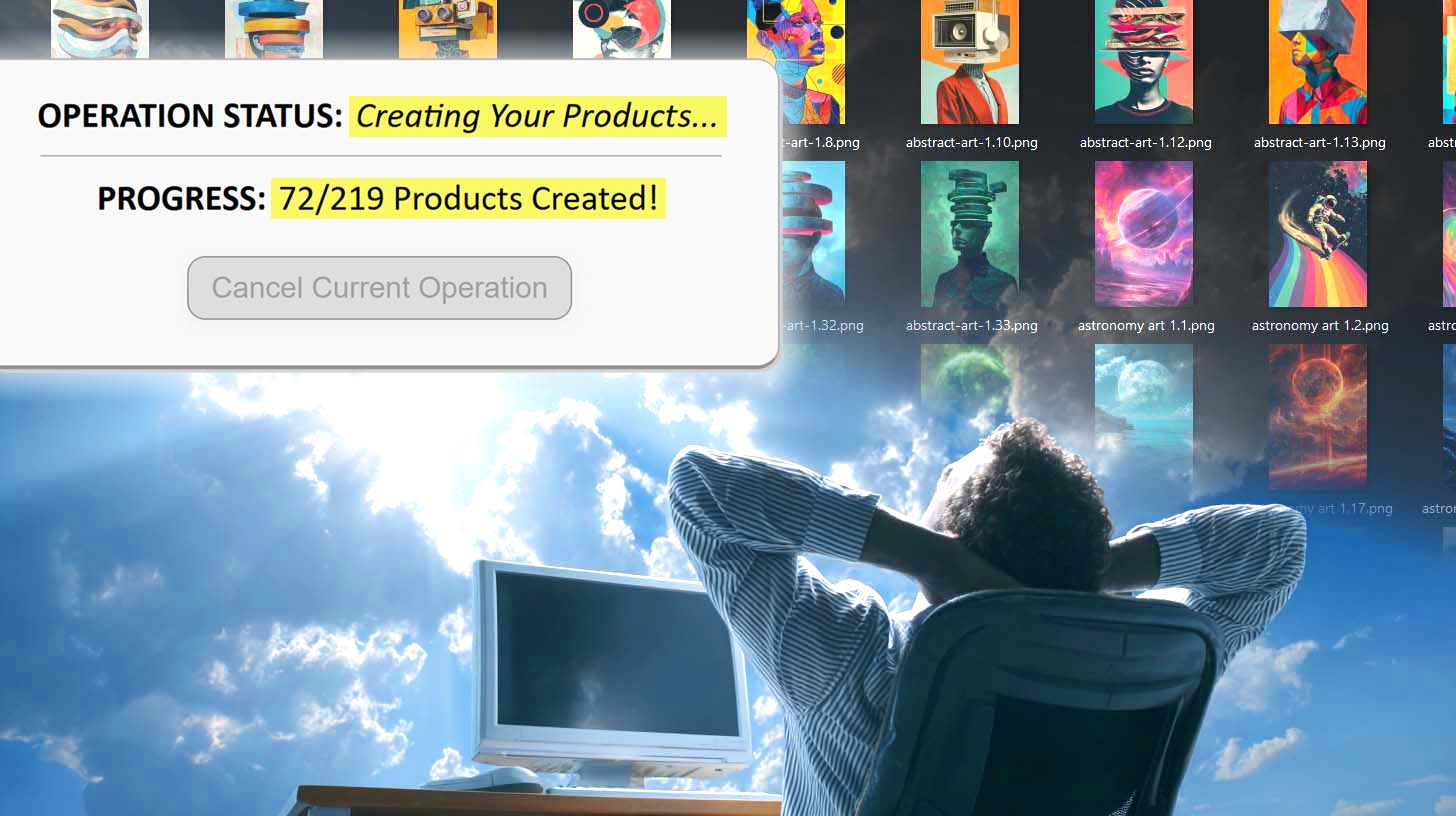
Bulk Printify Product Creation Tool: Save Tons of Time on Your POD Workflow
Overview: Learn how the Bulk POD Product Creator automates Printify product creation, saving you hours of manual work, scaling your catalog, and boosting your store's SEO and revenue. This post details the workflow, features, and benefits of bulk product listing for print-on-demand sellers.

The Grind That Slows Every Printify Seller Down
If you’ve ever tried to scale your Printify store manually, you already know the pain: it’s not creative work—it’s clerical labor. You log in, pick a product, select every size and color, upload your artwork, resize it for each variant, check placements, and then write titles, descriptions, and tags that hopefully help you rank in search.
Each listing might only take 15–20 minutes, but those minutes add up fast. A modest catalog of 200 listings could easily mean 60+ hours of repetitive clicking, dragging, typing, and saving. That’s a week and a half of work where you’re not designing, not marketing, not analyzing results—just performing manual tasks a computer could easily handle.
This manual bottleneck directly limits your store’s growth. The more time you spend stuck in creation mode, the less bandwidth you have for product research, ad testing, or brand-building. The result: your catalog grows slower, your organic traffic plateaus, and your revenue potential stays capped.

The Solution: Automate Product Creation and Reclaim Your Time
The Bulk POD Product Creator eliminates that bottleneck by automating the entire listing-creation workflow. Instead of building products one-by-one, this tool lets you generate dozens—or hundreds—of fully optimized Printify listings automatically.
Here’s how it changes your workflow:
- Upload your artwork once instead of one file at a time.
- Automatically generate titles, descriptions, and tags using AI tuned for POD SEO.
- Reuse your existing store settings—variants, pricing, placements—by cloning them from an Example Product.
- Run everything in bulk, so you can go from 10 listings per day to hundreds per hour without sacrificing quality or consistency.

In practical terms, what used to take 60 hours now takes 15 minutes. You select your artwork, define how you want it placed, click “Create My Products,” and the software handles the rest—placements, pricing, titles, descriptions, tags, everything.
It’s not just faster—it’s smarter. By removing the manual grunt work, you’re free to focus on the activities that actually generate income: design creation, marketing, and scaling your product catalog strategically.
Step 1 – Select Your Image Files and Placement Mode
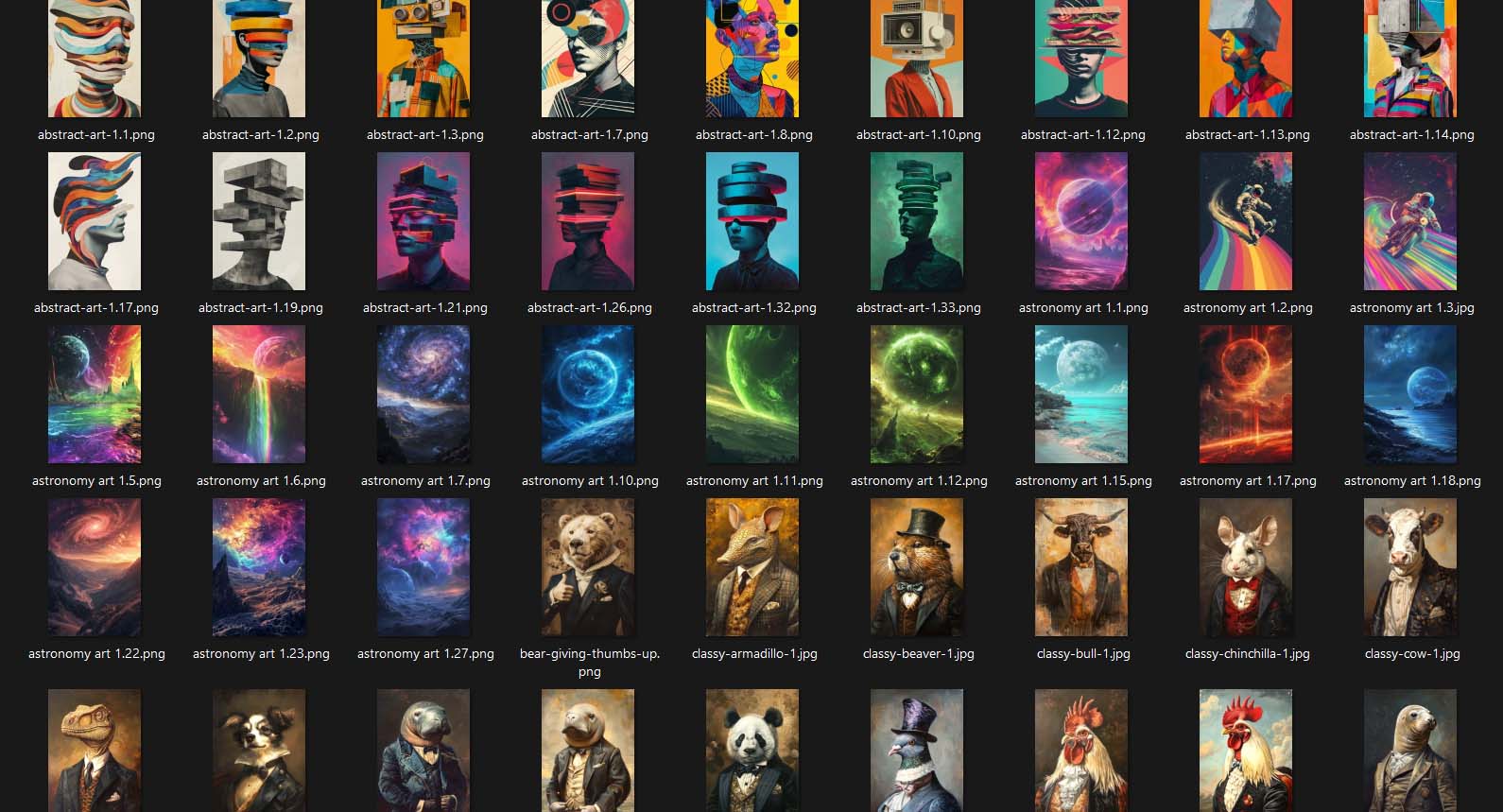
The first step in using the tool is simple: select the artwork images you want to turn into Printify products. You can upload one image or an entire folder of designs—each image you upload becomes the seed for a new product listing.

After choosing your artwork batch, you’ll specify how the tool should handle image placement across your Example Product’s print areas. This ensures every generated listing looks clean, balanced, and professional. The three placement-mode options are:
- Stretch Images To Fit Print Area(s): Fills the entire printable space edge-to-edge for maximum coverage. Ideal when your artwork can scale freely across multiple aspect ratios.
- Preserve Image Aspect Ratios & Center: Maintains the original proportions of your image, centering it neatly within the print area without distortion or cropping. Best for photography or artwork where composition matters.
- Exactly Match Example Image(s): Duplicates your Example Product’s exact placements down to the pixel. Perfect for advanced users who’ve already fine-tuned their blueprint product and want precise replication.
Once your images and placement mode are set, you’ve effectively defined the visual foundation for your entire batch of products. From this point forward, every new listing will follow those same professional placement standards—no manual resizing, repositioning, or guesswork required.
Core Benefits of These Features for Printify Sellers:
- Saves hours otherwise spent uploading and adjusting images.
- Guarantees consistent visual presentation across hundreds of listings.
- Prevents alignment errors that hurt product-page aesthetics.
- Enables scalable production: one setup applies cleanly to every future batch.
Step 2 – Select Your Example Product and Store Destination
Once your artwork images and placement mode are chosen, Step 2 is where you define what kind of product the system will create and where it will be published.
You’ll start by selecting the Printify store that you want the listings to be created in—whether that’s your main storefront, a niche-specific store, or a seasonal one you’re testing. Then, you’ll choose your Example Product, which serves as the blueprint for every new product the system will generate in this batch.

The Example Product determines the following:
- Product type and variants: The specific product (e.g., mug, t-shirt, canvas) and all its associated sizes, colors, and styles.
- Pricing structure: Ensures that every new listing follows your exact pricing rules—consistent margins, consistent strategy.
- Print area geometry: Locks in the correct dimensions and positioning logic for every artwork file uploaded in Step 1.
- Variant-level mapping: Guarantees your new listings will display correctly across multiple aspect ratios and variant types.
Selecting an Example Product is like saying, “Make more listings just like this one.” The software then mirrors all its configuration details automatically, so you never have to rebuild your settings manually again.

Core Benefits of These Features for Printify Sellers:
- Avoids repetitive manual setup of variants and pricing.
- Keeps catalog structure standardized across all listings.
- Eliminates placement or scaling inconsistencies between variants.
- Ensures every new listing inherits your tested, proven product configuration.
- Saves significant time when creating large batches of similar product types.
Step 3 – Configure Product Information Generation Rules
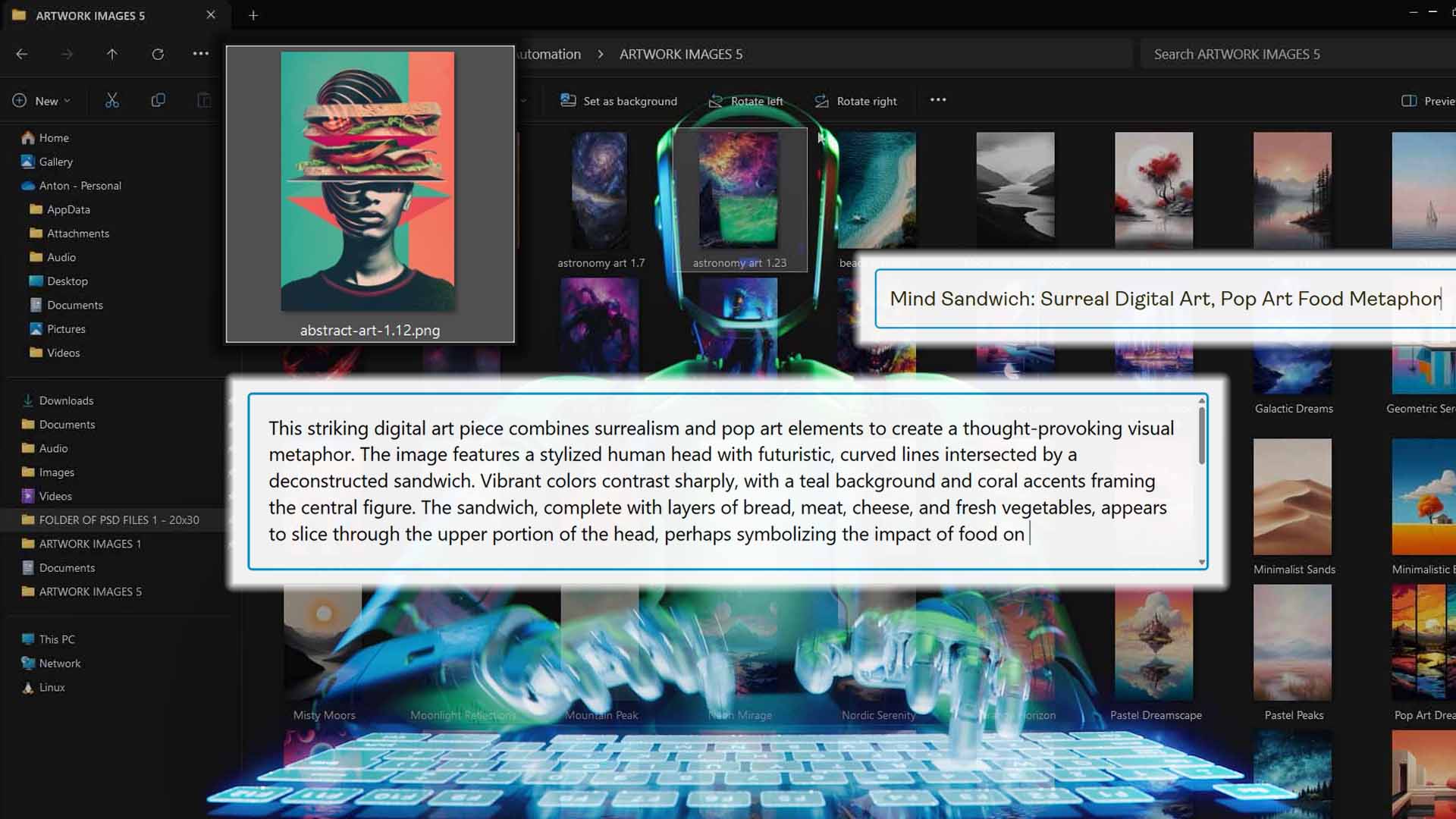
With the Example Product chosen, Step 3 is where the automation gets intelligent. Here you’ll tell the system how to create the written product information for each new listing—including titles, descriptions, and tags.

Each of these elements is powered by the integrated AI engine that automatically generates high-quality, SEO-optimized content at scale:
- Product Titles: Choose whether to generate simple AI titles (short, direct, artwork-based) or compound AI titles (keyword-rich titles that include a specified number of additional subtitle segments). You can also insert custom prefix or suffix text for consistent branding—for example, appending “—Poster Wall Art” or “—Minimalist Home Decor.”
- Product Descriptions: Decide whether to reuse your Example Product’s existing description or generate brand-new ones using AI. You can control the number of paragraphs, tone, and structure, and even insert reusable HTML snippets (e.g., a “product details” or “shipping info” block) that automatically append to every description.
- Product Tags: Similarly, you can reuse existing tags or generate them automatically. The AI creates diverse, semantically related tag sets that target both core and long-tail search phrases, expanding your organic keyword coverage dramatically.
Once configured, these settings define how every product in your batch will be written, ensuring that your entire catalog sounds consistent, reads professionally, and ranks better in search.
Core Benefits of These Features for Printify Sellers:
- Eliminates the need to manually write hundreds of titles, descriptions, and tags.
- Guarantees keyword-rich, SEO-optimized copy across every listing.
- Keeps tone, structure, and formatting consistent for brand cohesion.
- Allows flexible customization via prefix/suffix text and reusable HTML blocks.
- Significantly improves visibility in both marketplace and Google search results.
Additional Features and Benefits
Automatic High-Resolution Upscaling:
Every image you upload is automatically upscaled to a high-resolution format during processing. There’s no need to pre-edit your artwork in Photoshop—the tool handles it for you, ensuring all generated products look sharp and professional on every variant.
Benefit: Saves hours of pre-processing work and guarantees visually crisp product images across your entire catalog.
Save and Load Operations:
Once you’ve configured an operation (store selection, Example Product, placement mode, AI settings, etc.), you can save it as a named preset. Next time, simply load it from the dropdown—all settings instantly populate. You only need to upload your new artwork batch and click “Create My Products.”
Benefit: Streamlines repeated workflows and ensures consistent setup across product batches with zero reconfiguration effort.
Concurrent Product Creation:
The tool creates multiple products simultaneously using a controlled concurrency framework. While Printify’s API enforces an upper limit of roughly one product every ten seconds, the software aims to fully saturate that limit for maximum throughput without triggering rate-limit errors.
Benefit: Shortens the total operation time dramatically—dozens or hundreds of listings can be generated in a fraction of the time it would take to do manually, or even sequentially via slower automation methods.
Together, these additional features transform the Bulk POD Product Creator from a simple automation utility into a complete production engine for your print-on-demand business.
Conclusion – Scale Your Printify Store Without the Burnout
The difference between a hobbyist and a true business operator in print-on-demand often comes down to one factor: output capacity. Manually creating products one at a time will always keep your growth constrained by your available hours.
This bulk Printify product creation tool removes that ceiling entirely. By automating every repetitive step—uploads, placements, copywriting, and publishing—it lets you scale your catalog as fast as your creativity allows.
More listings mean more opportunities to rank, more products for customers to discover, and more revenue potential from the same creative assets. Instead of spending 60 hours a week doing mechanical labor, you can spend that time designing, marketing, and growing your business.
Automation isn’t just a time-saver—it’s a growth multiplier. And with the Bulk POD Product Creator, that growth is finally effortless.