
Bulk Etsy POD Product Import Tool: Create Entire Collections Quickly + Easily
Overview: Discover how the Bulk POD Product Creator lets you import entire collections of Etsy print-on-demand products in minutes, automating every step from image upload to SEO copywriting—so you can scale your shop faster, with less effort and zero manual grind.

Introduction: The Manual Grind vs. the Bulk Import Revolution
For most Etsy print-on-demand sellers, growing a shop the traditional way means endless repetition. You open your POD provider’s interface, upload one image at a time, resize it for each variant, write a description, fill in tags, double-check pricing, and then start again from scratch for the next product. Do this a few hundred times, and you start realizing why so many sellers burn out before their shop even gains traction.
The Problem: One-by-One Listing Creation
The manual route is slow, error-prone, and creatively draining. It limits your ability to scale—because while your ideas might be infinite, your available hours are not. Each new product you publish means another checklist of identical tasks: upload → resize → format → describe → tag → repeat. That grind consumes the time you could be spending designing new artwork or optimizing your marketing strategy.

The Solution: Bulk Import With AI + Automation
The Bulk POD Product Creator transforms this entire process. It acts as a bulk Etsy POD product import tool that allows you to upload entire batches of artwork and convert them into ready-to-publish Etsy listings—automatically.
Instead of manually creating each listing, you configure the system once and let it import and generate everything for you. You’ll go from “making a few listings per day” to “launching an entire collection with one button click.”
Imagine uploading fifty landscape images and automatically producing a full “Nature Photography” series of print-on-demand products—each listing complete with high-resolution mockups, perfectly formatted variants, and AI-generated titles, descriptions, and tags. That’s the new normal with automation.
Let’s explore how it works in practice and how you can start importing your Etsy POD products today.
Big-Picture Overview: How It Works
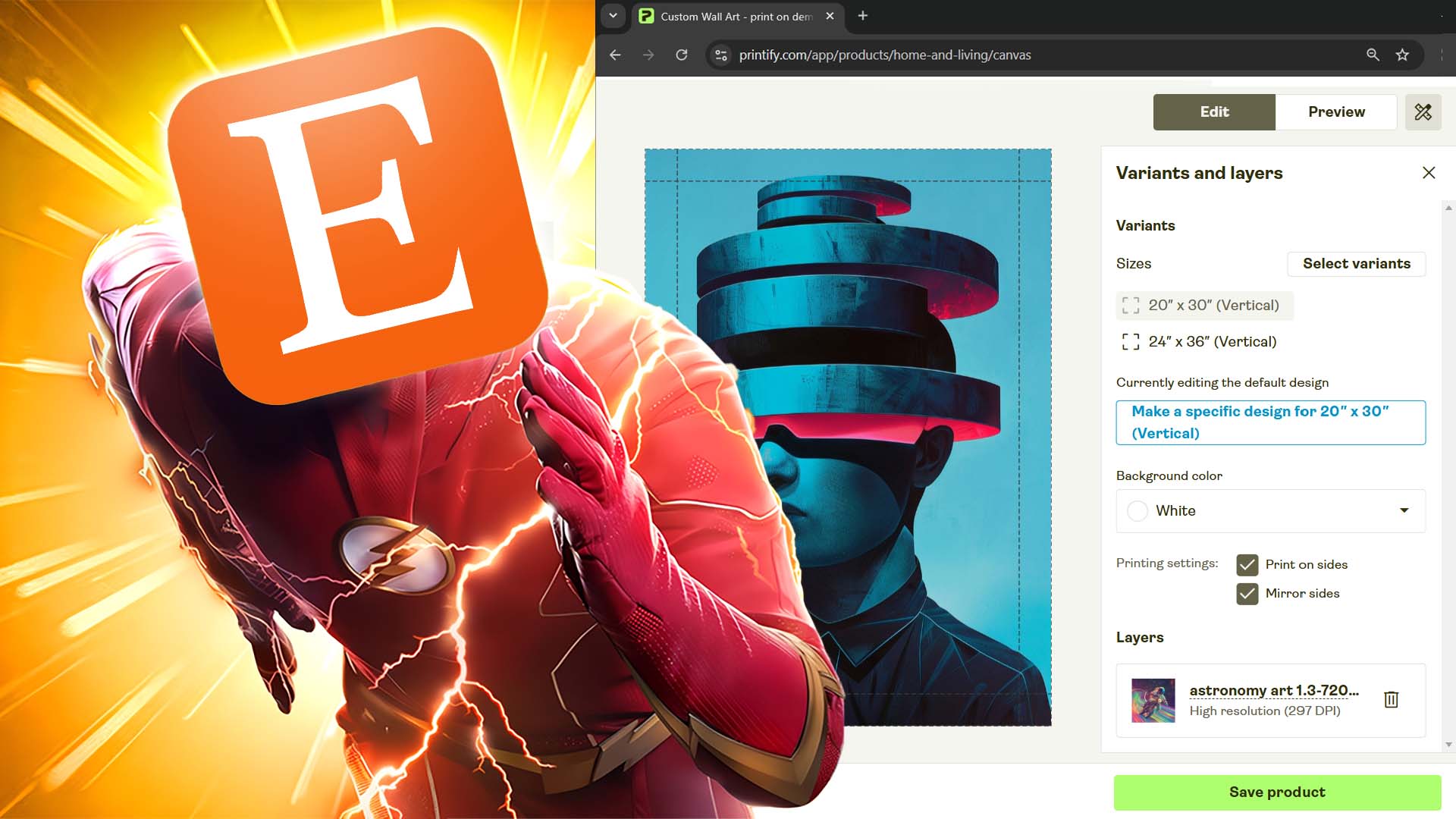
The Bulk POD Product Creator automates every critical step of the print-on-demand product creation process. You upload artwork files, select a template product (your Example Product), set your creation rules, and click Create My Products. The software then generates, formats, and uploads print-on-demand listings for you—ready to appear in your connected POD platform and, eventually, in your Etsy store. This tool effectively allows you to import your artwork images, and convert them into ready-to-sell Etsy print-on-demand products.
What Happens Behind the Scenes
The system analyzes each uploaded image and prepares it according to your chosen placement rule (stretch, preserve ratio, or exact match). It retrieves data from your Example Product—including print areas, variants, and pricing—and clones that structure for every new product. The AI then generates SEO-optimized titles, descriptions, and tags based on the artwork content. Finally, it compiles all this data into full product objects and pushes them to your POD platform’s API in real time.

This modular architecture allows total flexibility: you can use the tool to create wall art, apparel, accessories, home décor, or any other print-on-demand item—without changing your workflow.
Example Use Cases
- Poster Artist: Upload 400 artwork files and automatically create a cohesive “Travel Destinations” wall-art collection for your Etsy shop.
- T-Shirt Designer: Import dozens of typographic graphics at once and generate new shirt listings with automatically fitted mockups and AI-written copy.
- Home Décor Seller: Turn a folder of botanical illustrations into canvases, framed prints, and pillow covers—all created from the same Example Product template.
How to Get Operational With This Tool and Start Importing Your Etsy POD Products
Step 1 – Select Your Image Files
This is where your import journey begins. Click “Choose Files” to upload one or many artwork images that will form your new product collection.

Main Features & Options
- Batch Uploads: Import multiple images simultaneously instead of one-by-one.
- Placement Modes:
- Stretch Images To Fit Print Area(s): fills every print area completely for full-bleed results.
- Preserve Image Aspect Ratios & Center: keeps each artwork’s proportions intact, centered within the print zone.
- Exactly Match Example Image(s): duplicates placement geometry from your Example Product with pixel-accurate precision.
Behind the Scenes
When you upload, the system analyzes each image’s dimensions and automatically computes the correct placement data for every variant size. This prevents mismatched crops or distorted prints. The files are temporarily stored, processed, and queued for product creation, ensuring each listing uses optimized, print-ready images.
How This Helps Etsy POD Sellers
- Removes the need to manually resize or adjust artwork in Photoshop or Canva.
- Guarantees consistent framing and presentation across your entire shop.
- Allows fast testing of new collections: upload, configure, and launch—all in minutes.
Step 2 – Select Your Example Product
This step defines the structure of every product you’ll import. Your Example Product acts as the template that governs variants, pricing, and print-area setup.

Main Features & Options
- Store Selection: Choose which connected POD provider/store you want to create products for (e.g., Printify, Gooten, etc.).
- Example Product Dropdown: Select an existing product that already has your ideal variant structure, prices, and print-area layout.
Behind the Scenes
The software retrieves your Example Product’s metadata—variant IDs, price tiers, print-area geometry, and provider details. It then maps that data to each new product you generate, ensuring total parity across all listings.
When the import runs, each new product inherits that exact structure while substituting your newly uploaded artwork in place of the Example Product’s original images.
How This Helps Etsy POD Sellers
- Eliminates repetitive manual configuration for each new product.
- Ensures perfect consistency in variant structure, pricing, and layout.
- Prevents human error from creeping into listings (no mismatched prices, variant omissions, or misaligned prints).
- Makes scaling your Etsy shop as simple as selecting one proven template and letting automation handle the rest.
Step 3 – Configure Product Information Generation Rules
This is the stage where your listings come to life—where artwork becomes full-fledged Etsy products, complete with titles, descriptions, and tags that help buyers discover them. Here you decide whether your listings should copy product information from your Example Product or generate everything automatically using AI.

Main Features & Options
- Title Generation: Choose between using your image filenames or having AI generate titles for you.
- You can select Simple Titles (short, image-only descriptors) or Compound Titles (a main title followed by multiple descriptive subtitles).
- Optional Custom Text Field lets you append product-level phrases like “— Poster Wall Art” or “— Canvas Print.”
- The AI titles describe only the artwork, while the appended custom text specifies the product type.
- Example:
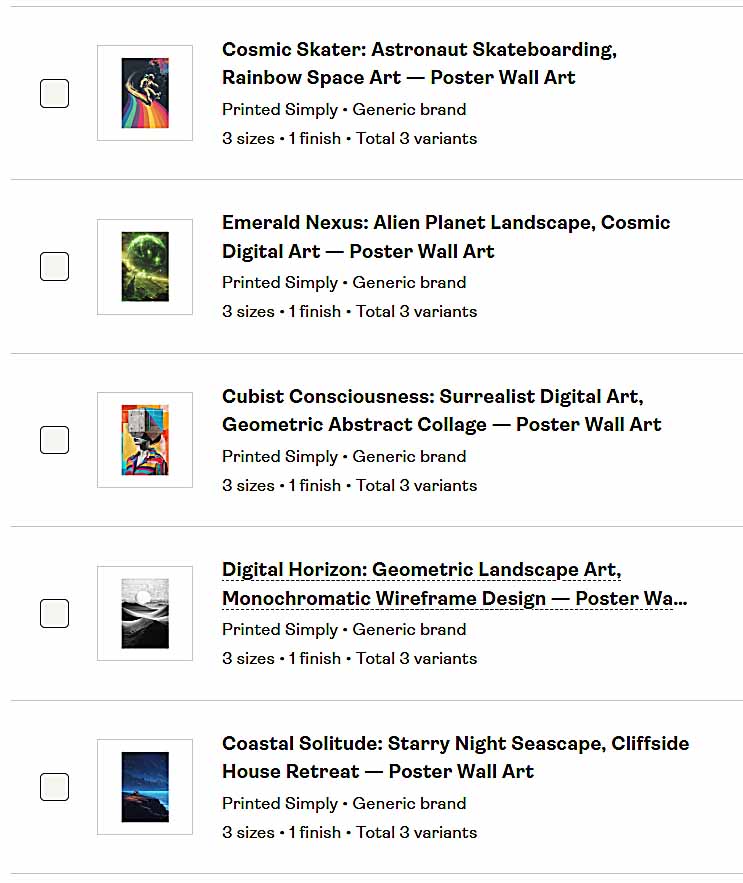
AI Compound Title: “Ocean Sunrise: Golden Light Over Calm Water, Peaceful Horizon, Morning Reflection”
Final Title (after custom text): “Ocean Sunrise: Golden Light Over Calm Water, Peaceful Horizon, Morning Reflection — Poster Wall Art”
- Description Generation: Choose whether to copy from Example Product or generate using AI. You can specify how many paragraphs to include (e.g., 2–3). Add Custom HTML Blocks to automatically append reusable content, such as a standard store footer or promotional blurb.
- Tag Generation: Choose to copy existing tags or generate new tags automatically using AI. You can specify the maximum tag count (e.g., up to 20). Append fixed broad product-level tags (like “home decor,” “wall art,” “print,” etc.) that apply to every listing.
Behind the Scenes
As the operation runs, the AI models analyze each artwork image individually. They detect subjects, colors, and themes, and generate linguistically diverse titles and descriptions that are tailored to Etsy’s search patterns. Tags are written using the same contextual cues, ensuring broad keyword coverage without repetition.
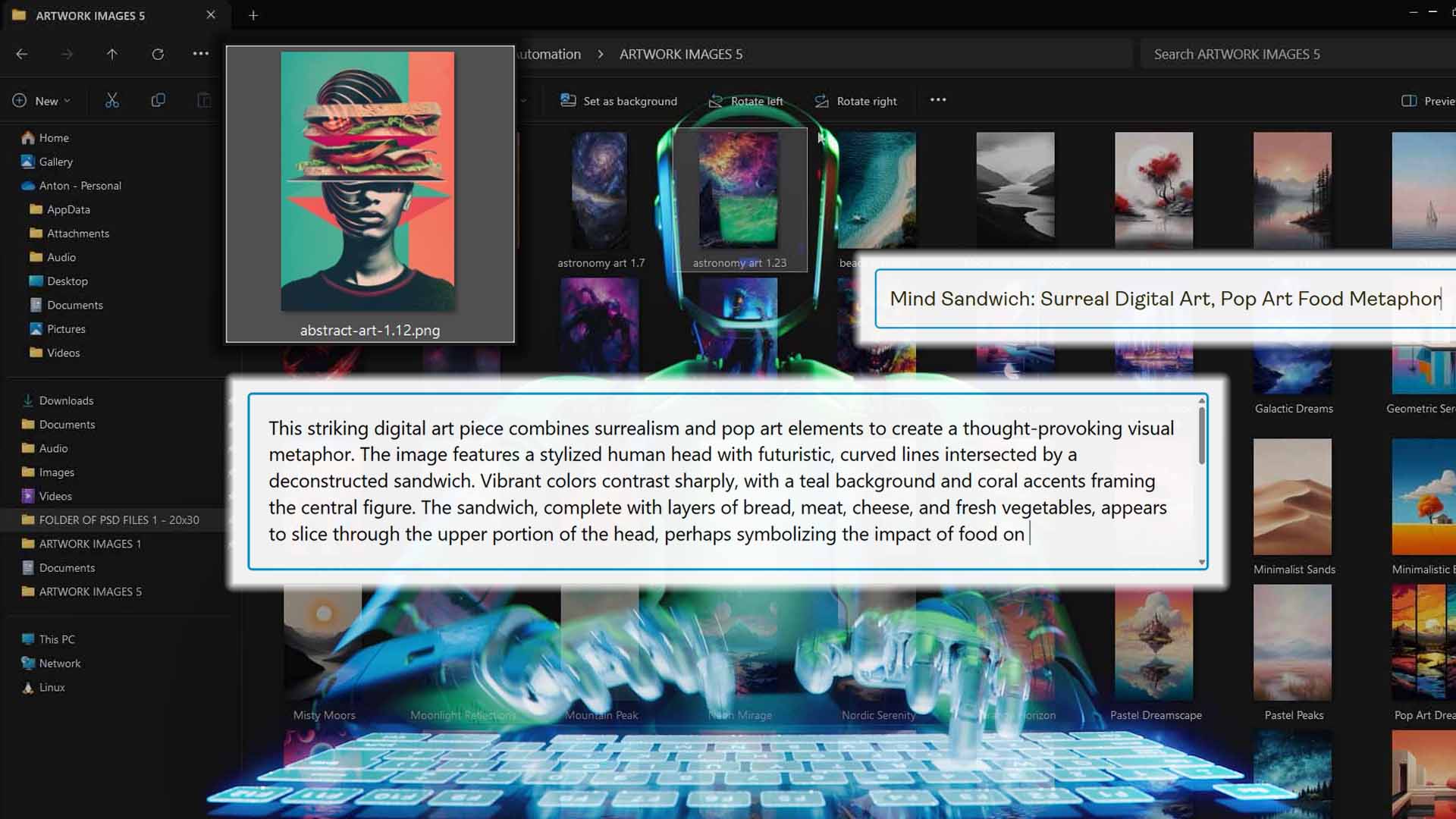
The end result: hundreds of unique, SEO-optimized listings written at a quality level that would take a human days to replicate.
How This Helps Etsy POD Sellers
- Completely eliminates manual copywriting and keyword research.
- Prevents repetitive phrasing across listings, improving SEO coverage.
- Produces natural, image-specific descriptions that read as if handcrafted.
- Keeps your listings professionally formatted and consistent in tone and structure.
Create My Products + Save & Load Operations
Once everything is configured, click “Create My Products!” and the system begins bulk-importing your Etsy POD listings. The interface shows real-time progress indicators as it processes images, replicates product structures, and uploads to your connected POD store.
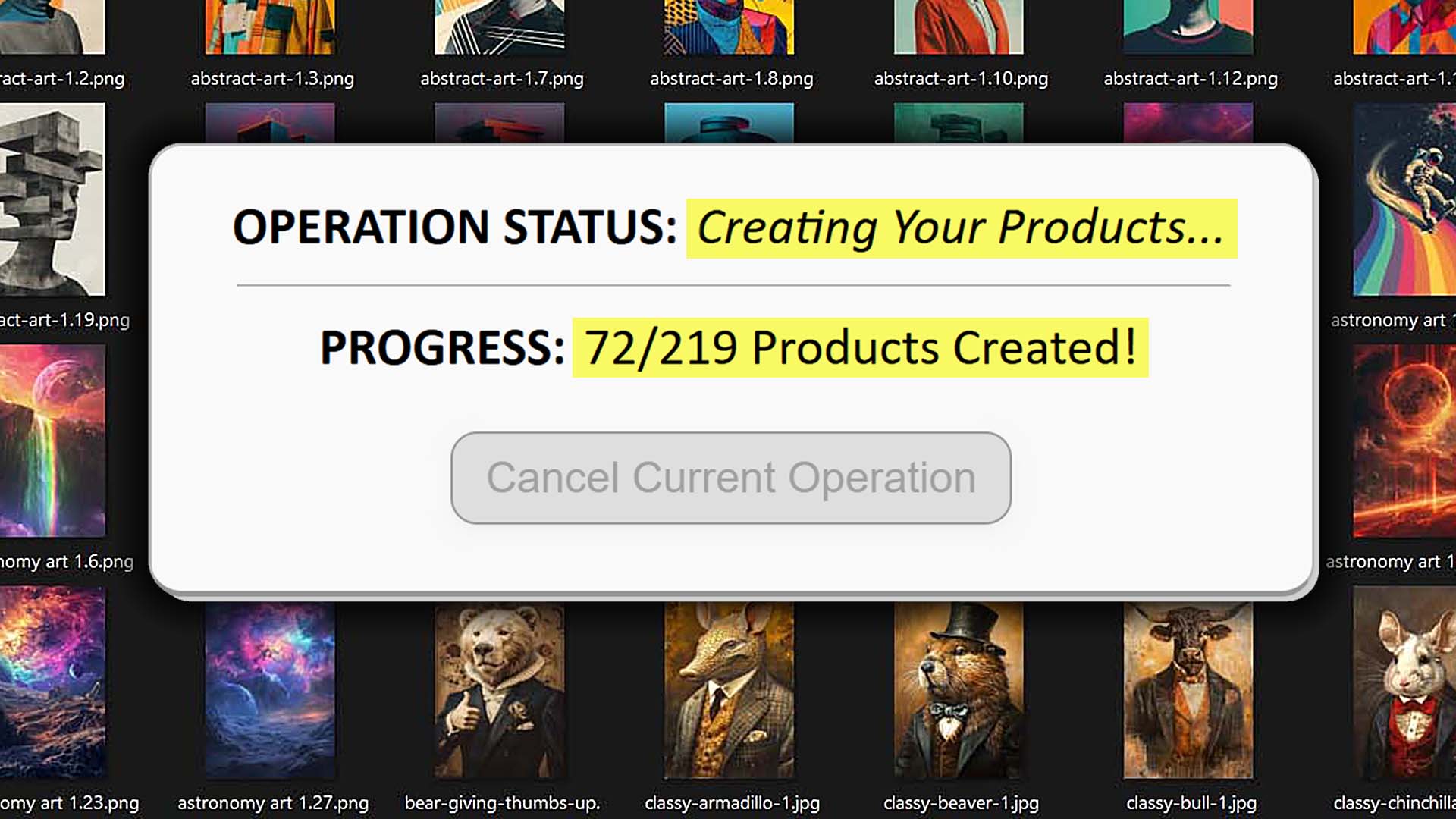
Each uploaded image becomes its own product: artwork placed, variants cloned, prices set, titles and descriptions written, and tags attached. The system handles all of this automatically through secure API requests, applying your chosen placement rules and Example Product data.
When the import finishes, you can choose to Save Current Operation for future reuse. Saved operations store your entire configuration—placement mode, Example Product, AI settings, appended HTML, and all other preferences—so you can recreate similar product batches with one click.

How This Helps Etsy POD Sellers
- Guarantees uniform product generation every time.
- Eliminates repetitive setup for future product collections.
- Allows you to run new imports with fresh images in just minutes.
- Enables quick scaling of your Etsy POD catalog with zero reconfiguration.
Additional Noteworthy Features and Useful Things About This Tool
Beyond its core automation flow, the Bulk POD Product Creator includes a number of advanced capabilities that make it even more powerful for professional Etsy sellers:
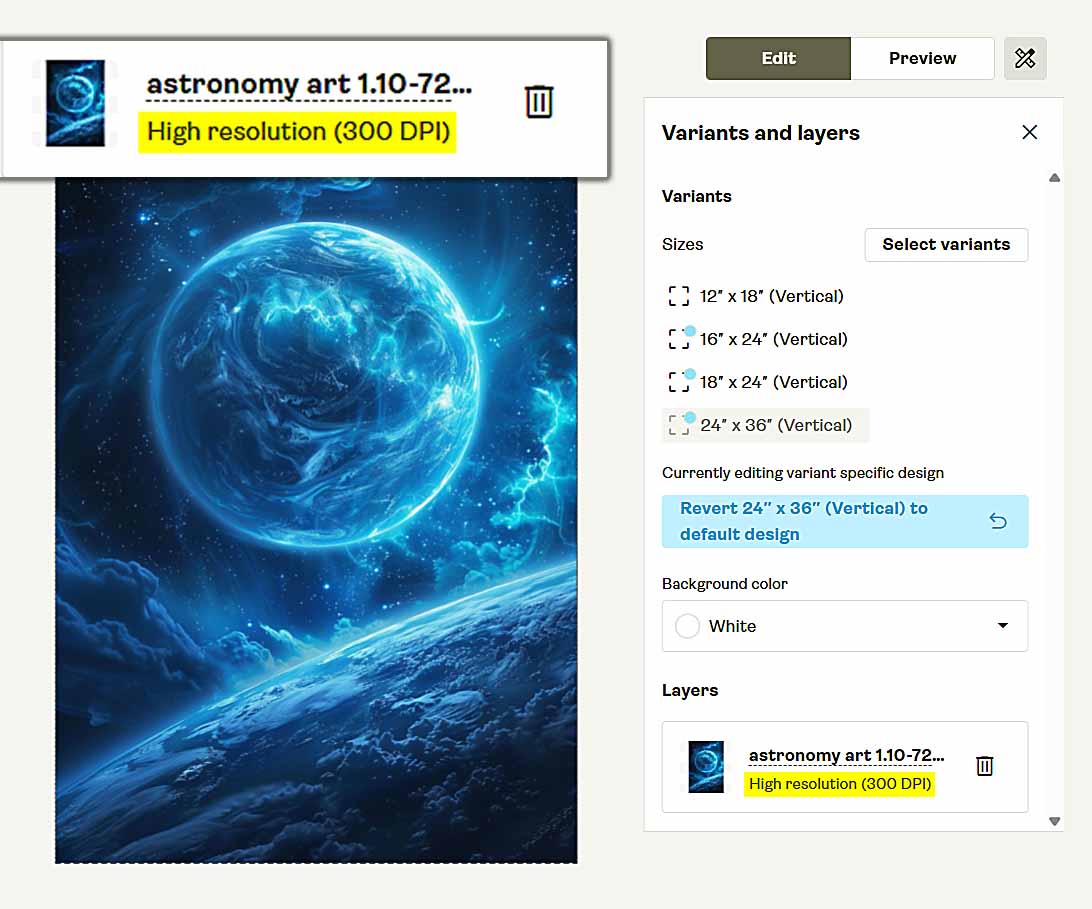
- Automatic Image Upscaling: The system can automatically upscale your artwork images to high resolution when needed, ensuring they fit large-format print areas (like posters or canvases) without pixelation or quality loss.
- Rate-Limit Awareness: The software automatically throttles requests to comply with your POD platform’s product-creation rate limits (for instance, Printify’s API limits). This ensures smooth, uninterrupted operations even during large batch imports.
- Broad Product-Type Flexibility: Works seamlessly with virtually any product category: wall art, apparel, mugs, pillows, phone cases, tote bags, etc. You can use the same automation flow across multiple product types just by swapping your Example Product.
- Robust AI Image Comprehension: The AI engine is remarkably versatile: it accurately analyzes everything from photography and illustrations to typography-heavy t-shirt designs. Even complex images with text or abstract compositions are described intelligently and contextually.
- Save/Load Configurations Across Devices: Your saved operations are portable—accessible from any logged-in device. You can start a batch on one system and continue or repeat it elsewhere without reconfiguring.
Conclusion
The Bulk POD Product Creator isn’t just a convenience—it’s a complete paradigm shift for Etsy print-on-demand sellers. As a bulk Etsy POD product import tool, it removes the bottlenecks that limit how fast you can grow your shop.
With its automated image placement, Example Product replication, AI-powered copywriting, and reusable operation templates, it replaces hundreds of manual steps with one seamless process. What used to take an entire weekend now takes less than an hour—and you can scale indefinitely without losing consistency or quality.
If you’ve ever wished you could import entire product collections to Etsy instantly, without sacrificing polish or accuracy, this is the tool that makes it possible.
Stop building POD listings one by one—start importing them in bulk, effortlessly, and grow your Etsy business faster than ever.