
Automatic Printify Product Generator Tool: Automation + AI For POD Sellers
Overview: Discover how the Bulk POD Product Creator transforms Printify product creation into a fully automated, AI-powered print-on-demand workflow. Learn how automation and AI save time, scale your catalog, and maximize SEO for print-on-demand sellers.

Transforming POD Product Creation Into a Fully Automated Process
Creating products in Printify manually feels a lot like running a factory by hand—slow, repetitive, and impossible to scale. Every product requires the same exhausting sequence: upload artwork, resize images for every variant, double-check placements, write SEO-friendly titles, craft descriptions, tag products properly, and finally publish them.
It’s a process that drains your creative energy and limits how fast your store can grow. If it takes even 15 minutes per listing, creating a catalog of 200 products means more than 60 hours of clicking, typing, and re-doing the same steps over and over again.
The Bulk POD Product Creator is a Printify listing generator tool changes that reality entirely. Instead of doing everything yourself, it becomes your personal production line—a fully automated system that creates one finished, SEO-optimized Printify product after another, on complete autopilot.
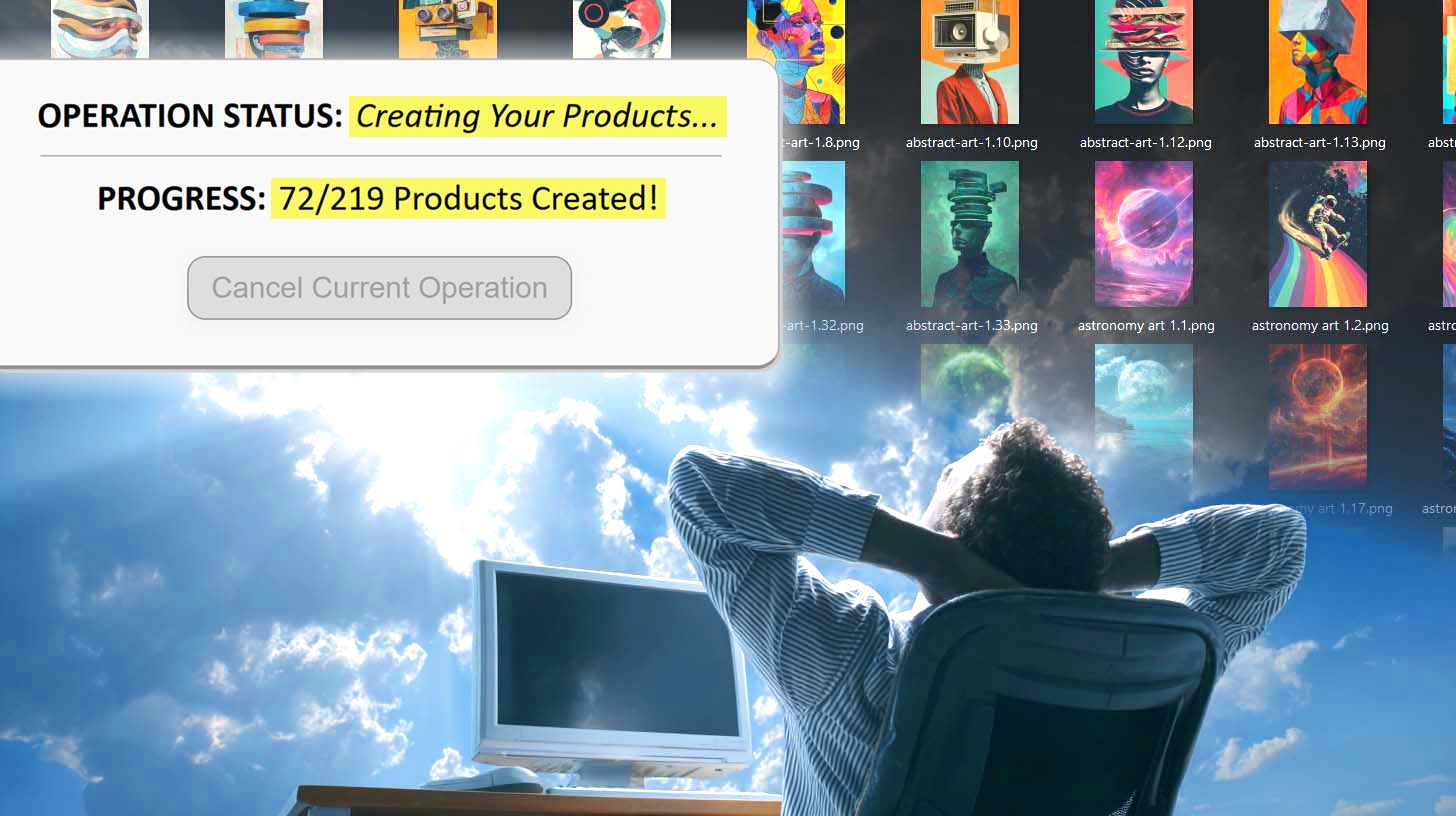
Once you configure your operation and hit “Create My Products,” the tool runs like a digital assembly line. It automatically places your artwork, generates titles, descriptions, and tags using AI, and pushes your listings live one by one. What used to take days now happens in the background, while you focus on the parts of your business that actually produce income.
For print-on-demand sellers, this kind of automation doesn’t just save time—it’s the single fastest way to expand your store’s footprint, grow organic traffic, and compound your earnings with zero additional manual effort.
How This Automatic Printify Product Generator Works
At a high level, the system functions as a turnkey product-generation engine. It connects directly to your Printify store, takes your uploaded artwork, and uses one of your existing products as a blueprint (your Example Product) to determine what should be created next.
Behind the scenes, the software does something incredibly sophisticated:
- It reads your Example Product’s configuration—product type, variant selection, print-area geometry, and pricing.
- It loops through each uploaded artwork image, creates a brand-new product entry for each one, and applies your defined placement rules automatically.
- Simultaneously, it calls on AI image recognition and LLM-based content generation to write unique SEO-optimized titles, descriptions, and tags for every single product.
- Finally, it pushes each finished listing to your Printify store sequentially—safely and reliably within Printify’s rate limits—until your entire batch is complete.
You can think of it like a robotic production line for your print-on-demand business. Once it starts, it just keeps producing—artwork in, optimized products out—all running quietly in the background, all completely hands-off.

Core Feature #1 – Automatic Upload, Upscale, Resize & Placement of Artwork Images
The first thing the Automatic Printify Product Generator handles for you is the visual work—automatically uploading, resizing, and placing your artwork files across all print areas.
You simply select the artwork images you want to turn into products, choose your preferred placement mode, and let the system take it from there. Each uploaded file becomes its own new product, derived from your chosen Example Product.

Here’s what happens in the background:
- The software uploads and upscales your artwork automatically to ensure it meets Printify’s print-quality standards. No need to manually preprocess your files in Photoshop.
- It then applies the placement rule you’ve defined:
- Stretch Images To Fit Print Area(s) for full-coverage prints,
- Preserve Aspect Ratio & Center to maintain composition, or
- Exactly Match Example Image(s) for pixel-perfect replication of your Example Product.
Using your Example Product as a reference, it automatically applies that artwork to the correct product type, print provider, and variant set—reproducing the same alignment, scaling, and structure without you lifting a finger.
Each image is transformed into a complete product with correct dimensions, variant mapping, and high-resolution imagery. You don’t even have to watch it—the system queues everything up and performs the steps one by one, perfectly synchronized with Printify’s creation API.

Autopilot Recap: “Like Clockwork”
Once you start the operation, the tool moves through your artwork list automatically—uploading, placing, and creating new listings one after another. It behaves like an invisible factory floor, generating fully configured products with mechanical precision.
Core Benefits of This Feature:
- No manual uploading or alignment ever again.
- Automatically ensures all images meet resolution requirements.
- Produces visually consistent, professional-looking listings.
- Scales output capacity dramatically—dozens or hundreds of new POD products created for you while you focus elsewhere.
- Feels truly autonomous: once you click “Create,” the system handles every placement and product creation step on autopilot, like clockwork.
Core Feature #2 – Automatically Generate SEO-Optimized Titles, Descriptions & Tags Using AI Image Recognition
The second key feature of the Bulk POD Product Creator is its built-in AI copy generation system—a fusion of image recognition and large language models that automatically writes all of your product metadata for you.
Once your artwork images are uploaded, the system analyzes each one using advanced image-understanding AI. It identifies what the artwork actually depicts—for example, a “mountain landscape,” “vintage car illustration,” or “minimalist line art portrait.” It then feeds that information into a language model specifically tuned for e-commerce SEO and buyer-intent phrasing. The result is a complete set of human-sounding, keyword-rich product information written automatically for every listing.

Here’s what happens behind the scenes:
- AI-Generated Titles: The system creates an artwork-specific title for each listing. You can choose between simple AI titles (short, direct, visual descriptors) and compound AI titles (longer, keyword-rich titles that include a specified number of subtitle segments for long-tail search coverage).
- Optional Custom Text: You can prepend or append static text to every title—such as “—Poster Wall Art” or “—Canvas Print Collection”—ensuring brand consistency across all listings.
- AI-Generated Descriptions: Using the artwork analysis, the AI writes multi-paragraph product descriptions that describe the colors, mood, and subject matter of each image, while blending in relevant search terms naturally. You can also insert custom HTML blocks (for example, a paragraph with shipping info or product details) that automatically attach to every description.
- AI-Generated Tags: The model outputs a diverse tag set per product—typically up to 20 tags—including both high-volume category terms (“wall art,” “canvas print,” “poster”) and semantically related niche keywords unique to each image. You can optionally include your own static tags to appear alongside the AI-generated ones.

Autopilot Recap: “Like Clockwork”
Once configured, the AI engine runs silently in the background while your products are being created. As each product finishes uploading, the system instantly analyzes the image, writes the copy, generates tags, and finalizes the metadata—one after another, in perfect sequence.
It’s like having a professional copywriter working side by side with your factory line, producing SEO-ready print-on-demand listings at machine speed.
Core Benefits of This Feature:
- Instantly produces SEO-optimized copy for every artwork image.
- Eliminates the need to write titles, descriptions, or tags manually.
- Guarantees each listing’s metadata is unique, relevant, and keyword-diverse.
- Automatically aligns your product copy with real search intent—improving organic traffic.
- Frees you to focus on designing and scaling instead of writing repetitive text.
Manual Product Creation vs. Automated Generation: A Direct Comparison
To appreciate what this automation unlocks, it helps to contrast how these same steps look when done manually versus automatically.
| Workflow Step | Manual Process | Automated Process Using the Generator Tool |
|---|---|---|
| Uploading & Placing Artwork | Upload images one by one, resize for each variant, check alignment, fix scaling issues. | Upload all artwork files once. The tool upscales, resizes, and places them perfectly in every product’s print area automatically. |
| Product Configuration | Manually select product type, variants, pricing, and print areas for every listing. | Automatically clones all configuration data from your Example Product—same variants, pricing, and structure applied to every new product. |
| Writing Titles, Descriptions & Tags | Spend hours manually brainstorming, typing, and optimizing keywords. | AI image recognition + language models generate all copy instantly for each product, tuned for SEO and relevance. |
| Publishing Listings | Click “publish” hundreds of times, monitor uploads, correct errors. | Run a single operation—listings publish automatically, one after another, safely within Printify’s limits. |
| Output Volume | Maybe 10–20 products a day before burnout sets in. | Hundreds of fully optimized listings generated in a single afternoon, entirely hands-off. |
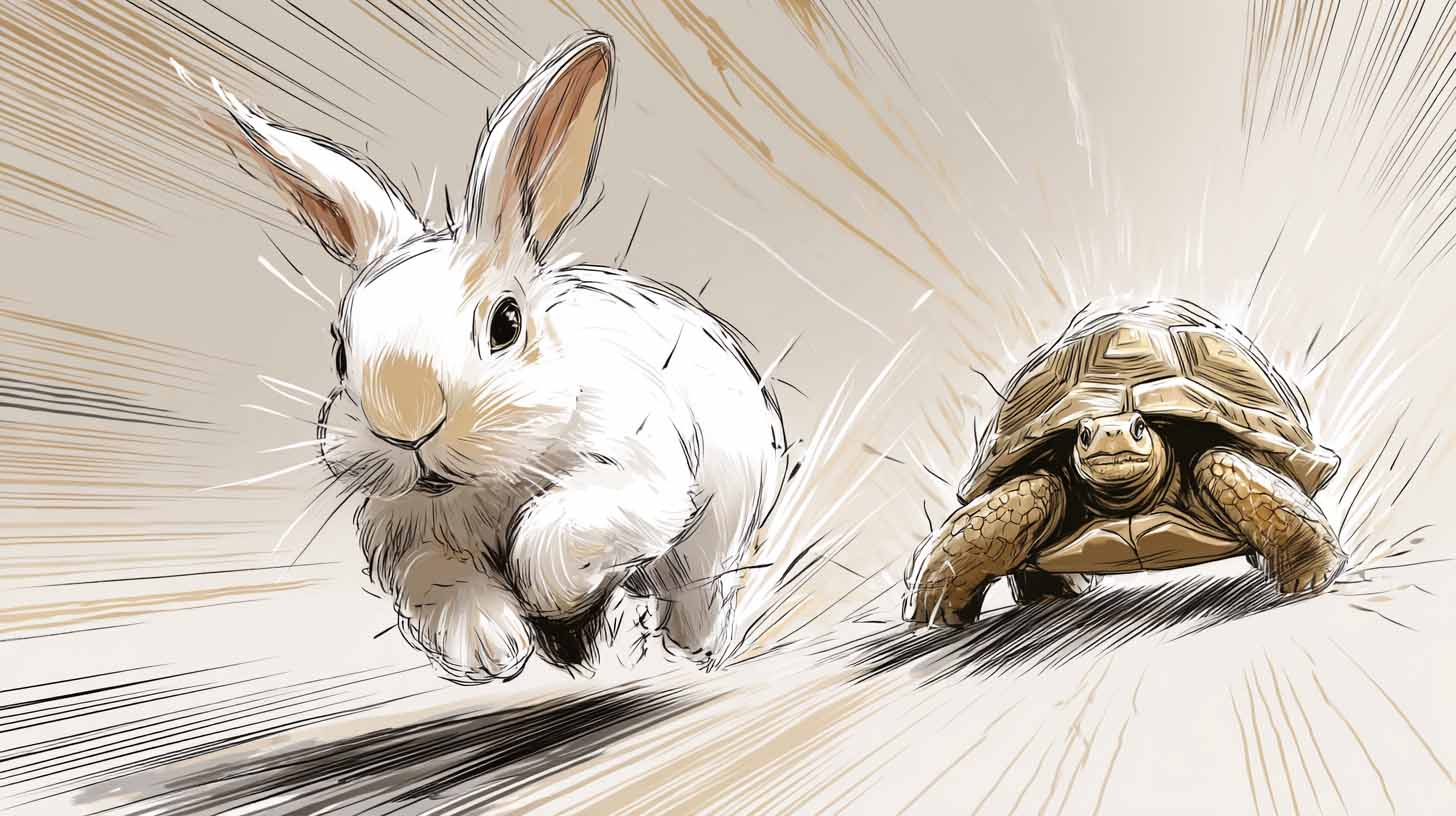
In the manual world, your time is the limiting factor. In the automated world, your only limit is how much artwork you can supply.
The contrast is night and day: one approach drains your hours and creativity; the other multiplies your output and revenue potential while you do nothing but click “Create.”
Conclusion – Automation + AI: The New Standard for POD Sellers
The Bulk POD Product Creator represents the next evolution of print-on-demand workflow—a complete, end-to-end POD automation engine powered by AI.
Instead of spending your evenings clicking through Printify’s interface, you can let the system build your catalog while you sleep. Each operation runs like a self-contained production line: upload your artwork batch, choose your Example Product, and watch as the tool handles every creative and technical step—image placement, AI copywriting, and listing publication—with perfect consistency.
The result isn’t just speed; it’s scalability. You’ll grow your catalog faster, improve SEO coverage, and dramatically increase the number of products capable of generating sales—all without adding a single hour of manual labor.
For serious POD sellers who want to run their business like an efficient, automated machine rather than a never-ending to-do list, this is the tool that makes it possible.
Automation + AI = freedom, scale, and sustained growth.