
Automated Shopify POD Product Creation Tool: AI-Powered Bulk Listing Generation
Overview: Discover how the Bulk POD Product Creator automates every step of Shopify print-on-demand product creation, from bulk listing generation to AI-powered metadata and image placement. This guide details the tool's workflow, automation features, and the business benefits of scaling your catalog with speed, consistency, and SEO.
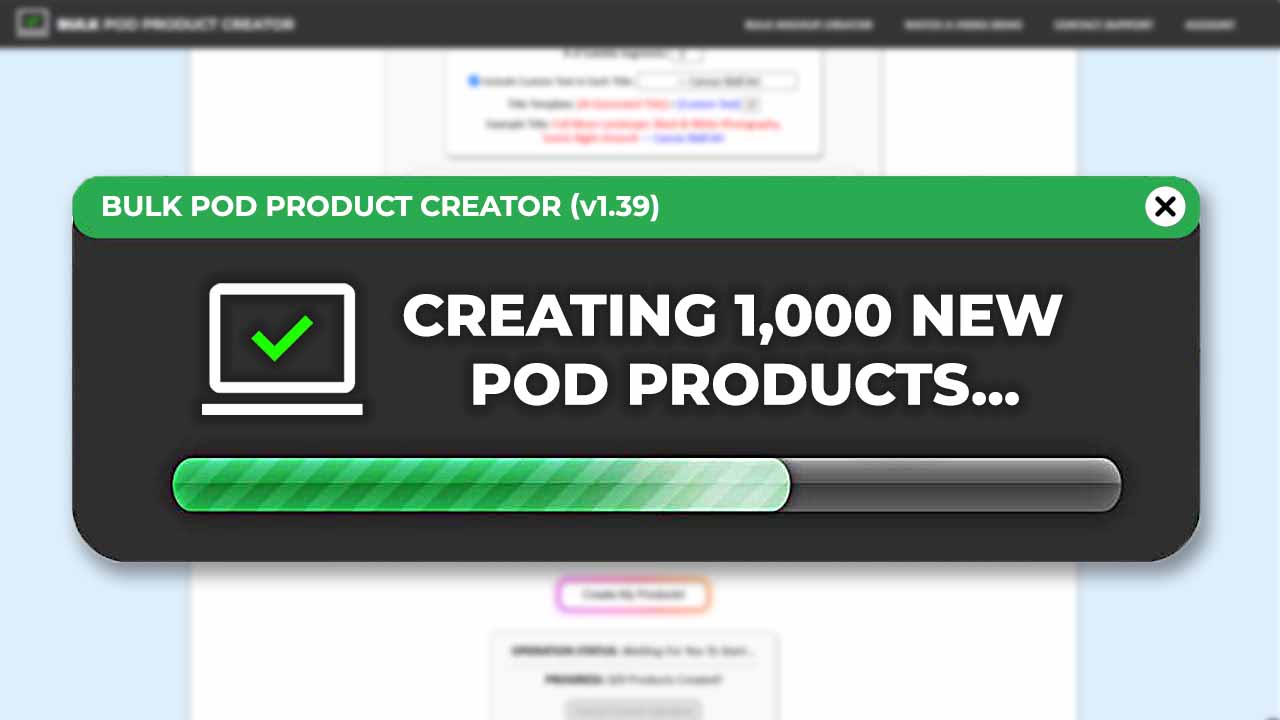
Automation Gives Your Shopify Print-On-Demand Store a Massive Productivity Boost
Every print-on-demand seller eventually runs into the same wall: the manual workload of listing products becomes unbearable. Creating each listing means uploading artwork, adjusting placements, writing metadata, setting prices, selecting variants, and publishing—again and again. What starts as a fun creative business quickly turns into repetitive busywork that kills momentum.
If you're trying to build a serious Shopify POD operation, you can't manually click your way to scale. Publishing 500 or 1,000 products that way would take weeks, and by the time you're done, you'll barely remember which designs you uploaded first.
That's exactly where automation changes the game.
The Bulk POD Product Creator acts as your automated Shopify POD product-creation tool, designed to perform every time-draining mechanical step for you. It connects directly with your POD-provider backend, builds products in bulk, generates titles and descriptions, prices variants, and handles image placements automatically. Instead of thinking in terms of “hours per product,” you start thinking in “minutes per hundred.”

Automation isn't just faster—it's transformative. It removes the ceiling on your store's potential output. When you replace manual repetition with rule-driven systems, your Shopify store becomes a scalable, efficient publishing machine capable of handling hundreds or even thousands of listings without breaking stride.
Specific Tasks This Print-On-Demand Automation Tool Does for You
Task #1: Creates the POD Products Themselves on Your POD-Provider Backend
The heart of the workflow is simple but powerful. You start by identifying one “ideal” product—your Example Product—that acts as the blueprint for everything else. This product contains your perfect configuration: the correct variants, prices, print-area placements, and presentation settings.

When you launch a bulk operation, the tool clones that structure across every artwork image you provide. If your Example Product includes five size variants and three color options, all of those carry over automatically to each new product generated in the batch.
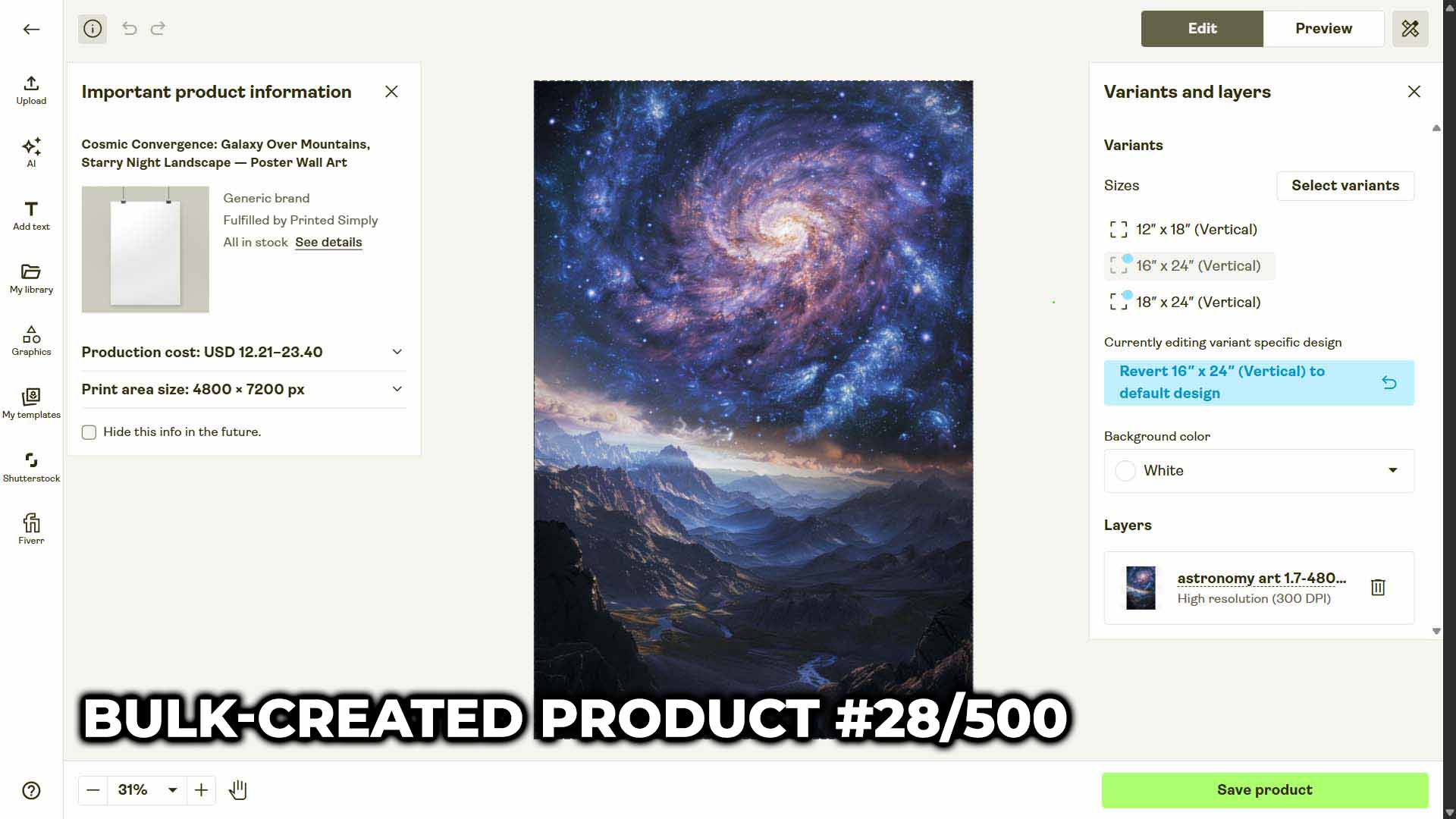
This eliminates the need to re-create settings for every single design. The automation engine uses your Example Product as a reference and generates fully configured duplicates—one for each artwork file—all linked to the correct product type and ready to publish.
Task #2: Automatically Prices the Variants to Align With Your Example Product
Pricing is one of the most tedious tasks in print-on-demand. Each variant—every size, color, or print type—must be manually assigned a retail price. Doing this for dozens of variants across hundreds of listings becomes a nightmare of copy-pasting and error checking.
This tool solves that entirely. Every product created in your bulk operation inherits the pricing structure from your Example Product. If your 12x18 poster sells for $24.99 and your 18x24 sells for $34.99, every new product in your batch will follow those same prices automatically.
No manual input. No inconsistencies. No spreadsheet cross-referencing.
Task #3: Sizes and Positions the Artwork Images Optimally Inside the Print Area
Anyone who's manually built POD listings knows the pain of image placement. You upload a design, drag it around inside the print area, adjust the scale, nudge the alignment, and try to replicate that same positioning across every variant. It's slow, inconsistent, and visually imprecise.
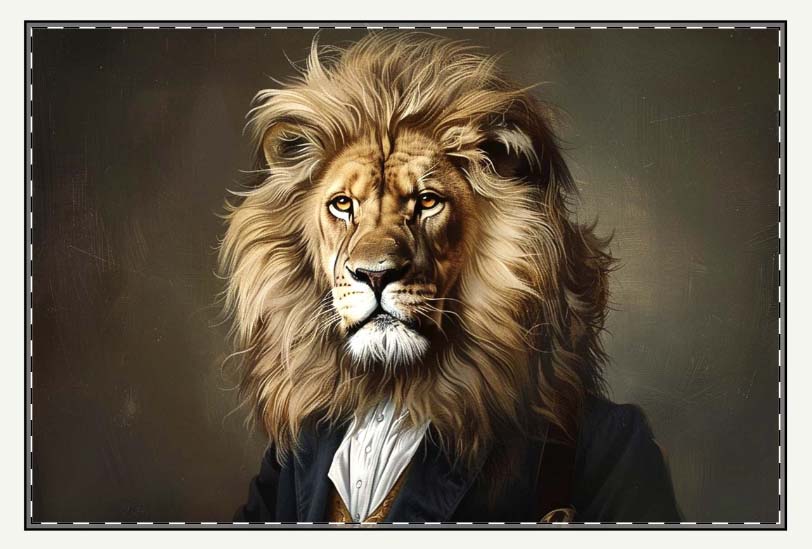
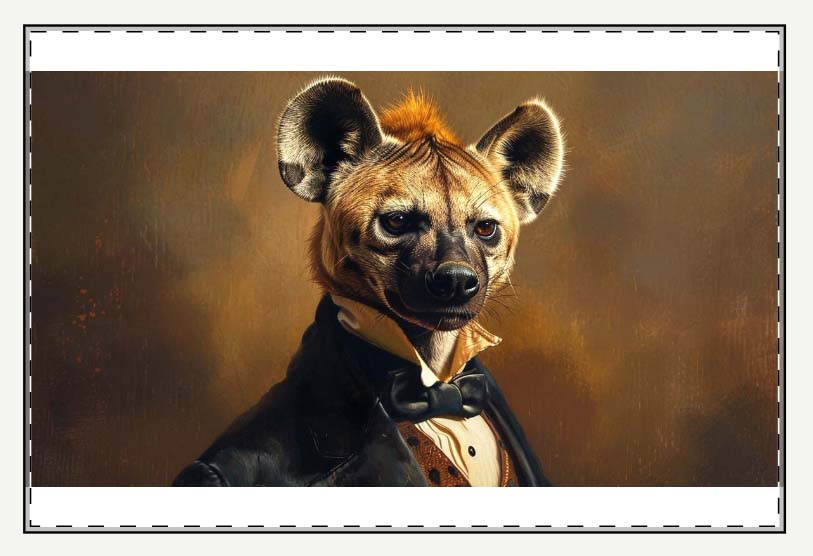
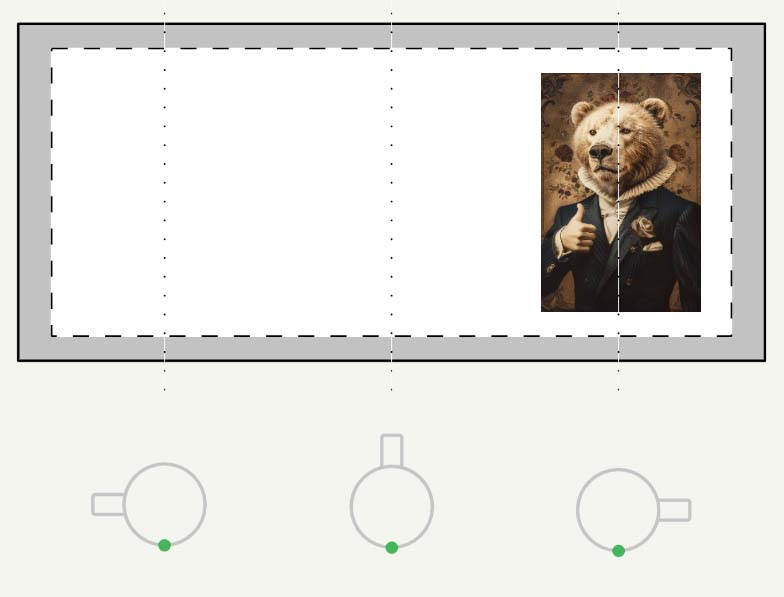
The Bulk POD Product Creator automates this step entirely. It uses one of three placement/resize settings that tell the system exactly how to position your artwork for every product variant:
- Stretch Images To Fit Print Area(s): Fills the entire printable area edge-to-edge, ideal for full-coverage designs or repeating patterns.
- Preserve Image Aspect Ratio & Center: Maintains your original proportions and centers the design within the print area, ensuring no distortion.
- Exactly Match Example Image(s): Replicates the exact positioning and scaling from your Example Product for pixel-perfect consistency across all created products.

Task #4: Upscales Your Artwork Images to High Resolution for Optimal Product Quality
Many creators handle image upscaling manually—opening files in Photoshop, resizing them, sharpening details, and exporting high-resolution versions before uploading. It's a time sink, and worse, it introduces extra steps that break the flow of product creation.
This tool integrates automated image upscaling technology that boosts the resolution of your artwork before upload. The process enhances sharpness and ensures each printed product meets the resolution standards needed for crisp, high-quality output.
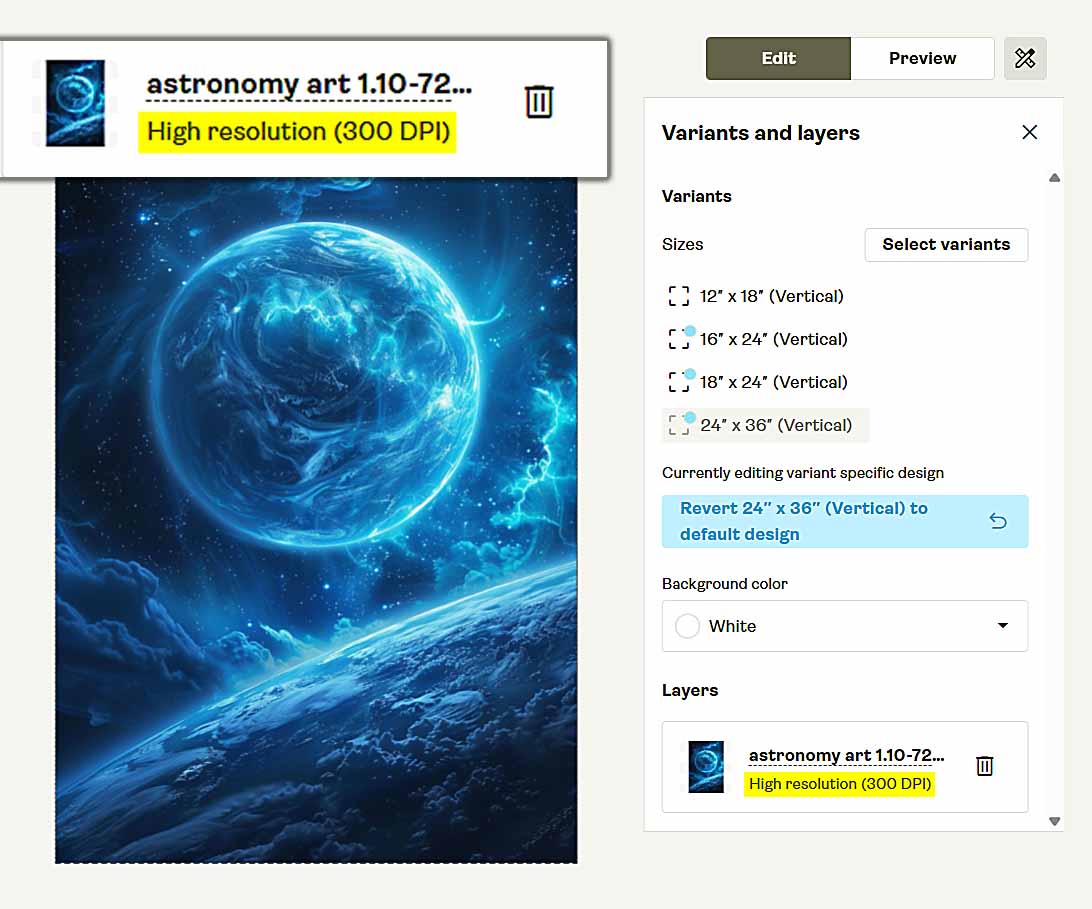
This step eliminates the need for manual pre-processing altogether. You can feed the system your ready-to-use artwork files, and it will handle scaling in the background automatically.
Task #5: Writes Titles, Descriptions, and Tags for All Your Images
The AI engine inside this tool is built to remove one of the most soul-crushing parts of running a Shopify POD store: manually writing titles, descriptions, and tags for hundreds of products.
Instead of you sitting there trying to think of fresh ways to describe “another sunset design,” the AI handles it all automatically—and it does so intelligently, based on what's actually visible in the artwork.

How the AI Image Recognition Works
Each artwork image you upload is analyzed using visual recognition models capable of identifying subjects, settings, styles, and even embedded text.
If your design contains typography, the AI reads the text; if it's a complex illustration, it identifies the main elements and tone; if it's a photograph, it recognizes scenery, colors, and composition cues. From that visual understanding, it writes:
- AI Titles: concise and descriptive, capturing what the artwork depicts.
- AI Descriptions: fuller summaries that highlight the subject matter, artistic elements, and tone.
- AI Tags: short, keyword-oriented phrases that make each listing more searchable.
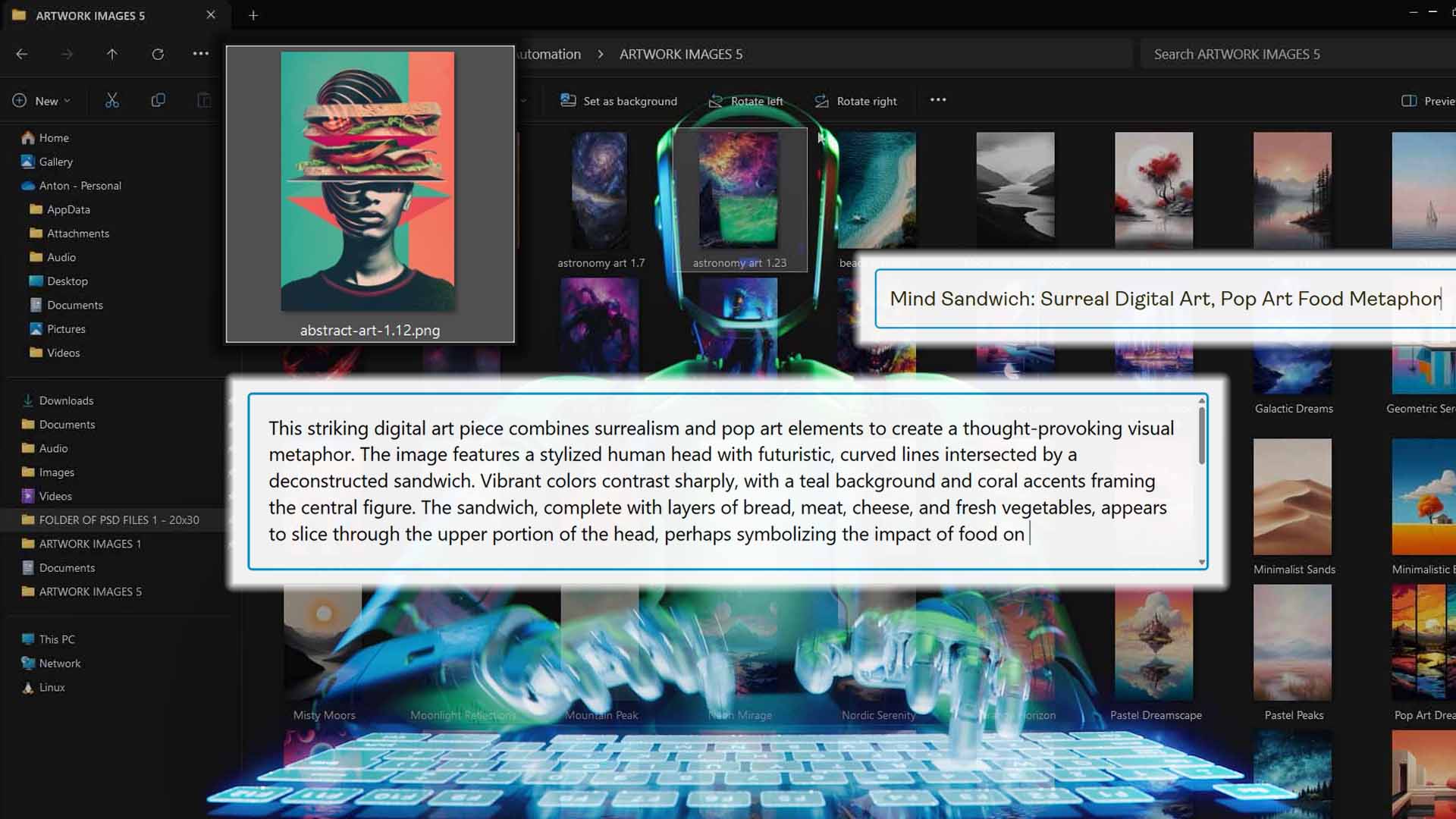
This ensures that every listing on your Shopify store is unique, descriptive, and rich in relevant keywords—without any copy-paste repetition or generic filler language.
Simple vs. Compound Title Options
You can choose between two AI title-generation modes, depending on how detailed you want your listings to appear:
- Simple Titles: brief, artwork-level phrases that describe the image succinctly—e.g., “Astronaut Floating Over Cityscape.”
- Compound Titles: longer titles that include a descriptive extension, written by AI, still referring purely to the artwork—e.g., “Astronaut Floating Over Cityscape: Futuristic Space Illustration.”
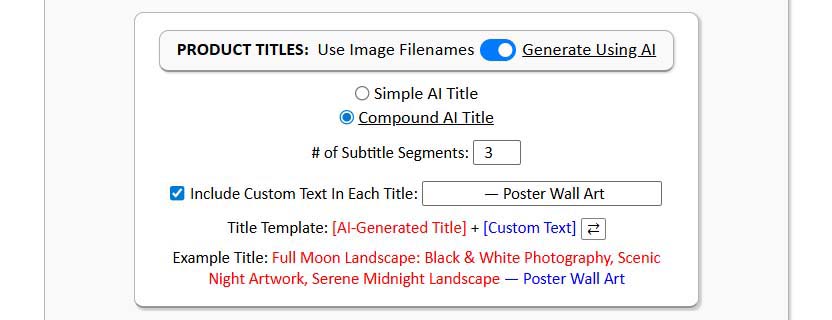
Both are designed for clarity and searchability. You can set your operation to generate one or the other, and the tool automatically applies the chosen mode across every product in the batch. The result: professional-grade, keyword-friendly titles and descriptions that sound natural and original—without you having to type a word.
Add Product-Specific Custom Text to the Titles and Descriptions for an SEO Boost
Once your AI-generated titles and descriptions are in place, the tool allows you to append or prepend your own custom text. This step gives you a powerful SEO advantage.
The AI handles the artwork-level content—describing what's visually in the image—while your custom text adds the product-level information that buyers and search engines care about, such as product type or usage context.
For example:
- AI-generated title: “Colorful Abstract Geometry Pattern.”
- With appended custom text: “Colorful Abstract Geometry Pattern—Modern Wall Poster.”

You can prepend or append this custom text however you like—adding it before or after AI-generated titles or descriptions. The same system applies to your HTML-based description templates, so you can include materials, finishes, and dimensions automatically for every product.
This dual-layer structure—AI for artwork + custom text for product context—gives you the best of both worlds:
- Rich, visually descriptive language that improves relevance for image-based search terms.
- Keyword-rich product information that helps listings rank for commerce-related queries (e.g., “poster,” “canvas print,” “home decor wall art,” etc.).
It's a streamlined, automated SEO system that produces perfectly optimized print-on-demand listings for both humans and algorithms—all while saving you from hours of manual typing.
How This Tool Benefits Your Shopify POD Store
Benefit #1: Scale Production Without Sacrificing Quality
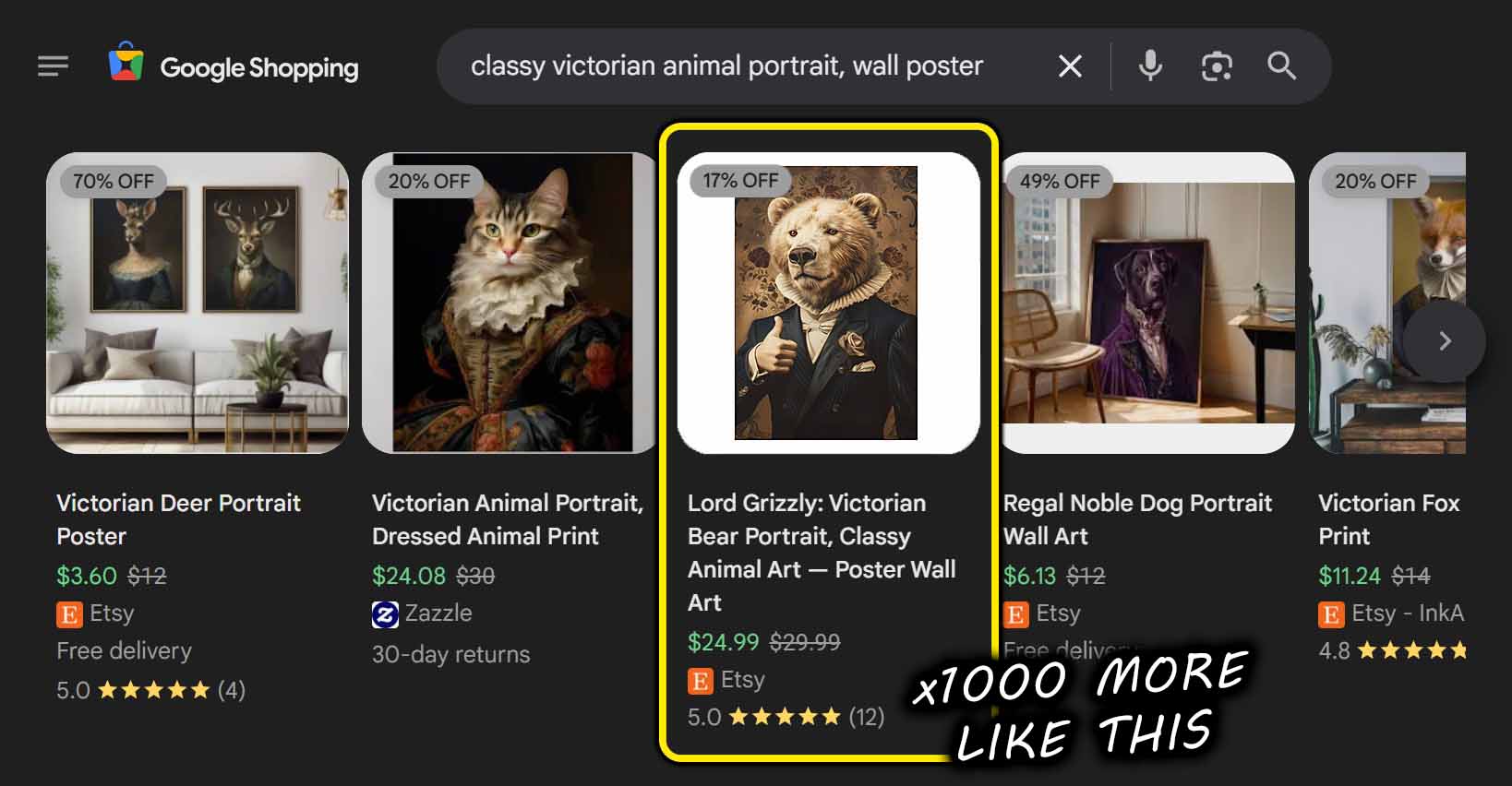
Every additional product you create increases your exposure in search engines, marketplaces, and social algorithms. But quality usually drops when quantity increases—unless automation handles the repetition. Bulk POD Product Creator ensures every product meets your quality standard while multiplying your catalog size.
Benefit #2: Reduce Human Error and Workflow Fatigue
Manual listing leads to mistakes: missing variants, misaligned prices, inconsistent descriptions. Automation eliminates those risks. Each product is generated from rules—not from tired, error-prone keystrokes—keeping your entire store consistent from top to bottom.
Benefit #3: Dramatically Shorten Time-to-Market
New designs shouldn't sit idle on your hard drive. With automation, you can turn fresh artwork into live, purchasable listings almost immediately. This means faster testing, quicker revenue feedback, and less operational drag between concept and conversion.
Benefit #4: Boost SEO Across Every Product Page
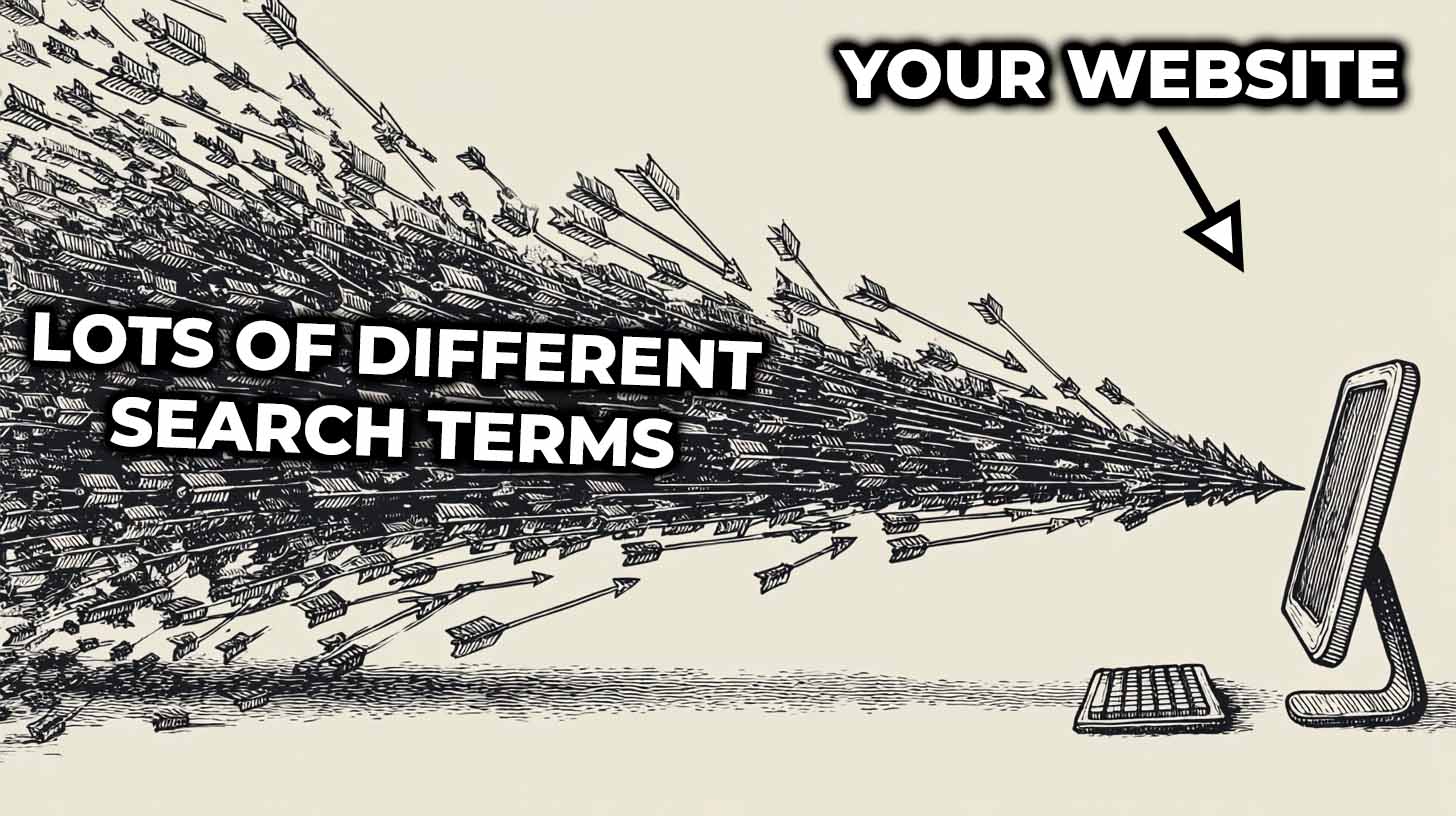
Hundreds of unique listings written with AI image analysis means hundreds of entry points for organic traffic. Each title and description carries distinct visual keywords that capture niche search queries, giving your store broader search visibility without requiring manual optimization.
Benefit #5: Free Up Creative Time
When the tool handles everything from pricing and image placement to SEO metadata, you finally get back to doing what actually grows your business—creating more designs, researching trends, and refining your brand. Automation turns product creation from a bottleneck into a competitive advantage.
Conclusion: Turn Repetition Into Leverage
The difference between a small Shopify POD store and a scaled one often comes down to automation. Bulk POD Product Creator transforms product creation from a chore into a streamlined system. It builds listings, writes descriptions, and handles every repetitive detail automatically—all while keeping quality and consistency intact.
With this tool, you stop thinking about how much time product creation costs, and start focusing on how much value your time creates.
Automation doesn't just make you faster—it makes your Shopify store scalable, reliable, and ready to grow far beyond what manual effort could ever achieve.